

Canary Mail
Turn a one-line instruction into a finished email: the AI email writer drafts the full message from a prompt like "Congratulate Elon on buying Twitter" or from a chosen positive or negative tone, cutting out repetitive replies.
Listing not yet reviewed by our editors · How we check
Overview
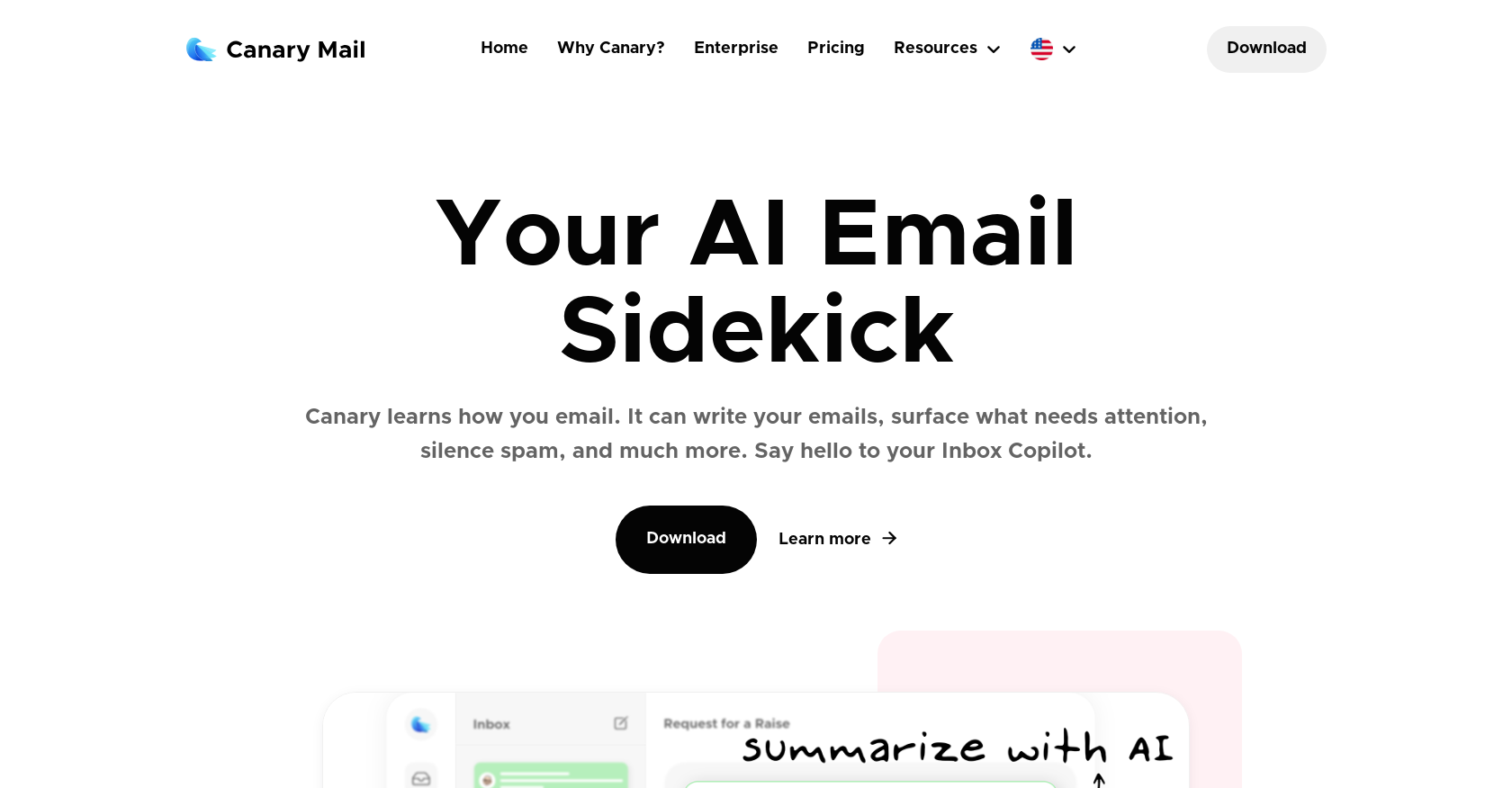
- Turn a one-line instruction into a finished email: the AI email writer drafts the full message from a prompt like "Congratulate Elon on buying Twitter" or from a chosen positive or negative tone, cutting out repetitive replies.
- Get answers about your inbox without searching: the conversational AI assistant tells you which bills are due this week and who is waiting for your reply.
- See important messages first: AI email prioritization learns from how you read and respond, then puts high-value mail at the top.
- Follow up at the right moment: read receipts notify you when a recipient opens your email, so you know exactly where each conversation stands.
- Work through email on your own schedule: snooze messages until you are ready to act, and pin key emails and action items to the top of your inbox for instant access.
- Cut newsletter and marketing clutter fast: one-click unsubscribe removes unwanted senders without hunting for buried links.
- Manage every address from a single unified inbox: add accounts from Gmail, Outlook, Office365, iCloud, Exchange, Proton, Zoho, Fastmail, G Suite, Yahoo, and Yandex.
- Send sensitive information with confidence: PGP email encryption and SecureSend automated encryption protect messages and attachments from unauthorized access.
- Stop phishing attempts before you engage: impersonation and suspicious sender detection flags risky emails and alerts you immediately.
- Keep your inbox private even if someone picks up your device: biometric app lock requires Face ID or Touch ID to open your mail.
- Avoid costly sending mistakes: built-in data loss prevention stops the wrong file from reaching the wrong person.
- Keep your email data yours: a strict no-ads, no-data-mining policy ensures your messages are never shared or used for other purposes.
Pros & Cons
From the listing; not yet checked by our editors.
Pros
- Automated email content generation
- Adaptive email prioritization
- Read receipts feature
- Email snooze function
- Pin important emails
- One-click unsubscribe
- Secure encryption tools
- Impersonation detection
- Biometric app lock
- Data loss prevention
- Privacy-first approach
- No data mining
- No ads
- Canary interacts with most email providers
- Automated email encryption with SecureSend
- Learning from user behavior
Cons
- No multi-language support
- Autogenerated content may feel impersonal
- No document attachment preview
- No dedicated cloud storage
- No in-built calendar
- No free version
- Inadequate customer support resources
- Restricted email template customization
Alternatives to Canary Mail
Tools that share the most tags with Canary Mail.
- Stamp
Respond to emails instantly with personalized replies that match your unique writing style using AI-generated responses
Not listed
Not listed
Not yet checked
- HeyHelp
Reclaim hours each week with automated email sorting and prioritization that highlights what matters most
Freemium · from $18/month
$18/month
Not yet checked
- Whimsey: The AI Shared Inbox for Your Business
Transform thousands of feedback responses into clear strategic priorities with AI-powered categorization and summarization
Free trial · from $39/month
$39/month
Not yet checked
- Varolio
Automatically identify and prioritize your hottest leads with AI that scores prospects based on email content for effective follow-up
Paid · from $19/month
$19/month
Not yet checked
- Duet Mail
Save 4+ hours weekly with AI-powered email management that eliminates manual response drafting
Free trial · from $9.99/month
$9.99/month
Not yet checked
- Ghostwrite
Write complete emails in seconds instead of minutes by generating full-length messages from short phrases and bullet points
Not listed
Not listed
Not yet checked
Reviews
Rate this tool
Loading reviews...
Frequently asked questions
What is Canary Mail?
Canary Mail is an email application which utilizes artificial intelligence to streamline email management, enhance productivity, and improve privacy and security. It offers a wide variety of features such as automated content creation, email prioritization, read receipts, snooze functionality, one-click unsubscribe, and more. It also includes a conversational AI assistant that can answer questions about a user's inbox, and the ability to detect impersonation and suspicious senders for increased security.
How does Canary Mail use artificial intelligence?
Canary Mail employs artificial intelligence in several ways to enhance user experience. Firstly, it uses AI to automate the creation of email content, where users can instruct Canary on what they want to say or how they want to respond, and the AI auto-compose the email. Secondly, Canary uses AI to learn user behaviours and preferences, which allows it to prioritize emails and surface the most important ones. Further, it has a conversational AI assistant which can answer queries about the inbox such as due bills or waiting replies.
Can Canary Mail automatically compose my emails?
Yes, Canary Mail can automatically compose emails. Users can instruct Canary about the content they want in their emails or the tone of their responses, and the AI will auto-generate the email content, saving users time and effort, especially for repetitive email tasks.
What is the 'Inbox Copilot' feature in Canary Mail?
The 'Inbox Copilot' feature refers to Canary's ability to learn user behaviour to optimize the email experience. This includes automatically composing emails, prioritizing important emails, and answering questions about the inbox such as bill due dates or waiting replies.
Does Canary Mail prioritize certain emails?
Yes, Canary Mail uses artificial intelligence to learn user preferences and behaviours, enabling it to prioritize emails. It automatically identifies and surfaces the most important emails, ensuring that they catch the users' attention first.
Does Canary Mail offer read receipts?
Yes, Canary Mail provides read receipts as one of its features. This notifies users when their emails are read by the recipient, allowing them to track their sent emails effectively.
Does Canary Mail have a snooze function?
Yes, Canary Mail does indeed have a snooze function. This feature allows users to handle their emails at the most convenient time for them. They can choose to handle emails immediately, or snooze them to a later time when they are ready.
How can I pin emails in Canary Mail?
In Canary Mail, users can pin important emails and action items to the top of their inbox for an easy and efficient access. This ensures that these priority items are immediately visible when the user opens their email.