

CaptionCreator
Overview
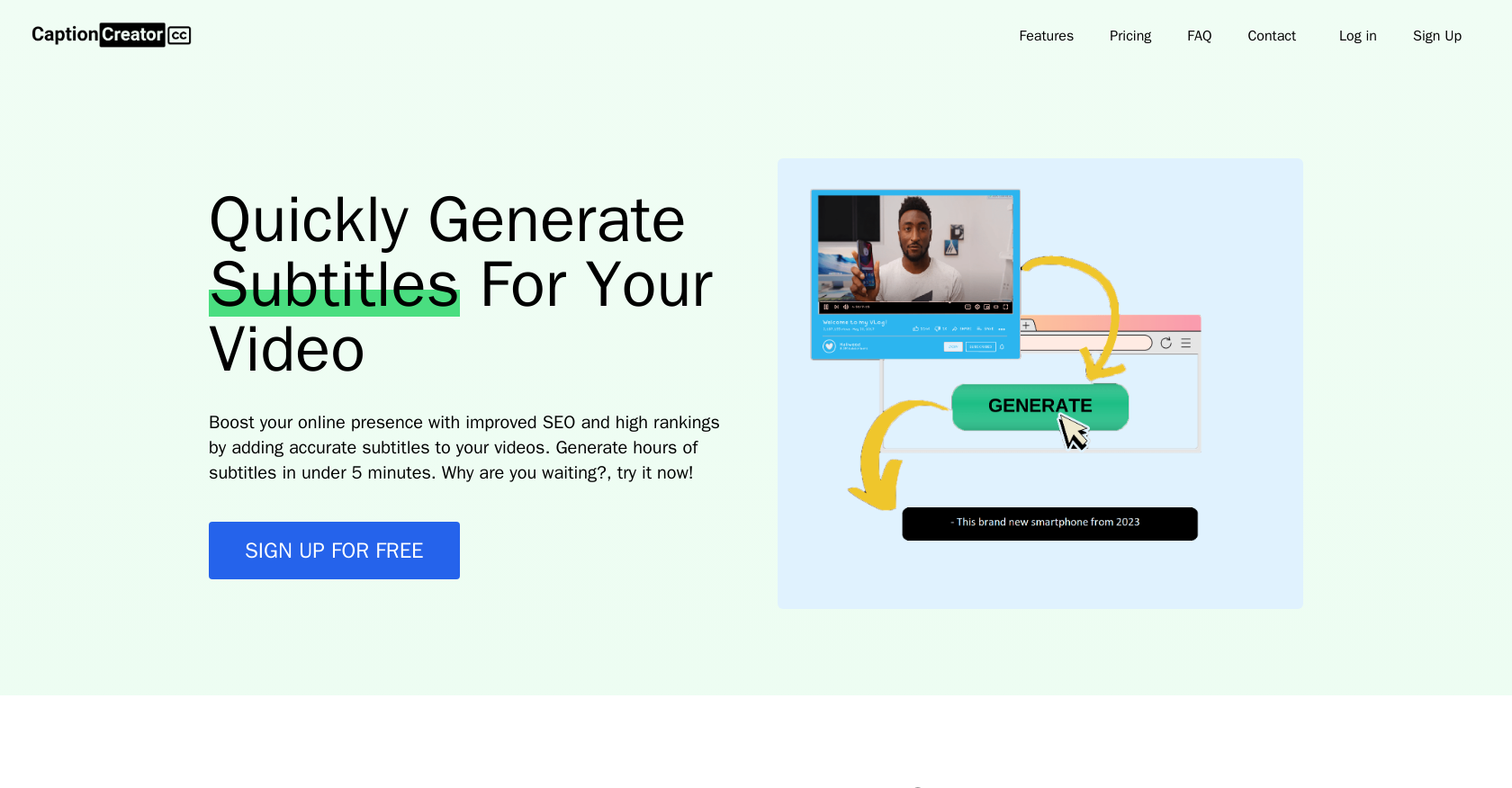
- Transform hours of video into perfect English subtitles in under 5 minutes using OpenAI Whisper technology
- Expand your global audience by automatically translating content from 50+ languages including Arabic, Chinese, and Japanese
- Maintain transcription accuracy even with heavy accents, dialects, or noisy background audio environments
- Capture multilingual conversations in single videos where speakers switch between different languages
- Improve video SEO and search rankings by providing search engines with accurate, indexable subtitle text
- Fine-tune automatically generated subtitles with an intuitive editor before downloading your final version
Pros & Cons
Pros
- Supports 50+ languages
- Recognizes diverse accents
- Fast subtitle generation
- Handles noisy audio environments
- User-friendly subtitle editor
- Subscription plans variety
- Detailed FAQ page
- SEO boosting
- Video content accessibility increase
- High transcription accuracy
- Multiple files upload
- Multilingual audio support
- Editable generated subtitles
- Translate language to English
- 1 credit = 1 minute
- 365 days Audio storage
- 365 days Subtitle storage
Cons
- No offline functionality
- Subscription-based credit system
- No bulk credit discounts
- Cannot choose translation languages
- Only translates to English
- Limited free plan
- Limited noisy audio support
- Transcription accuracy not specified
- One credit equals one minute
- No live transcription feature
Reviews
Rate this tool
Loading reviews...
❓ Frequently Asked Questions
CaptionCreator is an online video subtitle generator tool, designed to transcribe and translate any language to English. Users can upload audio or video files, which are then recognized by the OpenAI Whisper algorithm to generate accurate subtitles. It supports over 50 languages, and is also designed to handle noisy audio environments for precise transcription and translation.
To generate subtitles using CaptionCreator, users need to upload their audio or video files. Once uploaded, a click on the 'generate subtitle' button initiates the transcription or translation process. After the subtitles are generated, users can review and make necessary modifications using the inbuilt subtitle editor before downloading.
CaptionCreator supports over 50 languages, which include but aren't limited to Arabic, Chinese, Hindi, Japanese, and Vietnamese. It is equipped to handle multilingual audios for creating English subtitles for videos with speakers in multiple languages.
CaptionCreator utilizes the OpenAI Whisper, an advanced machine learning algorithm, which has been trained on a large dataset of diverse voices and accents. This allows it to accurately recognize and transcribe a wide variety of dialects and accents.
OpenAI Whisper is an advanced speech recognition algorithm developed by OpenAI. It has been trained on a large dataset of diverse voices, accents, and dialects to provide accurate transcriptions. CaptionCreator uses this technology to recognize and transcribe speech from the user-uploaded audio and video files, facilitating precise subtitle generation.
CaptionCreator can generate hours of subtitles in under five minutes. This quick turnaround enables users to create subtitles for their online content speedily.
Yes, CaptionCreator provides a user-friendly subtitle editor. This feature allows users to review, edit, and customize the generated subtitles according to their needs before downloading.
The number of videos or audio files you can transcribe with CaptionCreator is governed by the number of credits you have. Each credit allows for a single minute of transcription or translation.
CaptionCreator's transcription and translation accuracy stems from the use of the Whisper algorithm from OpenAI. As this technology has been trained on a broad dataset of numerous voices and accents, its transcriptions are highly accurate. The system is also continually evolving, making it one of the best in the market currently.
Yes, CaptionCreator is engineered to handle noisy audio environments. Thanks to this feature, users can transcribe and translate accurately even in conditions where the audio quality might be compromised due to background noise.
CaptionCreator offers a user-friendly subtitle editor. After the subtitles are created, users can use this editor to check the transcriptions and make any required modifications before downloading.
CaptionCreator offers four subscription plans, each providing a different number of credits: Free ($0/month for 5 credits), Standard ($10/month for 160 credits), Professional ($25/month for 400 credits), and Exclusive ($75/month for 1300 credits). Each plan includes 365 days of audio and subtitle storage, and access to the subtitle editor.
Yes, CaptionCreator is capable of translating speech from multiple languages into English subtitles concurrently within a single video. This feature makes it ideal for multilingual audio and video content.
Using CaptionCreator for your videos has numerous benefits. It allows for fast and accurate transcription and translation of over 50 languages, improving the accessibility and understanding of your content. Subtitles can help to improve SEO, leading to higher online visibility and reach. It also includes an editor for personalized subtitle customization.
Credits in CaptionCreator are used to quantify transcription and translation services. Each credit allows for one minute of transcription or translation. The volume of video or audio files you can transcribe is therefore dependent on the number of credits you have.
CaptionCreator can help boost online presence by improving SEO with accurate subtitles. Since search engines can index the text in subtitles, having precise transcriptions can lead to higher search engine rankings and improved visibility.
No, CaptionCreator requires an internet connection to function and thus, cannot be used offline.
CaptionCreator assists businesses in increasing video content accessibility by transcribing and translating audio into precise subtitles. This allows non-native speaking or hearing-impaired audiences to understand the content, thereby broadening the outreach and inclusivity of the video content.
The duration of the videos that can be subtitled with CaptionCreator is limited by the number of credits the user has. Each credit allows for a single minute of transcription or translation.
In the context of CaptionCreator, one credit equates to one minute of transcription or translation. Depending on the chosen subscription plan, users receive a certain number of credits per month.
Pricing
Pricing model
Freemium
Paid options from
$10/unit
Billing frequency
Pay-as-you-go
Refund policy
Users can request a full refund within 30 days for first-time one-time purchases, or receive a refund for the current month if a subscription is canceled before the next billing cycle.


