

Cardboard
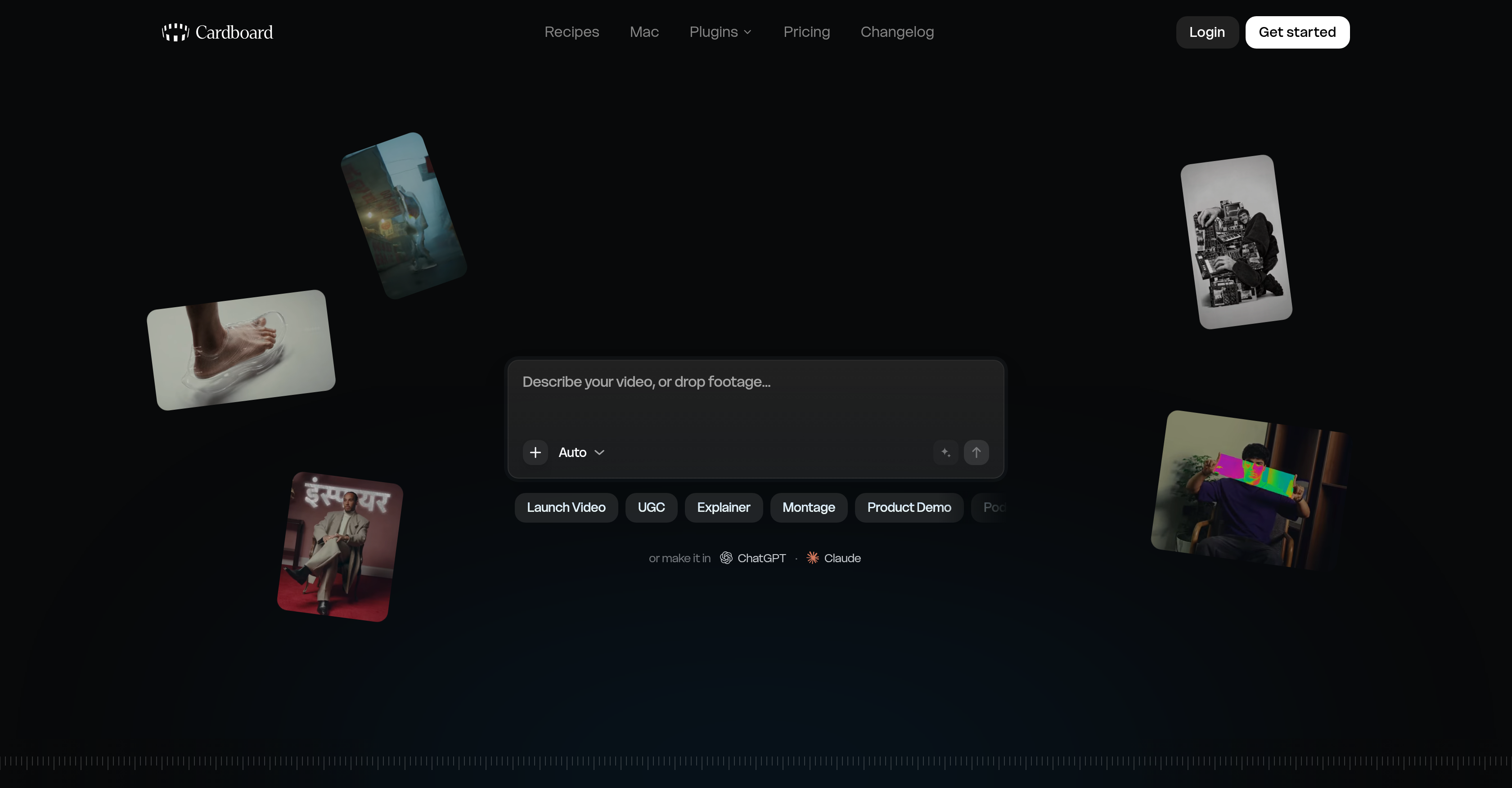
Get from raw footage to a reviewable first cut in one step: describe the edit in plain language, upload clips, or both, and receive an assembled timeline you refine through chat or direct multitrack controls.
Listing not yet reviewed by our editors · How we check
Overview
- Get from raw footage to a reviewable first cut in one step: describe the edit in plain language, upload clips, or both, and receive an assembled timeline you refine through chat or direct multitrack controls.
- Ship clean talking-head and podcast edits without manual scrubbing: automatic detection removes dead air, filler words, and retakes, while transcript-based editing lets you trim, cut, or rearrange segments by clicking spoken words.
- Turn long recordings into social clips that hold attention: highlight detection surfaces notable moments, and subject-aware reframing tracks the speaker into a centered 9:16 vertical crop for Reels, Shorts, and TikTok.
- Make every clip accessible and scroll-ready: auto-generated captions land directly on the timeline, where you edit, move, and style them like any other layer.
- Fill visual and audio gaps without stock-library hunting: prompt-based B-roll search pulls matching clips from the web, alongside generated images, video, music, sound effects, and motion graphics that stay fully editable on the timeline.
- Narrate in your own voice without booking a recording session: voice cloning replicates your voice for voiceover, with a text-to-speech engine for any other voice you choose.
- Match the look and rhythm of a video you admire: paste a reference video URL and the edit adopts its cut timing and color grading.
- Meet tight deadlines on long, high-resolution projects: 4K editing stays smooth, and rendering runs about 12× faster than real time, finishing an hour-long video in roughly five minutes.
- Collect team feedback while keeping full control of the edit: view-only share links let reviewers watch and comment as the project stays locked to the original editor.
- Finish in your preferred NLE or publish directly: export MP4 or MOV up to 4K, or send the final timeline to Adobe Premiere Pro, Final Cut Pro, or DaVinci Resolve.
- Keep sensitive footage under your control and edit without a connection: the Mac app stores projects locally and runs core editing and export offline, and no media is exposed until you create a share link.
- Automate video production from the tools you already use: the Mac app connects to Claude Code, Codex, or any external agent through its CLI or MCP server, and official ChatGPT and Claude plugins trigger edits from inside a conversation.
- Audit every AI change before you publish: the editor shows source clips, generated assets, matched replacements, and agent activity side by side, so each instruction's effect stays visible and reversible.
Pros & Cons
From the listing; not yet checked by our editors.
Pros
- Reference video color matching
- Coding agents initiate edits
- Generated assets stay editable
- Subjectaware automatic reframing
- Dead air auto removal
- Filler word detection
- Retake auto removal
- Moment detection in recordings
- Websourced Broll automatching
- Promptdriven motion graphics
- Voice clone narration
- Realtime fasterthanrealtime rendering
- Highresolution batch processing
- Collaborative review via shareable link
- Agent activity audit trail
- Multilingual caption generation
- BrowserMac parity
- Integration with Claude Code
- Integration with Codex
- Chatbased revision loop
- Automated caption syncing
- Vertical format autoreframe
- Export MP4 with custom bitrate
- Transcriptdriven clip trimming
- Automatic scene matching to reference pacing
- Instant Broll suggestions from web
- Voice cloning for branding consistency
- Prompttoasset generation pipeline
- Asset library autopopulation
- Batch export of multiple formats
- Lowlatency cloud rendering
- Ondevice Mac rendering engine
- Integrated media library search
- Metadata tagging of generated clips
- Usercontrolled rendering priority
- Support for 4K+ footage
- Automatic color grading to reference
- Realtime collaborative comments
- Export with embedded captions
- Integrated searchable transcription timeline
- Agentdriven asset replacement
- Promptbased video style transfer
Cons
- Mac-only desktop client
- No Windows/Linux support
- Requires constant internet connection
- High RAM usage on large projects
- Limited export formats MP4 only
- No public API access
- Restricted simultaneous collaborative editing
- Basic color grading tools only
- Voice cloning data privacy concerns
- Broll sourcing reliant on web
Alternatives to Cardboard
Tools that share the most tags with Cardboard.
- Gling - AI Video Editing Software for YouTube
Skip hours of manual editing with AI that automatically cuts silences, bad takes and filler words from your raw footage
Freemium · from $10/month
$10/month
Not yet checked
- AVCLabs
Transform blurry videos into crisp high-resolution footage with AI upscaling and deinterlacing technology
Paid · from $39.95/month
$39.95/month
Not yet checked
- Camtasia
Record screen, camera, and audio simultaneously on separate tracks for complete editing control over every element
Freemium · from $179.88/year
$179.88/year
Not yet checked
- bigmp4
Transform low-resolution videos into crystal clear 8K quality with AI upscaling that simultaneously reduces noise and enhances detail
Freemium · from $6
$6
Not yet checked
- Vidnami
Transform text into complete marketing videos instantly using AI that splits content into scenes and selects matching clips from Storyblocks
Free trial · from $47/month
$47/month
Not yet checked
- Captions
Produce studio-grade videos without technical expertise using AI-powered automation that handles complex editing tasks
Paid · from $9.99/month
$9.99/month
Not yet checked
Reviews
Rate this tool
Loading reviews...
Frequently asked questions
Can Cardboard edit 4K footage without slowing down?
Yes, Cardboard is engineered to handle high‑resolution 4K footage and maintains smooth performance, with rendering optimized to be faster than real‑time.
How does the browser version of Cardboard differ from the Mac desktop app?
The browser version runs all editing and export operations in the cloud, while the Mac desktop app performs editing and exporting locally on your Mac; however, AI‑heavy features like transcription and generative models still call the cloud. The Mac app also enables direct integration with coding agents such as Claude Code and Codex.
Is my uploaded video data private on Cardboard?
Your footage remains private; Cardboard does not share or expose your media until you deliberately create a shareable link. In the Mac app, projects stay on your local machine.
Can I use my own AI agent like Claude Code or Codex with Cardboard?
Yes, the Mac application can connect to your own agents, including Claude Code and Codex, and any external agent can drive Cardboard through its CLI or MCP server.
How fast does Cardboard render videos compared to real‑time?
Cardboard renders substantially faster than real‑time; an hour‑long video can be rendered in roughly five minutes, about 12× faster than real‑time playback.
Does Cardboard automatically remove dead air, filler words, and retakes?
Cardboard automatically detects and removes dead air, filler words, and retake segments as part of its transcript‑based cleanup tools.
Can I generate captions and edit them directly in the timeline?
Captions are generated automatically and appear on the timeline where they can be edited, moved, or styled directly by the user.
How does subject‑aware reframing work for vertical Reel formats?
Subject‑aware reframing uses AI to track the primary speaker or subject, then crops and repositions the frame to a vertical 9:16 aspect ratio, keeping the subject centered for Reel‑style videos.