Overview
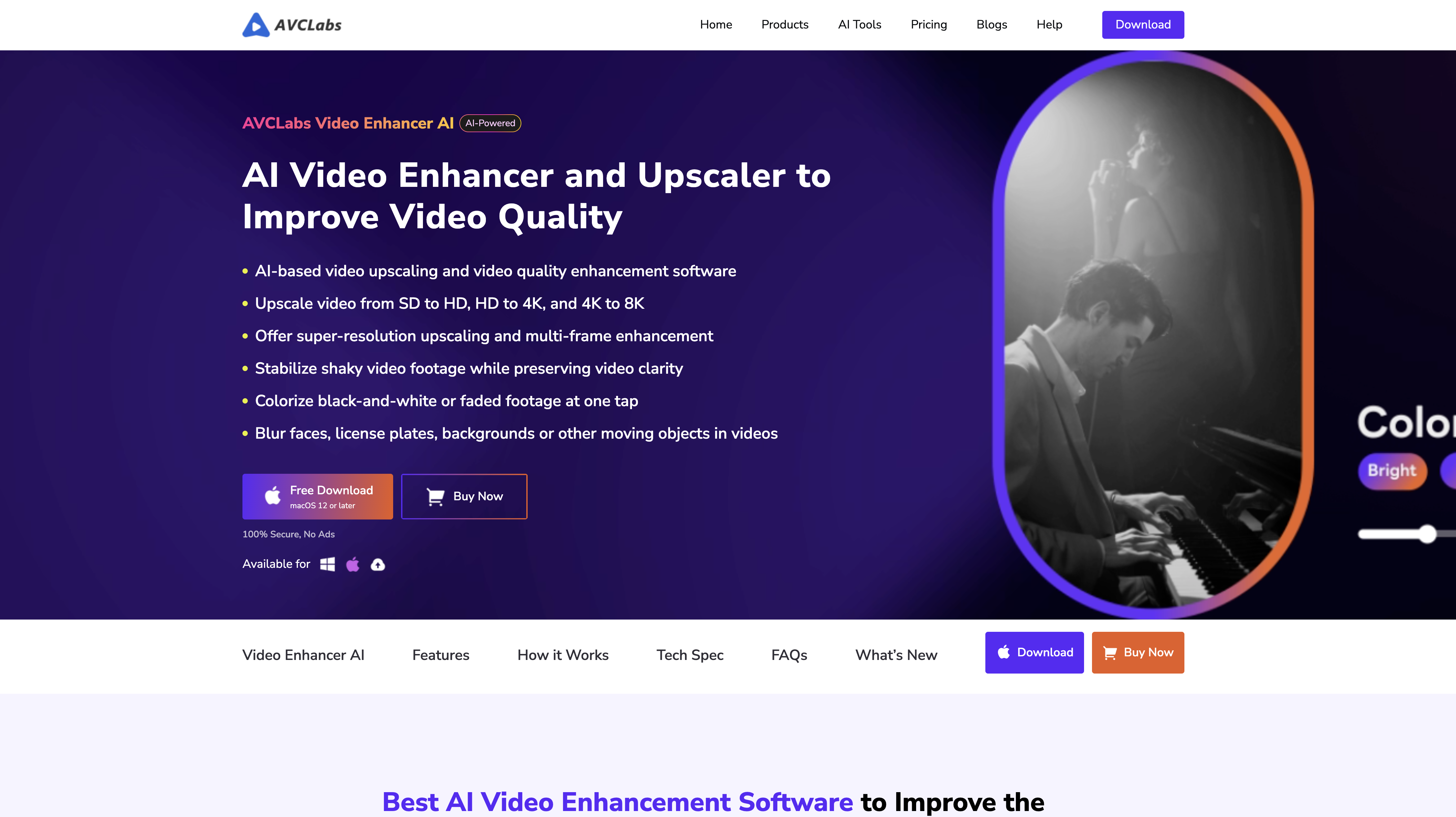
- Transform blurry videos into crisp high-resolution footage with AI upscaling and deinterlacing technology
- Automatically remove digital noise and stabilize shaky footage for professional-looking video quality
- Restore and refine faces in videos with neural network face recovery that brings details back to life
- Colorize black and white videos and photos automatically while maintaining natural-looking results
- Remove unwanted objects or backgrounds from photos instantly with one-click AI selection tools
- Apply selective blur effects to moving faces, backgrounds, or license plates for privacy protection
- Increase photo resolution without losing quality using AI-powered upscaling for sharper images
- Simplify complex photo edits with auto-enhancement tools that work for both beginners and professionals
Reviews
Rate this tool
Loading reviews...
Pricing
Pricing model
Paid
Paid options from
$39.95/month
Billing frequency
Monthly
Refund policy
Refunds are available within 5 days for monthly or yearly plans and 30 days for perpetual plans.
Related Videos
Using AI to enhance your videos \\ AVCLabs Video Enhancer AI Tutorial
Next AI•4.5K views•Aug 16, 2023