

ChaiBar
Handle emails, documents, appointments, and web lookups from one place without switching apps: ChaiBar's chat interface gives your Mac a single AI assistant for everyday computer tasks.
Listing not yet reviewed by our editors · How we check
Overview
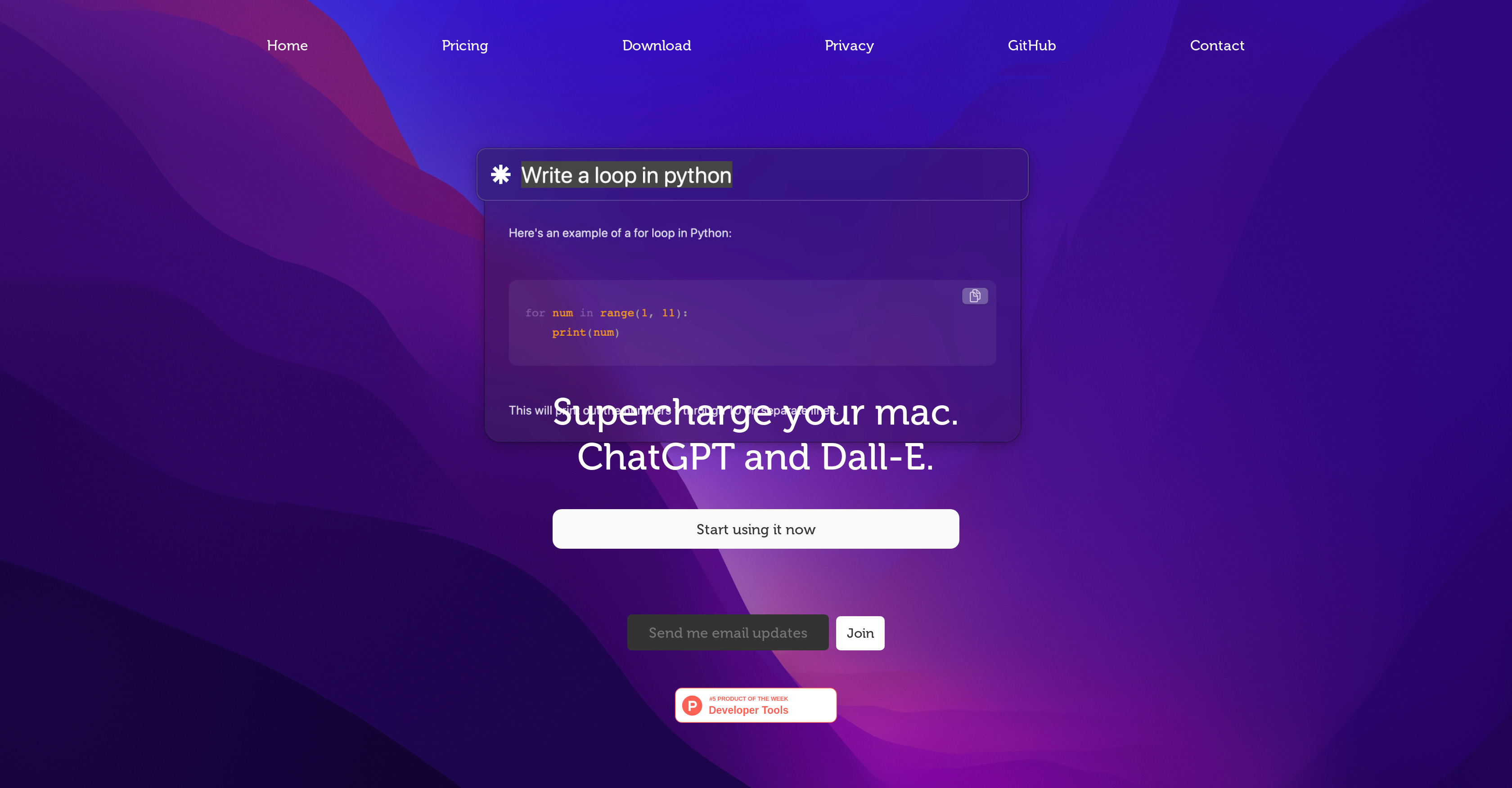
- Handle emails, documents, appointments, and web lookups from one place without switching apps: ChaiBar's chat interface gives your Mac a single AI assistant for everyday computer tasks.
- Turn written ideas into visuals without opening a separate design tool: built-in DALL-E image generation creates images from text descriptions right inside your Mac AI assistant.
- Get tasks done by describing them in plain language instead of hunting through menus: ChatGPT natural language processing interprets complex commands and returns human-like responses.
- Find information faster when browsing the internet: the assistant understands detailed queries and points you to what you're looking for.
- Keep your calendar on track with less manual entry: chat-based appointment scheduling lets you book meetings by simply asking.
- Start using it on macOS right away: download ChaiBar directly from the official website or the GitHub repository, which also provides support.
- Know how your data is handled before you begin: a published privacy policy on the ChaiBar website sets out its data practices.
Pros & Cons
From the listing; not yet checked by our editors.
Pros
- Simplifies MacOS tasks
- Natural language processing
- Can generate images
- Assistance with diverse tasks
- Email automation
- Document creation assistance
- Schedule appointments
- Internet browsing aid
- Uses ChatGPT and Dall-E
- Chat Interface for ease
- Can be downloaded directly
- Available on GitHub
- User privacy prioritized
- Enhances productivity and efficiency
- Versatility in task fulfillment
- Supercharges MacOS performance
Cons
- Limited to MacOS
- Requires JavaScript enabled
- No API disclosed
- Unclear pricing model
- Limited task assistance
- Download required
- No mobile compatibility
- Reliance on GitHub updates
- No multi-language support
Alternatives to ChaiBar
Tools that share the most tags with ChaiBar.
- Creative APIs by Picsart
Automate professional image editing workflows without manual intervention using AI-powered background removal, enhancement, and filter application
Paid · from $10/month
$10/month
Not yet checked
- RightBlogger
Generate complete SEO-friendly blog posts in minutes with the Article Writer, from introduction to conclusion
Freemium · from $24.99/month
$24.99/month
Not yet checked
- Fotor AI Kiss
Create viral social media content instantly by transforming any portrait into engaging kissing videos for platforms like TikTok and Instagram
Freemium · from $3.33/month
$3.33/month
Not yet checked
- Leonardo AI
Generate production-quality assets in seconds instead of hours using AI Art Generator that transforms prompts into unique visual content
Freemium · from $15.99
$15.99
Not yet checked
- ASMR-AI.art
Launch your ASMR channel without expensive mics or a studio by generating professional videos from simple text prompts.
Paid · from $19.90
$19.90
Not yet checked
- Auro: AI Social Post Assistant
Eliminate manual posting across multiple social networks with automated scheduling that handles content distribution for you
Freemium · from $9.99
$9.99
Not yet checked
Reviews
Rate this tool
Loading reviews...
Frequently asked questions
What is chaibar.ai?
ChaiBarbar.ai is an AI assistant designed to supercharge MacOS with features of ChatGPT and Dall-E. It provides solutions to diverse tasks on MacOS via a chat interface.
How does chaibar.ai work?
ChaiBarbar.ai uses AI models ChatGPT and Dall-E to process and generate text and image respectively. It detects the input given by the user, processes it to identify the task and responds with the needed outcome.
What is the main function of chaibar.ai?
The main function of chaibar.ai is to streamline and simplify tasks on MacOS. It assists with sending emails, document creation, appointment scheduling, and internet browsing among other tasks.
Can chaibar.ai help with scheduling appointments on MacOS?
Yes, chaibar.ai can assist with scheduling appointments on MacOS.
How is chaibar.ai different from other AI tools?
ChaiBarbar.ai is different from other AI tools due to the combination of ChatGPT and Dall-E. While ChatGPT enables it to understand and respond to complex language in a human-like manner, Dall-E empowers it to generate images from textual descriptions.
Which AI technologies does chaibar.ai use?
ChaiBarbar.ai uses two AI technologies: ChatGPT and Dall-E.
Why does chaibar.ai use both ChatGPT and Dall-E?
ChaiBarbar.ai uses both ChatGPT and Dall-E to provide a well-rounded user experience. While ChatGPT is excellent at understanding and generating human-like text responses, Dall-E has the ability to generate images from textual descriptions. Together, they supercharge MacOS tasks with both text generation and image assist.
What tasks is chaibar.ai best suited for?
ChaiBarbar.ai is best suited for tasks like sending emails, creating documents, scheduling appointments, and browsing the internet on MacOS.