

Chatbit
Launch a working AI customer support chatbot in under five minutes, with no developer and no coding, through a guided no-code bot builder.
Listing not yet reviewed by our editors · How we check
Overview
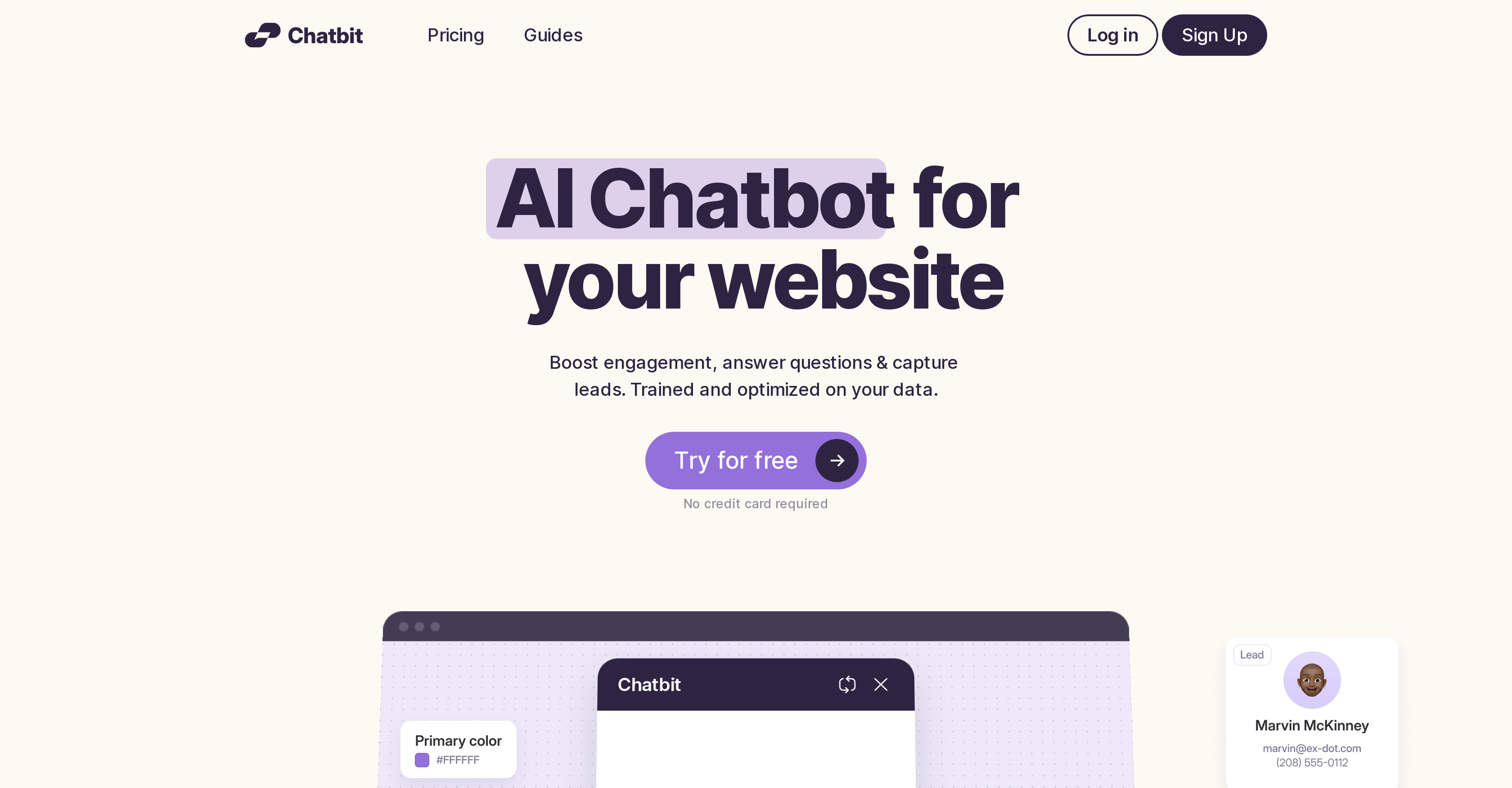
- Launch a working AI customer support chatbot in under five minutes, with no developer and no coding, through a guided no-code bot builder.
- Give website visitors accurate answers drawn from your own business data by training your chatbot on up to 11 million characters of uploaded context.
- Turn chat conversations into a steady sales pipeline with built-in lead capture and daily lead reports sent straight to you.
- Keep every interaction on-brand by setting the widget's colors, logo, and position and defining your bot's personality and conversational style.
- Serve international customers around the clock with multi-language support that handles automated FAQs and inquiries 24/7.
- Go live on WordPress, Shopify, Webflow, or any other website by pasting one embed code and choosing a chat bubble or widget display.
- Improve answer quality and engagement over time using interaction analytics that show how visitors use your website chatbot.
- Scale your automated customer service with confidence through secure data hosting and customization options that grow with your business.
Pros & Cons
From the listing; not yet checked by our editors.
Pros
- Customer engagement feature
- Answer customer queries
- Lead collection feature
- Tailors chatbots on user data
- No-coding required
- Enhances customer service
- Large character input limit
- Highly customizable interface
- Bot personality modification
- Logo customization options
- Can be added to websites
- Daily lead delivery
- Multi-language support
- Quick bot creation and implementation
- Optimized user experience
- Accessible to non-technical users
- Brand alignment through chatbot style
Cons
- May lack advanced functionalities
- Limited 11 million character input
- No programming customization options
- Potentially time-consuming bot personalization
- Lead collection may be ineffective
- Data upload format limitations
- Language support may be incomplete
- Lack of API integrations
- No stated data export capabilities
- Unclear support channels
Alternatives to Chatbit
Tools that share the most tags with Chatbit.
- HotBot
Get instant AI-powered answers to any question without creating an account through free ChatGPT technology
Freemium · from $19.95/month
$19.95/month
Not yet checked
- Proficientai
Deploy customer service chatbots in just 3 minutes using pre-built interaction APIs and SDKs for rapid integration
Paid · from $1/unit
$1/unit
Not yet checked
- Quickchat AI
Launch custom AI assistants in hours without technical teams using our no-code platform that eliminates coding requirements
Free trial · from $82/month
$82/month
Not yet checked
- FastBots
Launch a custom AI assistant in minutes without technical expertise using our no-code platform
Freemium · from $24/month
$24/month
Not yet checked
- Botdistrikt
Launch custom chatbots instantly without coding skills using the intuitive visual builder and pre-built templates
Not listed
Not listed
Not yet checked
- Ora.ai
Launch custom chatbots in seconds instead of hours by simply describing what you need with the one-click creation feature
Freemium
Not listed
Not yet checked
Reviews
Rate this tool
Loading reviews...
Frequently asked questions
What is Chatbit?
Chatbit is a tool designed to let users create tailored AI chatbots for their websites. The chatbots are capable of engaging visitors, answering questions, and capturing leads.
How does Chatbit engage customers?
Chatbit engages customers on your website by implementing customized AI chatbots. These chatbots interact with visitors, answer their inquiries, and gather leads.
How are Chatbit's AI chatbots tailored for personalized user experience?
Chatbit's AI chatbots provide a personalized user experience by tailoring their responses based on specific user data. You can also modify the AI's personality and style to better suit your brand's identity.
Do I need coding experience to use Chatbit?
No, you do not need coding experience to use Chatbit. It is designed to be accessible to all users, regardless of their technical skill level.
How do I add Chatbit to my website?
To integrate Chatbit into your website, first, create your own AI assistant using the Chatbit tool. Once your chatbot is ready, you can then add it directly onto your website.
What is the character input limit for the Chatbit chatbot?
Chatbit allows users to feed up to 11 million characters of context into the chatbot. This high limit ensures that the chatbot can provide comprehensive and accurate responses.
How can I customize the chatbot's appearance on Chatbit?
Chatbit's chatbots are highly customizable in terms of appearance. You have the option to modify the colors, position, and even add your brand's logo.
Can I define the personality and style of my Chatbit chatbot?
Yes, Chatbit allows users to define the personality and style of their AI chatbot. You can adjust these factors to align the bot more closely with your brand's image.