
Overview
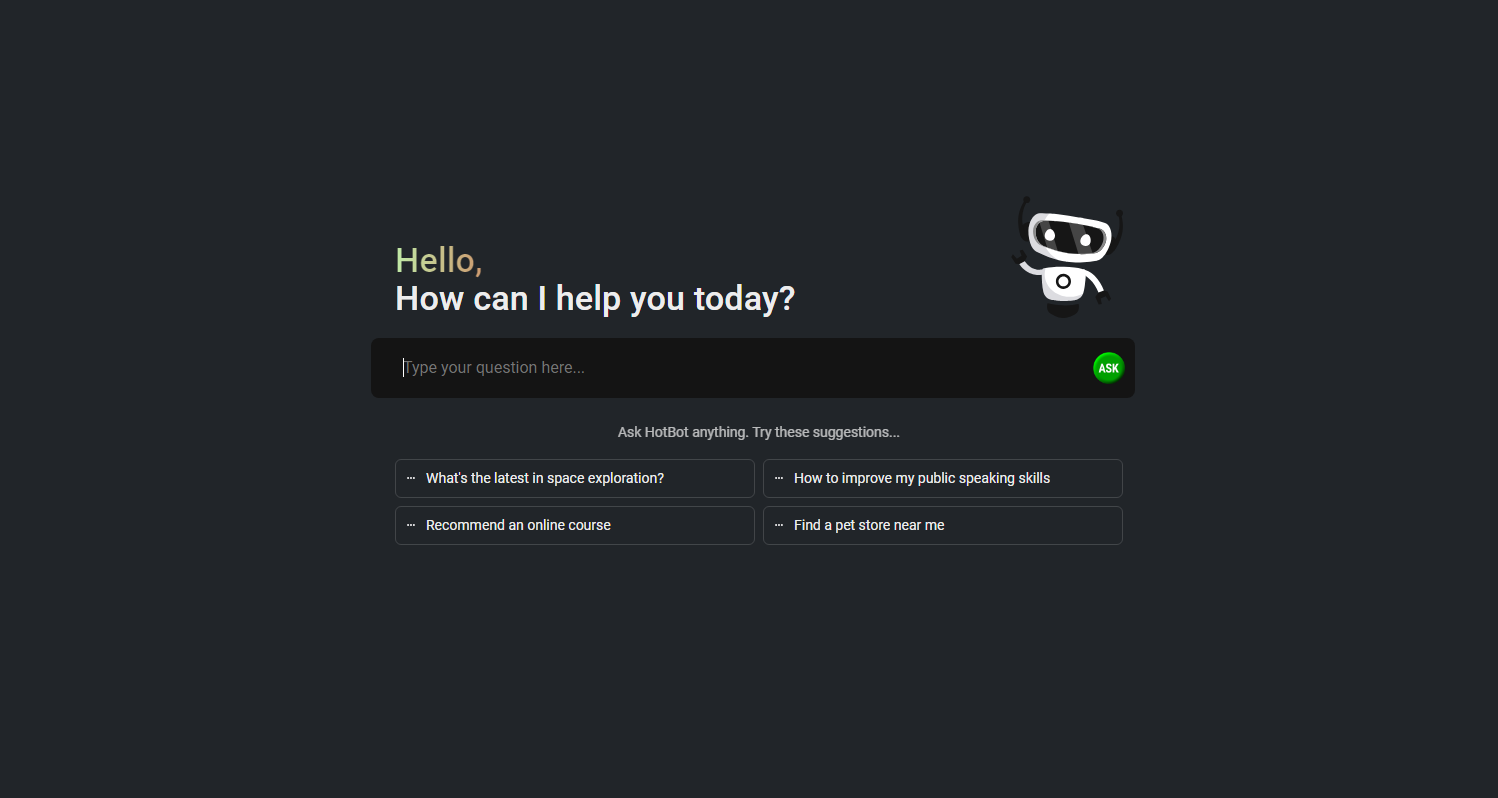
- Get instant AI-powered answers to any question without creating an account through free ChatGPT technology
- Receive personalized search results that understand your preferences and browsing history for more relevant information
- Browse securely with built-in VPN service that encrypts your connection and protects your privacy
- Install directly in Chrome browser with one-click setup for immediate access to AI search capabilities
- Find information faster than traditional search engines using advanced AI algorithms that crawl the web efficiently
Pros & Cons
Pros
- Fast access to information
- Takes into account user preferences
- Considers browsing history
- Dedicated VPN service
- Comprehensive privacy policy
- Detailed cookie policy
- User-friendly support system
- Chrome browser add-on
- Secure and reliable
- Backed by expert team
- Quick and easy setup
- Smarter search capability
- Highly discoverable
Cons
- Only available on Chrome
- Lacks mobile app
- Limited customization options
- Overly reliant on user's history
- No multi-language support
Reviews
Rate this tool
Loading reviews...
❓ Frequently Asked Questions
HotBot is an AI-powered search engine that helps users quickly and easily discover online information. It also offers a range of additional features including a dedicated VPN service, extensive privacy and cookie policies, and a supportive user-friendly system.
HotBot works by utilizing advanced AI algorithms to crawl the web and return search results that are highly relevant to the users' search query. It does this by taking into account the user preferences and browsing history.
Yes, HotBot takes into account user preferences and browsing history. This feature can help provide tailored and relevant search results for each user.
Yes, HotBot offers a dedicated VPN service which enhances user security while browsing online.
Yes, HotBot can be added to the Chrome browser. It is available as an add-on that allows for fast and easy setup.
Yes, HotBot is a secure search engine. Its security is guaranteed by a team of experts who work tirelessly to ensure the best possible user experience.
What sets HotBot apart from other search engines is its AI-driven algorithms that make information discovery faster and easier. In addition to its main search function, it also provides a dedicated VPN service, robust privacy and cookie policies, and a convenient user system.
HotBot is created and maintained by a dedicated team of experts who are committed to providing the best user experience possible.
Yes, HotBot has comprehensive privacy protections in place to protect user privacy. In addition, it offers a dedicated VPN service for enhanced online security.
Yes, HotBot has a detailed cookie policy. This information can be found on the HotBot website under the section titled 'Cookie Policy'.
HotBot's terms of service can be found at the footer of their website under the 'Terms of Service' section.
HotBot handles user's personal data in accordance with its privacy policy. It respects users' rights and privacy by ensuring safe, legal, and transparent handling of personal data.
HotBot has a user-friendly system. The platform is designed to be easy and straightforward to use, enhancing the overall user experience.
You can contact HotBot's support team through the 'Support' link found on their website.
The key features of HotBot include an AI-powered search engine that accounts for user preferences and browsing history, a VPN service for enhanced online security, a user-friendly support system, and comprehensive privacy and cookie policies.
You may add HotBot as an add-on to your Chrome browser. This suggests that there isn't a manual download required, just an installation through Chrome's web store.
Yes, HotBot is designed to help users browse the internet faster. Its AI-powered search algorithms speed up the process of finding relevant information on the web.
To install HotBot on your Chrome browser, visit the Chrome web store and find the HotBot add-on. Then, select 'Add to Chrome' to install.
If you encounter a problem while using HotBot, you can reach out to their support team via the 'Support' link on their website. The team is dedicated to resolving user queries promptly.
Pricing
Pricing model
Freemium
Paid options from
$19.95/month
Billing frequency
Monthly
Related Videos
How Can HotBot Become Your FREE Personal Assistant?
HotBot•110 views•Nov 30, 2024