
ChatGPT for Translators
Overview
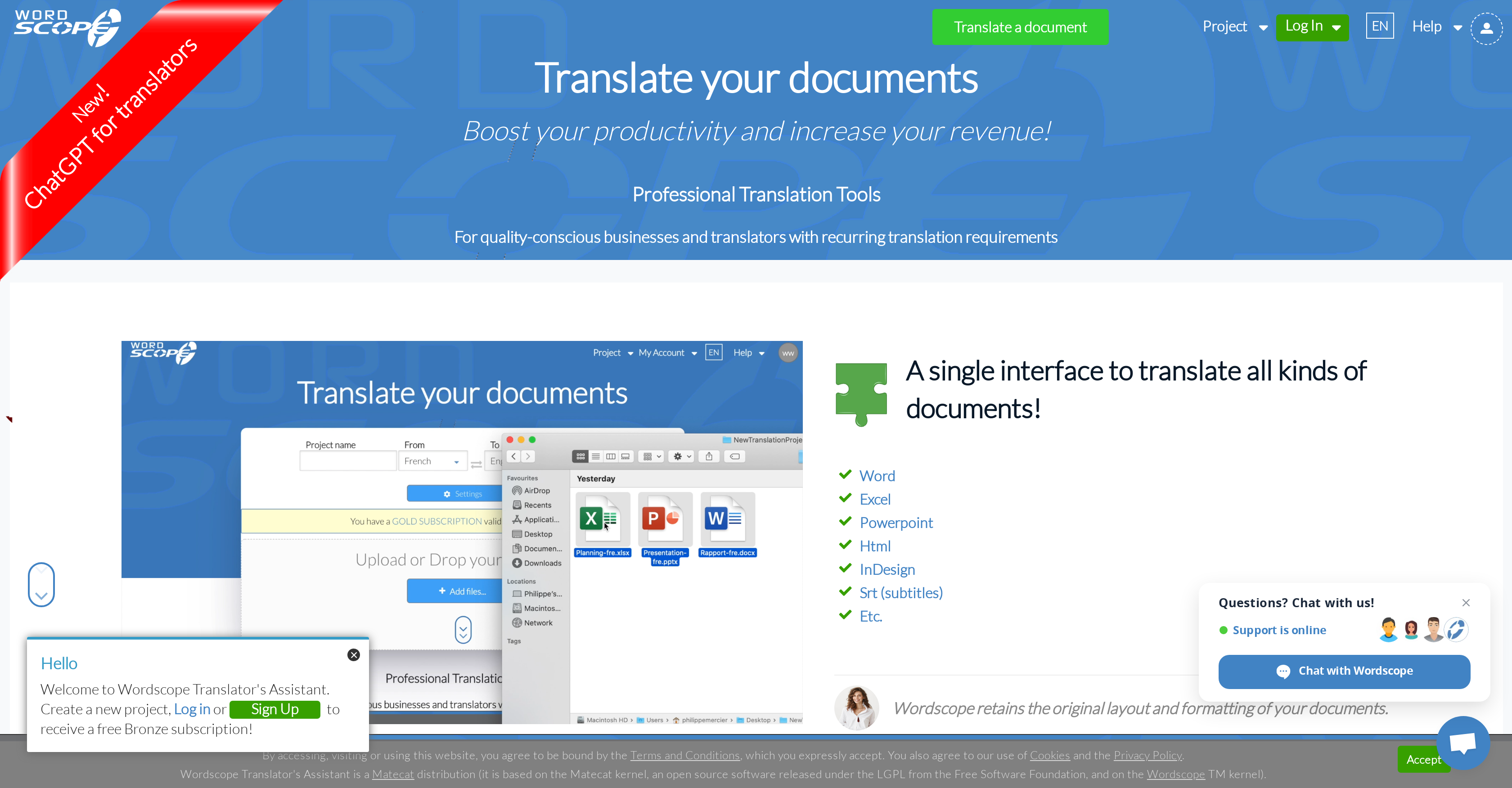
- Eliminate repetitive translations with private translation memories that store and reuse your previous work automatically
- Ensure terminology consistency across all content types with integrated databases that unify your preferred terms
- Detect grammar errors and inconsistencies instantly using automated quality control tools that highlight potential issues
- Maintain perfect fidelity to source documents through comparative revision that checks interpretation and formatting
- Scale large projects effortlessly by splitting work among multiple translators with automatic distribution
- Access millions of professional translations through public memories that draw from official multilingual websites
- Enhance writing style and avoid repetition with synonym lists that suggest varied vocabulary options
- Work from anywhere without installations using browser-based access that works on both Mac and PC
Pros & Cons
Pros
- Works on Mac or PC
- Remote work capability
- Private translation memories
- Neural machine translation
- Terminology databases
- Public translation memories
- Comparative revision tool
- Quality control tools
- Synonym lists
- Project sharing options
- Large language selection
- Retains original layout and formatting
- ChatGPT integration
- Built-in terminology
- Error detection as you type
- Extensive glossary tab
- Cloud Search feature
- Customisable screen layout
- No software installation required
- Project splitting capability
- Team work facilitation
- Comparative proofreading
- Secure resource sharing
- Messaging and commenting capability
- Translation databases to cross-reference
- Type or Paste text feature
- Optimized for a minimum width of 1024 pixels
- Supports various document types
- Improves productivity
- Increases translation accuracy
- Enhances translation consistency
- Saves time and boosts efficiency
- Advances translator's knowledge
- Supports wide range of subjects
- Supports petabyte-scale projects
- Secure translation storage
- Grammar and spelling correction
- Professional translator-oriented
- Interface adjustable to taste
- Professional translation aids
- Automatic underlining of glossary terms
- In-built assistance in looking for definitions
- Cloud-based secure access
- Consistency improvement tools
- Content-specific translation support
- Enhanced rephrasing tool
- Saves on translation costs
Cons
- No mobile support
- Requires minimum screen width
- No offline mode
- Cannot download shared translation memories
- No software installation flexibility
- Limited layout customization
- File type limitations
- No free version available
- Dependency on internet connectivity
Reviews
Rate this tool
Loading reviews...
❓ Frequently Asked Questions
Wordscope is a comprehensive AI tool for document translation. It offers an array of features to ensure the quality and consistency of translations, including neural machine translation, private and public translation memories, terminology databases, and quality control tools to check for errors. Wordscope supports remote accessibility for translating from anywhere using a PC or a Mac.
ChatGPT for Translators is a function within Wordscope that helps translators look up definitions, understand scientific concepts, gather information on a topic, rephrase a sentence, or ask a question. This tool can also perform translations, correct grammar and spelling, provide terminologies, find synonyms, and compose a complete sentence based on a few words.
Wordscope implements AI in translations through its feature called Neural Machine Translation. This technology leverages artificial intelligence to 'learn' from texts that have been translated by professionals. The AI then provides translation suggestions, which can be accepted or modified according to the translator's preferences.
Yes, Wordscope does provide translation suggestions from previous projects. The Wordscope Translator's Assistant offers translation suggestions either by searching for identical or similar sentences from your previous projects or among hundreds of millions of sentences already translated by professionals.
Wordscope can be used on any device with an internet connection and a web browser, including but not limited to PCs, Macs, and iPads in landscape mode. It requires a minimum window width of 1024 pixels for optimal user experience.
Yes, Wordscope can be used on both Mac and PC without the need for any software installation.
Yes, Wordscope can be used remotely. All projects and translation memories can be securely accessed from anywhere using a Mac or PC.
Neural machine translation in Wordscope refers to a technology that uses artificial intelligence to improve the productivity of translations. This AI technology 'learns' from professionally translated texts to deliver translation suggestions to the user.
Wordscope provides a set of quality control tools to detect and highlight errors. These tools are designed to check for grammar and spelling mistakes, inconsistencies, typos, punctuation problems, missing words, and duplicates.
In Wordscope, private translation memories are secured translation archives that allow you to avoid translating the same sentence multiple times. These translations are securely stored unless you decide to share them in a specific project. Public translation memories, on the other hand, draw from millions of already translated documents available on official multilingual websites, allowing for the reuse of available translations.
Wordscope allows large projects to be split among several translators. When a team of translators works on a large project, Wordscope automatically divides the work into evenly distributed parts, regardless of the project's size and the number of files involved.
Yes, Wordscope can store and reuse translations. With its feature called Private Translation Memory, you can securely store your translations to avoid translating or proofreading the same sentence twice.
The comparative revision tool in Wordscope is designed to ensure that the translated text remains faithful to the original. By comparing the translated text to the source document, it can detect errors in interpretation, terminology, and translation, as well as issues in style, formatting, and grammar or spelling mistakes.
Wordscope maintains consistency across different types of content and media through its Terminology Databases. This feature ensures the unified use of terminologies across various forms of media, thereby retaining the consistency of translations.
Wordscope supports a wide array of languages. It allows translation between a multitude of source and target languages spanning from widely spoken languages like English, French, and Spanish to less common languages like Luxembourgish, Malayalam and Zulu.
Yes, Wordscope has quality control tools that check and highlight potential errors relating to grammar, spelling, style, punctuation, missing words, typos and more.
Wordscope's sharing options aim at fostering collaboration and improving efficiency. You can split large projects among multiple translators, assign a project to another translator, or send a project for proofreading. The shared project is a secure URL link, allowing multiple people to work on it simultaneously while maintaining control over the access to your private resources.
Wordscope's integration with terminology tools helps maintain quality and consistency in translations. It has a perfect integration with multiple official glossaries, and it underlines and displays terms found in these glossaries ensuring that accurate and consistent terminology is used in translations.
Wordscope uses synonym lists to enhance the style of translations. By providing translators with different synonyms to consider, it helps improve the fluency and readability of the translated document and prevents it from being monotonous and repetitive.
Wordscope boosts productivity in translating documents by employing advanced features like neural machine translation, public and private translation memories, and synonym lists. By storing translations, offering translation suggestions, and allowing project sharing between multiple translators, Wordscope aims to increase productivity and revenue.
Pricing
Pricing model
Freemium
Paid options from
$39/month
Billing frequency
Monthly
Related Videos
Wordscope + ChatGPT for Translators by Romina Zaleski
Wordscope•178 views•Feb 21, 2025