

Chatolia
Launch a context-aware AI support agent in minutes by training it on your documents, URLs, or pasted content, eliminating manual knowledge base setup.
Listing not yet reviewed by our editors · How we check
Overview
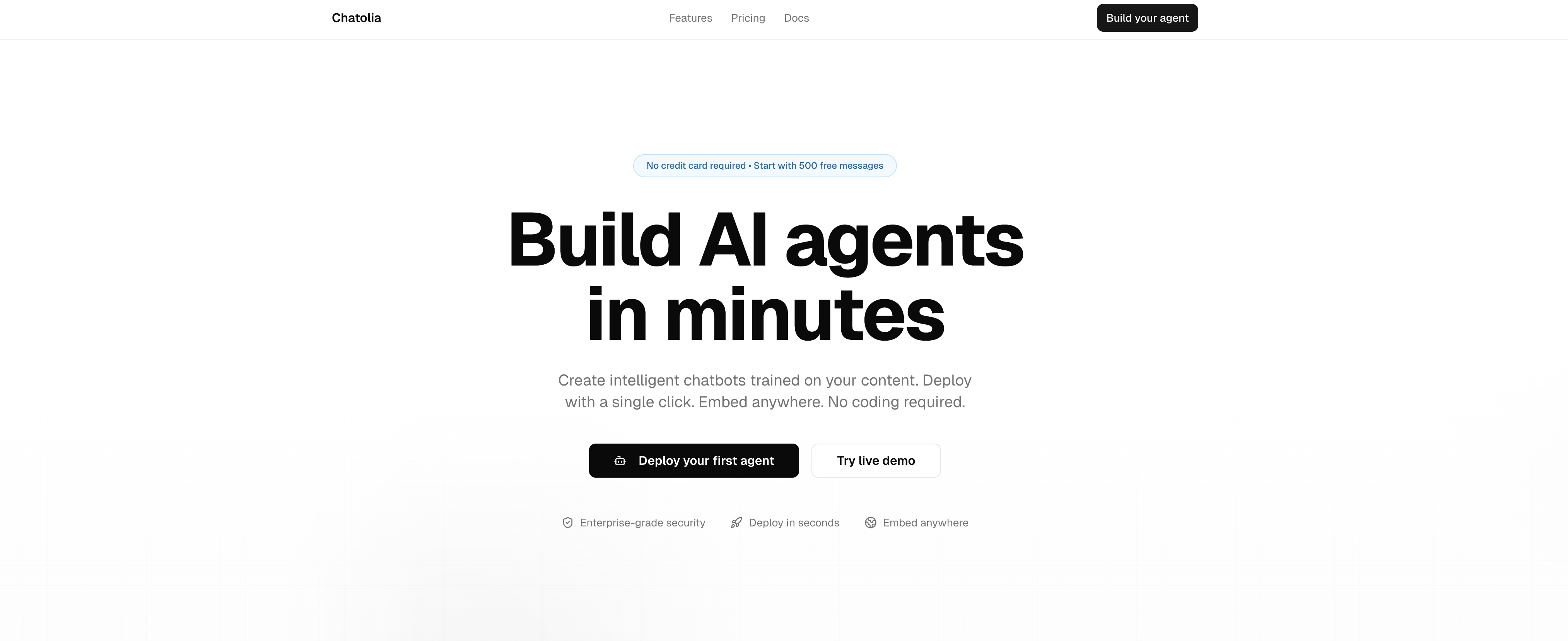
- Launch a context-aware AI support agent in minutes by training it on your documents, URLs, or pasted content, eliminating manual knowledge base setup.
- Maintain separate, isolated AI agents for different products, teams, or audiences using dedicated workspaces with unique settings and conversations.
- Deploy a production-ready chatbot anywhere instantly—embed via iframe, use a floating widget, or share a link—with zero coding required.
- Switch AI models instantly for any agent using the AI Gateway to access GPT-4, Claude, or Gemini, optimizing for cost or capability without lock-in.
- Ensure reliable, 24/7 chatbot performance with enterprise-grade infrastructure that automatically scales during traffic spikes.
- Collaborate with your team in a shared workspace to build, manage, and train multiple AI agents simultaneously.
Pros & Cons
From the listing; not yet checked by our editors.
Pros
- Multi-agent workspaces
- Separate conversations for agents
- Instant model switching
- Content-based agent learning
- Short deployment process
- Single-click agent deployment
- Various deployment methods
- Enterprise-grade infrastructure
- High availability system
- Automatic scaling
- Robust performance
- Visibility controls
- Plan-based model access
- Rate limits
- Credit management
- Team collaboration
- Workspace integration
- Knowledge base learning
- Customizable chatbots
- Platform-independent deployment
- Flexible pricing
- No coding required
- Document-learning chatbots
- Segmented audience targeting
- Controlled conversations and configurations
- Embeddable agents
- Secure by design
- Streamlined setup process
- Ability to share agents
- Option to embed agents
- Features based on plans
- Multiple model access
- Pre-built chat interface
- Use of floating widget
- Models trainable on user data
- Sign-in and invite model
- Dashboard-based management
- Personality and tone configuration
- Agent retraining feature
- Public URL for agents
- Storyboard learning option
- Option to paste content
- Training character limits
- Message credits
- WordPress and Slack Integration
Cons
- Limited training characters
- Limited message credits
- Constrained agent count
- Plan-based model access
- Heavy reliance on documents
- Limited workspace seats
- Rate limits
- Payment required for scaling
Alternatives to Chatolia
Tools that share the most tags with Chatolia.
- HotBot
Get instant AI-powered answers to any question without creating an account through free ChatGPT technology
Freemium · from $19.95/month
$19.95/month
Not yet checked
- Proficientai
Deploy customer service chatbots in just 3 minutes using pre-built interaction APIs and SDKs for rapid integration
Paid · from $1/unit
$1/unit
Not yet checked
- Quickchat AI
Launch custom AI assistants in hours without technical teams using our no-code platform that eliminates coding requirements
Free trial · from $82/month
$82/month
Not yet checked
- FastBots
Launch a custom AI assistant in minutes without technical expertise using our no-code platform
Freemium · from $24/month
$24/month
Not yet checked
- Botdistrikt
Launch custom chatbots instantly without coding skills using the intuitive visual builder and pre-built templates
Not listed
Not listed
Not yet checked
- Ora.ai
Launch custom chatbots in seconds instead of hours by simply describing what you need with the one-click creation feature
Freemium
Not listed
Not yet checked
Reviews
Rate this tool
Loading reviews...
Frequently asked questions
What is Chatolia?
Chatolia is a platform dedicated to constructing and dispatching AI support agents for businesses. It is designed to help users swiftly create intelligent chatbots that can learn from their content and are deployable with just a click.
How does Chatolia work?
Chatolia allows users to build, train, and deploy AI support agents. Users create an agent, select an AI model, and then train the chosen model on the content available on their website. The built agents can be deployed on the user's business site or shared link.
What are Multi-Agent Workspaces in Chatolia?
Multiple Agent Workspaces in Chatolia are tools that allow businesses to construct separate AI agents for different products, teams, or target audiences. Each agent can have isolated conversations and configurations.
What are the key features of Chatolia?
Chatolia offers an array of key features including AI Model Freedom, Multi-Agent Workspaces, on-the-go AI agent deployment, content-based training, high availability, automatic scaling, and enterprise-grade security features such as visibility controls, rate limits, and credit management.
How can I deploy a chatbot using Chatolia?
A chatbot can be deployed using Chatolia by following a four-step process: First, sign in and invite your team. Next, create an agent and choose a suitable AI model. Then, train the model on your website content. Finally, deploy the agent on your website or share the agent's link.
What different AI models does Chatolia offer?
Chatolia offers access to several AI models via their AI Gateway. Users have the freedom to switch between models instantly, and the offering includes models like GPT-4, Claude, Gemini, and many more.
How can user data be utilized in Chatolia?
User data in Chatolia is primarily utilized for training AI models. Users can upload documents or paste content directly on the platform for their AI agents to learn from their knowledge base. The models digest this information and use it to offer intelligent, context-aware responses.
What is the deployment process for Chatolia's AI agents?
The deployment process for Chatolia's AI agents is a simple, four-step process: Users first sign in and invite their team. Then, they create an AI agent and choose an AI model. They train the chosen model on content, and finally, they deploy the agent on their website or share its link.