

Chatwith
Cut repetitive support tickets by letting a custom ChatGPT chatbot resolve customer inquiries around the clock, trained on your website content, knowledge base, and PDF files.
Listing not yet reviewed by our editors · How we check
Overview
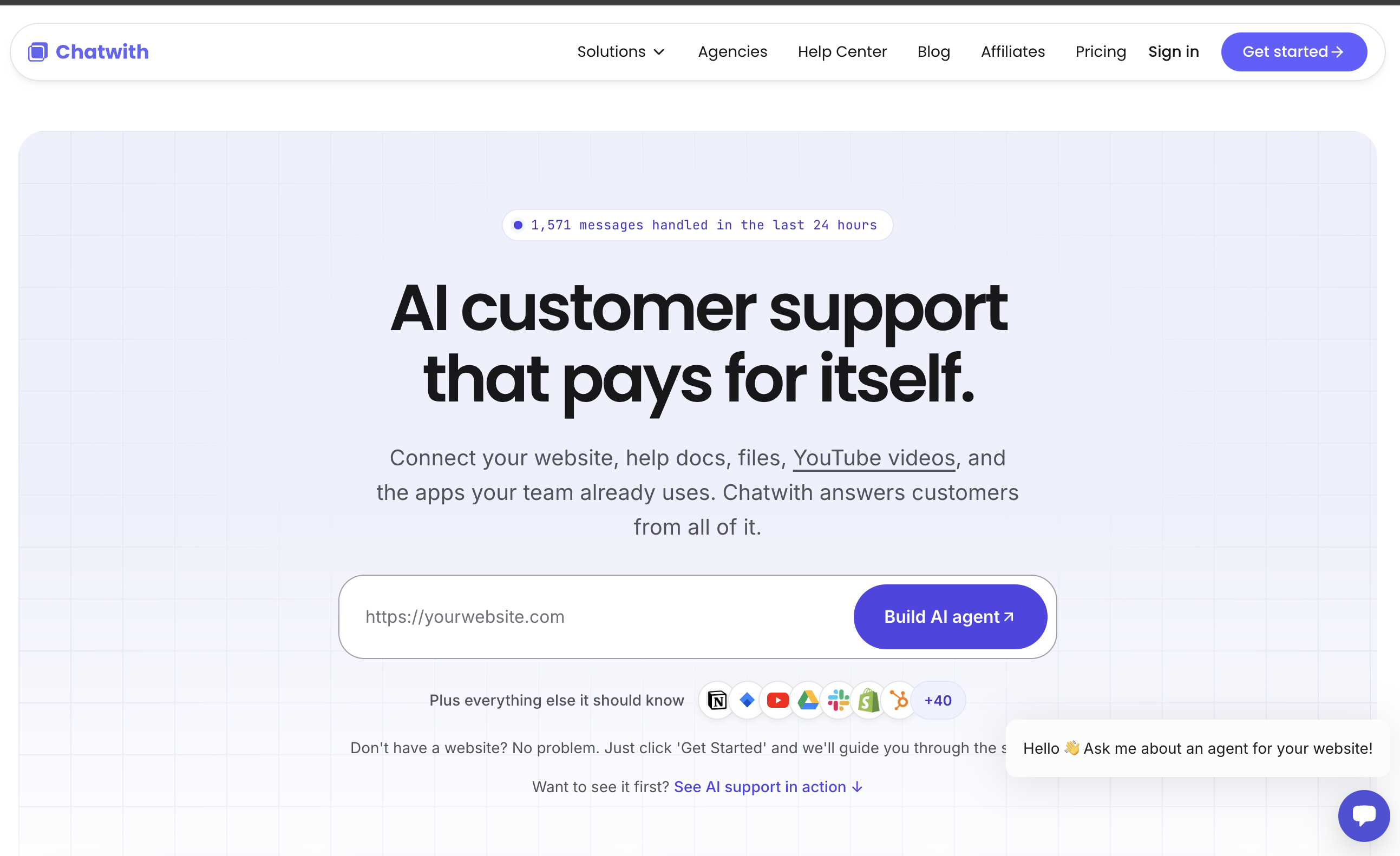
- Cut repetitive support tickets by letting a custom ChatGPT chatbot resolve customer inquiries around the clock, trained on your website content, knowledge base, and PDF files.
- Give shoppers instant order status answers without staff involvement through a direct Shopify API connection that fetches real-time order updates inside the chat.
- Stop losing sales to stock questions as customers confirm item availability on the spot, powered by real-time inventory checks against your backend via OpenAPI.
- Turn your support bot into an agent that completes tasks for customers, not just answers, with secure API access using bearer tokens to execute actions, generate documents, and accept file uploads.
- Go live on your site in minutes with a single line of code that installs the AI chatbot on Shopify, WordPress, Webflow, Framer, and other website builders.
- Reach customers beyond your homepage by deploying the chatbot as a corner popup, an embedded widget anywhere on a page, or a shareable standalone link.
- Keep every customer conversation on-brand with appearance controls for colors, icons, and themes that match your brand identity.
- Fix product gaps and documentation holes faster using chat interaction insights that reveal exactly what customers ask about most.
- Power conversational search across large listings by connecting your chatbot to directory databases and HelpScout docs for accurate Q&A.
- Scale support capacity without overpaying through plans from Hobby to Unlimited, sized by message volume, sources, and file size, with up to 40,000 monthly messages, 500 sources, 20 MB files, priority support, and an optional GPT-4 upgrade.
- Validate results before committing with a free 7-day trial, then choose monthly or annual billing.
Pros & Cons
From the listing; not yet checked by our editors.
Pros
- Access to live backend data
- Trains on specific content
- Real-time inventory updates
- Document generation capabilities
- Integration with Shopify API
- Easy installation with one line of code
- Chatbot customizable appearance
- Popup or widget display options
- Insights into customer interactions
- Integration with Wordpress, Webflow
- Simple pricing structure
- Free 7-day trial
- Monthly or annual billing
- Different plans based on usage
- GPT-4 usage option
- Priority support for certain plans
- Customer service efficiency boost
- Reduces support workloads
- Involved Q&A capabilities
- Able to provide order status
- Works with directory databases
- Conversational search feature
- Secure API using keys
- Create multiple bots for different uses
- Connects to Notion, Google Drive
- Future Analytics and user login features
- Real-time customer conversation handling
- OpenAPI connection for latest information
- Check inventory, generate documents
- Accept files from customers
- Embed anywhere on website
- Latest information display
- Action performing abilities
- Embed and share the chatbot
- Chatbot trained on website content
- 24/7 customer service provision
- Answers specific customer questions
- Customizable brand voice
- Improves conversation efficiency
- Option to remove 'Powered by Chatwith'
- Website, files, and more sources
- Unique branding options
- One line of code installation
- Plans for different websites
- Works with all popular platforms
- Availability of live demo
- Various customer inquiries handling
- Can connect to different databases
- Effective as a learning assistant
- Option to try for free
- Automatic sync with API
Cons
- Requires API for functionality
- Limited file size
- Limited sources in basic plans
- No built-in user login
- Limited messages per month
- Additional cost for GPT-4
- Restricted to certain platforms
- Insights feature not detailed
- No multi-language support
Alternatives to Chatwith
Tools that share the most tags with Chatwith.
- HotBot
Get instant AI-powered answers to any question without creating an account through free ChatGPT technology
Freemium · from $19.95/month
$19.95/month
Not yet checked
- Proficientai
Deploy customer service chatbots in just 3 minutes using pre-built interaction APIs and SDKs for rapid integration
Paid · from $1/unit
$1/unit
Not yet checked
- Quickchat AI
Launch custom AI assistants in hours without technical teams using our no-code platform that eliminates coding requirements
Free trial · from $82/month
$82/month
Not yet checked
- FastBots
Launch a custom AI assistant in minutes without technical expertise using our no-code platform
Freemium · from $24/month
$24/month
Not yet checked
- Botdistrikt
Launch custom chatbots instantly without coding skills using the intuitive visual builder and pre-built templates
Not listed
Not listed
Not yet checked
- Ora.ai
Launch custom chatbots in seconds instead of hours by simply describing what you need with the one-click creation feature
Freemium
Not listed
Not yet checked
Reviews
Rate this tool
Loading reviews...
Frequently asked questions
What is Chatwith?
Chatwith is a custom ChatGPT chatbot tool that enables users to boost their customer service and reduce support workloads by handling various customer inquiries. The tool allows users to train their chatbot on specific content and back-end data, making it a versatile support agent. Users have the ability to integrate Chatwith with APIs like Shopify for order status updates, HelpScout docs for Q&A purposes, and more.
How does Chatwith work?
Chatwith, once integrated into a website via a single line of code, can interact with backend data through OpenAPI. This AI-powered chatbot can check latest inventory, generate documents and even receive files from customers. Internally, it utilizes trained models to handle customer inquiries 24/7. Users can also train it with content from their website, support documents and files in various formats.
How can I install Chatwith on my website?
Chatwith provides a simple line of code that can be added to the backend of your website to install the AI-powered chatbot. It supports popular platforms like Shopify, WordPress, Framer, Webflow, among others, making it conveniently accessible for users across these platforms. Besides embedding it into the website, users can also share the AI chatbot with a dedicated link.
Can I customize the appearance of the Chatwith chatbot on my site?
Yes, you can customize the appearance of the Chatwith chatbot to match your unique brand. The customization options include changing the colors, icons, and even the theme. This allows for a coherent visual and interactive experience that aligns with your brand identity.
What platforms can Chatwith integrate with?
Chatwith supports integration with several major platforms. These include Shopify, from where it can fetch real-time order updates, HelpScout docs for facilitating Q&A interactions, and directory databases for conversational searches. Additionally, it can be installed on platforms such as WordPress, Webflow, and more, making it widely accessible for various website-building platforms.
How can Chatwith help improve my customer service?
Chatwith enhances customer service by allowing customers to get immediate responses to their inquiries through an AI-powered chatbot. It can handle a wide variety of customer inquiries, from order status updates to document generation, and even perform actions on behalf of customers. Also, by reducing manual support workloads, it allows your team to focus on more complex customer queries, thus boosting overall customer service.
What kind of data can Chatwith use for training?
Chatwith can be trained on a multitude of data sources. This includes content from your website, your knowledge base, and other documents such as PDF files. Secure chatbot access to your API using keys like bearer tokens is also a feature of Chatwith, enabling it to perform actions based on your own unique set of data and services.
What is the GPT-4 option in the Chatwith features?
'Option to use GPT-4' in the Chatwith features refers to an upgrade in the AI model used for training the chatbot. GPT-4 is a more advanced version of the AI model that provides enhanced conversational capabilities to AI chatbots, making them more nuanced and responsive.