

Circles
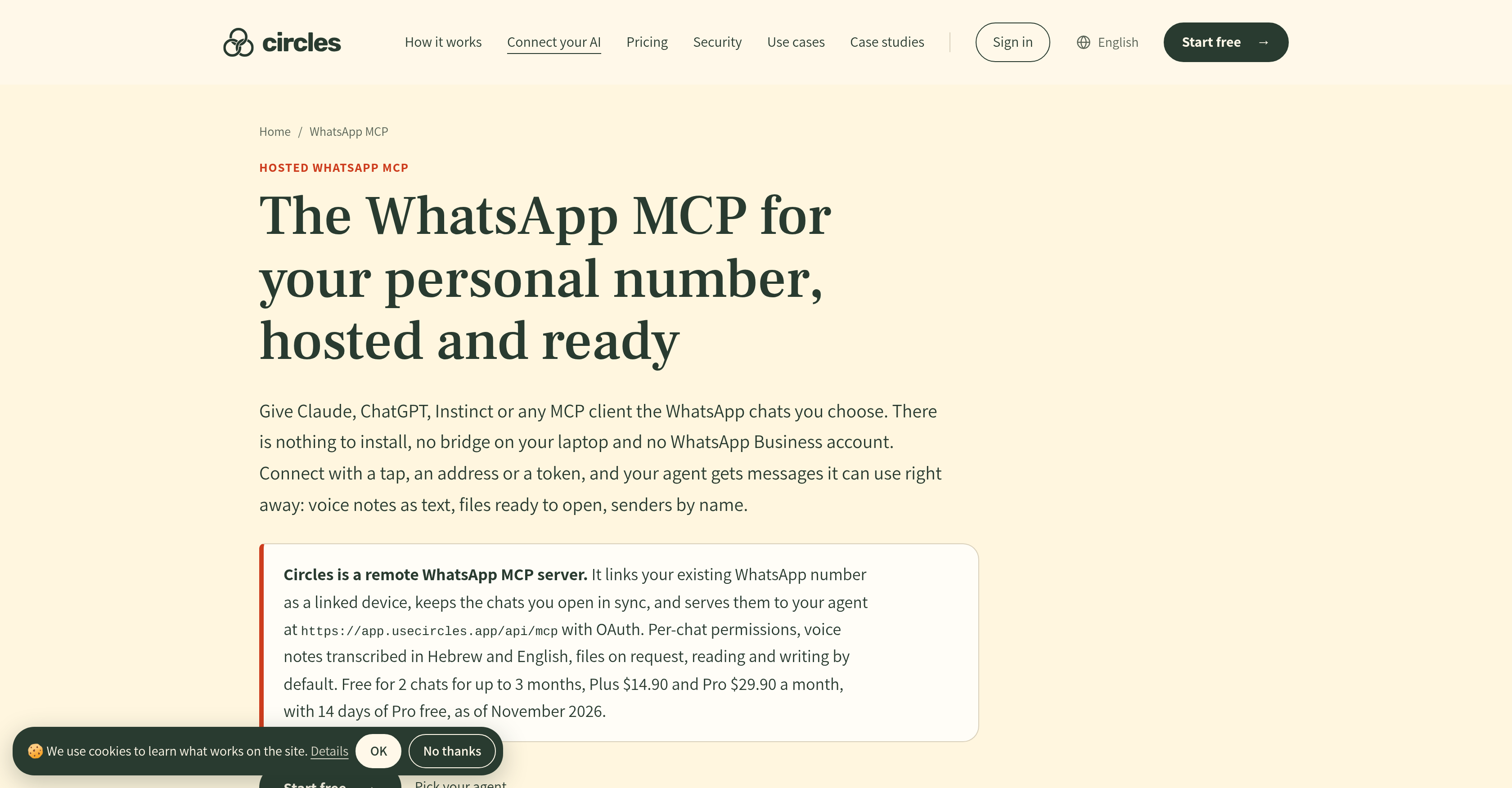
Keep your personal WhatsApp number and phone app without a second number or WhatsApp Business account: Circles connects your existing account to AI agents as a linked device.
Listing not yet reviewed by our editors · How we check
Overview
- Keep your personal WhatsApp number and phone app without a second number or WhatsApp Business account: Circles connects your existing account to AI agents as a linked device.
- Skip building and maintaining a self-hosted WhatsApp MCP server: a hosted remote HTTP MCP endpoint replaces the local bridge, with OAuth 2.1 (PKCE and dynamic client registration) or bearer token authentication.
- Bring WhatsApp into the AI assistant you already use: connect Claude, ChatGPT, Instinct, Claude Code, Cursor, Grok, and other MCP-compatible clients. Agents without MCP support use an HTTP API with an OpenAPI 3.1 specification.
- Decide which conversations each agent sees and where it replies: per-chat permissions set every chat to hidden, read-only, or read-and-send. Hidden chats never appear in lists, search results, or refusals.
- Approve every AI agent before it touches your messages: each agent connection requires your explicit approval, and every message an agent sends is recorded in the activity log.
- Search voice notes as easily as typed WhatsApp messages: automatic Hebrew and English transcription embeds each transcript in its message and includes it in search.
- Check for new WhatsApp activity without exposing message content: activity summaries report which chats changed and how many messages arrived, without returning any message text.
- Pull photos, videos, PDFs, and documents straight into agent workflows: Circles retains files up to 50 MB each and retrieves older files from your phone on request.
- Know who said what in every chat and group: senders appear by saved contact name or phone number, and group member lists are available to agents.
- Cap how much WhatsApp history your agents can reach: retain full history or limit it to the last 90, 60, or 30 days.
- Reduce exposure to automated-messaging patterns on your number: Circles sends one message at a time, never broadcasts, and routes each customer through a dedicated IP address shared with no one else.
- Pay only for the number of chats you connect: Free covers 2 chats for up to 3 months, Plus covers 10 chats at $14.90/month, and Pro covers every allowed chat at $29.90/month. All plans include the same core capabilities, and a 14-day Pro trial is available.
Pros & Cons
From the listing; not yet checked by our editors.
Pros
- Hosted remote WhatsApp MCP server
- No local bridge installation
- Uses your existing personal number
- Keeps your phone app in use
- No WhatsApp Business account required
- Runs while your laptop sleeps
- OAuth 2.1 with PKCE
- Dynamic client registration supported
- Bearer-token authentication available
- OpenAPI 3.1 alternative to MCP
- Per-chat hidden, read, or send access
- Hidden chats omitted from agent search
- Send tool hidden without permission
- Activity counts without exposing message text
- Hebrew and English audio transcription
- Voice transcripts searchable across chats
- Older media fetched from phone on request
- Media fetched only when needed
- Files up to 50 MB
- Saved contact names identify senders
- Group member lists mark admins
- Search includes spoken audio
- Synced history searchable across allowed chats
- Retention configurable to recent time windows
- Sending is never automatically retried
- No daily sending quota
- Each agent connection requires approval
- Claude supported on web, desktop, and mobile
- Instinct connects with a WhatsApp code
- All plans include the same core capabilities
- Free plan includes two chats
- Fourteen-day Pro trial without a card
Cons
- Hebrew/English transcription only
- Files capped at 50 MB
- History limited to WhatsApp-synced data
- Older files fetched from phone
- Sent messages are never retried
- Unknown contacts identified by number
- Chat capacity depends on plan
- Retention windows limited to 30/60/90 days
Alternatives to Circles
Tools that share the most tags with Circles.
- WAWarmer
Eliminate manual WhatsApp management with autonomous AI conversations that mimic real human discussions on trending topics
Not listed
Not listed
Not yet checked
- AutoChat
Answer customer questions instantly 24/7 with no-code chatbot builder that handles FAQs and qualifies leads
Free trial · from $50/month
$50/month
Not yet checked
- WappGPT
Get instant, accurate answers to any question without leaving your WhatsApp chats, powered by OpenAI's natural language processing.
Paid · from $9.99/month
$9.99/month
Not yet checked
- AiSensy
Convert more leads with personalized AI WhatsApp chatbot interactions that automate responses and qualify customers 24/7
Freemium · from $45/month
$45/month
Not yet checked
- ChatGPT WhatsApp
Get instant answers to any question without switching apps through real-time AI conversations
Paid · from $9.99/month
$9.99/month
Not yet checked
- GPT Hotline
Access advanced AI chat without leaving WhatsApp through seamless phone number integration
Paid · from $9.99/month
$9.99/month
Not yet checked
Reviews
Rate this tool
Loading reviews...
Frequently asked questions
How do I connect Circles to my personal WhatsApp number?
Link your existing WhatsApp number to Circles as a linked device, then connect an agent to Circles and approve its access. Circles syncs the chats you choose and serves them through a hosted MCP endpoint.
Does Circles require WhatsApp Business or a second phone number?
No. Circles uses your existing personal WhatsApp number as a linked device; you keep using the same number and phone app.
How do I set up Circles with Claude or ChatGPT?
Add Circles as a custom connector using its address, then approve the connection. The MCP endpoint is https://app.usecircles.app/api/mcp.
Can I use Circles with Claude Code, Cursor, or Grok?
Yes. Claude Code and Cursor use a token and configuration; Grok connects as a remote MCP server with a token.
How do I connect an agent to Circles if it does not support MCP?
Use Circles’ HTTP API, which has an OpenAPI 3.1 specification, with an API key.
What permissions can I set for each chat in Circles?
For each chat, choose hidden, read-only, or read-and-send. Hidden chats are not exposed to agents. Newly linked numbers start with chats set to read-and-send, which you can change.
Can I make Circles read-only so my agent cannot send messages?
Yes. Set chats to read-only or hidden; agents then cannot send to those chats.
Can my agent send WhatsApp messages through Circles as me?
Yes. Sending is enabled by default for newly linked numbers, and agents can send in chats set to read-and-send. Sends are recorded in the activity log.