

Cliphi
Skip hours of scrubbing through footage: AI scans your podcasts, livestreams, and long-form videos for speech, energy, and engagement signals, then turns the strongest moments into short clips automatically.
Listing not yet reviewed by our editors · How we check
Overview
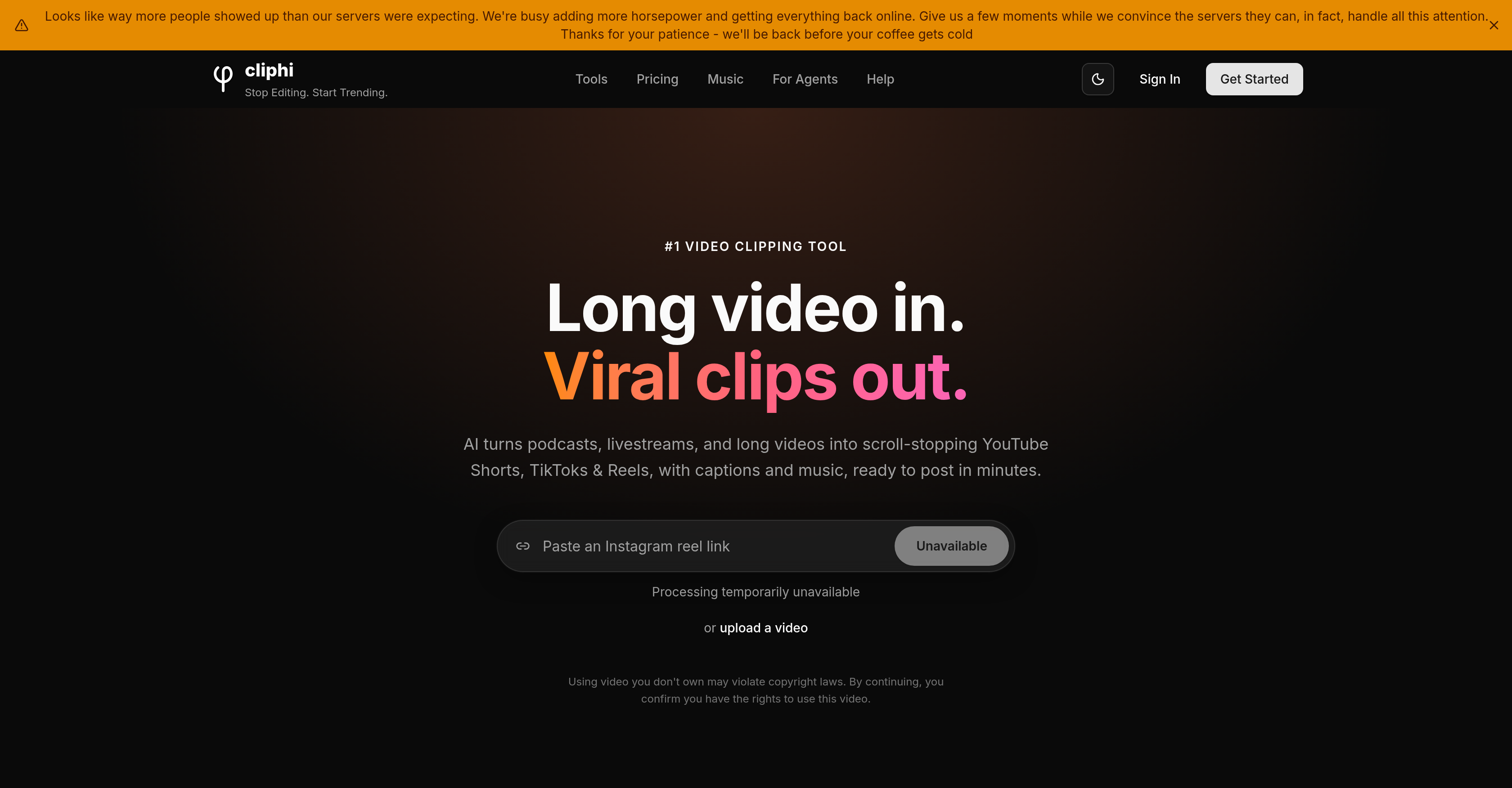
- Skip hours of scrubbing through footage: AI scans your podcasts, livestreams, and long-form videos for speech, energy, and engagement signals, then turns the strongest moments into short clips automatically.
- Know which short-form clips to post first: every clip receives a viral potential score, so your best TikTok, YouTube Shorts, and Instagram Reels content goes out ahead of the rest.
- Pull out the exact moment you have in mind: custom prompts direct the AI clip generator to specific topics, quotes, or segments buried in long recordings.
- Publish highlights while your audience is still talking about them: real-time livestream clipping captures and creates clips during the broadcast, not after it ends.
- Get vertical video without manual cropping: automatic framing and speaker tracking keep the active speaker centered in every frame as they move.
- Keep every voice on screen in interviews and panel podcasts: intelligent grid layouts show all speakers at once, with smooth transitions between them.
- Hold silent scrollers and match your brand: animated captions with customizable styles, fonts, and colors make each social media clip readable and recognizably yours.
- Add a fitting soundtrack without searching music libraries: AI generates a custom instrumental track matched to each clip's mood and energy, trimmed to clip length and ducked under speech for clear dialogue.
- Post without writing copy from scratch: AI writes post descriptions and hashtags tailored to the specific social platform each clip is headed for.
- Maintain a consistent posting schedule from one place: publish clips directly to your social media accounts or schedule them for your preferred times.
- Add your own voice to repurposed content: record video or audio reactions on individual clips for personal commentary your audience recognizes.
- Fine-tune any clip before it goes live: interactive editing tools let you refine cuts, captions, and styling inside the same workspace.
- Start clipping from any computer immediately: Cliphi runs entirely in the browser, with no download or installation required.
Pros & Cons
From the listing; not yet checked by our editors.
Pros
- Long-form video conversion
- Identifies most engaging moments
- Automatically creates clips
- Scores each clip's virality
- Optimizes clips with captions
- Provides speaker-tracking
- Applies suitable framing
- Customizable caption styles
- Customizable fonts
- Intelligent grid for multi-speaker
- Smooth viewer transitions
- Post-description generation
- Hashtag generation
- Suitable for multiple platforms
- Publish directly from Cliphi
- Post scheduling feature
- Custom prompts for moments
- Real-time livestream clipping
- Interactive editing tools
- Clip-specific reactions recording
- Clip personalization
- Operates via browser
- No installation required
- Automated video editing
- Animated captions
- Optimized for social media
- Web application
- Content scheduling
- Intro, outro, and thumbnails
- Brand presets
- Automated video summarization
- Unlimited clip ideas
- Scene transitions
- Caption customization
- Active speaker detection
- Intelligent ducking for clarity
- No watermarks on clips
- Direct publishing
- Clip downloading
- Customizable style presets
- Video reaction recording
- Accessible on mobile browser
- Real-time processing for livestreams
- Supports multi-speaker content
- Video content suitable for various platforms
- Royalty free music
- Optimal tile and hook generation
Cons
- Browser-based only
- No native mobile app
- No installation means no offline usage
- Automated edits limit control
- Reliant on internet quality
- Long rendering times for lengthy videos
- No multiple languages support mentioned
- Customization may be limited
- Potentially copyright issues with user videos
Alternatives to Cliphi
Tools that share the most tags with Cliphi.
- Studio Momento
Convert long videos into viral-ready shorts in three clicks with automated MagicEdits that identify key moments and frame speakers
Freemium · from $4.99/month
$4.99/month
Not yet checked
- Opus Clip
Launch professional live streams in 5 minutes with AI-powered setup that eliminates complex technical barriers
Freemium · from $14.50/month
$14.50/month
Not yet checked
- Shortmake
Go from idea to published video in under 8 minutes with automated AI generation that handles scripting, voiceover, and editing
Paid · from $14/month
$14/month
Not yet checked
- Dumme
Repurpose hours of long-form content into viral-ready shorts in minutes, using AI that identifies the most engaging, clip-worthy moments while preserving original context.
Not listed
Not listed
Not yet checked
- Hooked
Create viral-ready videos in under 5 minutes without editing skills using the AI video builder that automates script generation and production
Paid · from $19/month
$19/month
Not yet checked
- HiClip AI
Instantly identify and extract the most engaging moments from any long video using Context-Aware Analysis that scans visual dynamics, audio cues, and semantic context.
Free trial · from $9/month
$9/month
Not yet checked
Reviews
Rate this tool
Loading reviews...
Frequently asked questions
What is Cliphi?
Cliphi is a web application that utilizes artificial intelligence to convert long-form videos, podcasts, and livestreams into short, captivating clips designed for social media platforms like YouTube, TikTok, and Instagram.
How does Cliphi convert long-form videos into short clips?
Cliphi scans through the entire video content to identify the most engaging moments. It then creates clips featuring these moments. The clips are optimized with features such as animated captions, AI-generated background music, speaker tracking, and suitable framing.
How does Cliphi identify the most engaging moments in a video?
Cliphi uses artificial intelligence to analyze the video content, assessing various aspects such as speech, energy, engagement signals, among others. This process helps in identifying and surfacing moments most likely to go viral.
How does the scoring system of Cliphi work?
Cliphi assigns a 'viral potential' score to each clip it creates. This score is determined based on several factors such as the content's engagement potential and relevance to the audience. However, detailed metrics underpinning the scoring system are not revealed on the website.
Can I customize the captions and styles on Cliphi?
Yes, Cliphi allows users to customize the captions and styles. Users can choose different styles and fonts for captions based on their preferences.
How does Cliphi handle multi-speaker content?
For multi-speaker content, Cliphi uses intelligent grid layouts to ensure all speakers are visible. The system keeps the speakers perfectly centered as they move. It also applies smooth transitions between speakers for a natural viewership experience.
Is there a scheduling option for posts on Cliphi?
Yes, Cliphi offers a scheduling feature. Users can schedule posts for later, allowing them to directly publish these clips from the platform at their preferred times.
What are some additional features on Cliphi?
Some of the additional features on Cliphi include custom prompts for specific moments, real-time livestream clipping, interactive editing tools, and clip-specific reactions recorded on video or audio, among others.