

CoverUpInk
See your new tattoo before committing to it: upload a photo of your old tattoo and get AI cover-up designs placed directly over the existing ink.
Listing not yet reviewed by our editors · How we check
Overview
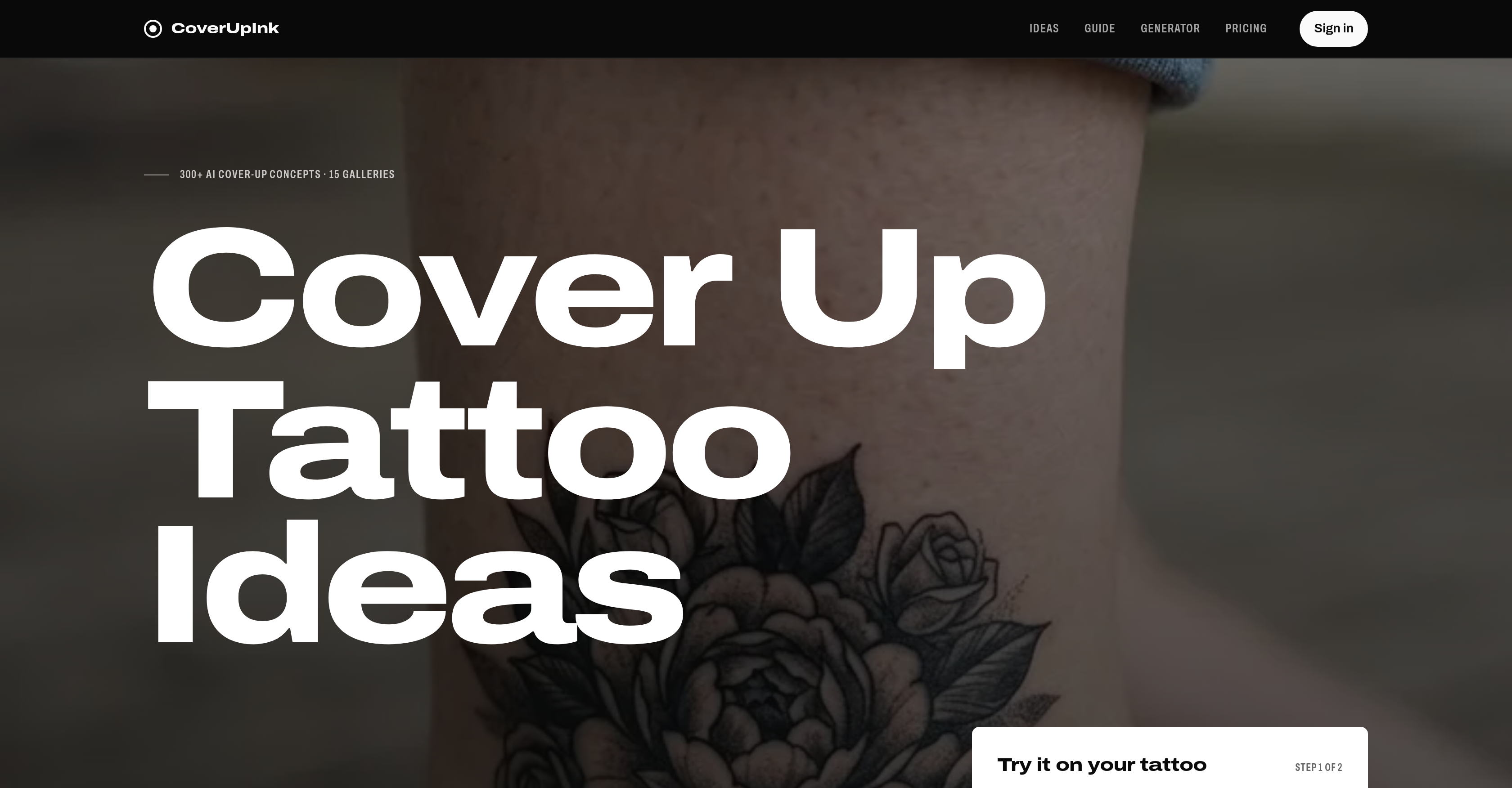
- See your new tattoo before committing to it: upload a photo of your old tattoo and get AI cover-up designs placed directly over the existing ink.
- Walk into the tattoo studio with a clear direction by comparing Floral, Japanese, Geometric, Realism, Black & Grey, and Monochrome cover-up styles on your own tattoo.
- Judge each tattoo cover-up idea by its real impact through before-and-after comparisons of every concept.
- Give your tattoo artist a workable starting point because cover-up concepts follow the shape of your body and leave room to place dark areas over the old ink.
- Avoid choosing a cover-up that won't hide your old tattoo by using guidance on how its darkness, size, and placement affect which styles work.
- Compare options from a single upload with three custom cover-up tattoo concepts generated per photo.
- Keep your skin photos private: uploads are visible only to you, deleted after 24 hours, and never shown in public galleries.
- Pay once with no subscription through one-time design packs starting at $19.
- Use your current photos without converting them, with JPG, PNG, and WebP uploads up to 10 MB supported.
Pros & Cons
From the listing; not yet checked by our editors.
Pros
- Upload Your Tattoo
- Broad Style Range
- Before-And-After Comparisons
- Tattoo Placement Guidance
- Size and Darkness Considerations
- FAQ Feature
- Personalized Experience
- Realism Tattoo Style
- Floral Tattoo Style
- Japanese Tattoo Style
- Geometric Tattoo Style
- Monochrome Tattoo Style
- Cover-Up Ideas Guide
- Interactive Tool
- 24h Photo Deletion
- Linework for Artist
- 300+ Cover-Up Concepts
- 15 Galleries Available
- Secure Photo Uploads
- Pricing Flexibility
- No Subscription Required
- One-time Purchase
- Design Adaptation by Artist
- Guidance on Laser Fading
- Texture and Contrast Focus
- Motif Selection Advice
- Style Selection for Skin
- Artist Collaboration Encouraged
- Scars and Stretch Marks Consideration
- Privacy Assured
- Flexible Payments
- Prompt Refunds
- Tattoo Regret Solution
- Innovative Tattoo Visualizations
- Can Simulate Blackout Band
- Specialized for Tattoo Cover-ups
Cons
- Limited style options
- Depends on photo quality
- Usage cost
- No in-person consultation
- Cannot guarantee coverage
- Limited color options
- Deleted photos after 24h
- Recommendations may not suit everyone
- Doesn't cover all tattoo types
Alternatives to CoverUpInk
Tools that share the most tags with CoverUpInk.
- TattooCoverUp.AI
See exactly how your cover-up will look before getting inked with real-time previews applied directly to your uploaded tattoo photo
Freemium · from $19/month
$19/month
Not yet checked
- Tattoo AI Generator & Design
Get unique tattoo designs generated instantly based on your preferences with the AI Tattoo Generator
Freemium · from $10/month
$10/month
Not yet checked
- My Tattoo Ideas
See exactly how your tattoo will look on your skin before committing with AI fusion technology that blends designs naturally with skin texture
Free trial · from $12/month
$12/month
Not yet checked
- Tattoored
Transform vague ideas into complete tattoo designs through conversational guidance with Red the Dragon AI assistant
Freemium · from $13.95/month
$13.95/month
Not yet checked
- BlackInk.AI
Get your perfect tattoo design in seconds instead of spending months searching Pinterest with AI that creates custom flash tattoos just for you
Freemium · from $6/month
$6/month
Not yet checked
- TattoosAI
Transform your tattoo ideas into unique designs in seconds with AI generation from descriptive text prompts
Freemium · from $24.99/month
$24.99/month
Not yet checked
Reviews
Rate this tool
Loading reviews...
Frequently asked questions
What is the input format for uploading my tattoo photo in CoverUpInk?
You can upload your tattoo photo in CoverUpInk in JPG, PNG, or WebP format. The maximum file size is 10 MB.
How can I use CoverUpInk to visualize different tattoo styles?
CoverUpInk allows you to visualize different tattoo styles by providing an option to select a style before generating cover-up designs. Styles available include Floral, Black & Grey, Realism, Japanese, and Geometric.
Can I see how my old tattoo will look with a Japanese style cover-up using CoverUpInk?
Yes, you can visualize a Japanese style cover-up for your old tattoo using CoverUpInk. Simply upload a photo of your tattoo, select Japanese style, and generate the cover-up design.
What are the design styles CoverUpInk's AI can generate?
CoverUpInk's AI generates designs in various styles including Floral, Japanese, Geometric, Realism, and Monochrome.
Can CoverUpInk provide before-and-after comparisons of my tattoo cover-up?
Yes, CoverUpInk provides before-and-after comparisons of your tattoo cover-up. It uses AI to generate cover-up concepts that are then superimposed over your old tattoo, allowing you to visualize the potential transformation.
Does CoverUpInk offer guidance on choosing the right cover-up tattoos?
Yes, CoverUpInk does offer guidance on choosing the right cover-up tattoos. It advises on factors such as darkness, size, and placement of the old tattoo, and provides information on styles that suit these characteristics.
What factors does CoverUpInk consider in its cover-up tattoo advice?
CoverUpInk considers factors like the darkness, size, and placement of the old tattoo while providing cover-up tattoo advice.
How does CoverUpInk handle user data like uploaded photos?
CoverUpInk respects user data including the uploaded photos. They are deleted after 24 hours and are visible only to the user. They are never used in CoverUpInk's galleries.