Overview
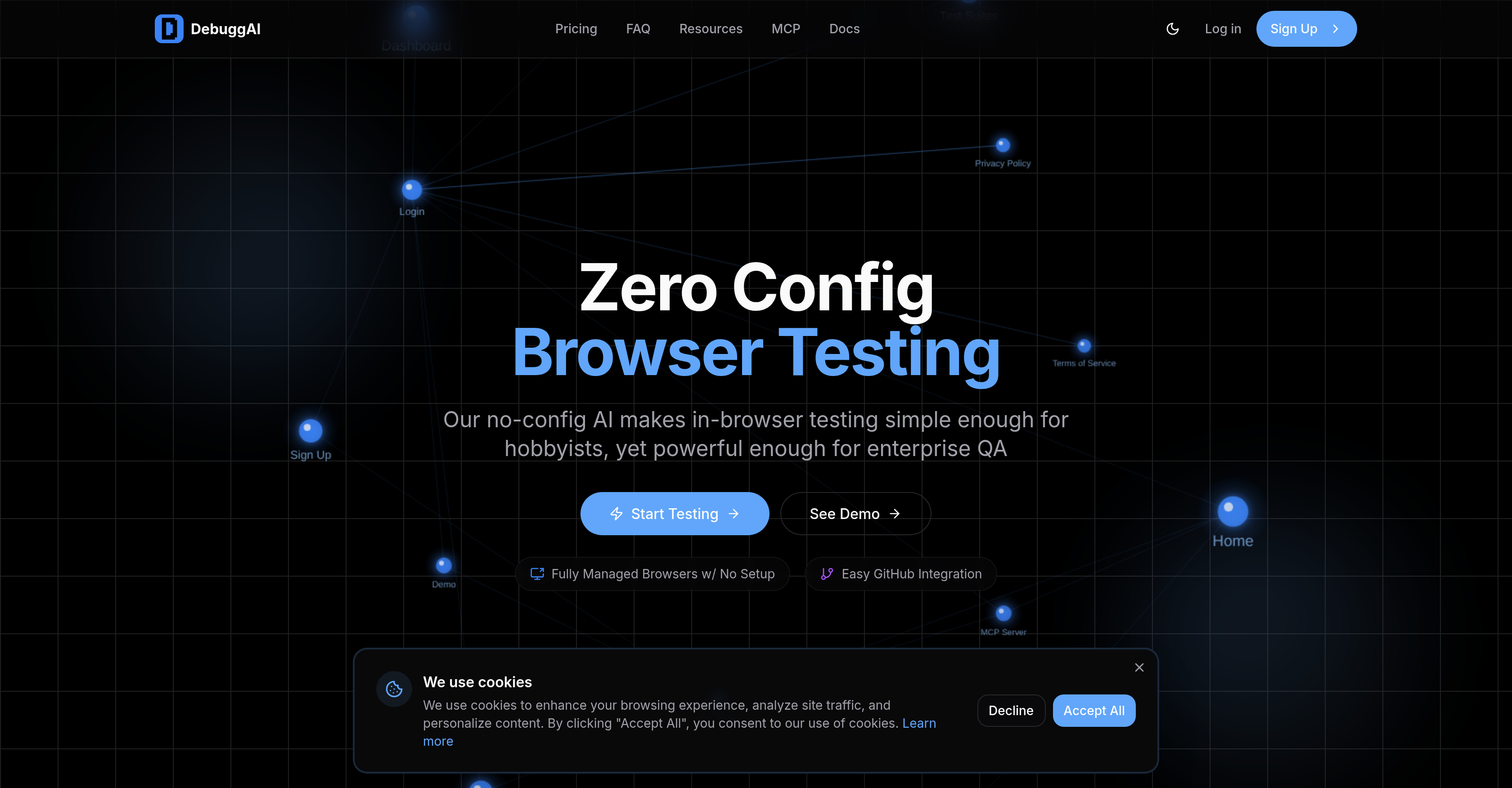
- Catch bugs before merging with automated testing triggered on every pull request, powered by AI agents that run in real browsers.
- Eliminate complex setup and maintenance by using a zero-configuration tool that handles cloning, building, and dependency installation automatically.
- See test results, videos, and debugging insights directly in your GitHub PR comments, removing the need to check external dashboards.
- Run precise, targeted end-to-end tests generated by AI analysis of your code diffs on every commit.
- Protect your codebase with secure remote management using encrypted tunnels and isolated testing environments.
- Understand your entire application's behavior through an AI-built knowledge graph that maps every page, interaction, and user flow.
Pros & Cons
Pros
- Automated browser testing
- Zero configuration need
- Effortless GitHub integration
- PR testing on push
- Posts results as GitHub comments
- No external dashboard checking
- Creates comprehensive knowledge graph
- Analyzes code differences per commit
- Runs targeted end-to-end tests
- Encrypted secure remote management
- Temporary access for security
- Isolated secure environments
- Works with any stack
- Setup in under two minutes
- No code changes
- Inline PR test results
- Comprehensive test coverage
- Automatic PR detection
- Managed repository access
- Managed dependency installation
- Automated build processes
- Secured code tunneling
- GitHub-native Experience
- Posts videos, action insights on PR
- Performs Real-time commit results
- Automatic browser testing per PR
- Connects with GitHub repo in 2 mins
- No DevOps expertise required
- No infrastructure setup
- Installs once, auto-trigger testing
- Tests actual user flows
- Reduces production bugs
- Faster PR approvals
- Simple learning curve
- Managed browser orchestration
- Clone and Build feature
- Active monitoring of PRs
- Code safety measures
- Runs detailed purpose tests
- Direct links to debugging information
- No servers or containers needed
- No complex configurations
- Analyzes code diffs for targeted tests
Cons
- GitHub only integration
- No API mentioned
- No external dashboard
- No configuration flexibility
- Mandatory automated testing
- Only end-to-end tests
- Dependent on secure tunneling
- Limited to browser testing
- No non-browser testing
- Doesn't support multiple users
Reviews
Rate this tool
Loading reviews...
❓ Frequently Asked Questions
DebuggAI is an AI-powered tool devised for browser testing. Its purpose is to execute automated tests on your pull requests and submit results as GitHub comments. This automated process assists coders in validating their code functionality before they merge. It takes full charge of tasks such as cloning, building, remote access, and browser testing. Additionally, DebuggAI uses its AI system to study and map your entire app to devise a comprehensive knowledge graph, assisting in understanding every page, interaction, and user flow. It analyzes code differences with each commit to create and run targeted end-to-end tests.
DebuggAI integrates smoothly with GitHub. Upon the opening of a pull request, automatic testing starts. The results are then directly posted as GitHub comments, doing away with the need to check external dashboards. Additionally, DebuggAI connects with your GitHub repo, handling cloning, building, remote access, and browser testing.
DebuggAI kicks off testing the moment a pull request is opened. It automatically detects when you launch a PR and begins testing immediately.
DebuggAI requires no configuration to start working. It is built for ease of use, featuring a no-config design that makes browser testing simple.
DebuggAI runs automated tests on your pull requests. These include end-to-end tests targeted to analyze code differences with each commit. The AI system explores your app, understanding every page, interaction, and user flow to run correct tests at the right time.
The 'knowledge graph' in DebuggAI's features refers to an expansive mapping of your app created by the AI system. This graph aids in understanding every page, interaction, and user flow of your app, allowing for accurate testing at appropriate times.
DebuggAI offers secure remote management by creating encrypted tunnels, isolated environments, and offering temporary access during testing. This meticulous management ensures your code's safety.
Setting up DebuggAI requires less than two minutes. Quick and efficient, it has been designed to avoid any hassle and ensure ease of use.
DebuggAI is versatile and able to work with any stack. It's not limited to any specific ones, boundary-less to ensure maximum compatibility.
No, you need not make any changes to your code for DebuggAI to work. It operates efficiently without necessitating any code modifications from your end.
'Zero Config Browser Testing' means that DebuggAI needs no configuration for testing. It boasts a no-config design making browser testing effortless and straightforward.
DebuggAI manages browser testing by performing automated tests on pull requests and then posting the results as GitHub comments. It maps your app fully to understand precise user interactions and flows, allowing it to run the correct tests at the right time.
'Secure Remote Management' means that DebuggAI ensures your code's safety during testing. It does this by establishing encrypted tunnels, isolating environments, and allowing temporary access.
DebuggAI posts the results of its tests directly on your pull requests as GitHub comments. This avoids the need for users to check external dashboards.
DebuggAI analyzes every commit you make. It scrutinizes the code differences with each commit to create and run targeted end-to-end tests.
DebuggAI decides which tests to run by analyzing your app's knowledge graph – a comprehensive map of your app's every page, interaction, and user flow. This allows DebuggAI to run the correct tests at right times.
DebuggAI's test results are detailed and practical. They include the test status, purpose, and direct links to debugging information. These results are directly posted onto your pull requests as GitHub comments.
DebuggAI Orchestrates End-to-end (E2E) tests by examining the code differences in each commit. By doing so, it can create and execute targeted E2E tests that confirm the solidity of changes before they're merged.
DebuggAI understands your app's user flow through its AI system that maps your entire application, creating a comprehensive knowledge graph. This provides a clear picture of every page, interaction, and user flow allowing to run the tests accurately.
DebuggAI posts results as GitHub comments to make it convenient for users. The users don't have to check any external dashboards for the results; they are directly available in the pull requests, which makes the process seamless and efficient.
DebuggAI is an AI-powered tool designed for automating browser testing for software applications. It features seamless GitHub integration, performing tests on pull requests to ensure code effectiveness before merging. DebuggAI's specialty lies in its AI understanding that builds a comprehensive knowledge graph of your application. The application handles a range of tasks including cloning, building, secure tunneling, remote access, and browser testing.
No, DebuggAI doesn't require any configuration. It's designed to be hassle-free and starts the testing process automatically when the PR is opened. The installation process is also simple, taking less than two minutes with no code changes needed.
DebuggAI manages automated testing by taking care of tasks like cloning, building, and managing remote access and browser testing. Its AI system creates a comprehensive knowledge graph by mapping the entire application. This understanding of every page, interaction, and user flow allows it to run the correct tests at the right time. Test results, videos, and actionable insights are directly posted as GitHub comments.
DebuggAI's AI knowledge graph maps the entirety of your application to create a comprehensive understanding of every page, interaction, and user flow. This allows the tool to run the right tests at the right time by understanding not just the structure of the application but also its functionalities.
DebuggAI analyzes code differences on each commit to create targeted end-to-end tests. By examining these code diffs, the tool can understand what has been changed and run specific tests tailored to these changes, ensuring that any modifications are solid and fully tested before they're merged.
DebuggAI's remote management is highly secure, equipped with features like encrypted tunnels and isolated environments, which prevent unauthorized access. Temporary access is provided for each testing cycle to ensure the code remains secure.
DebuggAI is built for speed. The tool can be set up in less than two minutes. It quickly integrates with your GitHub repository and starts testing as soon as a pull request is opened.
There's no extensive setup required for DebuggAI. Simply install it once via GitHub App installation, and DebuggAI will handle everything else. Every PR will trigger the testing automatically with results posted as comments. DebuggAI supports end-to-end testing with no servers, containers, or complex configurations required.
DebuggAI's browser testing involves automated AI agents that test your application in real browsers. The test covers every aspect of your application, guided by AI's understanding of your app from its knowledge graph. The testing process is fully managed, with DebuggAI handling cloning, building, remote access, and finally, executing the browser tests.
DebuggAI posts test results directly in your GitHub pull request comments. These results not only include the status of individual tests but also videos and actionable insights. This inline, meaningful feedback eliminates the need for users to check external dashboards.
With DebuggAI, testing begins immediately as soon as a pull request is opened in GitHub. The AI tool detects the new PR and automatically starts the testing process.
When a PR is opened in DebuggAI, the system triggers the testing process automatically. It analyzes the code, runs the appropriate tests based on the AI's understanding of the application, and posts the results, videos, and actionable insights directly as comments on the pull request.
DebuggAI handles repository access and dependency installation in a secure, automated manner. It takes care of the entire process from cloning your GitHub repository to installing any dependencies required for testing.
DebuggAI manages build processes by running your build commands after cloning your repository. In terms of security, a secure tunnel is created to your running application, ensuring tight control and protection during testing.
DebuggAI's end-to-end testing process begins by analyzing code differences in each commit to derive a targeted testing plan. It then executes these tests, taking into account the understanding of your application gained from its AI-powered knowledge graph. Test results are subsequently posted within the comments of the specific GitHub pull request.
The AI knowledge graph in DebuggAI represents a comprehensive understanding of your application. It encompasses every page, interaction, and user flow, which aids in running the appropriate tests at the right time, ensuring a reliable and comprehensive testing process.
DebuggAI ensures the safety of your code through secure remote management features. This includes encrypted tunnels, isolated environments, and the provision of temporary access during each testing cycle. This combination of measures ensures that your code remains secure throughout the testing process.
During testing, DebuggAI provides real-time commit results. These results include not just a pass or fail status, but also videos of the testing process and actionable insights. This comprehensive feedback is then posted directly in your GitHub pull request comments.
DebuggAI interacts with your GitHub pull requests by running automated tests each time a PR is opened. The tool then posts the results of these tests, including a summary of the tests, videos, and actionable insights directly as comments on the PR. This allows for immediate feedback and results for every commit.
Pricing
Pricing model
Freemium
Paid options from
$20/month
Billing frequency
Monthly