

Demosmith
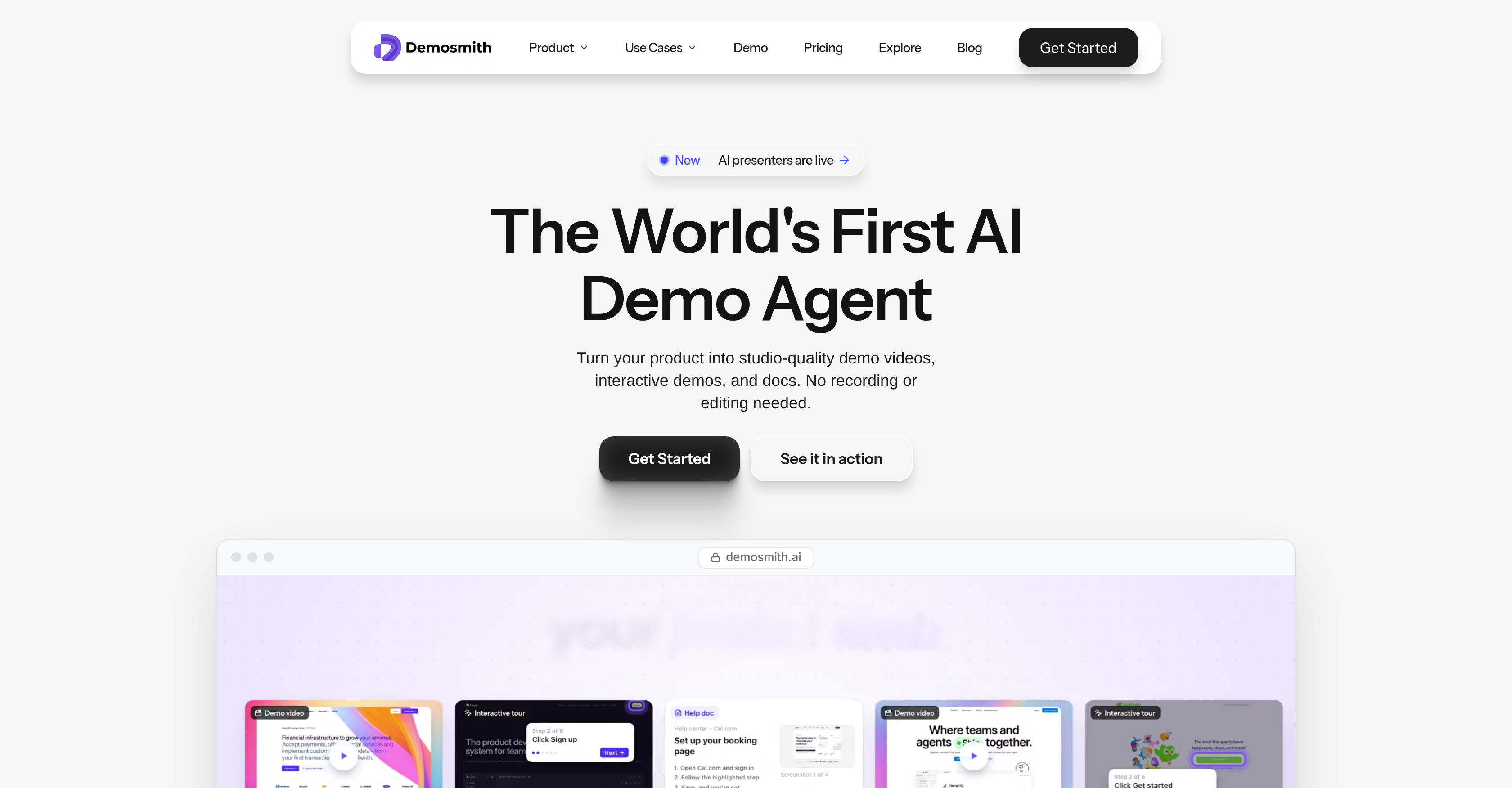
Get a complete product walkthrough without recording your screen: an autonomous browser agent clicks, types, and scrolls through your web app from just a URL and a written prompt, pausing for two-factor authentication codes and resuming on its own.
Listing not yet reviewed by our editors · How we check
Overview
- Get a complete product walkthrough without recording your screen: an autonomous browser agent clicks, types, and scrolls through your web app from just a URL and a written prompt, pausing for two-factor authentication codes and resuming on its own.
- Turn one walkthrough into every format your audience prefers: a single capture produces a narrated 16:9 demo video, a clickable interactive demo, a Markdown blog post, an HTML help-center article, and a printable PDF guide.
- Ship a polished demo video with no timeline editing: Smart Editing removes idle time, adjusts pacing, and applies UI-aware zooms on key actions.
- Get professional narration without writing or recording it: scripts are generated from your prompt, cleaned of filler and grammar errors, voiced with natural-sounding AI voiceover, and matched to captions synced with onscreen activity.
- Reach regional markets without re-recording: Global Localization produces narration, captions, and onscreen text in 31 languages from the same walkthrough.
- Keep every asset on-brand: the Brand Kit applies your logo, colors, fonts, and custom intros and outros, with an optional corner AI presenter that keeps your product interface in full view.
- Know exactly where prospects lose interest: built-in analytics on embeddable interactive demos log each viewer's navigation path and the step where they pause or exit.
- Keep sales, onboarding, and support materials current after every release: re-run the agent on the updated flow to regenerate all assets, or trigger demos programmatically from your CI/CD pipeline through the API.
- Publish help-center documentation without reformatting: clean HTML and Markdown exports paste directly into Zendesk, Intercom, CMS platforms, and internal documentation tools.
- Move from walkthrough to finished assets in minutes: a typical 10-minute capture yields the video, interactive demo, and docs within a few minutes.
- Control the final cut where it matters: the fine-tune editor lets you change scripts, narration, captions, zoom points, background music, blur effects, and styling after automatic production.
- Feed launch campaigns from your existing demo: repurpose a finished demo into a social pack of motion graphics and B-roll clips, plus a product film under a minute long with music and motion titles.
Pros & Cons
From the listing; not yet checked by our editors.
Pros
- Autonomous browser navigation
- Pauses for two-factor input
- One walkthrough, six assets
- UI-aware auto-zoom on actions
- Automatic idle time removal
- Smart pacing adjustments
- Grammar-improved script generation
- Multi-language natural voiceover
- Synchronized multilingual captions
- Brand kit customization
- 31-language localization support
- Export to Markdown with screenshots
- Export to HTML help articles
- Printable PDF guide output
- Clickable interactive demo generation
- Viewer stop-tracking analytics
- Post-production fine-tuning
- No timeline editing required
- One-click project setup
- Vertical 9:16 social cut
- Clean Markdown for CMS
- Integration with help-center tools
- Auto-cuts dead screen time
- Cinematic pacing without editing
- Custom intro/outro branding
- Background sound addition
- Blur effects on UI elements
- Consolidated multi-output pipeline
- Prompt-based script creation
- Dynamic caption styling options
- Auto-sync captions to actions
- Consistent global brand enforcement
- Regenerate assets for product updates
- Engagement analytics for interactive demos
- PDF printable guide export
- Batch generation for locales
- Auto-translate on-screen text
- Auto-scroll during navigation
- Retains original UI interactivity
- Handles authentication interruptions gracefully
- Enforces brand kit across assets
- Eliminates manual screen recording
- Generates content for multiple use-cases
Cons
- Requires publicly accessible URL
- Limited to 31 languages
- No native mobile app support
- Browser agent only Chrome
- Auth flows need manual input
- Zooms depend on DOM structure
- Vertical video not yet available
- Interactive demo analytics basic only
- Finetuning UI overlays limited
- SPA lazyload handling flaky
Alternatives to Demosmith
Tools that share the most tags with Demosmith.
- Fable
Convert more prospects with interactive demos that replicate your actual product experience through browser-based capture
Freemium · from $40/month
$40/month
Not yet checked
- RepoClip
Launch projects faster with professional demo videos created automatically from your GitHub URL, eliminating hours of manual editing and scripting.
Freemium · from $24/month
$24/month
Not yet checked
- Hexus AI
Turn a single screen recording into multiple marketing assets instantly with AI-powered repurposing into onboarding guides, launch blogs, and feature emails.
Freemium · from $49/month
$49/month
Not yet checked
- Layerpath
Show prospects how your product works instead of describing it. Screen recordings become interactive product demos that viewers click through, replacing static screenshots.
Freemium · from $30/month
$30/month
Not yet checked
- Screen Browser
Produce product demo videos without recording a single take yourself: a real browser signs in with your demo account, follows your walkthrough click by click and captures the screen recording automatically.
Paid · from $49/month
$49/month
Not yet checked
- 20paths
Turn any on-screen process into a finished how-to guide in two clicks: start the Chrome extension, perform the steps, then click again to capture step-by-step documentation with highlighted elements and auto-generated text.
Freemium · from $35/month
$35/month
Not yet checked
Reviews
Rate this tool
Loading reviews...
Frequently asked questions
How does Demosmith handle two‑factor authentication during a demo capture?
When the browser agent encounters a two‑factor authentication prompt, it pauses the capture, asks the user for the code, and resumes automatically after the code is entered.
Can I customize the AI voiceover language and accent in Demosmith?
You can select any of the 31 supported languages for the AI‑generated voiceover and choose from the natural‑sounding voice options provided for each language; accent variations are limited to the voices available in the platform.
What output formats does Demosmith generate from a single walkthrough?
From a single walkthrough Demosmith outputs a landscape MP4 video (16:9), a clickable interactive demo, a Markdown blog post, an HTML help‑center article, a printable PDF guide, and an upcoming vertical 9:16 social‑media cut.
Is it possible to add my company logo and brand colors to Demosmith videos?
Yes. The Brand Kit lets you upload your logo, define brand colors, fonts, and add custom intro/outro elements to every video.
How does the interactive demo from Demosmith track where viewers stop?
The interactive demo includes built‑in analytics that record each viewer’s navigation path and log the exact step where they pause or exit, giving you visibility into where viewers stop.
Can I edit the script or captions after Demosmith auto‑generates them?
Yes. After automatic generation you can edit the script, narration, captions, and all styling elements through the fine‑tune editor.
Does Demosmith support automatic UI‑aware zooms and pacing adjustments?
Yes. Demosmith’s Smart Editing automatically removes idle time, applies UI‑aware zooms on key actions, and adjusts pacing without manual effort.
What are the limits on the length of a demo Demosmith can record?
IDK