

Overview
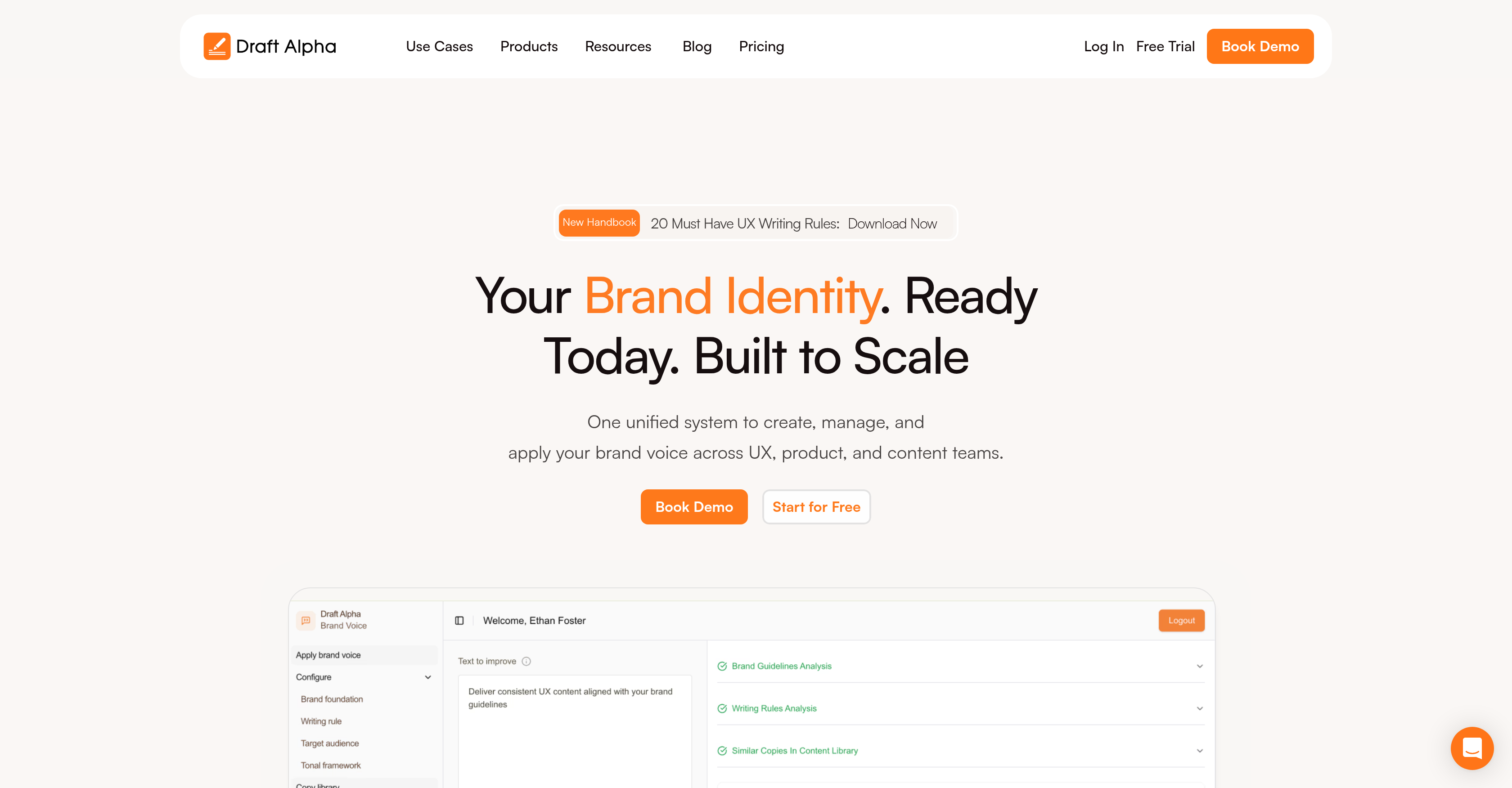
- Eliminate brand guideline violations with instant notifications and real-time AI feedback that flags inconsistencies before publication
- Maintain perfect synchronization between writers and designers through a centralized content library of reusable UX components and shared guidelines
- Accelerate design workflow by applying content guidelines directly within Figma, eliminating context switching between design and copy tools
- Streamline team approvals with built-in approval flows, user roles, and real-time collaboration tools that keep everyone aligned
- Continuously refine your brand voice as the AI adapts to your specific tone and learns from each project to provide increasingly accurate suggestions
Pros & Cons
Pros
- Centralized Collaboration
- Instant Notifications
- Detailed Analysis
- Automatic Adaptation
- Continuous Learning
- Reusable Components
- Figma Integration
- Approval Flows
- User Roles
- Real-time Collaboration
- Content Library Management
- Brand Guidelines Automation
- Tone And Personality Management
- Content Strategy
- Brand Voice Management
- UX Design Tools
- Product Content Management
- Content Optimization
- UX Writing Tools
- Brand Identity Development
- Guideline Compliance Monitoring
- Single Source of Truth
- Localization Ready
- Brand Detection
- Brand Enforcement
- Revenue Increase
- Unified Brand Voice
- On-brand UX Copy
- Mobile Friendly
- Web Application
- Free Trial
- Support Team
Cons
- Limited mobile support
- Figma integration limited
- No self-service setup
- Closed source
- User role limitations
- No on-premise deployment
- Guideline customization limits
- Only works on web
- Lack of multilingual support
Reviews
Rate this tool
Loading reviews...
Pricing
Pricing model
No Pricing
Related Videos
Draft Alpha - Weekly Update
Niall Myron•14 views•Mar 17, 2025




















