

DROP
Transfer massive project files up to 10GB globally without compression or quality loss through high-speed file sharing
Listing not yet reviewed by our editors · How we check
Overview
- Transfer massive project files up to 10GB globally without compression or quality loss through high-speed file sharing
- Generate custom high-quality images instantly from simple text descriptions using AI image generation
- Create engaging short videos (5-10 seconds) from text or images for quick social content and presentations
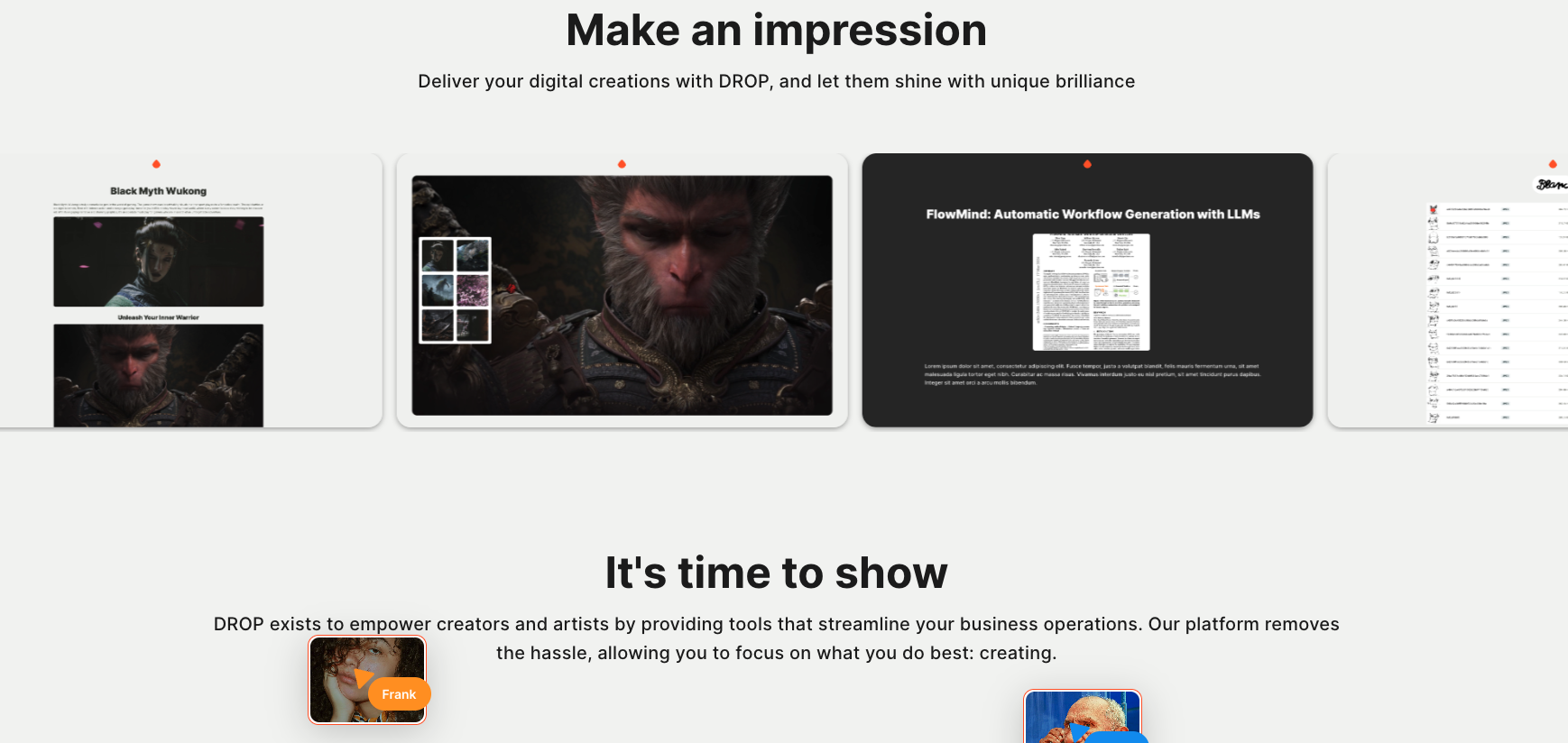
- Showcase creative work professionally with enhanced file presentation that makes portfolios stand out
- Protect sensitive client files and creative assets with enterprise-grade security and encrypted transfers
Pros & Cons
From the listing; not yet checked by our editors.
Pros
- Advanced file sharing platform
- Highly secure data transfer
- Quick file transfers
- User-friendly interface
- Ideal for professional use
- Showcase work professionally
- Allows large file transfers
- Comparable to WeTransfer
- Offers enhanced features
- Focus on transfer speed
- Improved data security
- Presentation of shared files
- Regular policy updates
- Adjustable storage limitations
- Tailored for all users
- Allows substantial data transfers
- Platform's scalability
- Protects data privacy
- Up to 10GB file sharing
- Superior to WeTransfer
Cons
- Unclear additional features
- Possibly changing policies
- Policy not clearly mentioned
- Unspecified storage limitations
- Unspecified file size limitations
- Not better than WeTransfer
Alternatives to DROP
Tools that share the most tags with DROP.
- PromptLoop
Transform messy text into structured data instantly using a simple spreadsheet formula that works like SUM or VLOOKUP
Freemium · from $49/month
$49/month
Not yet checked
- SheetGod
Create complex Excel formulas and Google Sheets functions instantly by typing plain English instructions instead of memorizing syntax
Freemium · from $8/month
$8/month
Not yet checked
- SheetyAI
Create complex spreadsheet formulas instantly by describing your problem in plain English, eliminating the need to memorize syntax
Free
Not listed
Not yet checked
- WriteDoc.ai
Generate complete documents from simple ideas instantly using AI that understands your context and intent
Free trial · from $9/month
$9/month
Not yet checked
- Free AI Excel Formula Generator
Create accurate Excel formulas instantly without memorizing syntax by describing what you need in plain English
Freemium · from $9/month
$9/month
Not yet checked
- AODocs
Automate complex document processes end-to-end with generative AI, eliminating manual tasks and human error
Not listed
Not listed
Not yet checked
Reviews
Rate this tool
Loading reviews...
Frequently asked questions
What is the maximum file size I can send using DROP?
You can send files up to 10GB in size using DROP.
How does DROP compare to WeTransfer?
DROP provides a more extensive set of features than WeTransfer, including speedy transfers and enhanced file presentation. It also enables users to share files of significant size with enhanced security measures.
How can I keep my files secure when using DROP?
DROP offers a high level of data security, protecting your data during transfers to ensure it remains private. The specifics of these security measures, such as encryption capabilities, are not provided in the available information.
How fast is the transfer speed on DROP?
DROP aims to provide fast transfer speeds, the exact extent of which would depend on various factors including the size of the file and the user's internet connection.
What are the enhanced features of DROP?
The exact nature of DROP's enhanced features may vary, but they focus on the overall user experience such as transfer speed, data security, and presentation of shared files.
Are there any storage limitations with DROP?
Yes, there are limitations on storage and file size with DROP. However, the exact specifics are not mentioned in the provided information. It is suggested to check the current DROP policy for updated and specific details.
Does DROP offer scalable solutions?
DROP is presented as a solution that's scalable, based on its capability to handle considerably large file sizes, but no further specifics regarding scalability are given.
Is DROP suitable for professional use?
Yes, DROP is tailored for all users who need to showcase their work professionally.