

Overview
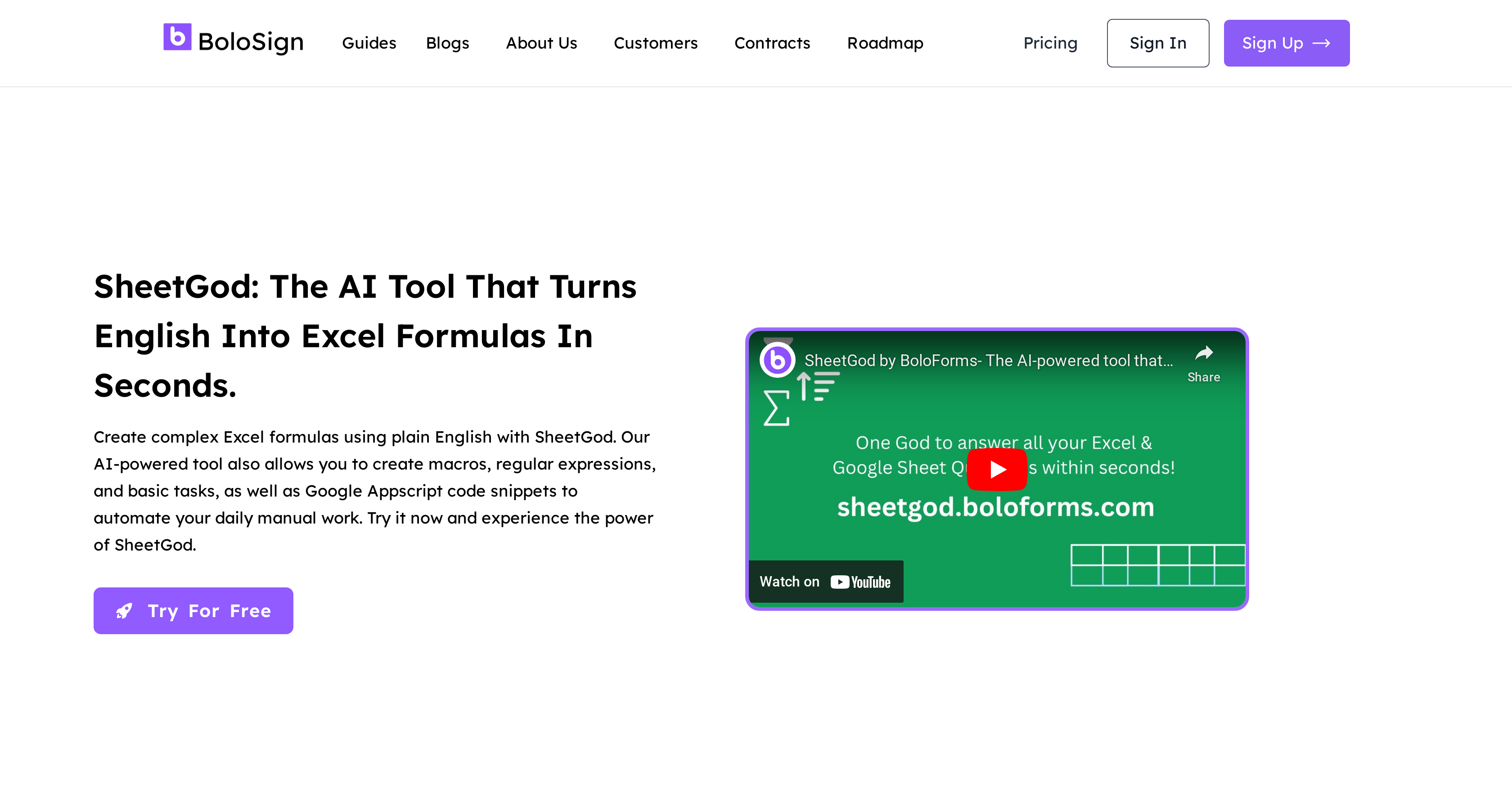
- Create complex Excel formulas and Google Sheets functions instantly by typing plain English instructions instead of memorizing syntax
- Automate repetitive spreadsheet tasks with custom VBA macros and Google AppScript code generated from simple descriptions
- Extract specific data patterns and perform complex transformations using AI-generated regular expressions without coding knowledge
- Generate bulk PDF reports and send personalized marketing emails directly from your spreadsheet data with automated workflows
- Build custom Google Workspace Add-Ons and Microsoft Excel Add-Ins to extend your spreadsheet capabilities for specialized tasks
- Master spreadsheet skills faster with step-by-step tutorials that explain basic tasks and advanced automation techniques
Pros & Cons
Pros
- Generates complex Excel formulas
- Creates Google Appscript snippets
- Automates regular tasks
- Clean user interface
- Step-by-step tutorials
- Sends marketing emails
- Generates bulk PDFs
- Creates Google Workspace Add-Ons
- Creates Microsoft Excel Add-Ins
- Supports regular expressions
- Categorizes user needs
- Trusted by 50,000+ businesses
- 30 day money-back guarantee
- 1-1 Zoom & WhatsApp onboarding
- Turns English to formula
- Extracts specific data pieces
- Creates macros from English
- Manages large datasets
- Automates with generated code
- Improves Excel environment functionality
- Detailed user instructions
- Beneficial for complex transformations
Cons
- Limited to Excel and Google Sheets
- No offline functionality
- May struggle with complex queries
- Dependent on user's language clarity
- No multi-language support
- No mobile application
- User interface may not suit all
- Not useful for non-spreadsheet tasks
Reviews
Rate this tool
Loading reviews...
❓ Frequently Asked Questions
SheetGod is an AI-powered tool designed to assist users with tasks in Microsoft Excel or Google Sheets. It allows users to generate complex Excel formulas, macros, regular expressions, and basic tasks from plain English in a matter of seconds. SheetGod also enables the creation of Google Appscript code snippets for automating daily manual tasks. It provides step-by-step tutorials for basic tasks in Excel and Google Sheets, and can be employed for sending marketing emails, generating bulk PDFs, creating Google Workspace Add-Ons, and Microsoft Excel Add-Ins.
SheetGod harnesses the power of AI technology to turn plain English instructions into Excel formulas. This function significantly shortens the time required to create complex Excel formulas. Additionally, this AI-assisted system can generate VBA and Appscript code for automating tasks, thus enabling efficient management of large sets of data.
Yes, SheetGod can create complex Excel formulas. It has a unique feature to transform users' plain English instructions into complex Excel formulas in a few seconds, aiming to save time and effort when working with Excel.
SheetGod effectively assists users with regular expressions. It offers the ability to extract certain pieces of data from the users' information using regular expressions. This feature aids in implementing complex transformations and exhibits its potential in handling complicated data manipulations.
Yes, SheetGod can automate daily manual work. It can generate Google Appscript and VBA code snippets that automate manual tasks, saving users' time and advancing efficiency.
Yes, SheetGod offers step-by-step tutorials for basic tasks in Excel and Google Sheets. These tutorials are designed to help users learn how to use the tools effectively and master the functionality of SheetGod for optimal utilization.
Yes, SheetGod can be used to send marketing emails. This feature allows users to communicate more effectively with customers, using data from their spreadsheets for personalized and efficient email marketing strategies.
Yes, SheetGod can generate bulk PDFs. This ability helps users create reports and other required documents in bulk, thus saving time and driving productivity in a work setting.
SheetGod enables users to create Google Workspace Add-Ons and Microsoft Excel Add-Ins. This functionality extends the applications of users' spreadsheets, letting users automate even more tasks, and enhancing the flexibility of their tasks in Google Sheets and Excel.
Yes, SheetGod supports regular expressions. It allows users to extract specific pieces of information from their data using regular expressions. This function is particularly significant for carrying out complex data transformations.
SheetGod is trusted by over 50,000 businesses. This quantity of satisfied users speaks to the effectiveness and reliability of SheetGod in navigating the challenges of spreadsheet management.
SheetGod offers a 30-day money-back guarantee policy. This offers an assurance of value and satisfaction for users within the first 30 days of use.
Yes, SheetGod supports onboarding via Zoom and WhatsApp. This personalized onboarding approach ensures users adequately understand their way around the platform and its features.
SheetGod categorizes users' needs into five categories, namely Formulas, VBA, Regex, Appscript, and Basic Tasks. This organized approach effectively categorizes requests, making it easier for users to find and apply the correct solutions.
SheetGod is incredibly handy for complex data transformations. By supporting regular expressions, it enables users to extract specific information from their data and apply intricate transformations, thereby simplifying challenging data manipulations.
Yes, SheetGod can assist in managing large datasets. With the ability to generate Appscript and VBA code for automating tasks, it provides a simple way to handle and manage large amounts of data.
SheetGod's dashboard user interface is clean and easy to understand, which makes the tool easy and simple to use.
There are several pieces of customer feedback available for SheetGod. Users have praised its ease of use, AI-powered formula generation, and its ability to automate tasks with generated Appscript and VBA code.
Yes, SheetGod has a free demo option. Users can try SheetGod for free before deciding on a subscription, allowing them to experience the features and benefits of the tool firsthand.
The SheetGod sign-up process involves visiting their website and registering. Two sign-up options are provided on the main web page where users can either opt to sign up through the 'Sign In/Up' or 'Get a Free Demo' links.
Pricing
Pricing model
Freemium
Paid options from
$8/month
Billing frequency
Monthly
Refund policy
No Refunds
Related Videos
人気AIスプレッドシート ツール5選
AIツール大学•46 views•Feb 27, 2023


