

DwellShift
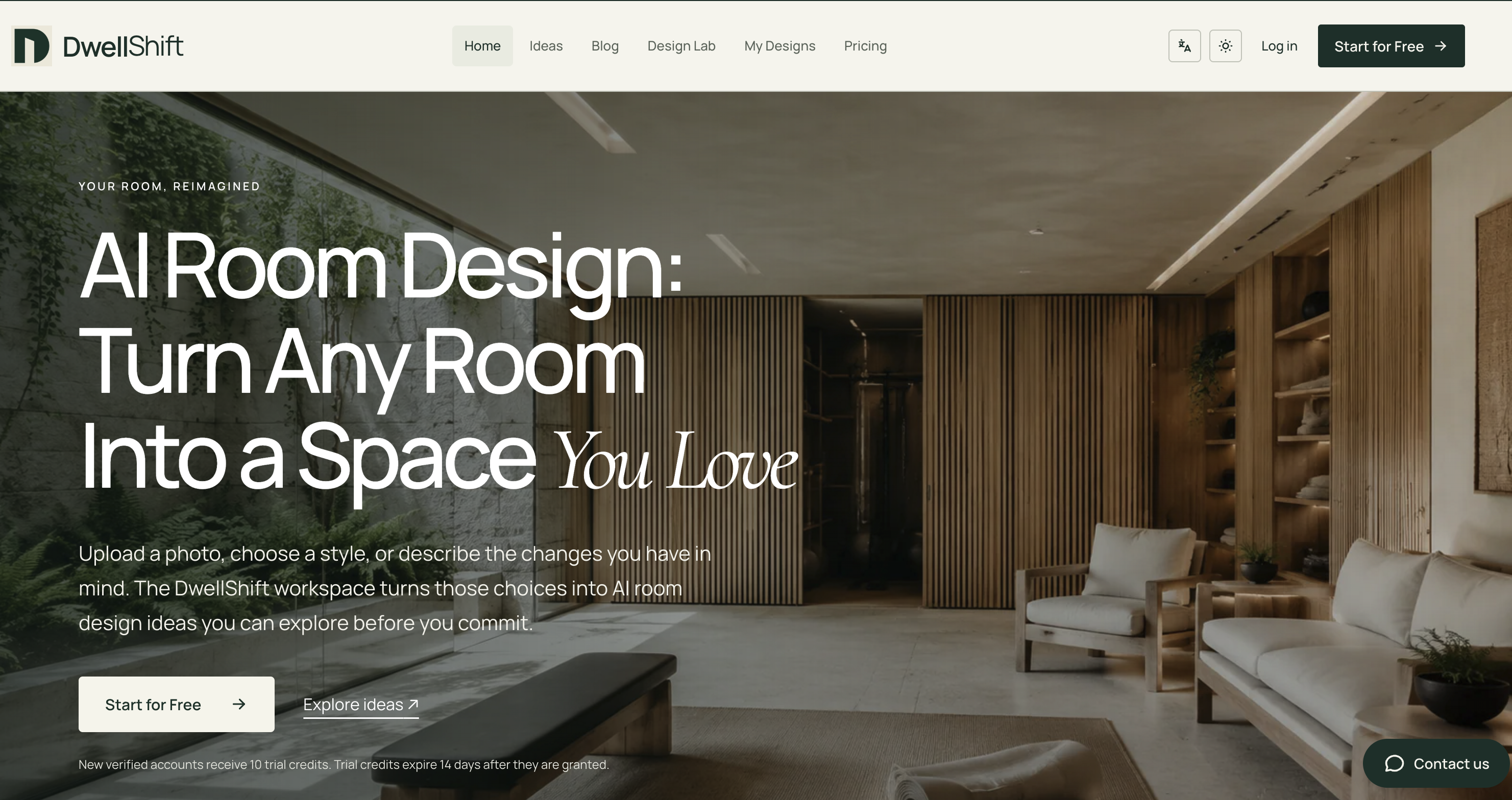
See your redesigned room before you buy furniture, paint, or materials: upload a clear photo of your space and get a virtual room makeover based on your chosen style or specific changes.
Listing not yet reviewed by our editors · How we check
Overview
- See your redesigned room before you buy furniture, paint, or materials: upload a clear photo of your space and get a virtual room makeover based on your chosen style or specific changes.
- Find the home decor style that fits your taste: switch between modern, minimalist, traditional, and other interior design styles applied directly to your own room.
- Plan your whole home in one place: exterior design, kitchen design, and floor planning options let you redesign curb appeal, cooking spaces, and layouts alongside your interiors.
- Take one design from first idea to final look: rough concepts, style exploration, and detailed aesthetic refinement all happen in one home design workflow.
- Win client approval faster: interior designers and architects present clear visual concepts of the proposed space instead of abstract descriptions or mood boards.
- Keep your home photos and renovation plans confidential: every design stays private and only you can access it.
- Never run out of renovation ideas: a curated inspiration library shows current interior design trends and fresh concepts for your next project.
Pros & Cons
From the listing; not yet checked by our editors.
Pros
- Interior and exterior design
- Kitchen design feature
- Floor planning capability
- Privacy measures
- Extensive style selection
- Aesthetic refinement
- Efficient design process
- User-friendly interface
- Library of design inspiration
- Suited for professionals
- Personalized design suggestions
- Photo upload functionality
- Useful for casual users
- Offers modern design
- Includes minimalist design
- Traditional design options
- Useful for client presentations
- Updates based on trends
- Comprehensive home designing solutions
- Transforms designs from photos
- Fits broad range of tastes
- Advanced technology integration
- Ideal for brainstorming concepts
- Specific requirements catered
- Creates clear visual concepts
- Offers unique personalization
- Offers design variety
- Assists in design discovery
- Particular focus on privacy
- Adjustability based on user specifications
Cons
- Requires clear, high-quality photos
- Limited style options
- Limited to existing room layout
- Privacy concerns
- Limited to specific design styles
- Requires photo upload
- No instant visualization
- Trial credits expiration
- Requires explicit user specifications
- No physical interaction with design
Alternatives to DwellShift
Tools that share the most tags with DwellShift.
- DeHome.ai
Visualize your perfect room in seconds, not weeks, by uploading a photo and instantly receiving multiple AI-generated design variations.
Free trial
Not listed
Not yet checked
- REimagineHome
Sell properties faster with instantly staged empty rooms using virtual staging that creates appealing spaces for potential buyers
Paid · from $14/month
$14/month
Not yet checked
- AI Kitchen Design
See your renovation ideas in photorealistic detail before spending a dollar, using AI that automatically handles lighting and composition for a true-to-life preview.
Paid · from $14/month
$14/month
Not yet checked
- Home Design AI
Visualize professional interior designs in seconds without hiring a designer using our AI-powered room transformation
Paid · from $49.99/year
$49.99/year
Not yet checked
- Interior AI
Visualize redesigns instantly by uploading room photos that AI transforms into detailed interior designs in seconds
Paid · from $17/month
$17/month
Not yet checked
- Decory AI
Visualize your dream room instantly without guesswork by generating professional designs from a simple photo, description, or room dimensions
Freemium · from $49.99/month
$49.99/month
Not yet checked
Reviews
Rate this tool
Loading reviews...