
Overview
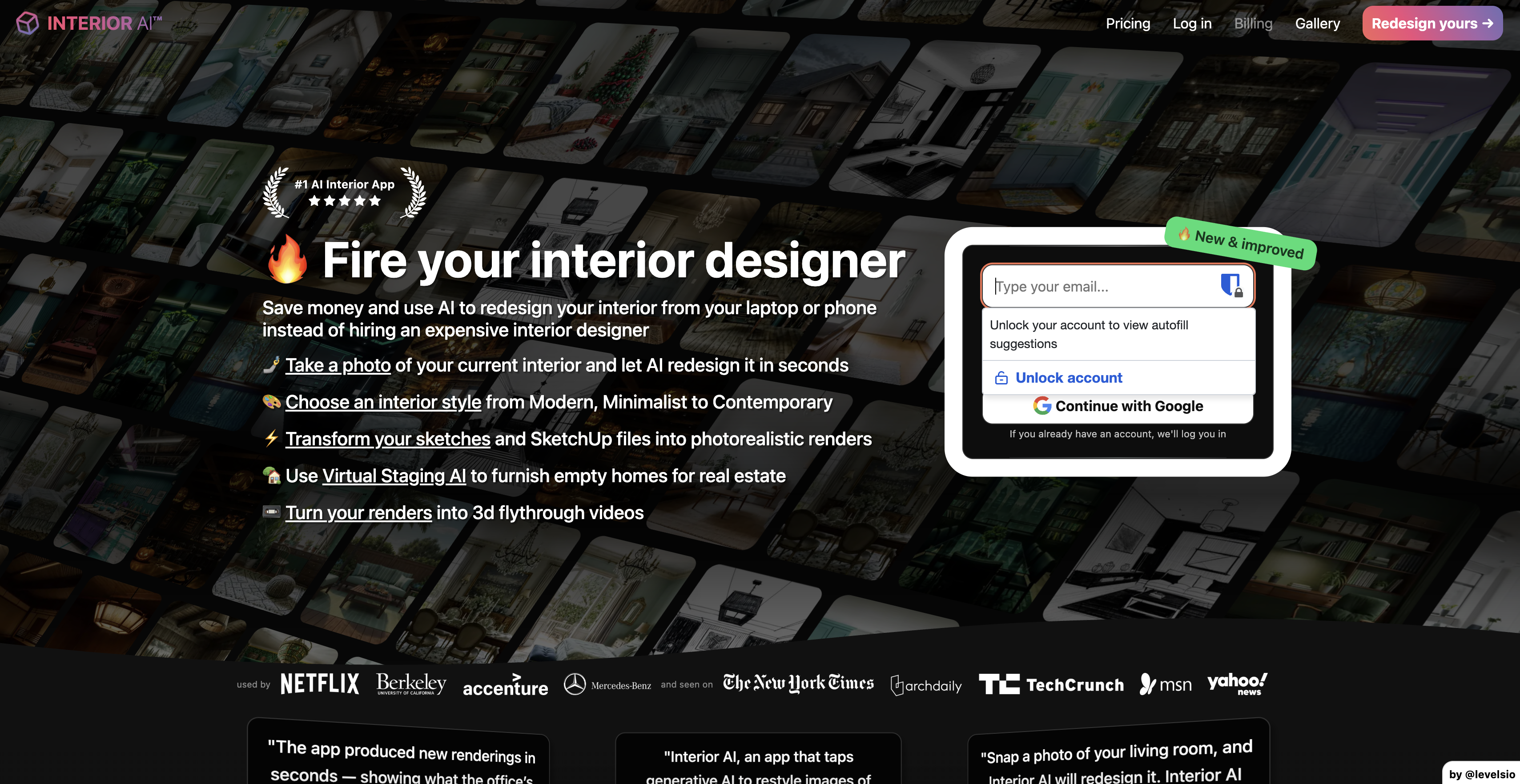
- Visualize redesigns instantly by uploading room photos that AI transforms into detailed interior designs in seconds
- Stage empty properties virtually to sell homes 87% faster and for 15% higher prices with Virtual Staging AI
- Convert rough sketches into photorealistic renders using Sketch2Image™ technology for client presentations
- Generate immersive 3D flythrough videos from any design using Stable Video Diffusion technology
- Experiment with 30+ design styles from Modern to Bohemian without physical samples
- Maintain design privacy with Pro features including watermark-free renders and private workspace
Pros & Cons
Pros
- Detects room construction
- Generates design ideas
- Virtual staging for real estate
- Offers diverse styles
- Upload images for ideas
- High or low resolution renders
- Private workspace for Pro users
- HQ renders without watermark (Pro)
- User-friendly interface
- Minimum photo requirements explained
- Auto deletion of images after 15 mins
- Different types of rooms included
- Three styles of rendering: Virtual staging, Interior Design, Freestyle
- Variety in number of renders
- Privacy level selection
- Download photos options for Pro
- Artificial Intelligence incorporated design tools
- Room construction detection
- Adaptable to various styles
- Two resolution quality choices
- Private and public renders
- Option to recycle previous designs
- Suitable for real estate listings
- Multi-style compatibility
- High versatility in rooms
Cons
- High resolution only for Pro
- No API mentioned
- Struggles with angled images
- Payment issues recently reported
- Limited privacy for non-Pro
- Limited styles for non-Pro
- Variable speed of render
- Requires specific types of images
- No multi-room handling
- Multiple features Pro-only
Reviews
Rate this tool
Loading reviews...
❓ Frequently Asked Questions
Interior AI is an Artificial Intelligence powered application that provides virtual interior design ideas and staging. The AI can visualize and experiment with different styles and layouts in various rooms, rendering high quality or low resolution visuals based on the user's choice.
Interior AI leverages AI technologies to detect the structure of a room including the walls, ceiling, beams and so on. Based on the detected construction and the chosen style, it generates virtual staging or design ideas. It allows users to experiment with various styles and layouts.
Interior AI provides a range of features for virtual staging. It auto-detects the construction of a room and generates staging ideas based on various styles. Users can choose between different modes - Virtual staging, Interior design or Freestyle. The virtual staging mode retains the existing structure and layout of the room and provides fresh décor ideas.
Interior AI uses artificial intelligence to identify different structures within a room. It accurately detects elements such as walls, ceiling, and beams in an image provided by the user. This information is then used to generate a virtual staging or design that fits within the construction of the room.
Interior AI can generate a plethora of styles for virtual staging. Users can choose from styles such as Chinese New Year, Modern, Minimalist, Scandinavian, Contemporary, Midcentury Modern, Zen, Tropical, Industrial, Biophilic, Art Deco, Farmhouse, Bohemian, Vintage, Rustic, Japanese Design, Cottagecore, Coastal, French Country, Art Nouveau, Cyberpunk, Maximalist, Baroque, Christmas, Gaming Room, Ski Chalet, Sketch, Vaporwave, Tribal, Medieval, Halloween, Easter, and Neoclassical.
Users can upload their existing interior designs to the Interior AI app by selecting the 'Your Current Interior' option. They can choose to either drop an image, tap to select, take a photo, or use CTRL + V. For best results, a complete view of the room should be captured in a 90° straight angle facing a wall or window horizontally.
High resolution renders in Interior AI app are more detailed and sharper as they use a higher pixel density. Low resolution renders, on the other hand, contain less detail and are faster to generate. The choice between high and low resolution will largely depend on a user's requirement for image quality and speed of rendering.
Users can upgrade to Pro on Interior AI by opting for a package that offers Pro-level features. The specifics of the process may vary depending on the terms of the service provider.
Upgrading to Pro on Interior AI offers several benefits. These include a private workspace for increased privacy, the ability to generate high-quality (HQ) renders without watermarks, and no automated deletions ensuring longer accessibility to the designs.
Interior AI can stage a huge variety of interiors, from living rooms, bedrooms, and kitchens to attics, study rooms, home offices, and more. It offers versatility to try different designs in different types of rooms.
Yes, Interior AI can be used for commercial spaces. The app offers options for various commercial spaces such as restaurants, offices, coworking spaces, hotel lobbies, hotel rooms, hotel bathrooms, meeting rooms, exhibition spaces, and more.
Yes, if a user likes a generated image, they can re-use it as an input to develop more similar design ideas. This makes Interior AI highly flexible and user-friendly.
Yes, Interior AI can design outdoor spaces as well. The app includes options for outdoor pool areas, patios, and gardens, amongst others.
The 'Mix w/ Original' feature in Interior AI allows users to combine their original room image with the AI generated design. This creates a unique blend of the existing and the new design.
Interior AI provides three different modes: Virtual staging, Interior design, and Freestyle. Virtual Staging mode retains the basic structure of the room and offers an AI-generated décor. In Interior Design mode, there are more creative ideas, regardless of the room's existing structure. Freestyle mode does not require an image for input and delivers fast results.
Yes, Interior AI can provide design ideas for special occasions like Christmas. Users have the flexibility to choose the 'Christmas' style from an extensive list of styles available in the app.
Interior AI respects user privacy. All uploaded images and renders are automatically deleted after 15 minutes. For added privacy, users can upgrade to Pro where they get their own private workspace and their renders are not automatically deleted.
As per their website, Interior AI advises against using angled or wide-angle photos for best results as the AI is not optimized for such images currently. The suggested guideline is to capture the entire room in a straight angle facing a wall or window horizontally.
The time Interior AI takes to generate a design depends on the resolution and complexity. It can vary from 7 seconds for low-resolution outputs to around 14 seconds for high-resolution renders.
To use Interior AI to get interior design ideas, users need to upload a picture of their space, select the room type, choose between Virtual staging or Interior design mode, pick the styling, decide on the number of renders, resolution and privacy level they require. They then click on 'Render new idea' and the AI generates the design ideas based on their specifications.
Pricing
Pricing model
Paid
Paid options from
$17/month
Billing frequency
Monthly
Refund policy
No Refunds
Related Videos
Interior AI - Sketch to render - Kitchen Interior
MNML AI•7.7K views•Feb 10, 2024