

Finstatly
Stop retyping transactions by hand: upload a text-based PDF bank statement (up to 25 MB) and download one clean row per transaction with date, description, amount, and running balance.
Listing not yet reviewed by our editors · How we check
Overview
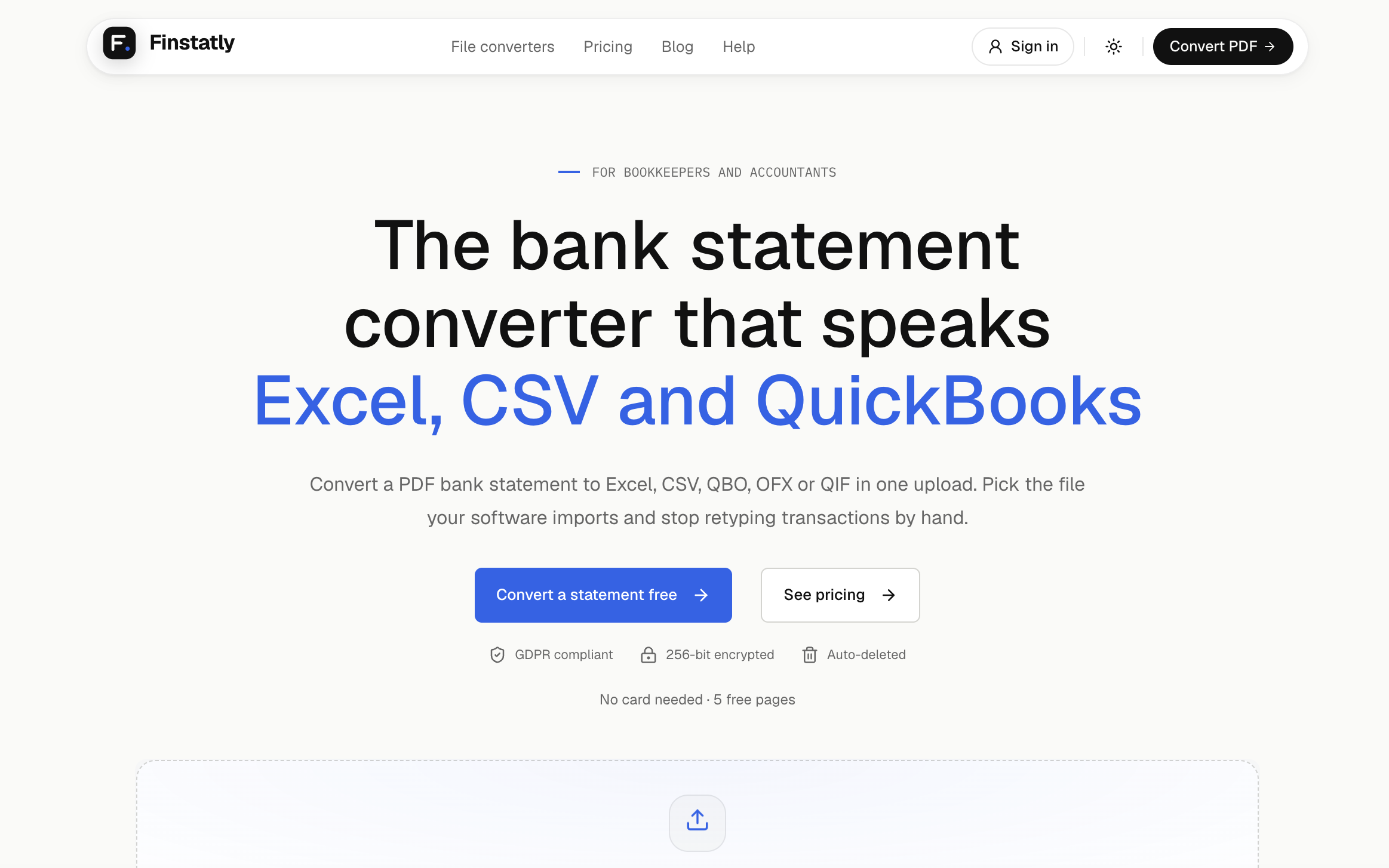
- Stop retyping transactions by hand: upload a text-based PDF bank statement (up to 25 MB) and download one clean row per transaction with date, description, amount, and running balance.
- Import bank data into your accounting software without cleanup: get true QBO files for QuickBooks Online and QuickBooks Desktop, OFX for Xero, Sage, and MYOB, or QIF for Quicken instead of a generic CSV you have to repair first.
- Catch errors before they reach the ledger: export to Excel or CSV, check every line against the original statement, and then commit to the import.
- Process any client's statements without switching tools: the bank statement converter supports 1,000+ banks worldwide, including Chase, Bank of America, Wells Fargo, HSBC, Barclays, Revolut, Wise, Commonwealth Bank, and Westpac.
- Protect sensitive client financial data: AES-256 encryption in transit and at rest, automatic deletion after processing, fully automated conversion with no human review, no AI model training on your files, and GDPR compliance.
- Clear month-end close, catch-up clients, and year-end backlogs faster: the PDF-to-Excel and PDF-to-QBO conversion is built around real bookkeeping and accounting workflows.
- Pay only for conversions that succeed: page-based pricing automatically returns reserved pages from failed conversions, non-expiring $0.20-per-page credits cover overflow, and 5 free pages require no card.
- Run statement conversion across your whole practice: multi-seat plans give 3 seats on Pro and 10 seats on Business, with month-to-month billing and one-click cancellation.
- Add bank statement conversion to your own product: the developer API brings the same PDF extraction and QBO/OFX/QIF export engine into external applications.
Pros & Cons
From the listing; not yet checked by our editors.
Pros
- 1,000+ bank formats supported
- Direct QBO export for QuickBooks
- OFX and QIF generation
- Excel XLSX includes running balance
- CSV ready for any import
- No credit card required
- 5 free pages instantly
- Pay-per-page credits, no expiry
- AES-256 encryption at rest
- Automatic data deletion after processing
- GDPR-compliant data handling
- 25MB PDF size limit
- Handles text-based PDFs only
- Automatic page validation
- Multi-user shared seats
- API access for integration
- Cloud-based processing
- Browser-only, no install
- Supports UK, EU, AU banks
- Real-time conversion after upload
- Batch conversion for catch-up clients
- Consistent column order across formats
- No manual re-typing required
- Instant download of output file
- Direct import into Xero, Sage
- Supports QuickBooks Desktop & Online
- Credit balance persists across months
- Month-to-month subscription, cancel anytime
- Auto-retry on conversion failures
- Reserved pages released on error
- High accuracy OCR for statements
- Preserves original transaction dates
- Keeps transaction descriptions intact
- Includes opening and closing balances
- Handles multi-page PDFs
- No hidden fees per transaction
- Simple drag-and-drop UI
- Supports Google Sheets export
- Output files UTF-8 encoded
- Handles foreign currency symbols
- Inline preview before download
- Seamless accounting workflow integration
- No local data storage
- Scalable for enterprise teams
- Supports batch API uploads
- Detailed conversion logs available
- Customizable output column naming
- Processes PDF tables only
Cons
- Must create account first
- Limits to 25MB PDFs
- No support for scanned PDFs
- No onpremises deployment
- No bulk API uploads
- Only five output formats
- No customizable field mapping
- No multicurrency handling
- Autodeletes files, no audit trail
- Pricing per page can scale
Alternatives to Finstatly
Tools that share the most tags with Finstatly.
- Stmt: Bank Statement Converter
Eliminate hours of manual data entry with AI-powered extraction that accurately reads transaction details, dates, and amounts from any PDF statement
Freemium · from $14.99/month
$14.99/month
Not yet checked
- BankConv
Eliminate manual data entry by extracting every transaction date, description, amount, and running balance automatically into structured files like CSV or Excel
Freemium · from $2.99
$2.99
Not yet checked
- Bank Statement Converter
Get a spreadsheet ready for bookkeeping and analysis: every transaction from your PDF bank statement becomes its own row, with date, description, and amount in separate columns, exported to Excel (.xlsx) or CSV.
Free trial · from $19/month
$19/month
Not yet checked
- Kick
Eliminate manual bookkeeping with AI that categorizes transactions and creates account-specific rules automatically
Freemium · from $40/month
$40/month
Not yet checked
- Truewind
Close your books in days instead of weeks with AI-powered bookkeeping that delivers real-time financial visibility
Not listed
Not listed
Not yet checked
- VisionParser
Eliminate manual data entry with over 95% accuracy on standard fields like totals, dates, and merchants using advanced Generative AI OCR
Free trial
Not listed
Not yet checked
Reviews
Rate this tool
Loading reviews...
Frequently asked questions
How does Finstatly handle PDF bank statements from my bank?
You upload a text‑based PDF bank statement (max 25 MB), Finstatly’s automated OCR extracts each transaction, then generates a downloadable file in the format you choose.
Which banks are supported by Finstatly's converter?
Finstatly supports over 1,000 banks worldwide. US examples include Chase, Bank of America, Wells Fargo, Citibank, Capital One, U.S. Bank, PNC, Truist, TD Bank, Mercury, Brex. UK/Europe examples include HSBC, Barclays, Lloyds, NatWest, Santander, Revolut, Wise, Monzo. Australia examples include Commonwealth Bank, Westpac, ANZ, NAB.
Can I export a Finstatly conversion directly into QuickBooks?
Yes. Finstatly can export a QBO file that imports directly into QuickBooks Online and QuickBooks Desktop.
What file formats does Finstatly output besides Excel?
CSV, QBO (QuickBooks), OFX (Xero, Sage, MYOB) and QIF (Quicken and older desktop tools) are also available.
Is there a limit on the size of PDF statements I can upload to Finstatly?
Each PDF may be up to 25 MB in size.
How many free pages does Finstatly give me before I need a subscription?
Five free pages are provided when you create an account; after that a subscription is required.
What happens to my data after Finstatly processes a PDF?
All uploads are encrypted with AES‑256 in transit and at rest, automatically deleted after processing, never viewed by humans and not used to train AI models; Finstatly complies with GDPR.
Is the conversion process on Finstatly fully automated or does a human review it?
The conversion is fully automated; no human reviews or opens your files.