Overview
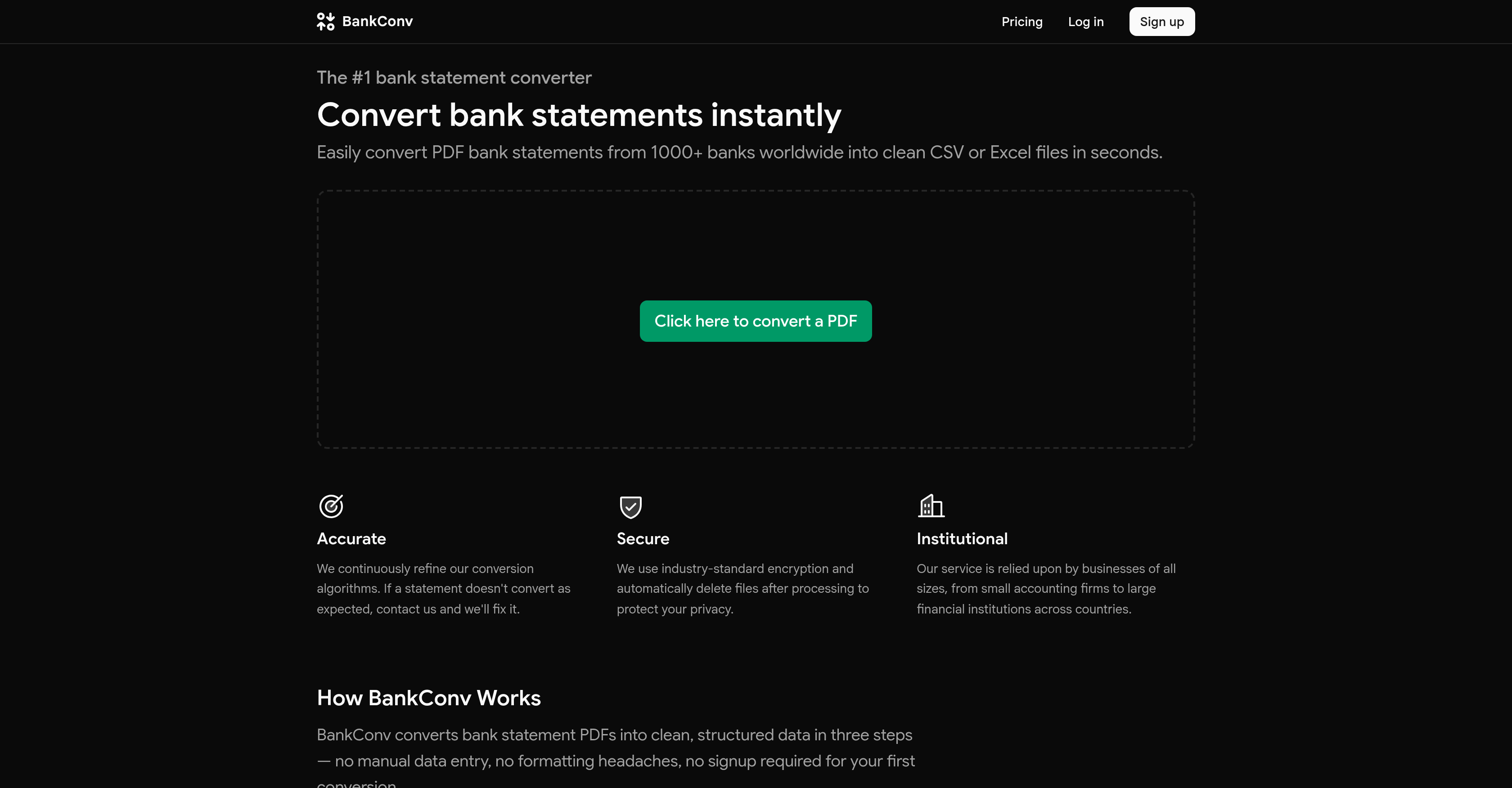
- Eliminate manual data entry by extracting every transaction date, description, amount, and running balance automatically into structured files like CSV or Excel
- Batch-process multiple PDF bank statements at once to convert hundreds of pages in the same time it takes to do one
- Get clean, formatted data ready for accounting software like QuickBooks or Excel without any post-conversion reformatting
- Decrypt and convert password-protected PDF bank statements in a single step while ensuring your password is never stored
- Choose from six output formats—CSV, Excel, Google Sheets, OFX, QFX, or a clean PDF—to match your exact workflow needs
- Trust bank-grade security with HTTPS encryption (TLS 1.2+) and automatic file deletion within 24 hours of processing
- Start converting instantly without signing up—upload up to 5 pages free with no account required
- Handle multi-page statements automatically with full extraction of running balances across all pages in under 30 seconds
Pros & Cons
Pros
- Converts PDF to CSV
- Converts to Excel
- Google Sheets supported
- Converts to OFX format
- Saves to QFX
- Also provides clean PDF
- Handles encrypted files
- Supports password-protected PDFs
- Optimised for large files
- Handles multi-page statements
- Supports 1000+ global banks
- Batch processing
- Structured data output
- Automatically deletes files post-processing
- Industry-standard encryption
- Fast results
- Supports data privacy
- Compatible with various accounting software
- Handles transaction data
- Assists small businesses
- Facilitates financial institutions
- Efficient time saver
- Offers various output formats
- No password storage
- Pulls transaction dates
- Retrieves transaction descriptions
- Extracts transaction amounts
- Accesses running balances
- Reduces manual data entry
- Works with accounting firms
- Supports large financial institutions
- Direct export to Google Sheets
- Format suited for QuickBooks
- QFX format for Quicken
- Eliminated formatting headaches
- Instant conversion for bank statements
- Trusted by multiple businesses
- Single or batch file upload
- Multi-page statement automatic handling
- File deletion after 24 hours
- Automated systems process files
- No human access to files
- No analytics on user files
- Doesn't store user files
- Extracts data in seconds
- Structured data output in seconds
- Seamless handling of password-protected PDFs
- No signup needed for first conversion
- Removes need for reformatting
- Conversion suited for tax preparers
Cons
- No API access
- Limited output formats
- No data retention options
- Not open source
- Doesn't work with other files
- No MacOS or Linux app
- Encryption standard not specified
- No error handling description
- No offline usage option
- Password handling not fully transparent
Reviews
Rate this tool
Loading reviews...
❓ Frequently Asked Questions
BankConv is a tool designed for simplifying the conversion process of PDF bank statements into structured data files. It aims to replace manual data entry with an automated system, extracting transaction details from bank statements and providing a structured output within seconds. This service is compatible with over 1000 banks globally, accommodating password-protected PDFs, and offers support for various types of businesses, from small accounting firms to large financial institutions. BankConv prioritizes data protection, employing industry-standard encryption and automatically deleting files after processing.
BankConv can convert PDF bank statements into several file formats, including CSV, Excel, Google Sheets, OFX, QFX, or a clean PDF.
BankConv supports PDF bank statements from over 1000 banks worldwide.
Yes, BankConv does support password-protected PDFs. During the conversion process, user inputs the password and BankConv decrypts and converts the file in one step, without storing the provided password.
BankConv employs a three-step process to extract transaction data from uploaded bank statements. The extraction focuses on four key piece of information: dates, descriptions, amounts, and running balances.
The conversion process of a bank statement with BankConv takes under 30 seconds.
Yes, BankConv automatically deletes files after processing to ensure the protection of sensitive financial data.
BankConv is highly secure, utilizing industry-standard encryption for data protection. During the transportation process, all uploads and downloads use HTTPS (TLS 1.2+), the same encryption used by banks. Files are processed in real-time and deleted 24h after conversion. Additionally, no one at BankConv views client data.
Yes, BankConv can handle multiple PDFs at once through its batch processing feature.
BankConv provides six different output formats for the converted bank statements: CSV, Excel, Google Sheets, OFX, QFX, and a clean PDF.
Yes, users have the option to choose their preferred output format from the list of six offerings.
Typical users of BankConv range from small businesses, accounting firms, tax preparers to large financial institutions that require fast extraction of transaction data from PDFs into their workflows.
BankConv continuously refines its conversion algorithms for the accurate extraction of data from bank statements. If a statement does not convert as expected, users are advised to contact BankConv's support for fixing the issue.
Users can try out BankConv for free initially where they can upload a bank statement and see it converted instantly. The free trial allows up to 5 pages with no signup required. For full document conversion, the rates start from $2.99, or users can avail unlimited conversions at a subscription rate of $29/month.
To convert a bank statement with BankConv, users follow a three-step process: Upload the bank statement PDF (one statement or multiple files can be batch uploaded at once). Then, BankConv extracts the transactions instantly. Finally, users select their preferred output format and download the file.
Yes, BankConv handles multi-page statements automatically and takes less than 30 seconds to complete the conversion process.
It is not necessary to sign up to use BankConv for the first time. The first conversion does not require signup.
To handle password-protected PDFs, users need to input the password during the upload process. BankConv then decrypts and converts the file in one step.
No, BankConv does not store the passwords used for unlocking PDFs. The decryption and conversion process takes place in one step, and the provided password is not stored.
No, after the conversion with BankConv, users do not need to manually format the data. Users can download their data in a clean, structured format, ready to be imported into the tool of their choice without needing further reformatting.
BankConv is utilized for the conversion of PDF bank statements into structured data files like CSV, Excel, Google Sheets, OFX, QFX, or a clean PDF. This specific function serves to eliminate the necessity for manual data entry, saving time and effort for the users.
BankConv is capable of handling a diverse range of bank statement files. It accepts PDFs from over 1000 banks across the globe, including those that are password-protected.
BankConv supports a variety of output formats to cater to varied user needs. The supported formats include CSV, Excel, Google Sheets, OFX, QFX, and a cleaned up PDF.
The conversion process facilitated by BankConv is exceedingly quick. It offers its users with a structured data output within a matter of seconds.
Yes, BankConv is thoroughly equipped to handle password-protected PDFs. It can decrypt and convert such PDFs efficiently in a single step while ensuring that the password provided is not stored.
BankConv implements rigorous security measures. It employs industry-standard encryption to ensure the protection of sensitive financial data. The platform also assures that all files are deleted automatically after processing.
Indeed, BankConv supports batch processing. This feature allows users to upload and process multiple PDFs simultaneously, thereby expediting the conversion process.
Yes, BankConv allows users to select their preferred output format. The selection can be made as per the specific requirements and the workflow of the user.
BankConv ensures data privacy during the conversion process through stringent measures. All files are processed in real-time and deleted automatically 24 hours post-conversion. Uploads and downloads employ HTTPS encryption and the processing of statements is entirely automated, with no human access at any point.
Absolutely, BankConv is more than appropriate for large scale businesses or financial institutions. It is entrusted and used extensively by businesses of varying sizes, including large financial institutions.
BankConv can handle encrypted financial files effectively. It can decrypt password-protected PDFs and convert them into the desired format in a single step, ensuring that the provided password is not stored.
BankConv performs a detailed extraction on bank statements. It extracts transaction data such as dates, descriptions, amounts, and running balances, and structures them appropriately for the selected output format.
Yes, BankConv ensures compatibility with various accounting software. It offers six output formats, including CSV, Excel, Google Sheets, OFX, and QFX, thereby ensuring compatibility with most accounting programs and user workflows.
BankConv is highly versatile when it comes to file conversion support. It can process PDFs from over 1000 banks worldwide and convert them into a range of formats, including CSV, Excel, Google Sheets, OFX, QFX, or a cleaned up PDF.
Yes, BankConv can efficiently handle PDF bank statements from various global banks. It boasts compatibility with over 1000 banks across the world.
BankConv can effortlessly handle multi-page bank statements. The tool's functionality extends to automatically managing multi-page statements during the conversion process.
BankConv does not save users' passwords from encrypted bank statements. When a password-protected PDF is uploaded, the password is used for decryption and conversion, but it is never stored.
BankConv can handle files of varying sizes for conversion. The precise upper limit is not stated, but it efficiently takes care of large files which include multi-page and batch-processed PDFs.
BankConv captures all elements of a bank statement during the conversion process. It specifically extracts the transaction dates, descriptions, amounts, and running balances from the uploaded bank statements.
Yes, BankConv supports Google Sheets as an output format. This format is one among the six output options offered by the platform, inclusively galvanizing collaborative editing and cloud access.
Pricing
Pricing model
Freemium
Paid options from
$2.99
Billing frequency
One-time
Refund policy
No Refunds