
Flexnote
Keep full ownership of your research notes and work offline anywhere: local-first storage saves every card on your device by default, with no dependence on Flexnote's cloud and no use of your notes for AI model training.
Listing not yet reviewed by our editors · How we check
Overview
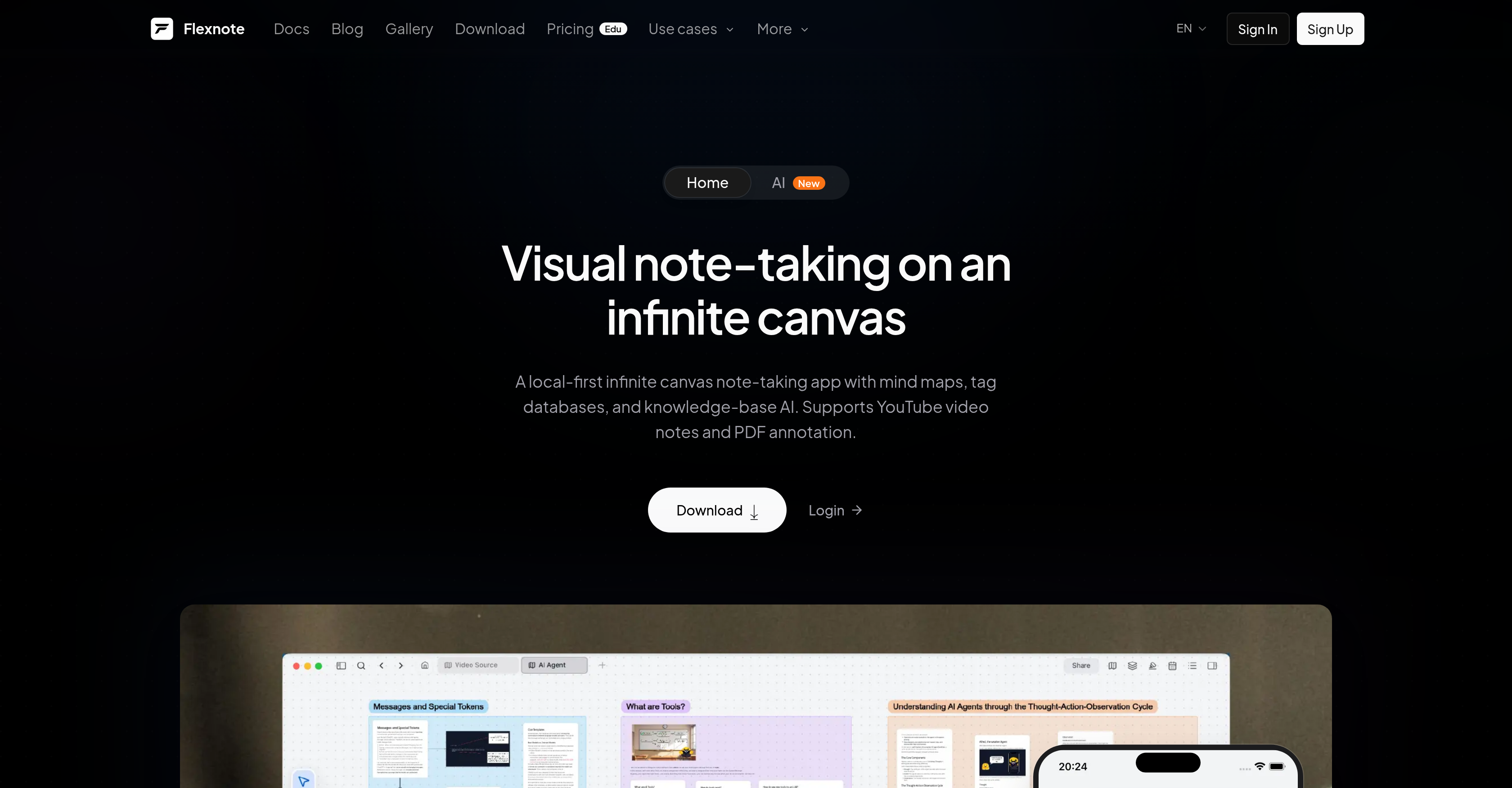
- Keep full ownership of your research notes and work offline anywhere: local-first storage saves every card on your device by default, with no dependence on Flexnote's cloud and no use of your notes for AI model training.
- Think spatially and restructure ideas instantly: an infinite canvas lets you place card-based notes freely, zoom and pan across boards, and convert any layout into a hierarchical mind-map view with one toggle.
- Build a connected personal knowledge base without manual cross-referencing: typing @ creates bidirectional links between cards, while a tag-based database and card library organize notes for structured knowledge management.
- Turn papers into usable evidence without losing the source: drop PDFs onto the canvas for multipage reading, highlighting, and annotation, convert highlights into linked reference cards, and use reading mode's multicolumn layout and synced side panel to see sources and derived notes together.
- Capture lecture and video insights you can return to in one click: timestamped annotations for YouTube, Bilibili, and local video files create canvas cards that jump playback to the exact moment.
- Find answers across your notes and screenshots: semantic search, knowledge-base Q&A, and a smart index that reads text inside images retrieve content by meaning, while AI chat runs on your own model API key and keyword search stays available when the indexing balance runs out.
- Navigate massive research boards without slowdown: a custom canvas rendering engine keeps panning and editing smooth with 10,000+ cards.
- Sync across Windows, macOS, and Android on storage you control: optional multi-device sync connects to your own WebDAV server (Nextcloud, ownCloud), Amazon S3, OneDrive, or Baidu Netdisk.
- Share finished maps with readers who don't use the app: publish any canvas as a view-only interactive web page with a shareable link and optional password protection.
- Collect and act on material in the same workspace: a web clipper, Markdown editing, and built-in task tools bring captured content, writing, and to-dos alongside your visual notes.
- Start mapping ideas at no cost: the free plan includes 3 whiteboards and 100 cards with core canvas features, and Pro or Lifetime plans remove limits and add AI indexing and cloud sync.
Pros & Cons
From the listing; not yet checked by our editors.
Pros
- Custom canvas renderer 10k+ nodes
- Localfirst default storage
- Offline editing without cloud
- Usercontrolled WebDAV sync
- Amazon S3 enterprise sync
- OneDrive OAuth integration
- Baidu Netdisk sync option
- Infinite canvas zoom and pan
- Bidirectional links autoconnect
- Mindmap view toggle
- Multicolumn reading mode
- PDF annotation on canvas
- Highlights autoconvert to cards
- Video timestamp annotations
- YouTube and Bilibili support
- Local video file annotation
- Side panel sync highlights
- Tagbased relational database
- Reusable card library
- Native markdown editor
- Builtin web clipper
- Publish canvas as viewonly page
- Passwordprotected share links
- Custom share link generation
- Responsive navigation large boards
- Image text extraction indexing
- Smart index usage balance
- No data sent to provider
- User API key for chat
- Keyboard shortcuts for cards
- Multidevice optional sync
- Windows desktop application
- macOS desktop application
- Android canvas app
- Future iOS full web support
- Free tier 3 boards 100 cards
- Pro plan unlimited boards
- Unlimited whiteboards paid plan
- Side panel source material view
- Multipage PDF reading
- Timestamped video notes
- Export canvas as interactive HTML
- 60fps panning with local rendering
- Data ownership guarantee
- Draganddrop file import
- Realtime markdown preview
- Search across tags and content
- Export notes as markdown
Cons
- Web app viewonly only
- iOS app missing
- Free tier very limited
- Smart index quota depletes
- Sync setup complex
- Performance drops >10k nodes
- Video support limited platforms
- No realtime collaboration
- PDF editing limited to canvas
- Android feature parity limited
Alternatives to Flexnote
Tools that share the most tags with Flexnote.
- remio: Your Personal ChatGPT
Never lose important ideas with one-click auto-capture that saves web highlights and YouTube transcripts instantly
Freemium · from $14/month
$14/month
Not yet checked
- Supernormal
Focus completely on meetings instead of note-taking with automated AI transcription that captures every detail
Freemium · from $10/month
$10/month
Not yet checked
- Qonqur
Solve complex math problems with natural handwriting using your Apple Pencil instead of clunky symbol keyboards
Freemium · from $9.99
$9.99
Not yet checked
- Notedly
Gain back dozens of hours each week from reading assignments with automated note generation from uploaded documents
Free trial · from $4.99/month
$4.99/month
Not yet checked
- NoteX: AI Note Taker, AI Notebook
Never miss important details in lectures or meetings with real-time voice-to-text transcription that captures every word accurately
Freemium · from $12.99/month
$12.99/month
Not yet checked
- Mumble Note: AI Voice Notetaker
Transform spoken thoughts into organized notes instantly with AI that structures your voice inputs
Freemium · from $3/month
$3/month
Not yet checked
Reviews
Rate this tool
Loading reviews...
Frequently asked questions
How does Flexnote store my notes by default?
Flexnote stores notes locally on the user’s device by default, using a local‑first architecture without uploading data to Flexnote servers.
Can I use Flexnote offline without any internet?
Yes, Flexnote can be used fully offline because all notes are stored locally and editing does not require an internet connection.
What's the difference between Flexnote's free and paid plans?
The free plan limits users to 3 whiteboards and 100 cards with core canvas features and local storage only; paid plans (Pro or Lifetime) remove board and card limits, add AI indexing, and enable optional cloud sync via WebDAV, S3, OneDrive or Baidu.
How many whiteboards and cards do I get on the free tier?
The free tier provides 3 whiteboards and a maximum of 100 cards.
Does Flexnote sync across devices automatically?
No, Flexnote does not sync automatically; multi‑device synchronization must be manually configured by the user using supported cloud or WebDAV services.
Which cloud services can I connect for Flexnote sync?
Flexnote can sync with user‑controlled WebDAV servers (e.g., Nextcloud, ownCloud), Amazon S3, Microsoft OneDrive, and Baidu Netdisk.
How does the infinite canvas handle thousands of cards without lag?
Flexnote uses a custom canvas rendering engine that maintains smooth panning and editing even with 10,000+ nodes, ensuring responsive navigation on very large boards.
Can I export my Flexnote boards to other formats like PDF or Markdown?
IDK