
Frameloop
Build a recognizable cast for your channel: design an AI character once and it looks the same in every scene, ready to reuse across future videos and series episodes.
Listing not yet reviewed by our editors · How we check
Overview
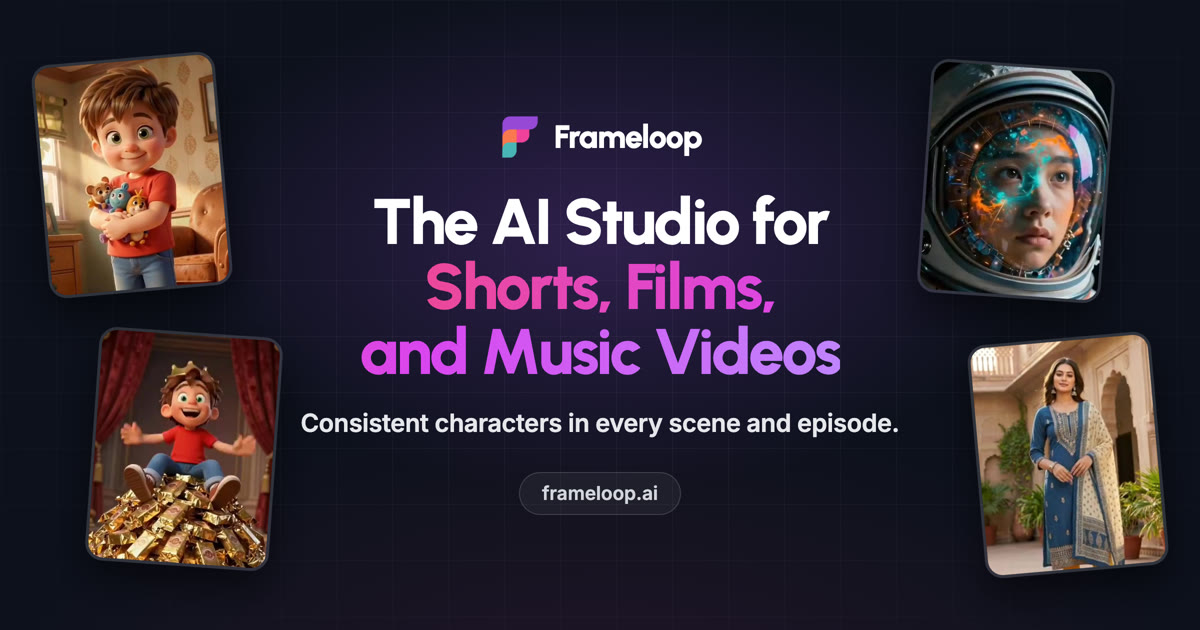
- Build a recognizable cast for your channel: design an AI character once and it looks the same in every scene, ready to reuse across future videos and series episodes.
- Go from idea to finished video without prompt engineering or editing skills: Frameloop plans the scenes, writes every prompt, and generates the visuals, dialogue, voiceover, captions, and music in one AI video studio.
- Release music videos with performers who sing your track: start from a song and get lip-synced singers synced to your music.
- Match the look your audience expects, from kids content to documentaries: choose from 25+ visual styles, including Realistic, Pixar Style, Anime, 3D cartoon, and Claymation, or describe a custom style.
- Reach viewers in their own language: produce AI voiceover and captions in 32+ languages for multilingual YouTube, TikTok, and Instagram content.
- Publish natively on every feed without reformatting: export vertical YouTube Shorts and TikToks, square Instagram posts, or widescreen videos for YouTube and LinkedIn.
- Produce long-form explainers, documentaries, and micro dramas, not just clips: generate AI videos up to 30 minutes long.
- Get the final cut right before you spend a render: edit any individual scene, then export a finished MP4.
- Scale a faceless YouTube channel or content pipeline on autopilot: connect AI agents through the Frameloop MCP server and API to generate videos programmatically.
- Test the full text-to-video workflow at no cost: get started free with no credit card required.
Pros & Cons
From the listing; not yet checked by our editors.
Pros
- Simplifies video creation
- Supports varied visual styles
- Supports multiple languages
- Multiplatform support
- Automated scripts and voiceovers
- Customizable video lengths
- Community support access
- Facilitates brand marketing videos
- Enables product showcases
- No advanced editing skills required
- User-friendly interface
- All-inclusive content creation solution
- Supports different video topics
- Streamlines content creation process
- Enables full creative control
- Automates video editing
- Content tailored to user needs
- Supports storytelling content
- Direct community assistance
- Affiliate program included
- Customizable video length
- Wide user reach
- Helps express creative vision
- Automated visual generation
- Automated audio generation
- Premium image and audio quality
- Flexible pricing options
- No watermarks on videos
- Commercial rights for videos
- Various customer support channels
- No credit card needed for trial
- Community interaction platform
- Regular product updates
- Interactive platform
- Professional-grade video creation
- Provides educational content
- Infotainment video creation
- Visual styles support diversity
- User control retention
- Flexible content creation
- Targeted for various content creators
- Removes video creation barriers
- Saves on video production costs
- Enhances content creator experience
- Includes editing and preview features
- Short video specialization
- Marketing video specialization
- Product showcase specialization
- Storytelling video specialization
Cons
- Limited video length
- Subscription-based service
- Credits limit video production
- Industry-specific features lacking
- No advanced editing features
- Limited commercial rights
- No offline version
- No built-in collaboration tools
- Unknown upgrade system
Alternatives to Frameloop
Tools that share the most tags with Frameloop.
- Flawless
Eliminate language barriers for global distribution with perfectly lip-synced performances in any language using Visual Dubbing technology
Not listed
Not listed
Not yet checked
- Veo
Create high-definition 1080p videos that run longer than a minute from simple text descriptions
Paid · from $49.90/month
$49.90/month
Not yet checked
- VidSbo - AI Storyboard Generator
Transform a simple text idea into a production-ready storyboard with detailed scene descriptions, shot types, and camera movements in seconds, using AI analysis of your concept.
Free trial · from $19/month
$19/month
Not yet checked
- Beeble
Transform lighting conditions after filming with AI-generated depth, normal, and albedo passes that describe how light interacts with surfaces
Freemium · from $16/month
$16/month
Not yet checked
- Melies AI Screenwriting Software
Break through writer's block with AI-powered story generation that explores countless narrative possibilities for shorts, features, or TV series
Paid · from $29/month
$29/month
Not yet checked
- Vanity AI
Complete entire VFX sequences in hours instead of months with AI-powered processing that's 300x faster than traditional pipelines
Not listed
Not listed
Not yet checked
Reviews
Rate this tool
Loading reviews...
Frequently asked questions
What is Frameloop?
Frameloop is an AI-powered platform that simplifies the video creation and automation process. It is designed to enable the production of high-quality short videos from just a basic idea, eliminating the need for advanced editing skills. The system generates all aspects such as visuals, scripts, voiceovers, and editing and supports a wide range of visual styles, languages, and platforms.
What type of videos can I create with Frameloop?
With Frameloop, you can create a variety of videos. The platform is designed to support the creation of engaging content on any topic, in various styles. This includes marketing videos for brands, product showcases, and storytelling content.
Can I create marketing videos with Frameloop?
Yes, you can create marketing videos with Frameloop. The platform is designed to support the production of various styles of videos, including promotional or advertising content for brands.
How does the AI automation work in Frameloop?
Frameloop's AI automation streamlines the video creation process by automating various aspects like visuals, scripts, voiceovers, and editing. This allows users to easily create videos from a basic idea without requiring advanced editing skills.
Do I need any editing skills to use Frameloop?
No, you do not need any editing skills to use Frameloop. The platform is designed to handle all aspects of video creation, from generating visuals and scripts to voiceovers and editing. This makes it accessible even for users with no previous video editing experience.
What platforms does Frameloop support?
Frameloop supports all major platforms including Youtube, Tiktok, Instagram, Twitter and LinkedIn. This wide-range platform support ensures a broad user reach.
What languages does Frameloop support?
Frameloop supports over 32 languages, enhancing the accessibility of the platform to a wider global audience.
Can I control the length of the videos I create in Frameloop?
Yes, Frameloop allows users to control the length of their videos. This tailoring feature ensures that the output suits specific needs and use cases in terms of video duration.