

Overview
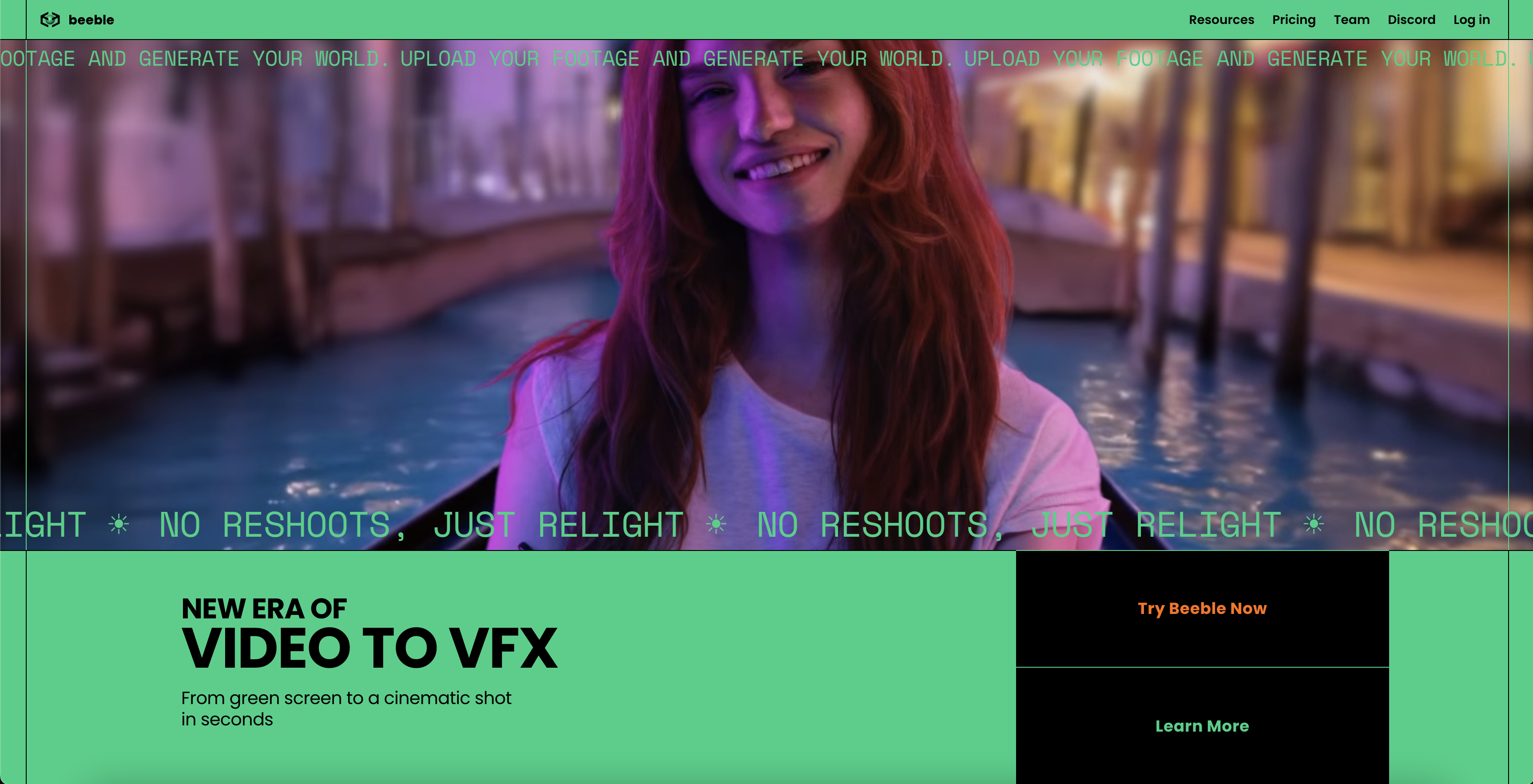
- Transform lighting conditions after filming with AI-generated depth, normal, and albedo passes that describe how light interacts with surfaces
- Seamlessly integrate actors into new environments with realistic lighting through AI Virtual Production that handles matting and relighting automatically
- Achieve professional VFX without 3D expertise by simply uploading footage while the AI handles PBR map extraction and complex rendering tasks
- Maintain complete creative control with individual PBR passes, 4K+ resolution support, and guaranteed temporal consistency across all frames
- Work with complete privacy assurance through local processing that keeps all image and video data on your own machines
- Streamline post-production workflows with direct integration into Nuke, Blender, and Unreal Engine through specialized plugins and PBR loaders
- Eliminate green screen requirements with advanced AI background removal that creates clean mattes from any footage without manual rotoscoping
- Access your projects anywhere through multiple deployment options including desktop software, web version, mobile app, and API integration
Pros & Cons
Pros
- Individual video passes
- Physically-based rendering
- Background removal feature
- PBR material extraction
- Depth map extraction
- PBR neural enhancer
- Light map extraction
- 4K+ resolution support
- Temporal consistency
- Local data processing
- Respects user's privacy
- PBR loader for Blender
- PBR loader for Unreal Engine
- Nuke plugin integration
- Command-line interface
- Offline capability
- Multi-OS support
- API availability
- Web-based version
- Mobile application
- Digital double creation
- Interface with any 3D software
- Extracts 3D Geometry and PBR
- HDRI extraction feature
- Enhanced storytelling tool
- PBR material & depth extraction
- Post-production light modifying
- Parallax in post-production
- Video-to-material model
- Non-invasive background removal
- Zero loss EXR support
- Compatible with vfxplatform.com
- RLM licensing for studios
- Self-occlusion & subsurface scattering enhancements
- Professional compatibility for ControlNet
- Natively extracts light information
- Extracts lighting for portraits, HDRI
- Retains color details without shadows
- Handles matting and map extraction
- Extracts roughness and specular properties
Cons
- Requires green screen for background removal
- Limited to specific 3D programs
- Potentially complicated command-line interface
- Limited offline capabilities
- Potential privacy issues with local processing
- May not support all video resolutions
- Lacks extended support for non-technical users
- Dependent on specific APIs for SwitchLight features
- Limited enterprise features for Post-production streamlining
Reviews
Rate this tool
Loading reviews...
❓ Frequently Asked Questions
Beeble SwitchLight Studio is an innovative tool that revolutionizes VFX and compositing for filmmakers by integrating artificial intelligence and physically-based rendering capabilities. It facilitates users in altering lighting post-production. The software caters to creativity through individual PBR passes, supports 4K+ resolution, ensures temporal consistency across frames and is compatible with Blender and Unreal Engine. It also includes enterprise features like a Nuke plugin, command-line interface and has multi-OS support. Beeble provides SwitchLight Studio's AI suite as an API, a web-based version, and a mobile application for added flexibility.
Artificial Intelligence in Beeble SwitchLight Studio is pivotal in generating individual passes for videos which include depth, normal, roughness, albedo, specular, and ambient occlusion. These passes give a detailed understanding of how light interacts with an object's surface. Furthermore, the system offers AI Virtual Production to integrate actors into different environments with realistic lighting. AI also contributes to features like background removal and PBR material and depth extraction.
Individual passes in SwitchLight Studio are outputs generated by artificial intelligence that describe how light interacts with the surface of objects in a video. These passes include depth, normal, roughness, albedo, specular, and ambient occlusion. The albedo pass captures the true color of objects without any shadow or lighting effects, while the normal and depth map capture the 3D geometry.
Physically-Based Rendering (PBR) in SwitchLight Studio faithfully mimics how light interacts with objects, delivering the highest levels of realism in rendering. It uses AI-generated passes like albedo, normal, roughness, specular, and ambient occlusion to accurately replicate real-world lighting conditions in post-production.
SwitchLight Studio's AI Virtual Production simplifies the integration of actors into various environments with realistic lighting. It takes care of the matting, PBR map extraction, and relighting. Users can avail of all features of SwitchLight without any substantial understanding of AI, Physically Based Rendering, or 3D software.
SwitchLight Studio's feature for background removal functions through artificial intelligence. When PBR material extraction requires a clean matte, it could only be achieved with a green screen or through tedious rotoscoping. However, SwitchLight Studio's AI can remove the background from any footage nullifying the green screen requirement.
The PBR Material and Depth Extraction feature in SwitchLight Studio, given an image sequence and an alpha matte, extract temporally consistent PBR properties like albedo, normal, roughness, specular, and ambient occlusion, alongside depth information. This deep grasp of a scene's material and depth attributes significantly enhances the overall visual outcome of a video production.
Beeble SwitchLight Studio enhances PBR results and overall realism by offering features like the PBR Neural Enhancer. It adds effects such as self-occlusion and subsurface scattering to uplift the visual impact. SwitchLight can capture and recreate specific shots' lighting in two modes: Portrait mode and Universal mode.
Yes, SwitchLight Studio is designed with user-friendly functions that don't require an extensive understanding of AI or 3D software. Users can simply upload the footage, and SwitchLight handles tasks such as matting, PBR map extraction, and relighting.
SwitchLight Studio is suitable for professional use due to its high-end features. It supports 4K+ resolution, maintains temporal consistency across frames, and can export individual PBR passes. It provides a PBR loader for Blender and Unreal Engine, and a Nuke plugin for streamlining post-production. It also has a command-line interface, offline capability, and multi-OS support.
4K+ resolution support in the context of SwitchLight Studio means that the software accommodates videos of all resolutions, including those as high as 4K and above. This ensures crisp, cinema-quality images that can handle cropping, zooming, and scaling without losing detail.
Yes, SwitchLight Studio supports Blender and Unreal Engine. It encompasses a PBR loader that integrates PBR textures into 3D scenes in software like Blender and Unreal Engine with a single click.
Beeble SwitchLight Studio maintains user privacy by providing local processing for all image or video data. In essence, the user's image or video data stays local and is not uploaded to the cloud, thereby safeguarding personal information.
The Nuke plugin in SwitchLight Studio streamlines post-production by making all of SwitchLight's features available within the Nuke environment. This integration maximizes your efficiency by removing the need to switch between different software during post-production.
SwitchLight Studio can be used offline thanks to its offline capability feature. The system operates without internet access, featuring RLM licensing for fully air-gapped studios.
SwitchLight Studio supports multiple operating systems, specifically Windows and Linux. This multi-OS support renders it fully compatible with vfxplatform.com, thereby meeting a multitude of production requirements.
Beeble offers other forms of SwitchLight Studio including an API, a web-based version, and a mobile application. These variations provide users with flexibility to choose their preferred form to take advantage of the technology.
The SwitchLight API enables you to create your own applications using the technology that powers the SwitchLight Studio. With this API, you have access to all of the AI-powered features and functions of SwitchLight Studio, presenting endless possibilities for creating and altering video content.
SwitchLight Studio is employed in post-production filmmaking to change lighting conditions. It uses AI to generate unique passes for a video that describe how light will interact with surfaces. It also allows users to uplift the video's visual realism, create digital doubles, and more, all in the post-production stage. The Nuke plugin also aids in streamlining post-production processes.
Yes, you can use SwitchLight Studio on mobile. Beeble provides a mobile application version of the studio, that allows users to replace backgrounds and revamp their images directly on their mobile device.
Pricing
Pricing model
Freemium
Paid options from
$16/month
Billing frequency
Monthly
Related Videos
How to use Beeble with Blender | Beeble Tutorial
Beeble - VIDEO TO VFX•31.3K views•Apr 18, 2025


