

Fudge
Get AI-built interfaces that match your taste on every build: a shared design memory gives your agent your references and design decisions through MCP as it works.
Listing not yet reviewed by our editors · How we check
Overview
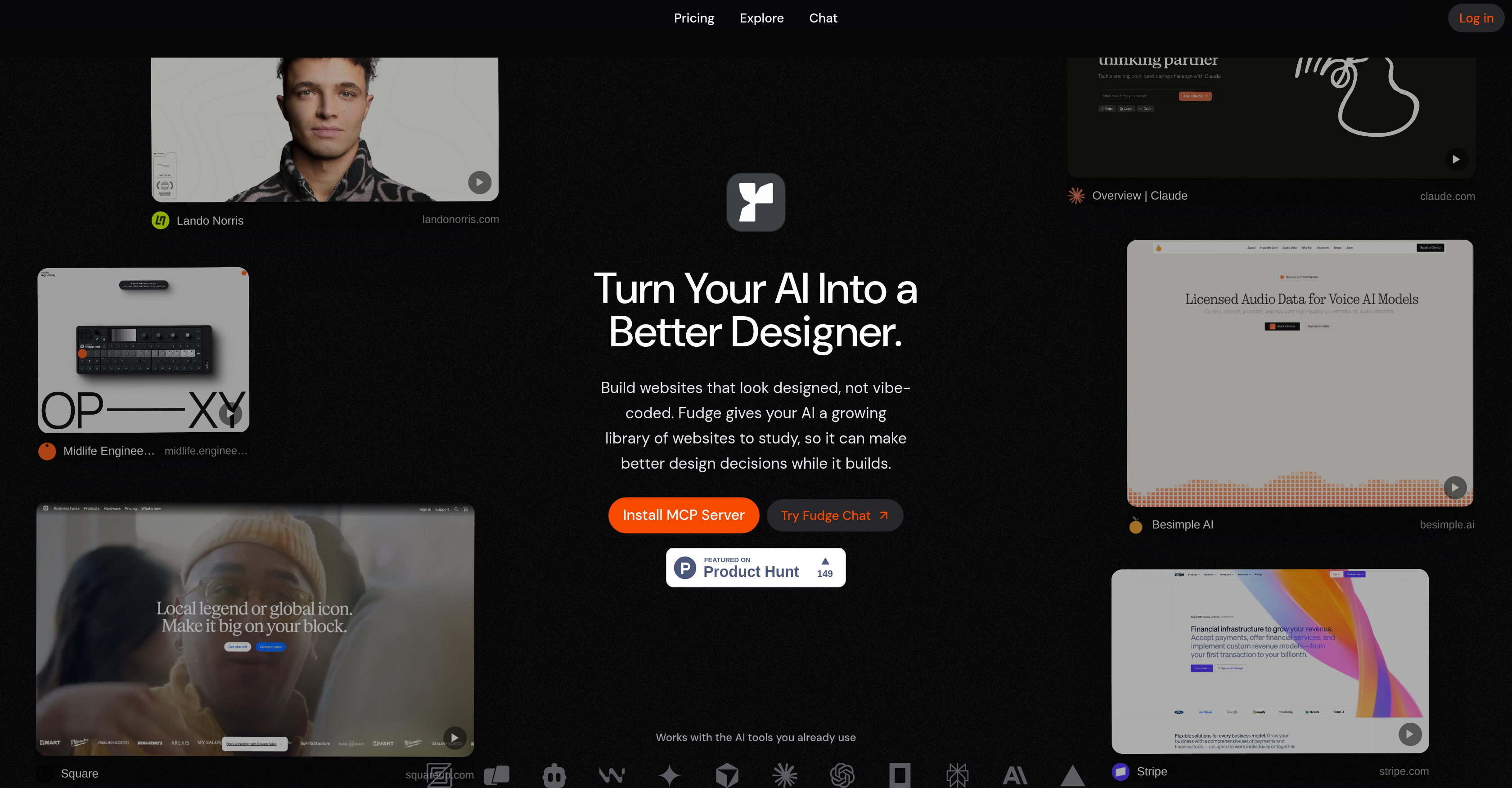
- Get AI-built interfaces that match your taste on every build: a shared design memory gives your agent your references and design decisions through MCP as it works.
- See how competitors design before you commit to a direction: competitor and industry design research shows what already exists in your market.
- Start each project with inspiration that fits it: curated design inspiration is matched to your project instead of pulled from random galleries.
- Keep references, taste, and design decisions in one place: a single design workspace collects everything your agent needs to build from.
- Find and fix design and accessibility problems on your live website faster: a website audit returns screenshots of each issue with suggested fixes.
- Inspect exactly how your design data is handled and adapt it to your stack: the MCP server is fully open source.
Pros & Cons
From the listing; not yet checked by our editors.
Pros
- Website design library
- Detailed design insights
- Color palette extraction
- Font identification
- Design comparison
- Review design elements
- Create a DESIGN.md
- Design system implementation
- Save websites feature
- Website reference search
- Typography analysis
- Layout analysis
- Multiple search parameters
- Website component breakdown
- Spacing analysis
- Visual concept search
- Digital asset management
- Design tokens creation
- URL based search
- Professional design output
- Aesthetic appeal
- Design resource building
- User interface insight
- Contrast check
- Typeface alternatives
- Page structure comparison
- Hierarchy analysis
- Styled JSON structuring
- Chrome extension support
- Real-world designs analysis
- Capture and reuse websites
- Manual configuration option
- Tailwind and CSS variable
Cons
- No mobile app
- Limited search parameters
- Subscription required
- No multi-language support
- No offline capability
Alternatives to Fudge
Tools that share the most tags with Fudge.
- BoltAI Web Designer
Launch your website in minutes, not days, by transforming a simple concept into a functional web page with AI-powered generation.
Free
Not listed
Not yet checked
- DesignBuddy.net
Catch overlooked design flaws before stakeholders see them with structured feedback on layout, color, typography, and accessibility
Free trial · from $5/month
$5/month
Not yet checked
- Pictorial
Create professional website graphics in minutes instead of hours by automatically generating visuals from your site's URL
Paid · from $8.99/month
$8.99/month
Not yet checked
- Omma
Turn ideas into functional prototypes in seconds by describing what you want, eliminating hours of manual coding and design work with natural language processing.
Freemium · from $39/month
$39/month
Not yet checked
- Figma Sites
Launch websites directly from your Figma designs without rebuilding layouts, using the simple paste-to-publish workflow.
Freemium · from $3/month
$3/month
Not yet checked
- Design.com | AI Website Builder
Launch a professional online presence in seconds with AI-generated designs based on your business name and keywords
Freemium · from $6/month
$6/month
Not yet checked
Reviews
Rate this tool
Loading reviews...