

GBrain
Get the same accurate answers from every AI assistant your team uses, because ChatGPT, Claude, Cursor, and other tools sync to one central team knowledge base instead of working from scattered context.
Listing not yet reviewed by our editors · How we check
Overview
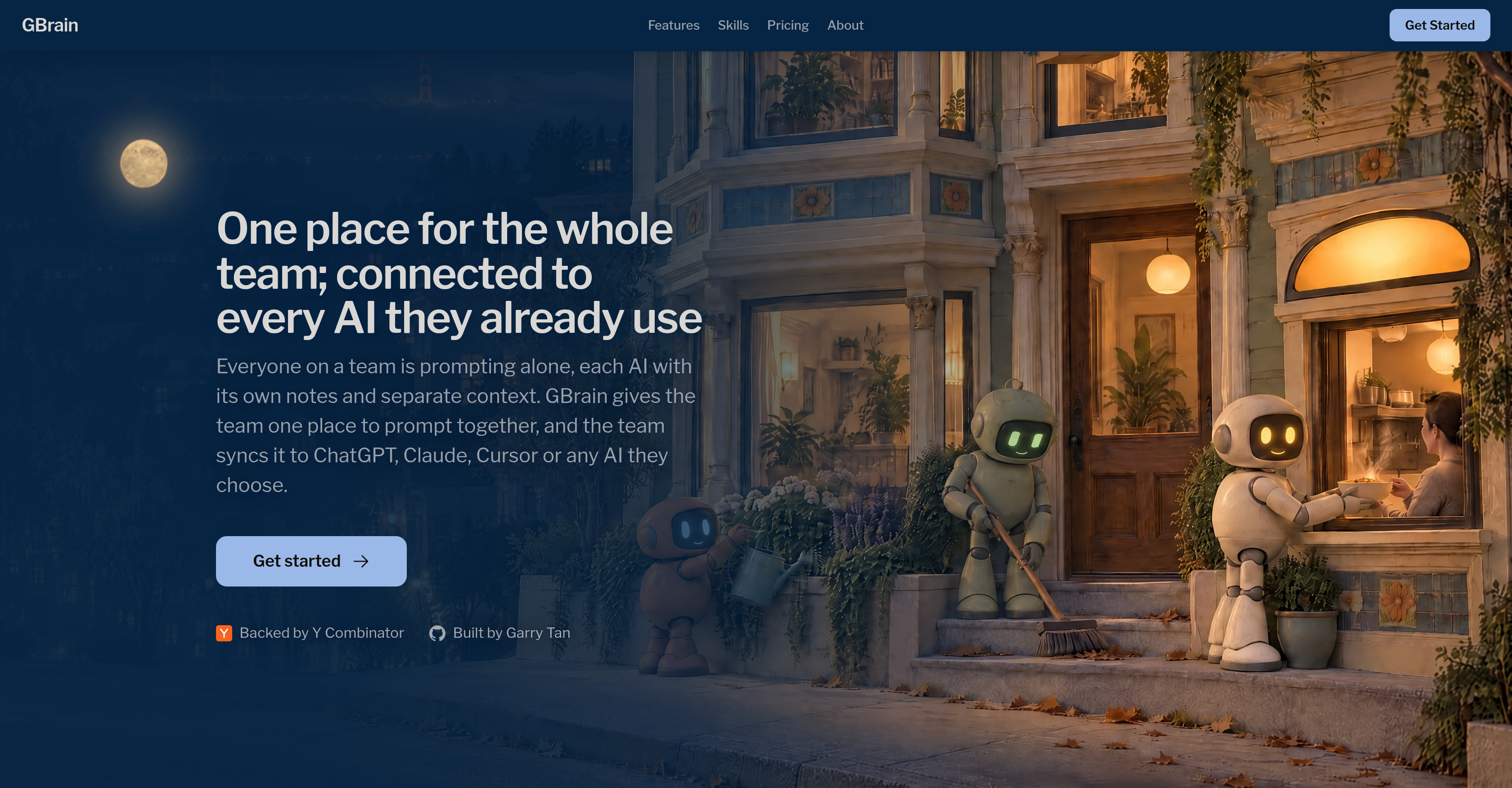
- Get the same accurate answers from every AI assistant your team uses, because ChatGPT, Claude, Cursor, and other tools sync to one central team knowledge base instead of working from scattered context.
- Stop re-explaining processes and past decisions, since your team documents them once in a shared collective brain that every member reads from and updates.
- Control exactly what each AI tool touches through per-tool permission levels and centralized sign-in management that keeps team data private and secure.
- Walk out of every meeting with finished documentation, as automated meeting transcription turns recordings into clean write-ups with summaries, decisions, quotes, and action items.
- Enter important meetings already prepared with automatically curated meeting briefs that pull the relevant context together beforehand.
- Keep only the email that matters, because automated inbox cleanup learns which messages you never read and archives them on a schedule.
- Edit your team knowledge in the note files you already use, stored on your team's server, with change tracking and instant updates across the system.
- Fix an AI mistake once and see it corrected everywhere, as corrective feedback is recorded and applied across all connected AI workflows.
- Start running your AI knowledge management without onboarding costs through setup assistance for beginners at no extra charge and follow-up help from the same support team.
Pros & Cons
From the listing; not yet checked by our editors.
Pros
- Enhanced workflow management
- Information readily available
- Shared workspace concept
- Maintains permission levels
- Manages multiple sign-ins
- Corrective feedback implementation
- Handles tedious tasks
- Improves team productivity
- Ensures data privacy and security
- Automates inbox cleanup
- Automatic meeting note transcription
- Curates meeting briefs
- User-friendly interactions
- Easy note file updates
- Tracks changes efficiently
- Free setup assistance
- Connectivity with ChatGPT, Claude, Cursor
- Personal server for teams
- Price per workspace not person
- Data ownership
- Integrates with Gmail, calendar
- Job automation features
- Plain file note system
- Machine learning correction integration
- Account connection and management
- Personal workspace feature
- Tedious job automation
- Skill selection for automation
- Public source briefing capability
- Meeting recording cleanup
- Email cleanup automation
- News monitoring and briefs
- Inbound pitch evaluation
- Free setup assistance
- Quick workspace setup
- Secure sign-in options
- Semantic search in memory
- Scheduled automation runs
- Markdown files support
- Shared memory concept
- Access level adjustments
Cons
- No mobile app
- No multi-language support
- No offline capabilities
- Only team-focused, no individual use
- Data stored on team's server
- No task prioritization feature
- Requires continuous updates
- Limited automated actions
- No personal workspace option
Alternatives to GBrain
Tools that share the most tags with GBrain.
- Socratic
Eliminate manual project estimation with intelligent forecasting based on your team's historical performance data
Freemium · from $10/month
$10/month
Not yet checked
- WorkHub
Cut team platform costs by 80% while maintaining premium features with our affordable pricing at one-fifth competitor rates
Paid · from $11/month
$11/month
Not yet checked
- Ariso
Eliminate management overhead by automating coordination of workflows, goals, and priorities across every project
Free trial · from $30/month
$30/month
Not yet checked
- Coda AI
Replace scattered tools with one connected workspace that automatically syncs data across your entire operation using connected data
Freemium · from $10/month
$10/month
Not yet checked
- Generatifyy.AI
Transform scripts into professional videos with cinematic effects using the AI Video Generator
Free trial · from $29/month
$29/month
Not yet checked
- Rationale
Make fully-informed decisions in just 10 seconds using AI-powered analysis that considers every angle
Paid · from $9.99/month
$9.99/month
Not yet checked
Reviews
Rate this tool
Loading reviews...
Frequently asked questions
What is the purpose of GBrain?
GBrain's purpose is to assist teams in working collaboratively with artificial intelligence tools. It serves as a central system where teams can prompt together, streamlining the use of different AI platforms. The tool acts as a collective 'brain', allowing teams to document and share essential information, thereby enhancing workflow management and maximizing efficiency.
How does GBrain work with AI platforms like ChatGPT, Claude, Cursor, etc.?
GBrain works with AI platforms like ChatGPT, Claude, Cursor, etc. by serving as the central system that these tools sync with. GBrain maintains permanent levels for different AI tools and manages sign-ins for various platforms, thus establishing a uniform and efficient interaction across diverse AI systems.
What is the main function of GBrain in workflow management?
The main function of GBrain in workflow management is to serve as a central point of control and collaboration. GBrain allows teams to document and share processes, decisions, and other essential information, creating a collective 'brain' that enhances information management and workflow operations.
Can GBrain automate regular tasks?
Yes, GBrain is built to automate regular tasks. It can handle functions that may be tedious or time-consuming such as inbox cleanup and meeting note transcription. Its automation capabilities extend to curating briefs for important meetings, which makes workflow efficient and saves significant time.
How does information management work within GBrain?
Information management within GBrain works via a system where teams can document, share, and prompt together. This creates a collective 'brain', which ensures that all decisions, processes, and important details are readily available and accurate to the whole team. It simplifies the tracking of changes and enables instant updates to the systems from adjusted details.
Can GBrain be used for project management?
Yes, GBrain can be used for project management. It serves as a central system for all team members implementing AI tools in their projects. It also helps in documenting and sharing project processes, decisions, and other crucial project information. Additionally, its capabilites in automating tedious tasks like inbox cleanup, meeting transcriptions, and meeting briefs can provide significant assistance in managing project responsibilities.
What measures does GBrain take to ensure data privacy and security?
GBrain takes several steps to ensure data privacy and security. It allows the teams to maintain permission levels for different AI tools being used. GBrain also manages sign-ins for various platforms and ensures that the implemented functionality is secure. GBrain's ability to handle sign-in information relieves the user from potential security risks.
What is the user experience like when interacting with GBrain?
Interacting with GBrain is designed to be user-friendly. Teams can access and update information via familiar note files located on their servers. Changes can easily be tracked and instant updates can be made to the system from adjusted details. This ease in interaction greatly simplifies user experience while ensuring efficiency.