

GenOffice
Keep Word documents exactly as they were except for what you edited: Docs opens and saves genuine .docx files with byte-preserving edits, rewriting only the parts you change.
Listing not yet reviewed by our editors · How we check
Overview
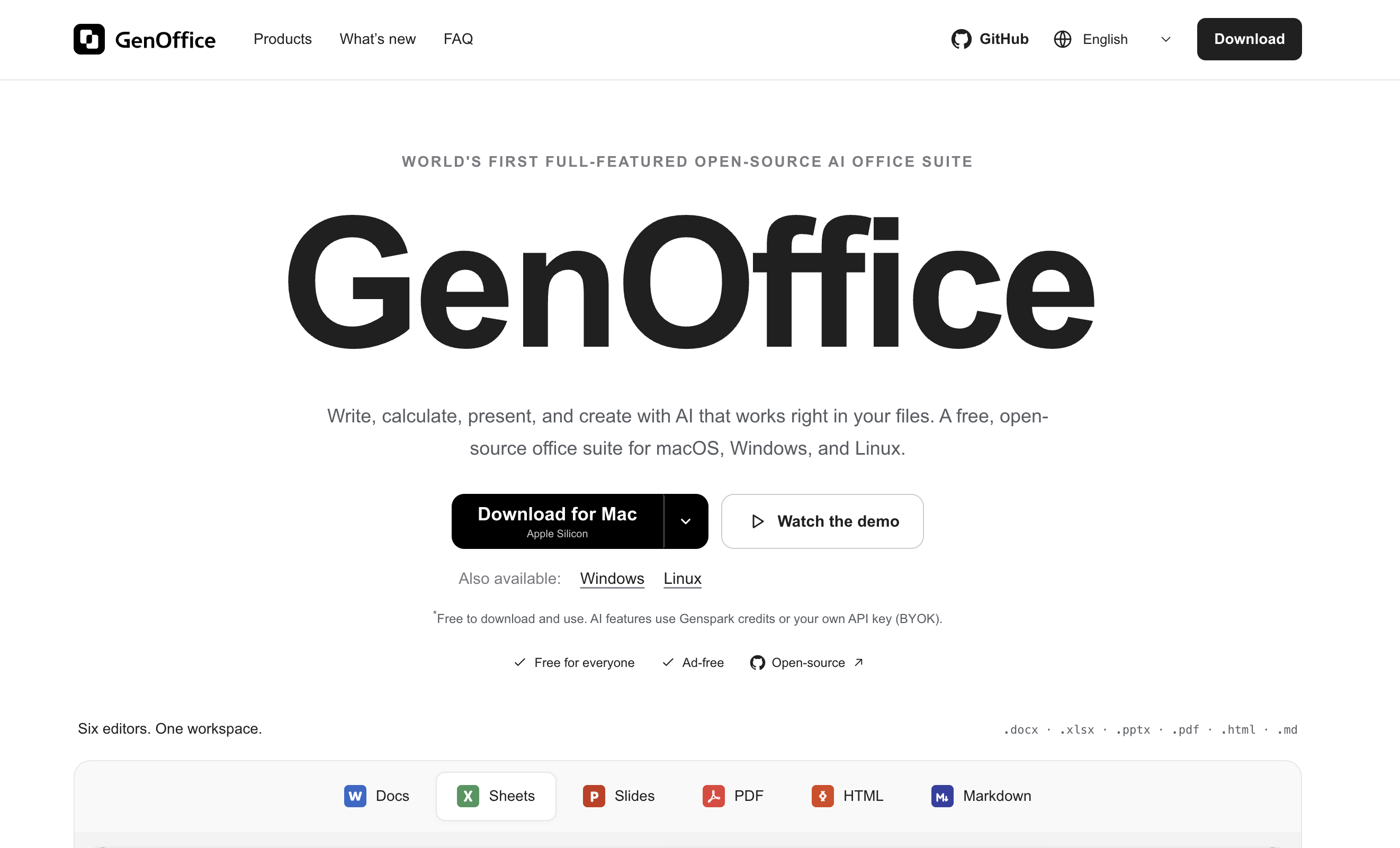
- Keep Word documents exactly as they were except for what you edited: Docs opens and saves genuine .docx files with byte-preserving edits, rewriting only the parts you change.
- Run serious Excel analysis without Microsoft Office: an in-house spreadsheet engine handles .xlsx files with charts, pivot tables, and slicers, and AI writes your spreadsheet formulas for you.
- Go from a topic to a finished PowerPoint deck: Slides generates native .pptx presentations with masters and layouts that open cleanly anywhere.
- Fix a PDF without hunting down the source file: the PDF editor changes text and images in place with fonts preserved and converts PDFs to editable Word, Excel, or PowerPoint on your machine.
- Keep confidential documents off third-party servers: files stay on your computer, and an AI service connects only when you choose to use one.
- Control what AI costs you: bring your own API key or use Genspark credits, with no license fees attached to the office suite itself.
- Accept AI rewrites with confidence: block-level AI with snapshots and diffs shows exactly what changed when you draft or restyle a section, so you can review it or roll it back.
- Replace a stack of separate apps with one workspace: six editors cover .docx, .xlsx, .pptx, .pdf, .html, and .md on macOS, Windows, and Linux.
- Ship clean, professional files at zero cost: GenOffice is fully open source on GitHub, ad-free, and adds no watermarks to your exports.
- Write and design for the web in the same place as your office documents: an HTML design editor and a distraction-free Markdown editor handle web pages, docs, and notes alongside everything else.
Pros & Cons
From the listing; not yet checked by our editors.
Pros
- Free, open-source, ad-free
- Six editors, one workspace
- Real .docx/.xlsx/.pptx files, byte-preserving
- Block-level AI edits with diffs
- Bring your own API key
- Local file editing, privacy-friendly
- PDF-to-Office conversion locally
- Document-aware AI agents
- Cross-platform (Mac, Windows, Linux)
- No watermarks or license fees
Cons
- AI features need credits or own key
- Early version (v0.10.x)
- Desktop only, no mobile/web
- AI quality depends on chosen model
- Crowded office-suite market
- Maturity behind Microsoft/Google
- Support is community-based
- BYO-key setup for non-Genspark users
- Underlying app has no model itself
- Genspark ecosystem tie-in
Alternatives to GenOffice
Tools that share the most tags with GenOffice.
- PromptLoop
Transform messy text into structured data instantly using a simple spreadsheet formula that works like SUM or VLOOKUP
Freemium · from $49/month
$49/month
Not yet checked
- SheetGod
Create complex Excel formulas and Google Sheets functions instantly by typing plain English instructions instead of memorizing syntax
Freemium · from $8/month
$8/month
Not yet checked
- SheetyAI
Create complex spreadsheet formulas instantly by describing your problem in plain English, eliminating the need to memorize syntax
Free
Not listed
Not yet checked
- WriteDoc.ai
Generate complete documents from simple ideas instantly using AI that understands your context and intent
Free trial · from $9/month
$9/month
Not yet checked
- Free AI Excel Formula Generator
Create accurate Excel formulas instantly without memorizing syntax by describing what you need in plain English
Freemium · from $9/month
$9/month
Not yet checked
- AODocs
Automate complex document processes end-to-end with generative AI, eliminating manual tasks and human error
Not listed
Not listed
Not yet checked
Reviews
Rate this tool
Loading reviews...
Frequently asked questions
What is GenOffice?
GenOffice is an AI-powered tool designed to provide business intelligence and data-driven insights. It specializes in analytics, automation, and data visualization, aiding productivity, decision making, and information gathering.
What kind of documents does GenOffice process?
GenOffice processes all types of documents containing relevant information that can be used to provide valuable insights and facilitate decision making.
How does GenOffice use AI to deliver insights?
GenOffice harnesses the power of AI to analyze vast amounts of data from various documents, identify patterns, draw connections, and ultimately deliver insightful, data-driven results.
Why should I use GenOffice for business intelligence?
Using GenOffice for business intelligence offers you AI-powered insights and data-driven analytics that can help make informed business decisions and enhance productivity.
What kind of data can GenOffice analyze?
GenOffice can analyze a variety of data types, from textual and numerical to more complex and unstructured data sets, for generating useful business insights.
How can GenOffice improve my productivity?
GenOffice improves productivity by automating information gathering and data analysis processes, allowing you to focus more on decision making and less on data crunching.
Can GenOffice assist in decision making processes?
Yes, GenOffice can assist in decision making processes by providing in-depth and meaningful insights derived from data.
What kind of data visualizations can GenOffice provide?
GenOffice provides various types of data visualizations including, but not limited to, bar charts, pie charts, and heat maps that help users interpret complex data.