

Glass
Finish a clean screen recording in one take, even after you stumble, switch accounts, or lose your place: Glass transcribes and edits every 20 seconds while you talk, cutting false starts, repeated sentences, pauses, and searching, so the edited video is ready seconds after you press Stop.
Listing not yet reviewed by our editors · How we check
Overview
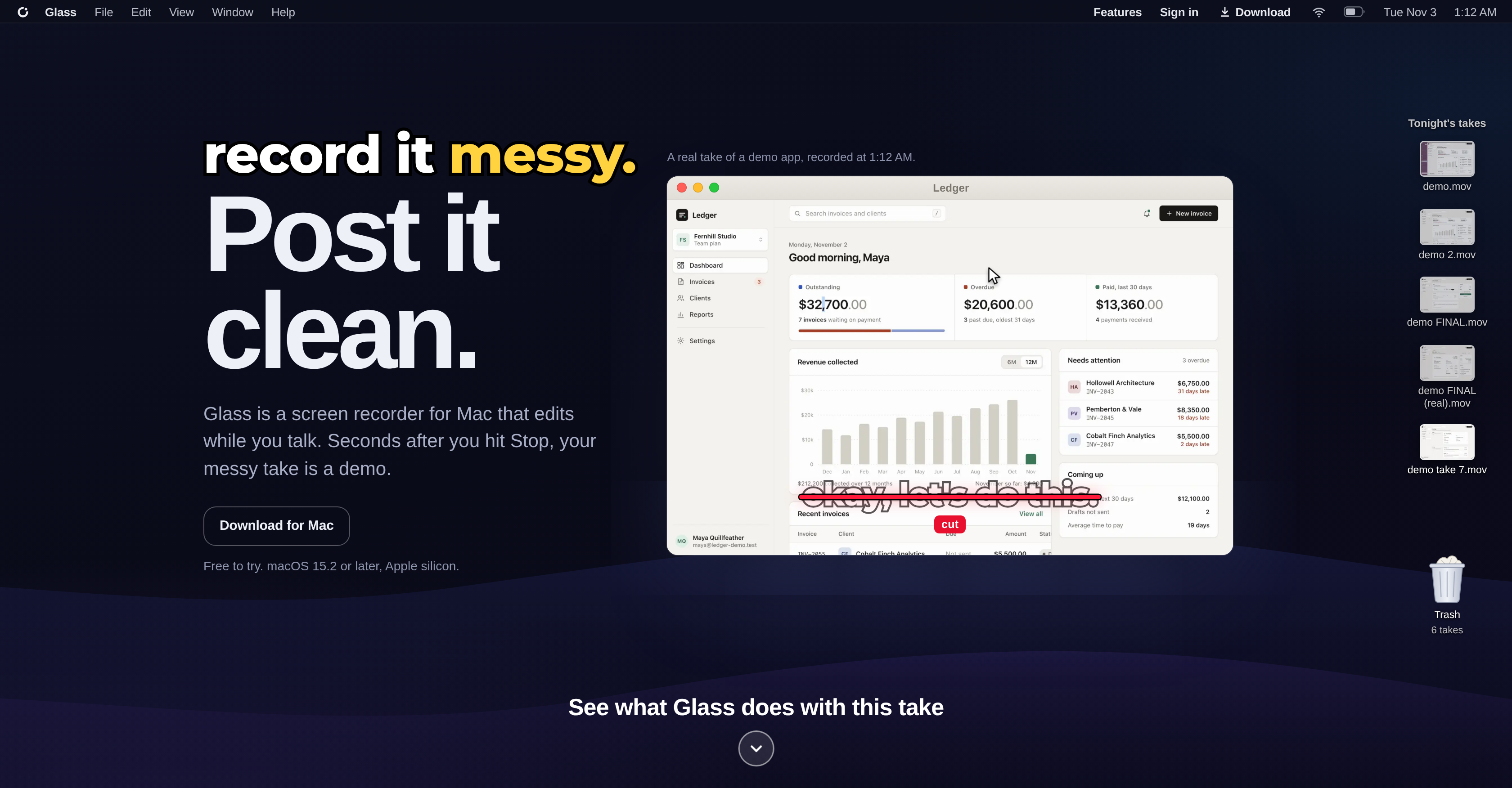
- Finish a clean screen recording in one take, even after you stumble, switch accounts, or lose your place: Glass transcribes and edits every 20 seconds while you talk, cutting false starts, repeated sentences, pauses, and searching, so the edited video is ready seconds after you press Stop.
- Keep product demos moving without dead air: loading spinners, slow pages, and waits play back sped up automatically.
- Help viewers follow every step of your walkthrough: automatic zooms on the buttons you click, captions generated from your narration, and short titles whenever you move to a new topic.
- Share tutorials without exposing emails or API keys: on Starter and Pro plans, sensitive details on screen are covered automatically with a cover nothing can be read back from.
- Fix any detail without redoing the whole edit: type a request in plain words, such as "make the zooms less aggressive," and Glass changes only that, with every change undoable, plus transcript-based editing and a timeline for trimming zooms, callouts, covers, and titles.
- Deliver professional-sounding video updates: voice cleanup on your microphone audio, voiceover lines in a generated voice, custom text, and music that drops under your narration.
- Send your demo the instant you stop recording: a share link is copied automatically, plays in any browser with no app or account, shows who watched, and updates when you change the video.
- Keep confidential work under your control: recordings stay on your Mac, only microphone audio, still frames, and on-screen text are sent for AI editing, and keys and passwords are masked locally first.
- Record, edit, and export anywhere: once signed in, screen recording, manual editing, and MP4 export work offline.
- Capture exactly the right view: record a full display, a chosen second display, or a single window, with Mac system audio on its own track.
- Start producing screen recordings at no cost: recording, manual editing, and MP4 export are free with 720p output, and paid plans unlock 1080p exports with no watermark.
Pros & Cons
From the listing; not yet checked by our editors.
Pros
- Spoken walkthroughs become demos
- No scripted narration required
- Edits arrive after recording
- Removes false starts automatically
- Removes repeated phrases
- Cuts pauses and silence
- Trims searching and scrolling
- Shortens waiting-time footage
- Speeds up spinners and slow pages
- Keeps selected moments
- Edit by changing the transcript
- Shows proposed edits for review
- Before-and-after timeline comparison
- Labels cuts and speed-ups
- Marks edits on timeline
- Zooms toward clicked interface elements
- Highlights clicks visually
- Detects emails and API keys
- Covers private details so they cannot be read back
- Generates captions from speech
- Enhances microphone audio
- Restores passages through chat
- Adjusts zoom strength through chat
- Records offline on Mac
- Recordings stay on your Mac
- Manual editing available free
- Export available free
- Supports Apple silicon Macs
- Exports MP4 up to 1080p
- Optional watermark-free exports
Cons
- Apple silicon Macs only
- Requires macOS 15.2 or later
- AI editing needs an internet connection
- Editing sends voice, frames, text
- Free exports limited to 720p
- Free exports include watermark
- Automatic privacy hiding requires paid plan
- Export resolution varies by plan
Alternatives to Glass
Tools that share the most tags with Glass.
- Gling - AI Video Editing Software for YouTube
Skip hours of manual editing with AI that automatically cuts silences, bad takes and filler words from your raw footage
Freemium · from $10/month
$10/month
Not yet checked
- AVCLabs
Transform blurry videos into crisp high-resolution footage with AI upscaling and deinterlacing technology
Paid · from $39.95/month
$39.95/month
Not yet checked
- Camtasia
Record screen, camera, and audio simultaneously on separate tracks for complete editing control over every element
Freemium · from $179.88/year
$179.88/year
Not yet checked
- bigmp4
Transform low-resolution videos into crystal clear 8K quality with AI upscaling that simultaneously reduces noise and enhances detail
Freemium · from $6
$6
Not yet checked
- Vidnami
Transform text into complete marketing videos instantly using AI that splits content into scenes and selects matching clips from Storyblocks
Free trial · from $47/month
$47/month
Not yet checked
- Captions
Produce studio-grade videos without technical expertise using AI-powered automation that handles complex editing tasks
Paid · from $9.99/month
$9.99/month
Not yet checked
Reviews
Rate this tool
Loading reviews...
Frequently asked questions
How does Glass turn a spoken screen recording into an edited product demo?
Glass analyzes your narration and screen recording after you stop. It cuts false starts, repetition, pauses, and idle sections, and can trim or speed up other parts. It then arranges the remaining footage and can add click-focused zooms, blur detected private details, captions, and microphone enhancement.
Can Glass remove false starts, repeated phrases, pauses, and long waits automatically?
Yes. Glass can automatically cut false starts, repeated phrases, pauses, searching or scrolling, and waiting time. It can also speed up some sections, such as an export spinner.
Can I review Glass’s edits before exporting my demo?
Yes. Glass shows proposed edits and a before-and-after timeline so you can inspect the take and the edited version before exporting.
Can I restore a section or adjust zooms by chatting with Glass?
Yes. You can ask Glass in its chat interface to restore a passage or reduce zoom strength, for example.
Does Glass zoom in on clicks and highlight the interface elements I interact with?
Yes. Glass can zoom toward interface elements you click and visually emphasize the clicks.
How does Glass detect and blur emails or API keys on screen?
Glass identifies sensitive details such as email addresses and API keys and covers them during rendering. Automatic hiding is included with Starter and Pro; on the free plan, you can hide private details yourself.
Can private information still be read from a blurred area in a Glass export?
No. Glass says the blur prevents obscured content from being read back.
Does Glass generate captions and improve microphone audio?
Yes. Glass generates captions from speech and enhances microphone audio.