

Help Scout
Resolve routine customer requests instantly with an AI assistant that handles common inquiries, freeing your team to focus on complex issues.
Listing not yet reviewed by our editors · How we check
Overview
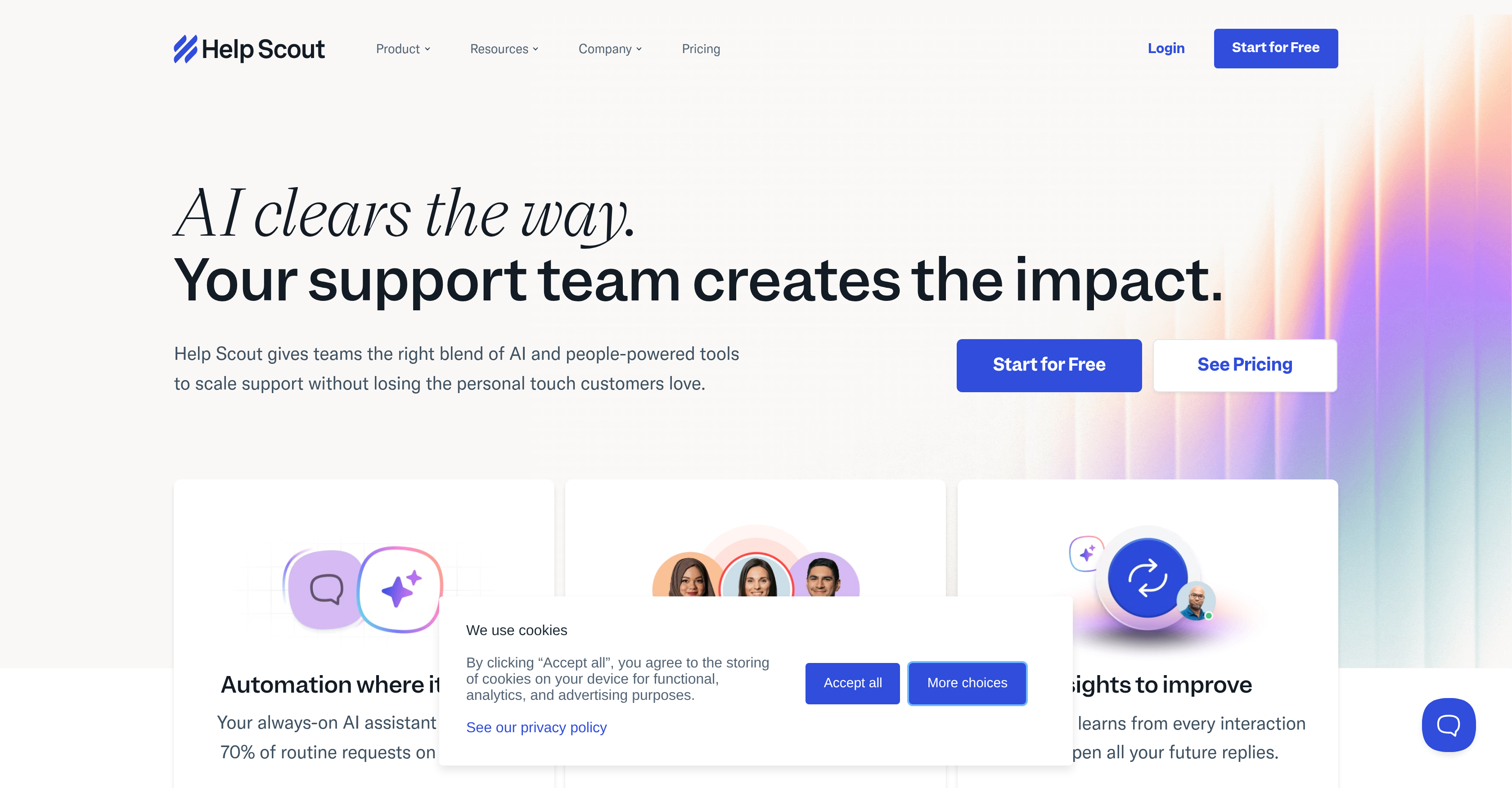
- Resolve routine customer requests instantly with an AI assistant that handles common inquiries, freeing your team to focus on complex issues.
- Ensure no customer conversation slips through the cracks by snoozing messages to resurface at the perfect time for follow-up.
- Deliver replies when customers are most likely to engage using scheduled sending for optimal impact and response rates.
- Automate repetitive workflows and apply saved replies to common questions with a few clicks, dramatically reducing manual effort.
- Provide a seamless, embedded support experience with Beacon, offering AI-assisted chat, live help, and easy access to past conversations.
- Guide customers proactively and gather feedback with in-app messaging that prevents issues and improves their experience.
- Maintain a personal touch at scale by assigning conversations within a shared inbox and using dedicated spaces for different products or teams.
- Connect your entire workflow with over 100 integrations, pulling support channels like email, social media, and Shopify into one place.
Pros & Cons
From the listing; not yet checked by our editors.
Pros
- Integrated suite of tools
- People-powered tools
- Shared Inbox
- Adaptive learning
- Snooze option
- Scheduled sending
- Automated task handling
- Saved replies for common questions
- Dedicated support spaces
- Multiple Inboxes
- Beacon Tool
- Embeddable Support Hub
- Live Chat
- Email Support
- Proactive in-app messaging
- Feedback Collection
- Update Sharing
- Personalized Support
- Streamlined Workflows
- Workload Optimization
- Support Automation
- Task Management
- Response Timing
- Support Scaling
- Productivity Enhancement
- Access to past conversations
- In-app customer guidance
- Conversations resurfacing
- Team assignments for hands-on conversations
- Advanced insights and analytics
- Proven support product
- Account-wide support context
- Company management features
- Prioritizing with ease
- Conversational editing and translation
- Integration with popular tools
- Customized views for efficiency
- Automated message routing
- Resurfacing urgent conversations
- Audience targeting in-app messages
- In-app promotional banners
- Team performance reporting
- Volume management across channels
- Timed response measurements
- Powerful integrations
- Easy to use
- Built to scale
- Offers a demo
- World-class support
Cons
- Doesn't integrate with all platforms
- Potential for impersonal customer interactions
- Over-reliance on shared inbox
- Disruption in human-led processes
- Snooze feature can delay responses
- Limited multilingual support
- Limited customization options
Alternatives to Help Scout
Tools that share the most tags with Help Scout.
- Chatisto
Answer customer questions instantly with AI agents that handle common inquiries 24/7
Freemium · from $29/month
$29/month
Not yet checked
- Notification Harbor
Drive more sales with AI-personalized notifications and emails crafted from individual user data and marketing intent
Not listed
Not listed
Not yet checked
- Qualified
Convert website visitors into sales opportunities instantly with AI-powered conversations that identify high-intent buyers in real-time
Paid
Not listed
Not yet checked
- SoundHound
Deploy voice AI across any platform with an end-to-end tech stack that handles everything from speech recognition to response generation
Not listed
Not listed
Not yet checked
- Ebi
Handle 85% of routine customer enquiries automatically from day one with AI assistant capabilities
Freemium · from $123/month
$123/month
Not yet checked
- GPT Trainer
Launch custom AI chatbots in minutes without technical expertise using our intuitive, code-free chatbot builder
Freemium · from $150
$150
Not yet checked
Related Videos
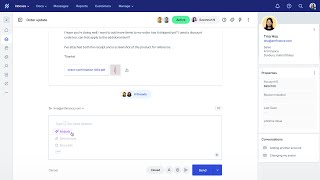
Help Scout Walkthrough
Help Scout · Aug 6, 2024

Help Scout Tutorial: How to Manage Customer Support Step-by-Step
SaaS Report · Oct 20, 2025

Help Scout Workflow Tutorial: Automate Support, Use Tags, and Track Reports Fast
SaaS Report · Jun 30, 2025

Help Scout Tutorial for Beginners | Step-by-Step Guide to Customer Support 2026
How to Simple · Oct 20, 2024

Help Scout Review: Best Customer Support Tool for Small Businesses? Honest Review & Free Trial Guide
SaaS Report · Nov 25, 2024
Reviews
Rate this tool
Loading reviews...
Frequently asked questions
What is Help Scout?
Help Scout is an integrated software suite made to streamline and optimize customer communications and support. It is a combination of AI and people-powered tools providing solutions for handling customer interactions, managing shared inboxes, and automating routine tasks.
What features does Help Scout offer for customer communication management?
Help Scout offers numerous features for customer communication. It facilitates hands-on conversations allocation among team members through shared inboxes, lets automated task handling manage the workload, uses a 'snooze' option to set conversations aside for later, and even uses AI to handle routine requests. The 'Beacon' tool, an embeddable support hub, guides customers towards swift solutions, either through AI-assisted chat, live chat, or email support.
What is the role of AI in Help Scout?
AI plays a crucial role in Help Scout. The software leverages AI to learn from every customer interaction, thereby improving future communication. The AI also assists in managing routine requests, reducing the volume of incoming issues that teams need to handle manually. Additionally, through the 'Beacon' support hub, customers can interact with an AI assistant for fast solutions.
How does Help Scout's shared inbox feature work?
The shared inbox feature in Help Scout allows efficient allocation of hands-on conversations among team members. Each conversation can be assigned to the right team member, ensuring efficient and accurate responses.
Can you explain the 'snooze' option in Help Scout?
The 'snooze' option in Help Scout is used to set aside conversations for later. Users can snooze a conversation when an immediate reply is not necessary, and it will resurface at a predetermined later date.
What is the functionality of the 'Beacon' tool in Help Scout?
The 'Beacon' tool in Help Scout is an integrated support hub that provides customers with fast, AI-assisted solutions, access to live chat and email support, and enables them to review past conversations easily. This tool also supports proactive in-app messaging which can be used to guide customers, gather feedback, and share important updates.
How does Help Scout handle routine requests?
Help Scout manages routine requests using a smart AI-replica system. It takes care of mundane and recurring inquiries, freeing up the team members to handle more complex issues. This feature helps in significantly reducing the volume of incoming issues.
Does Help Scout support multichannel customer interactions?
Yes, Help Scout does support multichannel customer interactions. Customers can interact through various channels like live chat, email, or even in-app messaging enabled by 'Beacon'. It can also handle customer interactions from platforms such as social media and Shopify, providing a fully integrated customer support experience.