

HiTest
Build test coverage without writing test scripts: HiTest's AI QA agent explores your product and turns user journeys and product areas into ready-to-run test case drafts.
Listing not yet reviewed by our editors · How we check
Overview
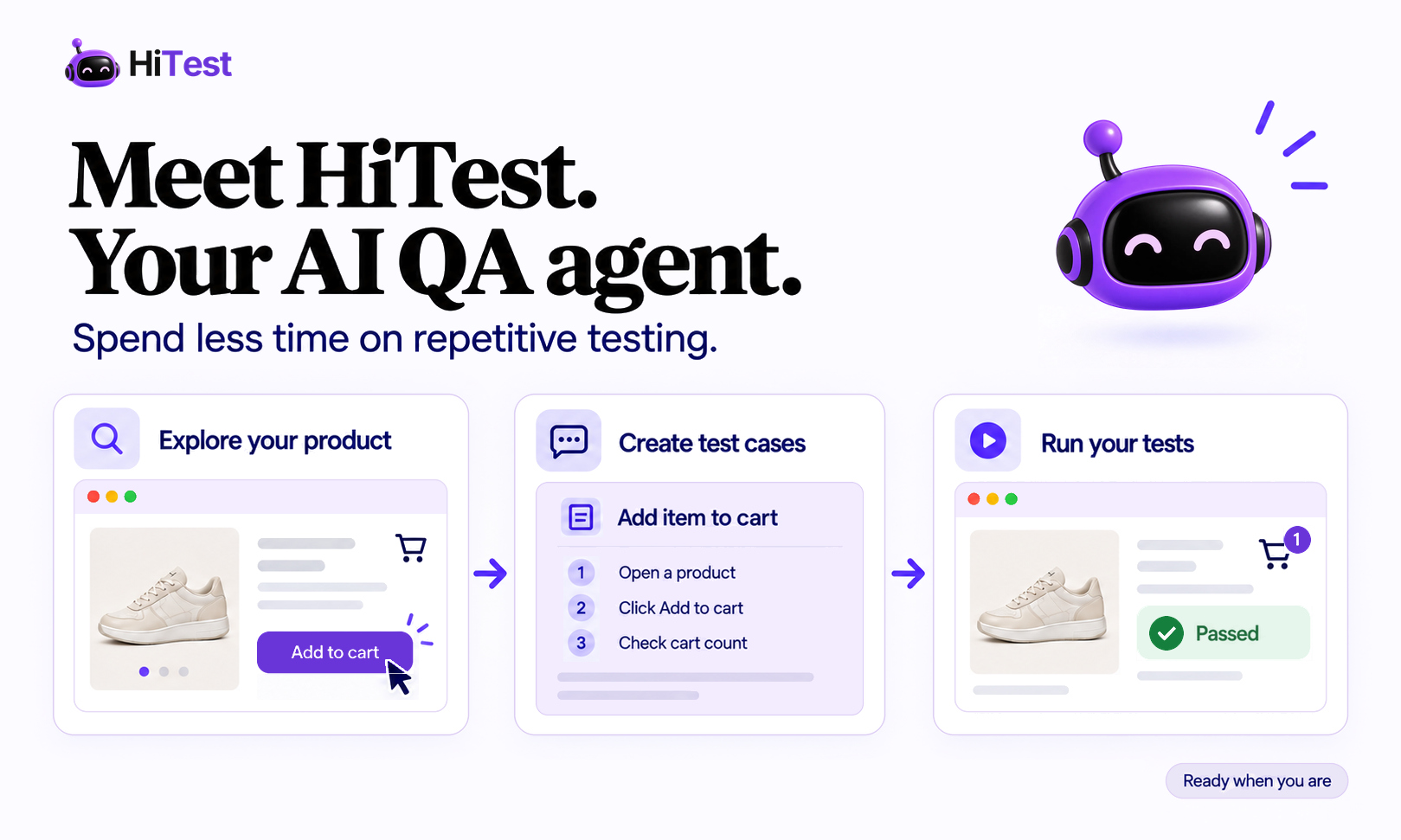
- Build test coverage without writing test scripts: HiTest's AI QA agent explores your product and turns user journeys and product areas into ready-to-run test case drafts.
- Get your whole team writing tests, not just engineers: no-code test automation lets anyone describe test cases in natural language and run them immediately.
- Reuse the QA work you already have instead of starting over: record a flow in Live View, upload an existing screen recording, or import test cases from Excel to generate automated tests.
- Catch the bugs real users would actually hit: every test runs in a real browser, clicking through end-to-end user journeys the way a customer does.
- Fix failures in minutes instead of reproducing them for hours: each failed test arrives as an actionable issue with screenshots, video recordings, failed-step details, and AI summaries.
- Stop regressions from reaching production: group cases into test plans and trigger them on every deployment via webhooks, GitHub Actions, or GitLab CI.
- Know your critical flows still work every morning: scheduled regression testing runs daily checks automatically, and setup requires no code.
- Keep the whole team informed without opening another dashboard: test results go straight to Slack, so failures reach the people who fix them.
- Add coverage without rebuilding your QA stack: HiTest runs alongside your existing QA tools and methods, covering product-facing workflows without the burden of manual script maintenance.
Pros & Cons
From the listing; not yet checked by our editors.
Pros
- Tests user journeys daily
- Real browser environment testing
- Creates actionable issues
- Test case drafts creation
- Comprehensive failure evidences
- Set schedule checks
- Responsive to webhooks
- Can work with existing QA
- Low script maintenance
- Simulates real user interaction
- Automated testing
- Cross-browser testing
- Facilitates issue resolution
- Software deployment checks
- Workflow coverage
- Assists in bug identification
- Wide product areas testing
- Browser recordings
- Automated checks after deployments
- Failures connected to evidence
- Test logged-in workflows
- Fast, repeatable coverage
- Test case generation from flows
- Enhances traditional QA methods
- Prevents critical journey regression
- Detects broken integrations
- Validates upgrade paths
- Tests after every deploy
- Protection for critical paths
- Alerts the team fast
- Tests multiple industries applications
Cons
- No dedicated unit, API, or load testing
- AI-generated test cases may require human review
- No code-level testing
- No performance testing features
- Limited API testing capabilities
Alternatives to HiTest
Tools that share the most tags with HiTest.
- Oopsie, by Zipy
See exactly what users experienced before crashes with AI-powered mobile session replays that capture every interaction
Freemium · from $39/month
$39/month
Not yet checked
- Testim
Create stable automated tests in record time with AI-powered smart locators that automatically improve and reduce maintenance
Freemium
Not listed
Not yet checked
- Replay QA
Ship AI-built apps with real test coverage by giving Replay QA a URL to autonomously explore the app, write Playwright tests, and record every session with deterministic recording.
Freemium · from $49/month
$49/month
Not yet checked
- BrowserStack AI
Ship bug-free web and mobile applications faster with AI agents that automatically identify and fix website issues
Freemium · from $29/month
$29/month
Not yet checked
- Semaloop
Ship mobile releases without selector maintenance breaking your test suite, using AI agents that work from intent instead of UI selectors
Not listed
Not listed
Not yet checked
- Robusty
Ship every release without regressions slipping through: AI-driven end-to-end testing checks your critical user flows before code reaches production.
Free trial · from $29/month
$29/month
Not yet checked
Reviews
Rate this tool
Loading reviews...
Frequently asked questions
What is HiTest used for?
HiTest is primarily used as an AI quality assurance tool for testing applications. Its primary function is to explore and verify user journeys on a daily basis, thereby simulating real user interactions. This tool is utilized for running these cases in real browser environments, recording results, and turning any failures into actionable issues.
How does HiTest simulate real user interactions?
HiTest simulates real user interactions by exploring and running user-defined test cases in real browser environments. It goes through the user journey, much like a real user would, to identify potential problem areas in the application.
What does the HiTest process involve?
The HiTest process involves exploring the test cases defined by the user, running these cases in a real browser environment, recording results, and turning any failures into actionable issues. When tests fail, HiTest provides teams with a comprehensive package of evidences to help in issue identification and resolution.
How does HiTest explore the test cases defined by the user?
HiTest explores the test cases defined by the user by running them in a real-word browser environment. It takes the user-defined paths or product areas and turns them into test case drafts, which are then used for verification and issue resolution.
How does HiTest capture the results of the tests?
HiTest captures the results of the tests by taking screenshots, making browser recordings and generating AI summaries. These results are then turned into comprehensive packages of evidences which are given to the teams to assist them in identification and resolution of the issue.
What happens when tests fail on HiTest?
When tests fail on HiTest, it turns these failures into actionable issues. It provides teams with a comprehensive package of evidences, which includes the recorded results, browser recordings, screenshots and AI-generated summaries. This helps in identification and resolution of the issue.
How can I configure HiTest to automatically run checks?
HiTest can be configured to automatically run checks according to a set schedule or in direct response to specific triggers such as deployment through the use of webhooks. This can be set up in HiTest settings and requires no special coding.
Can HiTest be used alongside existing QA methods and tools?
Yes, HiTest is designed to function alongside existing QA methods and tools, providing an additional layer of coverage for product-facing workflows without the need for extensive manual script maintenance.