

Image to Video by PixNova
Overview
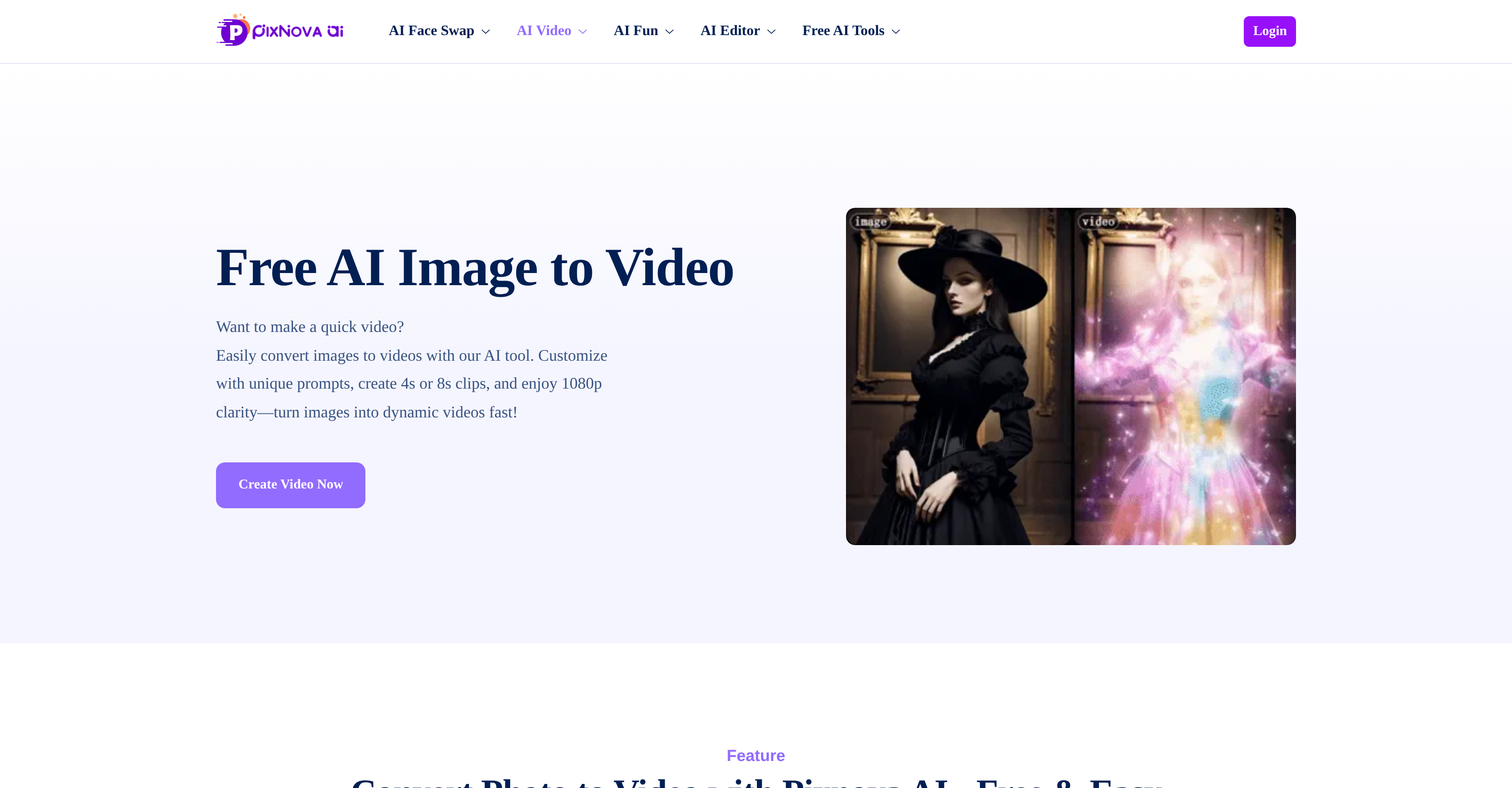
- Transform static photos into engaging video content instantly using AI-powered image-to-video conversion
- Create platform-perfect videos optimized for TikTok, Instagram, and Facebook with targeted duration and resolution settings
- Access over 16 million professional stock images from iStock, Shutterstock, and Adobe Stock without leaving the platform
- Bring character images to life by converting movie stills, animations, and original sketches into dynamic videos
- Maintain complete digital safety with encrypted data protection and secure processing of your personal images
- Generate custom video content by simply describing what you want to see, eliminating complex editing software
Pros & Cons
Pros
- One-click image to video
- Customizable duration, resolution, size
- Built for social sharing
- Cross-platform sharing made easy
- Supports character image conversion
- Provides high-quality stock images
- Data security and encryption
- Platform customization options
- Straightforward image-to-video process
- Quick transformation
- Caters to various needs
- Specific requirements for presentations
- Ideal for personal use
- Versatile multimedia transformation
- Single-tool for multiple needs
- Smooth video generation
- High-resolution output
- No sign-up required
- No-download, browser based
- Supports all picture formats
- Multi-purpose content creation
- One-click Facebook, Instagram share
- Vast stock image repository
- Updated regularly for security
- Optimized for social media
- Thorough video settings
- Professional-grade final product
- Designed user interface
- Dynamic video output
- No watermark in output
- No ads interference
- Constant functionality updates
- Helps animate static objects
- Commercial use-friendly
- Creative control in customizations
- Free trial available
- High definition 1080p support
- Safe and worry-free usage
- Flexible video length options
- Easy access to tool
- Instant sharing options
- Unlimited creativity unlocking
- Requires no technical skills
- Compatible with sketches
- Transform movie stills to videos
- Animation from original drawings
Cons
- No offline version
- Minimal editing features
- No batch processing
- No video preview
- Lacks video editing tools
- Limited customization options
- No multi-language support
- Requires internet connection
- No direct cloud storage
- Free version has limitations
Reviews
Rate this tool
Loading reviews...
❓ Frequently Asked Questions
PixNova is a platform that uses Artificial Intelligence to convert images into videos instantly. It does this by allowing users to upload their image, describe the desired content of the video, and select preferred settings. After these steps, PixNova's AI systems process the information to create a video from the inputted image.
With PixNova, you can customize your videos in terms of duration, resolution, and size. You can also choose the exact content you want depicted in your video by describing it during the upload process.
Yes, with PixNova, you can easily share your creations on social media platforms. As soon as a video is created, it can be shared on platforms such as Facebook, Instagram, and TikTok.
Absolutely, PixNova does allow you to convert specific character images into videos. This feature supports an array of images ranging from personal pictures, movie stills, or even your own original sketches.
Indeed, PixNova does support the use of stock images. It grants users access to a vast repository of high-quality stock photos from popular sources like iStock, Shutterstock, and Adobe Stock.
PixNova takes robust measures to ensure users' digital safety. It protects user data with reliable security systems and encryption methods, ensuring a secure and worry-free experience for its users.
To create a video on PixNova, simply upload your image, enter a description that explains what you want in the video, select your preferred video settings, and proceed to generate. Soon after, your video will be ready for use.
Yes, PixNova is suitable for a variety of project needs, including but not limited to social media sharing, presentations, or personal use.
Yes, PixNova allows users to customize video length and resolution according to their requirements. The tool offers options for 4s or 8s video lengths, and three resolution options.
PixNova is designed for quick image-to-video transformation but specific timing largely depends on the nature of the project, complexity and the settings you choose.
Absolutely, PixNova is an excellent tool for catering to both personal and social media needs. Its diverse array of features makes it suitable for personal projects, presentations, and social media sharing.
Yes, PixNova is designed for easy video sharing across social platforms. Once you've created your video, you can effortlessly share it on platforms like Facebook, Instagram, and TikTok.
PixNova can process various kinds of images. You can upload personal pictures, specific character images, as well as high-quality images from stock photo websites or hand-drawn sketches.
PixNova is expertly designed to convert static imagery into dynamic videos. You simply upload your image, describe what you need in the video, and select your preferred settings. PixNova's AI then processes this information to create an engaging video.
PixNova allows the use of a range of character images for video creation. Whether it's movie stills, animations, or your own original sketches, you can turn them into engaging videos using PixNova.
Yes, PixNova provides access to an extensive collection of high-quality stock images. Users can tap into over 16 million professional-grade stock photos from iStock, Shutterstock, and Adobe Stock.
The data security with PixNova is highly reliable. It protects user data with robust security measures and utilizes encryption techniques to safeguard your content and information.
PixNova offers a variety of video customization options. You can select from 4s or 8s video lengths, three resolution choices, and four video sizes, as well as describe the desired content of your video for a personalized touch.
Yes, PixNova features are designed to meet the needs of various platforms. Users can tailor their videos in terms of size, resolution and duration to cater to specific platform requirements.
The image-to-video transformation process with PixNova is straightforward and user-friendly. Upload your image, enter a description of what you want in the video, choose your preferred settings and click to generate. The system will then create a dynamic video from your static image.
Pricing
Pricing model
Freemium
Paid options from
$9.99
Billing frequency
One-time


