Image-to-Video Maker
Overview
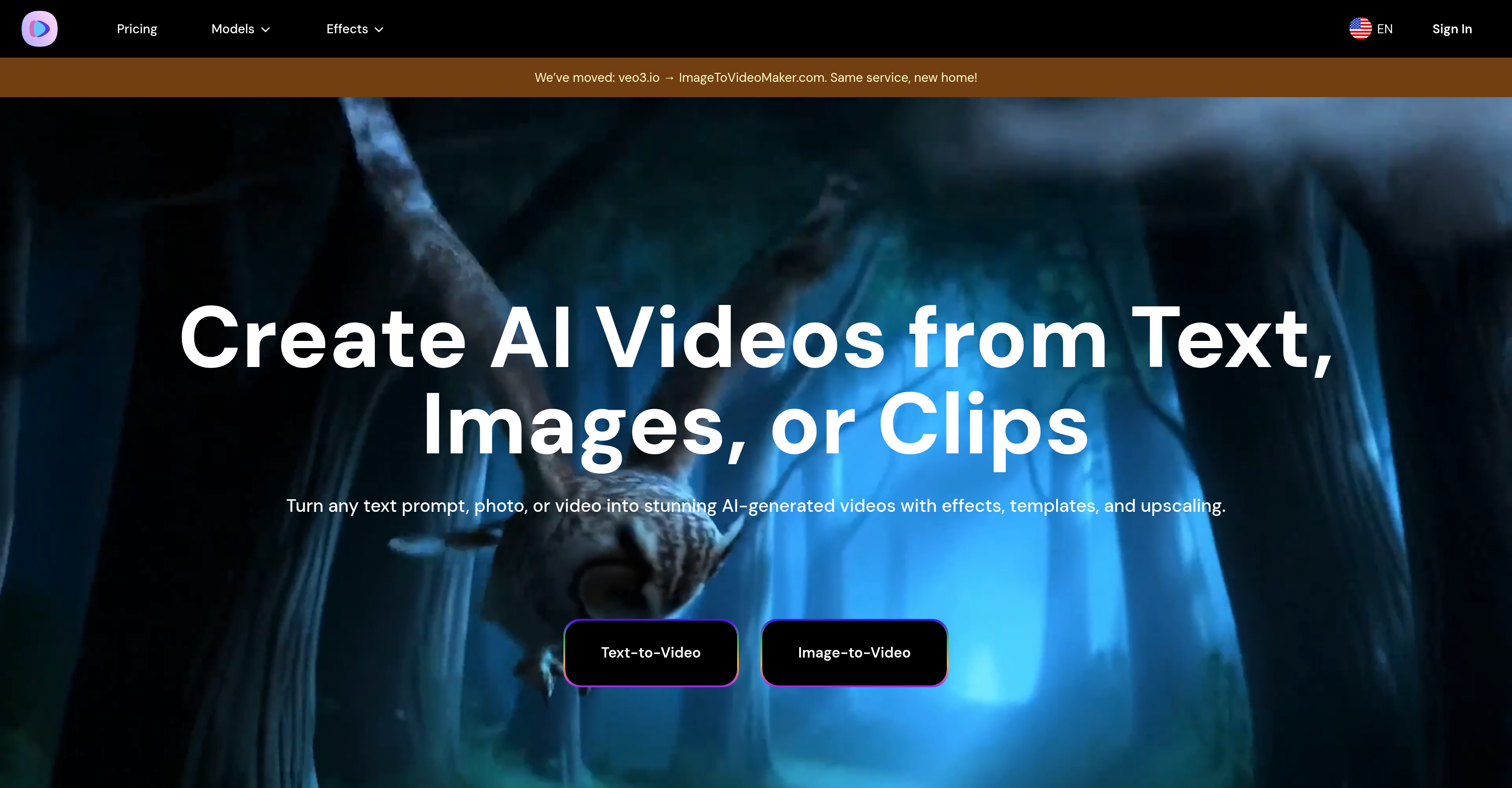
- Transform text descriptions into complete 4K videos with dialogue, effects, and ambient sounds using advanced semantic AI understanding
- Bring static photos to life with realistic animation that converts images into dynamic video sequences
- Enhance video quality significantly through AI-powered upscaling that improves lower-resolution source material
- Create specific emotional animations like kissing, hugging, and heart gestures with specialized AI motion algorithms
- Revive historical memories by animating old family photos to see ancestors and cherished moments come alive
- Generate professional videos instantly without technical expertise through simple upload-and-generate workflows
- Access multiple AI model capabilities including Veo3, Kling 2.1, and Hailuo 02 for diverse creative outputs
Pros & Cons
Pros
- Image animation
- Text to video
- 4K video creation
- Semantic Understanding
- Specialized animations
- Multiple animation options
- Animate old photos
- User-friendly
- No technical skills required
- Supports Veo3, Kling 2.1, Hailuo 02 models
- Kissing animations
- Hugging animations
- Heart hand gesture animations
- Fast video generation
- High-resolution output
- Flexible subscription plans
- Multishot storytelling
- Realistic motion algorithms
- Creates videos from prompts
- Revitalizes old photos
- Cinematic 4K & smooth motion
- Generates in minutes
- Top-tier cinematic realism in videos
- Budget-friendly options
- Creates promotional material for games
- Ideal for social media content
- Ensure content safety with watermarks
- End-to-end audio-visual output
- Supports complex scenes and characters
- Multi-model support in one platform
- Meme-style video generation
- High-action scene generation
- Temporal consistency in videos
- Invisible SynthID watermarking
- Suitable for advertising uses
- Copyright compliance and safety checks
- Plans for performance optimization
- Potential for function expansion
- Possible integration into Google products
- Supports high-resolution special effects
- Safety checks for output content
- Anticipation of rendering efficiency optimization
Cons
- Limited animation options
- High access threshold
- Unimproved lip-syncing
- Potential quality drop with budget-friendly models
- No audio for some models
- Limited video length
- Limited to short audio clips
- Requires high-level subscription for all features
- Potential subscription plan inflexibility
Reviews
Rate this tool
Loading reviews...
❓ Frequently Asked Questions
Image-to-Video Maker is an AI-based video generation platform aimed at simplifying creative workflows. It provides the ability to generate videos from a variety of inputs such as text descriptions and photos. It provides an array of video creation and enhancement solutions while requiring no technical skills from the users.
Image-to-Video Maker's main features include creating videos from text prompts and animated photos, generating 4K videos complete with dialogue, effects, and ambient sounds, upscaling video quality, and supporting various AI models (Veo3, Kling 2.1, Hailuo 02). It also offers specialized animation tools for specific effects like kissing, hugging, and heart hand gestures.
Image-to-Video Maker uses advanced AI technology to animate photos. The process involves uploading the photos to the platform and using the platform's tools to generate high-quality, AI-powered animations.
Image-to-Video Maker supports a variety of AI models, including but not limited to Veo3, Kling 2.1, and Hailuo 02. These models help in generating videos, animating photos, and improving video quality.
Yes, Image-to-Video Maker is equipped to create 4K videos. It integrates text, dialogues, effects, and ambient sounds to draft 4K quality videos.
Image-to-Video Maker's semantic understanding capability is advanced. This allows for the generation of videos from any text prompt. The AI is capable of understanding the context and meaning behind various text inputs and translates that into applicable video content.
Image-to-Video Maker provides specialized features like the AI Kiss Video Maker and AI Hug Video Maker for creating realistic kissing and hugging animations respectively. These features utilize advanced AI motion algorithms to produce the desired effects which resulted in lifelike animations.
Image-to-Video Maker can animate old photos through its Old Photo Animation feature. This unique feature allows users to bring to life ancestors and memories by animating old photos using AI algorithms.
No, there are no technical skills required to use Image-to-Video Maker. The platform is well-designed for easy user experience, offering a simple upload-and-generate process without requiring any technical know-how.
To generate AI videos from text using Image-to-Video Maker, you simply input your text description. The AI analyzes your input and generates a corresponding video from the provided prompt.
Video quality can be enhanced on Image-to-Video Maker through AI-powered upscaling. This allows for the creation of high-quality, professional-grade videos, even from lower-quality source materials.
Yes, it is possible to create heart hand gesture animations with Image-to-Video Maker. This feature is catered to with the AI Heart Gesture Video Maker that can realistically animate heart hand gestures using advanced AI.
You can create videos from your text descriptions by using the platform's Text-to-Video feature. On inputting your text description, the AI analyzes and responds by generating a video that corresponds to your text.
Yes, Image-to-Video Maker is designed to handle your creative workflow. It simplifies the process by offering a variety of features and tools in a single platform, allowing you to focus on your creative process.
AI Video Creation on Image-to-Video Maker refers to the process of generating videos through AI-based models. It encompasses various features such as creating videos from text prompts or animating photos, all powered by advanced AI technology.
Yes, you can create dialogue, effects, and ambient sounds in your videos on Image-to-Video Maker. The platform has the ability to draft 4K videos inclusive of these elements.
Image-to-Video Maker supports a variety of AI models such as Veo3, Kling 2.1, and Hailuo 02. These models contribute to the diverse features available on the platform such as video generation, image animation, and video upscaling.
Image Animation in Image-to-Video Maker works by using AI technology to animate photos into a video sequence. It uses advanced algorithms to analyze static images and convert them into dynamic, moving frames.
Yes, you can bring your old photos to life using Image-to-Video Maker. The platform provides an Old Photo Animation feature that uses AI to animate old photos, bringing alive ancestors and memories.
Yes, there might be a limit on video duration depending on the AI model selected. For example, the Veo3 model supports 8 second clips, while the Kling 2.1 and Hailuo 02 models support clip durations of 5 to 10 seconds.
Pricing
Pricing model
Paid
Paid options from
$12.99/month
Billing frequency
Monthly
Refund policy
No Refunds