
Ink Studio AI
See your tattoo idea as a finished visual in minutes instead of waiting days or weeks for artist sketches — the AI tattoo generator converts your written description into a tattoo design using the Stable Diffusion text-to-image model.
Listing not yet reviewed by our editors · How we check
Overview
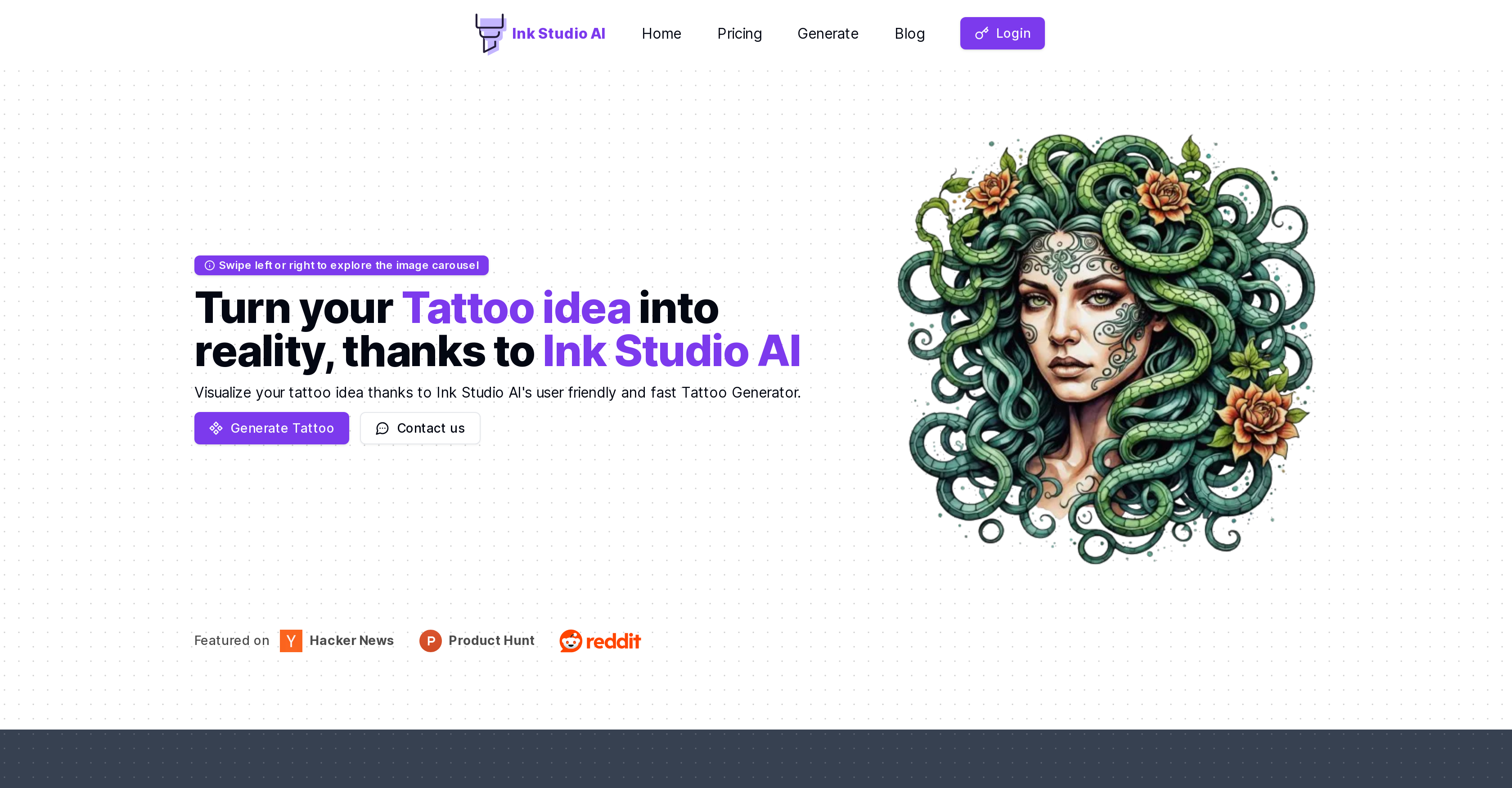
- See your tattoo idea as a finished visual in minutes instead of waiting days or weeks for artist sketches — the AI tattoo generator converts your written description into a tattoo design using the Stable Diffusion text-to-image model.
- Get a design built around your exact concept — text prompts plus customization options let you specify custom elements so every tattoo design matches your vision.
- Test one idea across eight distinct tattoo styles before committing to ink — generate neo-traditional, traditional, realism, watercolor, geometric, tribal, Japanese, and black and gray tattoo designs.
- Preview how your tattoo looks with or without ink color — choose full-color or grayscale output for every design.
- Build your final tattoo from the best parts of earlier drafts — a saved design history lets you revisit, compare side by side, and merge elements from multiple generated tattoos.
- Keep refining until the design feels right with no per-image cost — unlimited tattoo generations and regenerations are included in every subscription.
- Pay only for the planning window you need — choose weekly access at $7.99 for a single tattoo project or monthly access at $23.99 for extended exploration, both with priority support.
- Create professional-looking tattoo concepts without design skills or technical know-how — a simple interface takes you from prompt to custom tattoo design in a few steps.
Pros & Cons
From the listing; not yet checked by our editors.
Pros
- Innovative tattoo design platform
- User-friendly tattoo generator
- Flexible design customization
- Rapid visual output
- Stable Diffusion model
- Various tattoo styles
- Generates colored designs
- Generates grayscale designs
- Design archival feature
- Subscription-based access
- Priority Support included
- Multiple styles available
- Offers 3D tattoo style
- Supports surreal design style
- 24/7 availability
- Zero Waiting Time
- Unlimited design generations
- Affordable pricing plans
- Negative prompt feature
- Generated from tattoo lovers
- Featured on prominent sites
- Design variations and combinations
- Weekly and Monthly plans
- User-friendly interface
- Tweaked prompt for personalization
- Fast design generation
- Christmas updates
- Time-saving tool
- Cost-effective for users
- Eliminates waiting in queues
- One-time payment option
- Rich blog resources
- Wide range of styles
- Specific style-focused pages
- Option to revisit designs
- Detailed FAQ section
- Preview before tattoo generation
- Tattoo generator keeps records
- Supports combined element tattoos
- Easy access to Generator
- Visualize idea in minutes
- Broad range of customization
- Ability to choose colors
- Can exclude unwanted elements
- Visual reality creation
- Motivates creative exploration
- Accepts textual prompts
- Saves design comparisons
- Clearly marked pricing
- Support for design preferences
Cons
- No free trials
- Paid Weekly/Monthly access only
- No free design samples
- No API for Integration
- No mobile app available
- Limited tattoo styles
- No queue but user capacity unclear
- Can't physically print designs
- Based on text prompts only
- No multi-language support
Alternatives to Ink Studio AI
Tools that share the most tags with Ink Studio AI.
- TattooCoverUp.AI
See exactly how your cover-up will look before getting inked with real-time previews applied directly to your uploaded tattoo photo
Freemium · from $19/month
$19/month
Not yet checked
- Tattoo AI Generator & Design
Get unique tattoo designs generated instantly based on your preferences with the AI Tattoo Generator
Freemium · from $10/month
$10/month
Not yet checked
- My Tattoo Ideas
See exactly how your tattoo will look on your skin before committing with AI fusion technology that blends designs naturally with skin texture
Free trial · from $12/month
$12/month
Not yet checked
- Tattoored
Transform vague ideas into complete tattoo designs through conversational guidance with Red the Dragon AI assistant
Freemium · from $13.95/month
$13.95/month
Not yet checked
- BlackInk.AI
Get your perfect tattoo design in seconds instead of spending months searching Pinterest with AI that creates custom flash tattoos just for you
Freemium · from $6/month
$6/month
Not yet checked
- TattoosAI
Transform your tattoo ideas into unique designs in seconds with AI generation from descriptive text prompts
Freemium · from $24.99/month
$24.99/month
Not yet checked
Reviews
Rate this tool
Loading reviews...
Frequently asked questions
What is Ink Studio AI?
Ink Studio AI is an innovative platform that turns your tattoo ideas into a visual reality using artificial intelligence. Users can generate tattoo designs with a user-friendly tattoo generator. The platform employs Stable Diffusion, a cutting-edge text-to-image model, and produces designs based on textual prompts and customization options. Across an array of tattoo styles, both colored and grayscale designs can be generated. Ink Studio AI also archives your past designs for comparison and reevaluation. It operates as a paid service and doesn't offer free trials.
How does Ink Studio AI's tattoo generator work?
Ink Studio AI's tattoo generator works by utilizing Stable Diffusion, an advanced text-to-image model. Users input their textual prompts and customization preferences, based on which the generator creates tattoo designs. This setup enables users to visualize their tattoo ideas within a short time span.
What is the Stable Diffusion model used by Ink Studio AI?
Stable Diffusion is a state-of-the-art text-to-image model utilized by Ink Studio AI. It forms the backbone of the platform's tattoo generation infrastructure. This model aids in turning user-inputted textual prompts and customization preferences into stunning, detailed tattoo designs in either color or grayscale.
What different tattoo styles can Ink Studio AI generate?
Ink Studio AI can generate a vast range of tattoo styles. Options include, but are not limited to, neo-traditional, black and gray, watercolor, traditional, realism, geometric, tribal, and Japanese. So, users can select and explore designs in many styles based on their preferences.
Does Ink Studio AI allow color customization for tattoos?
Yes, color customization for tattoos is a feature provided by Ink Studio AI. Users have the freedom to select whether they want their generated designs in color or in grayscale, depending on their preference.
Can Ink Studio AI produce grayscale tattoo designs?
Yes, Ink Studio AI can produce grayscale tattoo designs. Along with full-color tattoos, the platform offers users the flexibility to generate their designs in grayscale, catering to a wide range of stylistic preferences.
Does Ink Studio AI keep a record of my previously generated designs?
Yes, Ink Studio AI does store the details of your previously generated designs. This retained historical record permits you to easily review and compare your past designs at any time.
Can I revisit and compare my designs on Ink Studio AI?
Yes, on Ink Studio AI, you can revisit and compare your previously generated designs. The platform holds a record of your past designs, which allows you to conveniently reevaluate them, explore different variations, or combine elements from several designs.