

Jam
Pinpoint root causes without reproducing bugs manually: every bug report automatically captures browser/OS info, console logs, network logs, and user actions for AI-driven diagnosis.
Listing not yet reviewed by our editors · How we check
Overview
- Pinpoint root causes without reproducing bugs manually: every bug report automatically captures browser/OS info, console logs, network logs, and user actions for AI-driven diagnosis.
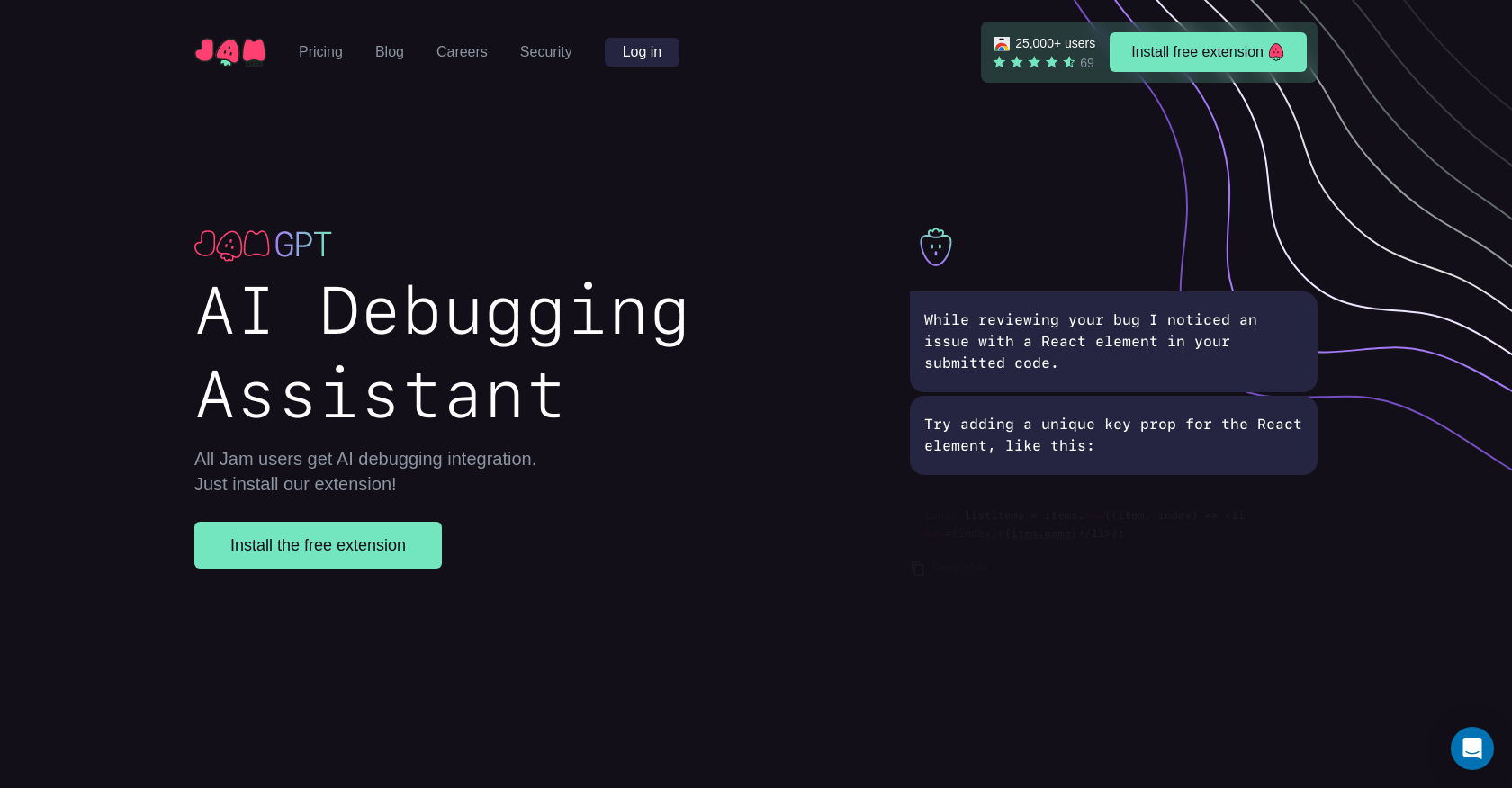
- Get fixes tailored to your actual code instead of generic advice: automated source code analysis of linked GitHub repos produces personalized code fix suggestions, such as adding a unique key prop to a React element or adjusting queries to request user-specific data by ID.
- Start debugging the moment you spot an issue, without leaving the page or changing how you work: the free Chrome extension plugs directly into your existing bug reporting workflow.
- Receive sharper fix recommendations the more you use it: an adaptive AI model refines its code update suggestions through learning algorithms and your queries.
- Debug without exposing proprietary code: secure code review keeps your codebase private and all bug report details protected throughout analysis.
- Align QA, product, and engineering on one diagnosis: teams review the AI's findings together and check in on the conversation, cutting back-and-forth across teams.
Pros & Cons
From the listing; not yet checked by our editors.
Pros
- Free Chrome extension
- Adaptive learning algorithms
- Secure code review
- Codebase privacy
- Automated source code analysis
- Personalized bug fix suggestions
- User data utilization
- Cross-team collaboration facilitation
- Integration with bug reporting workflow
- Enhanced debugging efficiency
- Over 25,000 users
- Understanding of various coding languages
- User action log analysis
- Network log inspection
- Github repo usability
- Suggests code enhancements
- Streamlined debugging process
- Real-time assistance
Cons
- Only for Chrome extension
- Dependent on user queries
- Need frequent use for improvement
- Limited to browser/OS info
- Github repos required
- No app version
- Works only with specified infrastructures
- Potential privacy concerns with data gathering
- Requires user actions for analysis
- Limited cross-platform compatibility
Alternatives to Jam
Tools that share the most tags with Jam.
- Explain by Whybug
Understand complex error messages instantly with AI analysis trained on StackExchange data
Free
Not listed
Not yet checked
- Multiplayer.app
Eliminate guesswork in bug reports by capturing the entire application stack—frontend screens, backend traces, logs, and API calls—all correlated in a single replay.
Free trial · from $20/month
$20/month
Not yet checked
- Anycode AI
Fix 6x more code vulnerabilities within the same timeframe through automated detection and rapid remediation
Not listed
Not listed
Not yet checked
- Raygun
Fix software errors in minutes instead of hours with AI-powered error resolution that analyzes patterns and recommends specific solutions
Free trial · from $40/year
$40/year
Not yet checked
- Grit.io
Complete code migrations 10x faster than manual efforts with automated pull request generation for technical debt cleanup
Freemium · from $39/month
$39/month
Not yet checked
- DevLensPro
Fix UI bugs instantly by clicking problematic elements, with real-time WebSocket delivery to Claude Code for immediate AI analysis and correction
Freemium · from $11.95/month
$11.95/month
Not yet checked
Reviews
Rate this tool
Loading reviews...
Frequently asked questions
What is Jam?
Jam is an AI debugging assistant offering AI-driven diagnosis and code fix suggestions to streamline the bug-fixing process for developers.
How does Jam assist with debugging?
Jam assists with debugging by analyzing bug reports, finding correlations and solutions, and providing suggestions for code updates. It uses automated source code analysis and offers personalized suggestions for fixing specific bugs based on your infrastructure.
How does Jam integrate with my current bug reporting workflow?
Jam provides a Chrome extension that integrates with your existing bug reporting workflow. You create a bug report with the Jam extension as you normally would, and Jam then analyzes the details securely.
What data does Jam gather for debugging?
Jam gathers various user data for debugging, including bug descriptions, browser/OS info, console logs, user actions, network logs, linked services, and Github repos.
Can Jam provide personalized suggestions for bug fixes?
Yes, Jam can provide personalized suggestions for bug fixes. For instance, it may suggest adding a unique key prop for a React element or modifying queries to request user-specific data with the ID provided.
Does the AI model of Jam improve over time?
Yes, the AI model of Jam improves over time. Its queries paired with learning algorithms allow it to provide better fix suggestions as it continues to learn.
How does Jam ensure codebase privacy and security?
Jam ensures codebase privacy and security throughout the debugging process, all debugging details analyzed are kept secure.
Do I need a Chrome extension for Jam? How do I install it?
Yes, a Chrome extension for Jam is needed. You can install it for free from the Chrome web store.