

Kai AI
See exactly which emails need you first: Kai sorts your Gmail or Outlook inbox into Needs reply, FYI and Waiting for reply, with a one-line summary on every thread.
Listing not yet reviewed by our editors · How we check
Overview
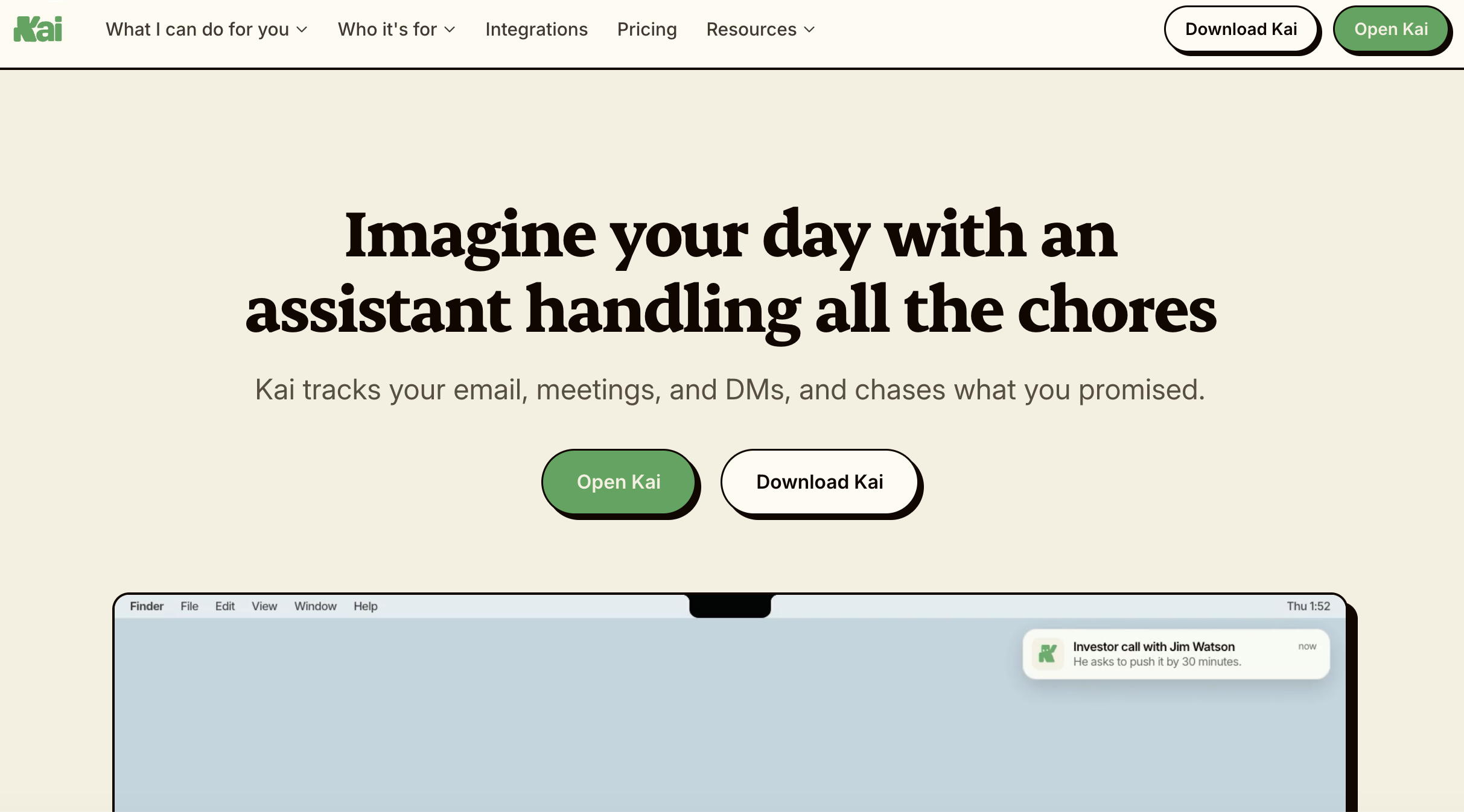
- See exactly which emails need you first: Kai sorts your Gmail or Outlook inbox into Needs reply, FYI and Waiting for reply, with a one-line summary on every thread.
- Send replies that sound like you in seconds: the AI email assistant drafts responses in your voice using context from your past emails and recent meetings.
- Never let a deal or client thread go cold: threads you're waiting on resurface after a few days, with a follow-up email drafted when you ask.
- Leave every call with decisions and next steps in hand, without a bot in the room: the AI note taker records Zoom, Google Meet, Microsoft Teams, Webex and Slack Huddles from your own device and delivers a summary, decisions and editable action items.
- Keep every promise you make: commitments caught in email, meetings and DMs become tracked tasks in one place.
- Get deep work done between meetings: ask Kai to schedule a task and it books focus time around your existing Google Calendar or Outlook Calendar events.
- Start each day with clear priorities and less distraction: a morning brief reads your calendar, tasks and inbox and lays out what matters today with focus blocks. This suits founders and professionals with ADHD.
- Hand off repetitive admin for good: describe a recurring job in plain language, such as a weekday brief, and the workflow runs even when the app is closed.
- Stop repeating instructions: Kai remembers how you like things done and stores those preferences as memories you can view and edit.
- Give the AI you already pay for access to your live day: connect Claude or ChatGPT over MCP so they can reach your inbox, calendar and calls.
- Stay in full control of your accounts: nothing is sent, moved or deleted until you approve it in the triage workspace.
- Replace separate tools with one virtual executive assistant: email, meetings, scheduling and tasks for all your clients and accounts on web, Mac and Android, with iPhone in beta. Plans start at $20 per user per month after a free trial with no credit card required.
Pros & Cons
From the listing; not yet checked by our editors.
Pros
- Handles calendar, email, tasks
- Proactive assistance
- Sorts inbox, drafts replies
- Tracks action items
- Provides live transcripts
- Provides meeting summaries
- For various professionals
- ADHD management
- Presents morning briefing
- Creates focus blocks
- Schedules your day
- Compatible with common tools
- Not a chatbot
- Plans your day
- Handles professional efficiency
- Compatible with Google Meet
- Compatible with Microsoft Teams
- Assists as executive assistant
- Embedded proactive assistant
- Assists ADHD & neurodivergence
- Holds morning briefings
- Provides custom workflows
- Tracks meeting promises
- Handles multiple email accounts
- Voice-drafted email replies
- Action items linked to source
- Email triage
- Chat about any tasks
- Works on iPhone and Android
- Auto task capture from meetings
- Runs workflows
- Records and summarises meetings
- Single list task management
- Connects with Google and Microsoft
- No new workflow to learn
- Captures Zoom, Google Meet, Teams calls
- Email and calendar memory
- Chats with Kai available
- Explore emails before sending
- Follow-ups without sending
- Supports hold building time
- Categorizes emails
- Task rank management
- Email replies in your voice
- Each task linked to source
- Booking page for scheduling meetings
Cons
- Limited tool compatibility
- Not a chatbot
- No task app sync
- No external meeting notetaker
- No bot joins call
- Triage stage required
- Needs correction over time
- Limited for non-advanced users
- No user credit required
- Limited device availability
Alternatives to Kai AI
Tools that share the most tags with Kai AI.
- Private AI Assistant
Keep all your conversations and data completely private with AI that runs locally on your device, never sending information to the cloud
Not listed
Not listed
Not yet checked
- Notis
Transform voice notes and messy briefs into structured meeting minutes and action items with assigned owners and due dates
Free trial · from $20/month
$20/month
Not yet checked
- ArrowAI - AI Chatbot Assistant
Access multiple top AI models including GPT and Gemini through a single unified interface, eliminating the need for separate subscriptions
Freemium · from $19.99/month
$19.99/month
Not yet checked
- Soul Machines Studio
Create authentic customer connections with AI assistants that respond with genuine emotion and empathy using patented Biological AI
Freemium · from $12.99/month
$12.99/month
Not yet checked
- HaloMate
Delegate complex multi-step tasks like online research and data analysis with AutoPilot that works autonomously under your supervision
Freemium · from $9.90/month
$9.90/month
Not yet checked
- PolyAI Voice Assistant
Handle customer calls 24/7 without human agents using voice assistants that understand natural speech, interruptions, and topic changes
Not listed
Not listed
Not yet checked
Reviews
Rate this tool
Loading reviews...
Frequently asked questions
What is the main function of Kai?
Kai is developed to proactively manage various aspects of your professional life including handling your calendar, tasks and email.
How does Kai manage my email and calendars?
Kai analyzes your emails and calendars across all accounts and starts building the memory by reading what's already there. Then it sorts your inbox, drafts replies in your voice, and takes notes from your device in your meetings. You approve the drafts, follow-ups, tasks, and nothing sends without your approval.
Can Kai handle tasks from external applications?
Currently, Kai doesn't sync with external task tools, so it works best as the home for the commitments it catches, next to whatever task tool you already run.
What makes Kai different from other AI executive assistants?
Unlike other AI chatbots, Kai is a proactive embedded assistant. It works without any need to prompt, it processes your emails, manages your meetings, watches your calendar in the background and provides you with a morning briefing & focus blocks. Furthermore, for advanced users, Kai can be integrated with existing AI tools. Kai is also distinct in capturing action items from meetings, drafting email replies in your voice, and blocking focus time on your calendar. The user reviews everything in a triage workspace before anything is sent or synced.
Is Kai compatible with other AI tools?
Yes, Kai can be plugged into other AI tools for advanced users. You can connect your existing AI tools to Kai over MCP, therefore allowing the assistant you already pay for to get your live day too
Who would benefit the most from using Kai?
Kai is designed to assist a wide range of professionals, including founders and executives, freelancers and consultants, team leads, those who have ADHD and AI power users. Anyone who needs help managing their tasks efficiently and with reduced distraction would benefit from Kai.
Is Kai a chatbot?
No, Kai is not a chatbot. It is an embedded assistant that works proactively without the need for user prompts.
Can Kai take live transcripts of my meetings and summarize them?
Yes, Kai offers live transcripts of your meetings and summarizes them. It records your meetings, captures action items and drafts follow-up emails all in your actual writing style.