

Lanox
Use GPT, Claude, Gemini, Grok, Qwen, DeepSeek, and GLM without juggling separate provider accounts: one LanoX account and one API key give you a multi-model AI API across many providers.
Listing not yet reviewed by our editors · How we check
Overview
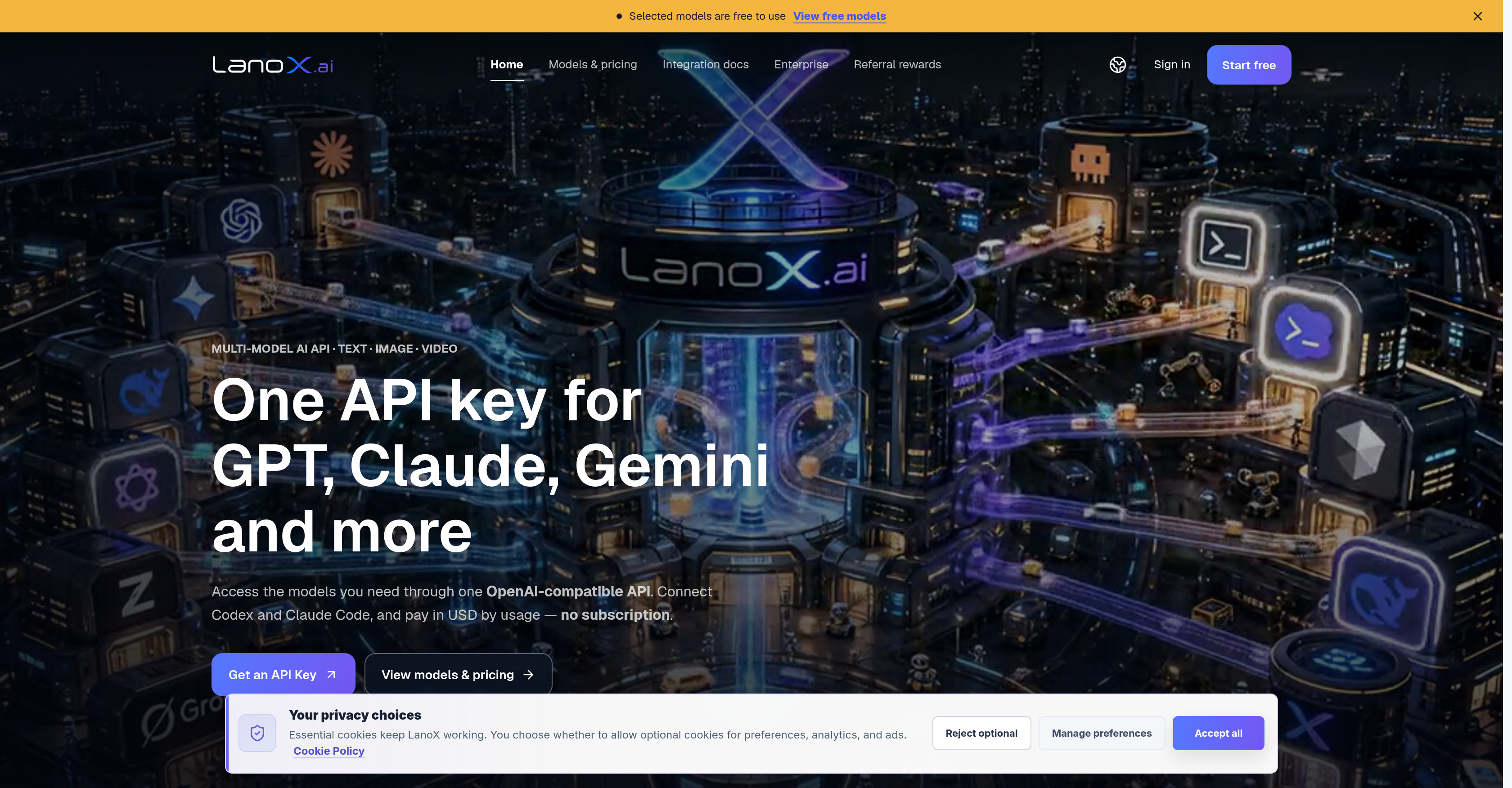
- Use GPT, Claude, Gemini, Grok, Qwen, DeepSeek, and GLM without juggling separate provider accounts: one LanoX account and one API key give you a multi-model AI API across many providers.
- Move existing code to LanoX in minutes without rewriting it: the OpenAI-compatible endpoint at api.lanox.ai/v1 accepts the standard OpenAI request structure and works with any OpenAI library or client.
- Compare and switch LLMs per request with no reconfiguration: change only the model name to move from a GPT model to a Claude model, using the same API key and session.
- Run Codex and Claude Code on the models you choose without editing config files: CC Switch routes your coding tools through LanoX from a simple setup screen.
- Pay only for the tokens and generations you use: unified pay-as-you-go billing in USD replaces monthly subscriptions and fees, with discounted access to paid models.
- Prototype and benchmark at zero cost: free-tier models such as NVIDIA Nemotron, Qwen, GLM, and Gemini Flash variants, plus promotional credits for paid models, cover early testing.
- Build text, image, and video generation features from one integration: the same API serves LLM chat, image models such as lanox-image-2 and Qwen-image-3.0-pro, and video generation.
- Keep your app responding when a model fails: model orchestration automatically retries a failed or timed-out request on a fallback model you designate.
- Keep sensitive prompts private: LanoX does not retain prompts or responses after a request and never uses them for training, resale, or marketing.
- Control team access and credentials from one place: SSO with enterprise identity providers, centralized API key management, encryption, and on-demand key rotation replace separate security setups for each provider.
- Deploy one AI gateway across AWS, Azure, GCP, or private clouds: a single endpoint and key work from any environment in multi-cloud architectures.
- Earn ongoing commission on referrals: a permanent referral link credits your account when referred users pay for models, with no reward cap and earnings tracked in a dashboard.
Pros & Cons
From the listing; not yet checked by our editors.
Pros
- Single API key unified
- Automatic model version selection
- Crossprovider rate limit handling
- Builtin API key rotation
- Transparent payasyougo billing
- Unified usage dashboard
- No data retention policy
- Realtime model fallback switching
- Multimodal (text, image, video) support
- Integrated CC Switch configuration tool
- Instant endpoint switching via config
- Free tier includes popular models
- Referral rewards tracked permanently
- Secure TLSencrypted traffic
- Granular permodel access control
- Unified error handling schema
- Automatic retry on transient errors
- Consistent pagination across models
- Consolidated webhook notifications
- Builtin request throttling controls
- Multiregion cloud deployment
- Supports custom HTTP headers
- API gateway with request logging
- Comprehensive Swagger/OpenAPI docs
- SDKs for multiple languages
- Zeroconfig client libraries
- Dynamic model discovery endpoint
- Predictable latency SLA tiers
- Bulk request batching capability
- Model capability metadata exposure
- Inline prompt sanitization
- No vendor lockin risk
- Centralized billing across providers
- Multicurrency support for enterprise
- Rolebased admin console
- Automated compliance audit logs
- Pluginready architecture
- Realtime usage throttling alerts
- Versioned API contracts
- Supports streaming responses
- Parallel model orchestration
- Autoscaling request handling
- Integrated usage analytics charts
- Easy migration from provider APIs
- Customizable request timeouts
- Credential vault integration ready
- Seamless OAuth2 token refresh
Cons
- Unified key lacks per-model permissions
- Aggregated latency higher than native
- Missing finetuning capabilities
- Inconsistent provider feature support
- No onpremise deployment option
- Limited SDK language coverage
- Rate limits unclear, lower thresholds
- Model version lag behind providers
- Insufficient granular usage analytics
- No webhook callback integration
Alternatives to Lanox
Tools that share the most tags with Lanox.
- CometAPI
Eliminate multiple API integrations and reduce development time with unified access to 500+ AI models through a single endpoint
Freemium
Not listed
Not yet checked
- LiteAPI
Cut LLM API costs by up to 40% through preferred contracts secured with major providers
Freemium
Not listed
Not yet checked
- Text to API
Build production-ready AI APIs in seconds instead of days with rapid construction and deployment
Not listed
Not listed
Not yet checked
- APIMart
Cut AI API costs by up to 70% compared to direct providers and platforms like Fal.ai with a unified, pay-as-you-go platform that eliminates separate billing and accounts.
Not listed
Not listed
Not yet checked
- ZEGOCLOUD
Launch communication features faster with 20+ pre-built UIKits that eliminate building from scratch
Freemium · from $0.39/unit
$0.39/unit
Not yet checked
- PoYo.ai
Access dozens of premium AI models through a single unified API without managing multiple vendor integrations
Not listed
Not listed
Not yet checked
Reviews
Rate this tool
Loading reviews...
Frequently asked questions
How do I get my LanoX API key?
Sign in to your LanoX account, navigate to the console or API keys section, and click “Create API key”. The newly generated key can then be copied and used in your applications.
Can I use LanoX with standard OpenAI‑compatible libraries?
Yes. LanoX exposes an OpenAI‑compatible endpoint (e.g., https://api.lanox.ai/v1) and accepts the same request payloads as the official OpenAI API, so any standard OpenAI library works out of the box.
Which models are free to use on LanoX?
LanoX marks free models in the catalog. Examples of free‑to‑use offerings include the NVIDIA Nemotron 3.5 Lightning model, Qwen 3.6‑27b, GLM 4.7, Gemini 3.5‑flash‑lite, Gemini 3.6‑flash, and any other model explicitly labeled “free” on the LanoX website.
Is there any monthly subscription fee for LanoX, or is it pure pay‑as‑you‑go?
LanoX has no monthly subscription fee. Billing is pure pay‑as‑you‑go in USD, based on per‑token or per‑generation usage for each model you invoke.
Does LanoX store my prompts or responses after a request?
No. LanoX processes prompts and responses only to fulfill the request and does not retain them for training, resale, or marketing.
How can I rotate or regenerate my LanoX API key?
The platform supports key‑rotation features. You can regenerate or rotate an API key from the console at any time; the new key takes effect immediately for subsequent calls.
What are the rate limits for requests to the LanoX API?
IDK
Can I switch between GPT and Claude models within the same LanoX session?
LanoX lets you specify any supported model in the model parameter of each request, so you can switch from a GPT‑family model to a Claude model (or any other) without changing the API key or session state.