

Lightning TTS
Launch real-time voice agents and automated calls that feel natural, powered by ultra-low latency that maintains conversational flow.
Listing not yet reviewed by our editors · How we check
Overview
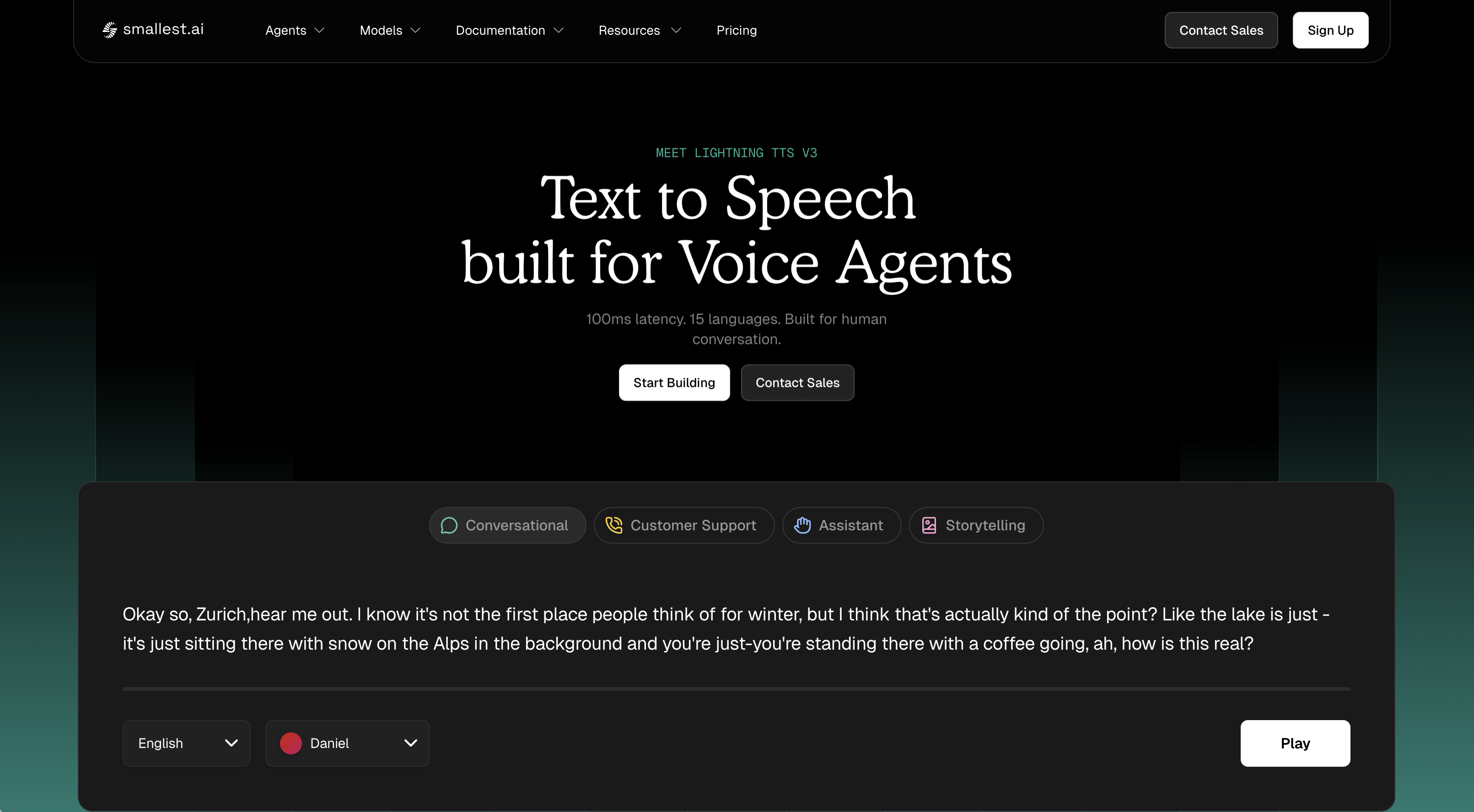
- Launch real-time voice agents and automated calls that feel natural, powered by ultra-low latency that maintains conversational flow.
- Clone any voice in seconds for your brand or characters, requiring only a brief audio sample with no professional equipment.
- Scale your voice applications without performance loss, handling high-concurrency streams with minimal latency for enterprise needs.
- Create content for global audiences using multiple language support and seamless mid-sentence code-mixing for multilingual conversations.
- Deliver broadcast-grade audio in every application, with support for formats like PCM, MP3, and WAV for professional media outputs.
Pros & Cons
From the listing; not yet checked by our editors.
Pros
- High-speed TTS API
- Real-time application compatible
- Low-latency
- Supports multiple languages
- Seamless code-mixing
- Rapid voice cloning
- Operates at scale
- Minimal latency in streams
- Broadcast-grade audio outputs
- Versatility across sectors
- Instant production-ready voice clone
- Custom enterprise plans
- Fintech, healthcare, insurance application
- Travel, telecom, voice agent support
- 15 language support
- Audio sample voice cloning
- Under 10-second voice cloning
- No professional equipment required
- 20+ concurrent streams
- Dynamic character voices
- Long-form narration
- Accessibility tool suitability
- Multilingual automatic detection
- High-fidelity voice replication
- Under 100ms time-to-first-audio
- $10 free credits on sign-up
- Pay-as-you-go billing
- Audiobook, Podcast production
- IVR system support
- Assists screen readers
- PCM, MP3, WAV, mulaw support
- Data privacy and security
- Emotion, pace, expressiveness control
- 99.99% uptime
- SOC 2 Compliant
- HIPAA compliant
- GDPR compliant
- ISO alignable
- Naturally expressive voices
- Enterprise security
- Dedicated support
- SLAs for enterprise customers
- On-premise deployment option
Cons
- Limited language support
- Only supports few audio formats
- No user control on expressiveness
- No data is used to train models
- Pay-as-you-go billing
- Limited voice control options
- Requires audio sample for cloning
- No direct emotion control
- Needs future upgrades for expressiveness control
- Limited free credits
Alternatives to Lightning TTS
Tools that share the most tags with Lightning TTS.
- Speechma
Generate professional voiceovers for social media and presentations instantly with 400+ premium AI voices featuring unique personalities and accents
Freemium · from $9/month
$9/month
Not yet checked
- Revoicer
Create human-sounding voiceovers that capture attention using emotional tones like friendly, cheerful, or excited for more engaging content
Paid · from $47
$47
Not yet checked
- WooTechy VoxDo
Generate realistic voiceovers instantly with AI text-to-speech conversion across 100+ languages and global accents
Free trial · from $15.95/month
$15.95/month
Not yet checked
- Speechactors
Produce studio-quality voiceovers instantly with an online AI voice generator that converts your text into natural, engaging speech
Freemium · from $23/month
$23/month
Not yet checked
- Resemble.ai
Clone your exact voice instantly using just a short audio sample, eliminating the need for lengthy recording sessions
Free trial · from $29/month
$29/month
Not yet checked
- Speechify Studio
Produce studio-quality voiceovers instantly with 200+ natural AI voices across 60+ languages and accents
Freemium · from $7.99
$7.99
Not yet checked
Reviews
Rate this tool
Loading reviews...
Frequently asked questions
What is the main feature of Lightning TTS v3?
The main feature of Lightning TTS v3 is its high-speed Text-to-Speech API which caters to a variety of voice-related needs. It enables the cloning of any voice in a short period and maintains a conversational flow with low latency, which is ideal for real-time applications.
How can I utilize Lightning TTS v3's low latency for real-time applications?
You can use Lightning TTS v3's low latency feature to build voice agents, automate calls, or any other application with integrated voice command. The low latency allows for maintaining conversational flow, making it perfect for any real-time applications.
Which languages does the Lightning TTS v3 support?
Lightning TTS v3 supports multiple languages and plans to accommodate more in the future.
Can you explain how the adaptive system in Lightning TTS v3 works?
Lightning TTS v3's adaptive system allows seamless code-mixing mid-sentence, making it suitable for multilingual conversations and providing a more dynamic and adaptable Text-to-Speech solution.
Can I use Lightning TTS v3 to clone any voice?
Yes, Lightning TTS v3 allows users to clone any voice in a short period.
What equipment do I need for voice cloning with Lightning TTS v3?
No professional equipment is required for voice cloning with Lightning TTS v3. The whole process is managed within the system requiring only a brief audio sample for cloning.
What sectors can benefit from using Lightning TTS v3?
Lightning TTS v3 can benefit sectors like fintech, healthcare, insurance, travel, and telecom. It's also suitable for voice agent platforms and any other application with integrated voice command. Other sectors that can take advantage of it include gaming, media, and audiobooks.
How does Lightning TTS v3 perform at scale?
Lightning TTS v3 is designed to perform effectively at scale, capable of maintaining concurrent streams with minimal latency. This makes it suitable for large-scale or high-concurrency needs.