

Lumeo
Turn articles, notes, and past posts into fresh LinkedIn carousels: the Carousel Creator builds slides from existing content or a brand-new idea.
Listing not yet reviewed by our editors · How we check
Overview
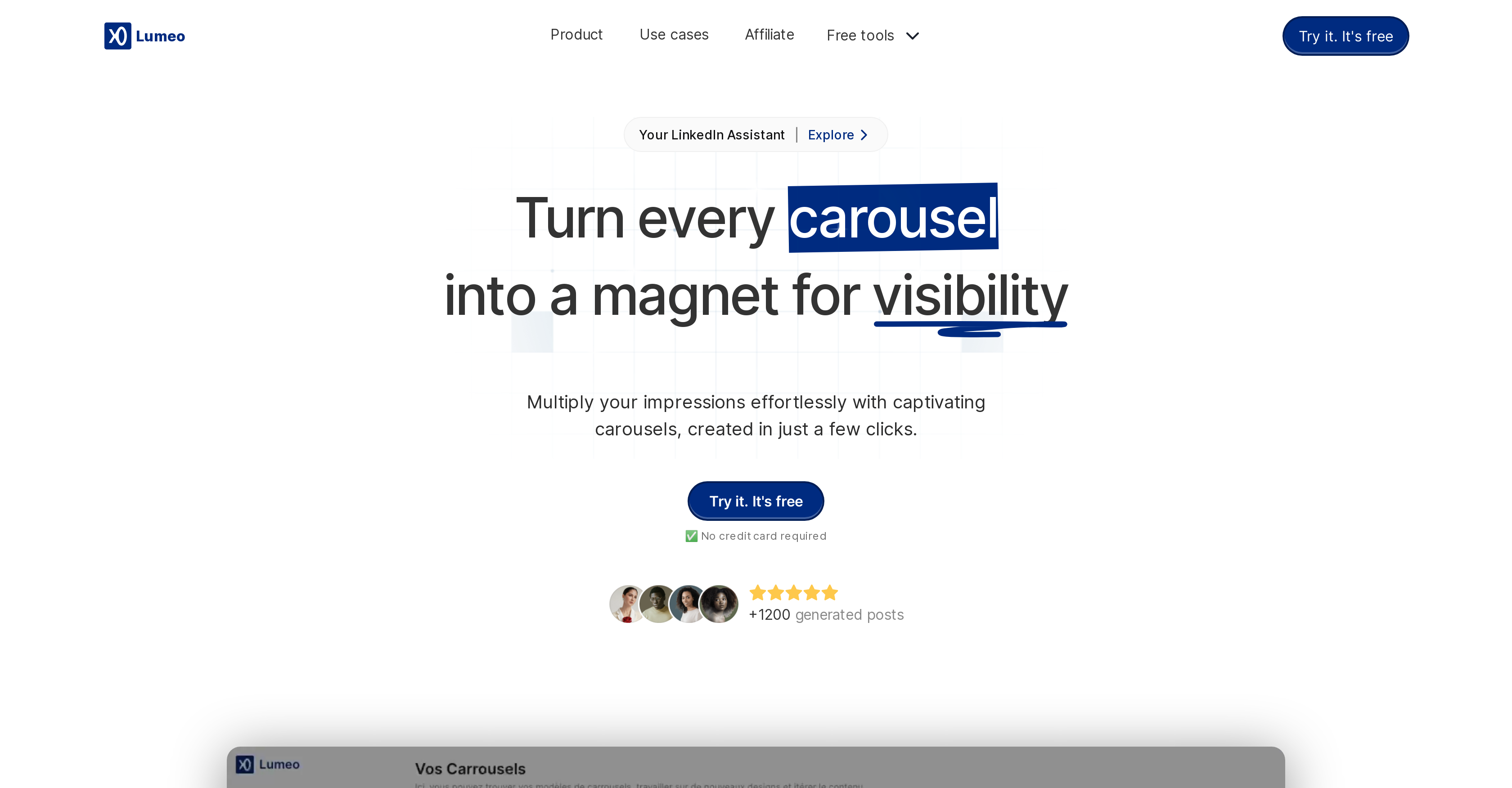
- Turn articles, notes, and past posts into fresh LinkedIn carousels: the Carousel Creator builds slides from existing content or a brand-new idea.
- Keep every carousel on-brand without redesigning it: save a Brand Kit once, and Lumeo applies it automatically to each new carousel.
- Shape each carousel to fit your message and audience: customizable carousel settings let you control the layout, look, and flow of your slides.
- Go straight from finished design to upload-ready file: export any finalized LinkedIn carousel as a PDF in one download.
- Grab attention in the feed and on your profile: built-in generators create LinkedIn posts, scroll-stopping post hooks, and profile banners.
- Publish on a steady schedule without design bottlenecks: reusable brand settings and a fast carousel workflow cut the time each post takes.
- Start creating LinkedIn content at zero cost: free access with no credit card required.
Pros & Cons
From the listing; not yet checked by our editors.
Pros
- Optimizes LinkedIn content
- Creates LinkedIn carousels
- Design adaptation to branding
- Customizable carousel settings
- Exports carousel as PDF
- Built-in tools for posts
- Significant time savings
- Improves LinkedIn engagement
- Free access
- No credit card required
- Generates LinkedIn banners
- Brand kit feature
- Consistency in publishing
- Develops carousel from existing content
- Quick adjustment of carousel settings
- Post hooks generator
- Improved visibility
Cons
- Only for LinkedIn content
- Lacks multi-platform support
- No mobile app
- PDF only export option
- Limited customization options
- May lack software integrations
- No mention of analytics
- No free trial mentioned
- Limited design tools
- Requires brand kit creation
Alternatives to Lumeo
Tools that share the most tags with Lumeo.
- Carousel
Gain more visibility on LinkedIn by creating content that keeps users on-platform, which the algorithm rewards with extra reach using the carousel format
Free trial · from $49/month
$49/month
Not yet checked
- LinkedIn Carousel Generator by 2PR
Convert existing tweets, Reddit posts, and personal notes into professional LinkedIn carousels without manual design work, using AI-powered content transformation.
Free
Not listed
Not yet checked
- Buzzwize
Maintain an active LinkedIn profile without constant manual effort through automated post drafting and smart comments
Paid · from $17/month
$17/month
Not yet checked
- 2PR
Generate fresh viral post ideas based on proven templates from a large database of successful LinkedIn content
Freemium · from $29/month
$29/month
Not yet checked
- Sellinger AI
Generate qualified meetings automatically while focusing on closing deals with fully autonomous outreach that handles everything from research to booking
Free trial · from $114/month
$114/month
Not yet checked
- Networker.ai
Send connection requests that get noticed by referencing specific details from the recipient's profile, powered by automated profile analysis
Not listed
Not listed
Not yet checked
Reviews
Rate this tool
Loading reviews...
Frequently asked questions
What is Lumeo?
Lumeo is a tool designed to optimize LinkedIn content swiftly and effortlessly. It enables users to design LinkedIn posts and carousels that can increase visibility and engagement.
How does Lumeo optimize LinkedIn content?
Lumeo optimizes LinkedIn content by enabling users to create engaging posts and carousel designs. The tool provides a spectrum of customizable options for carousel settings and facilitates design adaptation to users' branding.
How can I create a LinkedIn carousel with Lumeo?
You can create a LinkedIn carousel with Lumeo by inputting either existing content or new ideas. After adjusting carousel settings and adapting the design to your brand using established brand kits, you can finalize and download the carousel as a PDF.
Can Lumeo use my existing content to create carousels?
Yes, Lumeo allows you to use your existing content to create captivating carousels.
What customizable options does Lumeo offer?
Lumeo offers a variety of customizable options that provide users flexibility in adjusting the carousel settings.
How does the branding process in Lumeo work?
The branding process in Lumeo involves creating a brand kit that can automatically be applied to each new carousel created, ensuring design consistency and streamlining the creation process.
Can I save my finished design as a PDF in Lumeo?
Yes, Lumeo allows you to save and download your finalized carousel design as a PDF.
Does Lumeo have built-in tools for creating LinkedIn posts and banners?
Yes, Lumeo does include built-in tools for creating engaging LinkedIn posts and banners.