

mimem.ai
Skip the motion capture studio budget: record with cameras you already own, including iPhones, Android phones, GoPros, webcams, DSLRs, or cinema cameras, with no marker suits or specialized mocap hardware.
Listing not yet reviewed by our editors · How we check
Overview
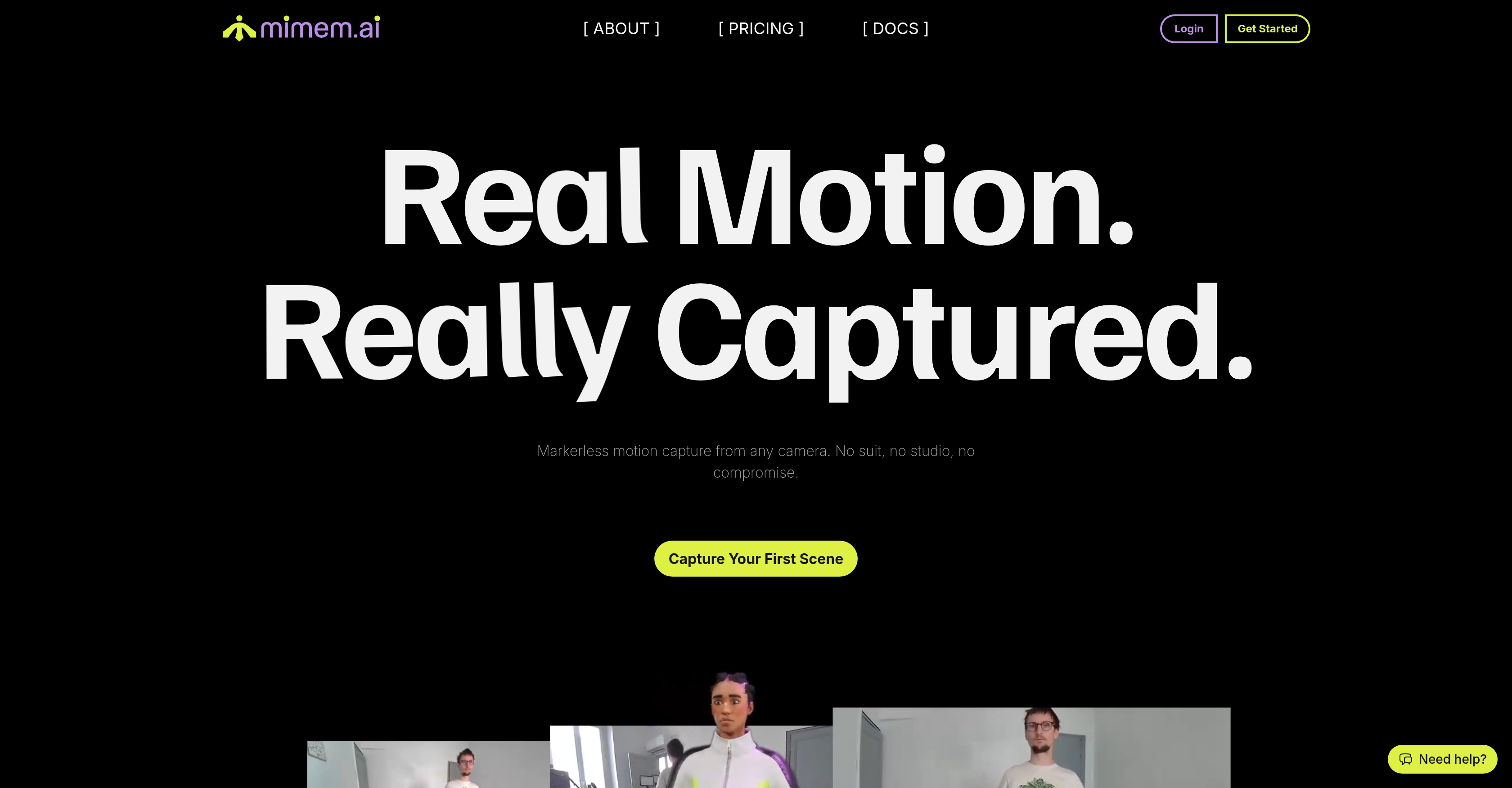
- Skip the motion capture studio budget: record with cameras you already own, including iPhones, Android phones, GoPros, webcams, DSLRs, or cinema cameras, with no marker suits or specialized mocap hardware.
- Start capturing the moment your cameras are rolling: markerless motion capture adapts to footage from any device, and automatic multi-camera synchronization aligns every feed without manual calibration or syncing.
- Keep the performance your actor actually gave: computer vision tracking preserves the weight of a step and the hesitation before a turn, delivering true human motion data instead of an algorithmic approximation.
- Spend less time on animation cleanup: AI reconstruction fills in missing or unclear data points, and smoothing removes noise and jitter from raw motion data for cleaner, more precise animations.
- Drop animations straight into your game engine or 3D pipeline: output arrives as game-ready FBX animation files that work directly in Unity, Unreal Engine, Blender, Maya, and MotionBuilder with no conversion step.
- Process heavy multi-camera footage without a high-end workstation: cloud-based upload and processing extracts motion data on online servers, so you download finished animation files without taxing local storage or computing power.
- Ship your work in games, films, and ads without licensing worries: every animation you capture comes with full commercial rights and no usage restrictions.
- Match your capture setup to your project size: the free plan supports up to 3 camera feeds, and the Pro plan scales to 12 camera feeds with priority processing for faster turnaround and higher-volume production.
Pros & Cons
From the listing; not yet checked by our editors.
Pros
- Markerless motion capture
- Uses extant recording devices
- Compatible with DSLRs
- Compatible with webcams
- Compatible with smartphones
- Automatic multi-camera feeds processing
- Extracts motion data
- Outputs game-ready FBX animation
- 3D software compatibility
- Unity compatibility
- Unreal Engine compatibility
- Blender compatibility
- Maya compatibility
- MotionBuilder compatibility
- Multi-camera synchronization feature
- Smoothing feature
- Cloud-based solution
- Unrestricted commercial use
- Free plan availability
- Paid plan with extra features
- Digitizes video footage
- No calibration or specialized hardware
- Extracts skeleton from videos
- Automatically synchronizes multi-camera feeds
- Multi-camera setup supported
- 1 to 12 cameras support
- Processing time is 2-5 minutes
- Outputs are in standard FBX
- Retargets animation onto any rig
- Indoor recording possible
- Extant lighting utilization
- Space-efficient recording
- Accessibility via smartphone app
- iOS compatibility
- Android compatibility
- Priority processing for Pro users
Cons
- Free plan limitations
- Dependent on lighting conditions
- Need space for performance
- Proportional increase in processing time
- No real-time feedback
- Dependent on quality of recording device
Alternatives to mimem.ai
Tools that share the most tags with mimem.ai.
- Rokoko
Create professional 3D animations without expensive equipment using AI that converts webcam footage into motion data
Free trial · from $20/month
$20/month
Not yet checked
- Motion Control AI
Turn any character image into a moving, expressive animation in seconds by uploading a reference video—no motion capture suits or keyframe work required.
Free trial · from $9.90/unit
$9.90/unit
Not yet checked
- Vireel AI Motion Control
Produce ultra-realistic animated videos from any static photo by transferring complex actions frame by frame with pixel-level precision, powered by skeletal mapping.
Paid · from $0.77
$0.77
Not yet checked
- Common Sense Machines (CSM)
Transform text, images, or sketches into game-engine ready 3D worlds instantly using AI-powered conversion
Freemium · from $20/month
$20/month
Not yet checked
- Plask
Create professional 3D animations from any video without motion capture equipment using AI-powered video analysis
Freemium · from $18/month
$18/month
Not yet checked
- Anything World
Instantly transform static 3D models into fully rigged, animated assets using automated AI rigging technology
Freemium · from $50
$50
Not yet checked
Reviews
Rate this tool
Loading reviews...
Frequently asked questions
What is mimem.ai?
mimem.ai is a platform that provides a tool for markerless motion capture. It utilizes advanced algorithms and computer vision technology to track and record human movements from any video footage. The output is game-ready FBX animation files that are compatible with several 3D software.
How does the markerless motion capture work in mimem.ai?
mimem.ai's markerless motion capture works through its advanced algorithms and computer vision technology. It can track human movements from any video footage without the need for markers or specialized calibration of cameras. The performance is captured preserving the nuance of human movement, not just an algorithmic approximation.
What hardware is required to use mimem.ai?
mimem.ai requires no specialized hardware. You can use any video recording device you already own such as DSLRs, webcams, or even smartphones.
Is there any need for calibration of cameras in mimem.ai?
No, there is no need for calibration of cameras in mimem.ai. The system has been designed to seamlessly adapt to footage from any recording device, eliminating the need for manual synchronization or calibration.
How does the mimem.ai platform process video footage?
mimem.ai platform processes video footage by automatically interpreting multi-camera feeds. It extracts motion data from the footage and outputs it as a FBX animation file. This is all handled through cloud-based solutions.
What is an FBX animation file that mimem.ai generates?
An FBX animation file generated by mimem.ai is a 3D computer-generated file that contains captured motion data. It is game-ready, meaning it can be directly used without need for further conversion in game development and other 3D software.
Which 3D software are compatible with the animations from mimem.ai?
The animations from mimem.ai are compatible with all 3D software that supports FBX files. This includes Unity, Unreal Engine, Blender, Maya, and MotionBuilder.
What features does mimem.ai offer besides standard motion capture?
Besides standard motion capture, mimem.ai offers features like multi-camera synchronization, which aligns feeds from multiple cameras, AI reconstruction, intended for developing a comprehensive understanding of the captured scene, and smoothing, to reduce noise and inaccuracies from raw motion data.