
MusicLab
Go from a rough idea to a finished original song: start a project with a mood, story, or set of lyrics and develop it into a complete track through built-in AI music generation.
Listing not yet reviewed by our editors · How we check
Overview
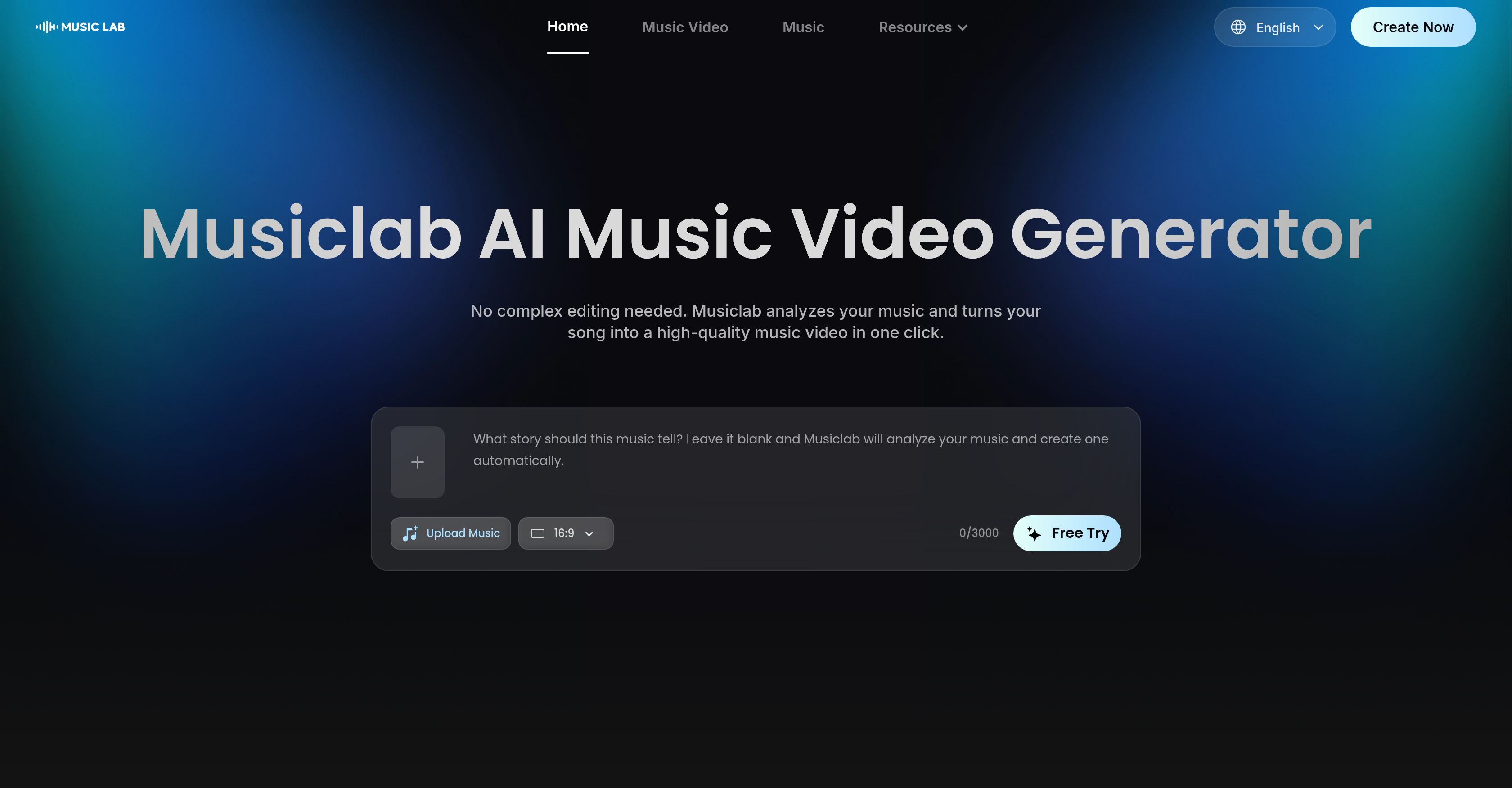
- Go from a rough idea to a finished original song: start a project with a mood, story, or set of lyrics and develop it into a complete track through built-in AI music generation.
- Get music videos that move with your song, not against it: audio analysis reads the rhythms and beats of your track and drives automated editing that syncs every visual to the music.
- Release visuals for every track without hiring an editor or learning editing software: the music video creator turns a song into a matching video with minimal input, so independent singers and first-time producers publish without professional experience.
- Keep your whole project in one place from first lyric to final cut: music generation and music video creation share a single browser-based workspace, so there's no exporting between apps or juggling files.
- Land on the strongest version of your concept: explore alternative directions, compare results side by side, and refine the video so the song and its visual story stay cohesive.
- Break through creative blocks fast: a gallery of public creations supplies ready reference points for visual styles and song ideas.
- Share only work you're proud of: full control at every stage lets you save or share your music video only when it's ready, and use the results in your own projects.
- Create with a provider you can verify: STARWAVE AI INC. operates MusicLab and publishes clear company and contact details.
Pros & Cons
From the listing; not yet checked by our editors.
Pros
- Generates music videos from audio
- Analyzes rhythms and beats
- User-friendly design
- Requires no professional experience
- Ideal for independent musicians
- Attracts short-form video creators
- Accessible to novices in production
- Fully integrated software
- Browser-based workspace
- Supports creative exploration
- Presents public creations for inspiration
- Clear company and contact information
- Automated editing feature
- Enables finer control over projects
- Maintains cohesion between song and video
- Provides inspiration through public creations
- Supports guided workflow
- Toolkit keeps idea, audio, and imagery aligned
- Transforms plain-language creative direction into songs
- Creates video from music
- Visuals shaped around track
- Supports browsable public creations
- Easy contact with service provider
- Maintains user project control
- Provides resources to learn and create
- Platform for generating songs and videos
- Supports creation of short-form video music
- Prepares music for social media
- Low barrier to creation
- Generates content for social platforms
- Supports pop, rap, electronic, rock, R&B, folk, cinematic, dreamy, retro, cyberpunk, stage-performance, nature
Cons
- Limited user input
- Browser-based software only
- Limited fine-tuning options
- Dependant on audio quality
- No offline version
- Potential for creativity gap
Alternatives to MusicLab
Tools that share the most tags with MusicLab.
- yesTool | AI Music Video
Create professional animated music videos from any song and image with automatic lip-sync accuracy using Wan S2V AI technology
Freemium · from $14.90/month
$14.90/month
Not yet checked
- Plazmapunk
Transform your music into professional videos in minutes with fast generation that eliminates long rendering times
Freemium · from $5.78/month
$5.78/month
Not yet checked
- AirMusic - AI Music Video Generator
Instantly produce a complete, multi-scene music video from any song with one click using Director Mode for fast, professional results.
Paid · from $11.90/month
$11.90/month
Not yet checked
- 1MoreShot
Create professional music videos from your tracks in minutes using automated AI generation
Freemium · from $8.25/month
$8.25/month
Not yet checked
- LABEL IQ AI
Transform images, lyrics, and keywords into professional music and videos using AI creation tools
Free trial · from $5
$5
Not yet checked
- BeatViz AI
Transform any audio track into professional music videos with perfect beat synchronization using AI-powered audio-visual analysis
Free trial · from $13.90/month
$13.90/month
Not yet checked
Reviews
Rate this tool
Loading reviews...
Frequently asked questions
What is MusicLab?
MusicLab is an AI-based tool designed to turn audio tracks into music videos. By processing the specific music, rhythms, and beats, it can develop a corresponding video. The tool is user-friendly and doesn't require advanced editing skills, catering to both music enthusiasts and professionals.
How does MusicLab analyze music?
MusicLab examines the specific elements of the music including the music, rhythms, and beats. This in-depth analysis allows it to recognize patterns which it can utilize to produce suitable video accompaniment, creating a unique visual identity that matches the audio.
Do I need advanced editing skills to use MusicLab?
No, there's no need for advanced editing skills to use MusicLab. The tool is user-friendly and created to be easily used by people without professional editing experience.
Can MusicLab be used by independent musicians?
Yes, MusicLab can be used by independent musicians. It serves as an accessible tool for producing music video content, regardless of user's technical expertise or knowledge.
What functions does MusicLab support?
MusicLab supports various functions such as music video creation, audio analysis, automated editing, AI content creation, and music analysis. It provides creative control to users, allowing them to explore different concepts and compare results. The tool also offers inspiration sourcing from public creations.
How can I start a project on MusicLab?
To begin a project on MusicLab, users start with an idea, mood, story, or set of lyrics. From there, they develop it into an original track which they can then transform into a music video, all within the same browser-based workspace.
How can I give my track a visual identity on MusicLab?
MusicLab allows users to give their track a visual identity by transforming the audio into a corresponding music video. This process is automated and based on analyzing the specific elements of the track such as its music, rhythms, and beats.
What amount of creative control do I have on MusicLab?
On MusicLab, users have a substantial amount of creative control. They can fine-tune their projects, exploring different concepts, comparing results, and refining the direction. This enables them to maintain a cohesive connection between the song and its visual story.