

MVCraft
Get cuts that land exactly on the beat: tempo detection and song-structure mapping place every shot change on beat multiples and every scene change on intro, verse, chorus, or bridge boundaries, with fast, default, or slow shot rhythm.
Listing not yet reviewed by our editors · How we check
Overview
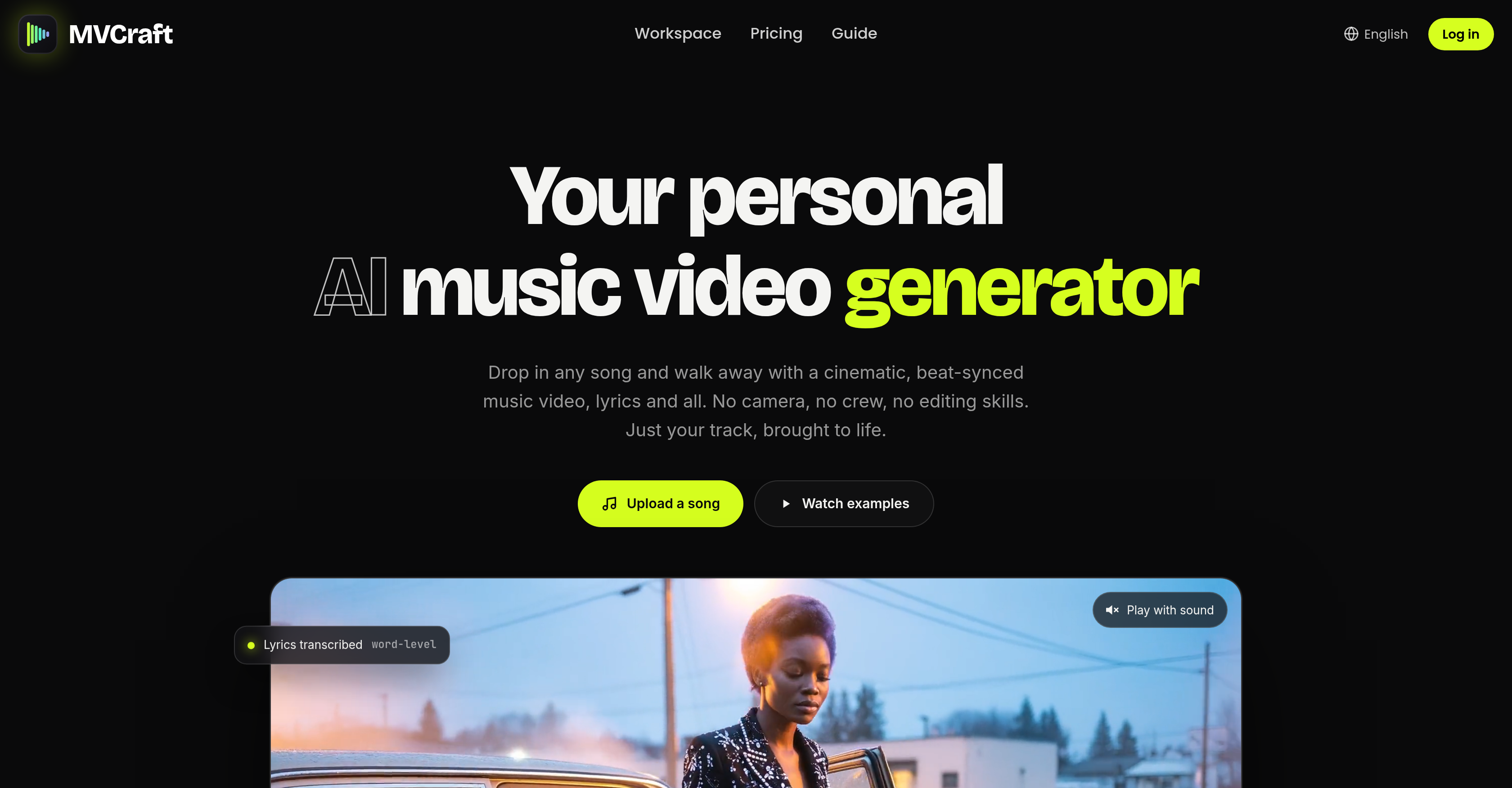
- Get cuts that land exactly on the beat: tempo detection and song-structure mapping place every shot change on beat multiples and every scene change on intro, verse, chorus, or bridge boundaries, with fast, default, or slow shot rhythm.
- Start a music video without a scene idea: the AI drafts a creative brief from your track's detected genre, mood, and keywords, or you write your own, then pick any section of the song on its waveform.
- Keep the same lead character and locations from first shot to last: a character reference image runs through every frame, and a 3×3 reference grid per location locks in settings, props, and lighting.
- Give your music video a signature look: build a reusable custom visual style from up to six reference images, such as film stills, album covers, or mood boards, and a reusable custom character from a single photo.
- Fix one weak shot without starting over: regenerate any individual frame or clip, switch back to earlier versions, and reorder, add, remove, or rewrite storyboard shots with framing, mood, action, and camera direction.
- Publish accurate lyric videos in English and CJK: word-by-word lyric transcription converts into timed subtitle lines you retime on the timeline and restyle with custom fonts, colours, and positions.
- Review your cut before rendering finishes: the timeline editor previews the full video in the browser, filling unfinished clips with still images so you adjust pacing and lyrics immediately.
- Match image quality to your project: choose Nano Banana Pro, Nano Banana 2, or GPT Image 2.5 for 2K artwork, animated into video clips by Grok Imagine.
- Release on every channel from one project: export a finished MP4 with the original audio in 16:9, 9:16, 4:3, or 3:4 at 720p or 1080p, bulk-download stills and clips, and use the results commercially for releases, social media, promotion, and ads.
- Control your spend before you generate: an upfront cost estimate shows transcription, image, and clip credits, credits are charged only for successful jobs, and failed generations are refunded automatically.
Pros & Cons
From the listing; not yet checked by our editors.
Pros
- Browser-based tempo detection
- Waveform-based section selection
- Adjustable shot rhythm before generation
- Word-level lyric timestamps
- Pause- and punctuation-based subtitle lines
- Automatic song-section mapping
- Genre, mood, keyword, BPM analysis
- Beat-aligned shot timing
- Scene changes at section boundaries
- Nine-angle location reference grids
- Consistent props and lighting
- Character references carried across shots
- Shot-by-shot camera-motion descriptions
- Regenerate individual storyboard frames
- Switch between saved storyboard versions
- Reorder, add, or remove frames
- Move shots between scenes
- Descriptions adapt to new scenes
- Deleted scenes automatically reassign shots
- Visual styles can vary by scene
- Reusable styles from reference images
- Custom characters derived from photos
- Select image models per project
- Artwork generated at 2K
- 720p or 1080p exports
- Four landscape and portrait ratios
- Preview timeline during clip generation
- Stills preview unfinished clips
- Drag subtitles to retime
- Position subtitles directly in-frame
- Subtitle styling with undo and redo
- Regenerate clips independently
- Bulk-download stills and clips
- Rendered MP4 includes original audio
- Upfront generation cost estimates
- Credits charged only for successful jobs
- Failed-job credits returned automatically
- English and CJK lyric support
- Reusable styles across projects
- Up to six style reference images
Cons
- MP3, WAV, or M4A only
- English and CJK lyrics only
- Four aspect ratios only
- Exports capped at 1080p
- MP4 export only
- Three shot-rhythm presets
- Custom styles: six references max
- Animation uses Grok Imagine
- Three image models available
Alternatives to MVCraft
Tools that share the most tags with MVCraft.
- yesTool | AI Music Video
Create professional animated music videos from any song and image with automatic lip-sync accuracy using Wan S2V AI technology
Freemium · from $14.90/month
$14.90/month
Not yet checked
- Plazmapunk
Transform your music into professional videos in minutes with fast generation that eliminates long rendering times
Freemium · from $5.78/month
$5.78/month
Not yet checked
- AirMusic - AI Music Video Generator
Instantly produce a complete, multi-scene music video from any song with one click using Director Mode for fast, professional results.
Paid · from $11.90/month
$11.90/month
Not yet checked
- 1MoreShot
Create professional music videos from your tracks in minutes using automated AI generation
Freemium · from $8.25/month
$8.25/month
Not yet checked
- LABEL IQ AI
Transform images, lyrics, and keywords into professional music and videos using AI creation tools
Free trial · from $5
$5
Not yet checked
- BeatViz AI
Transform any audio track into professional music videos with perfect beat synchronization using AI-powered audio-visual analysis
Free trial · from $13.90/month
$13.90/month
Not yet checked
Reviews
Rate this tool
Loading reviews...
Frequently asked questions
What audio formats can I upload to MVCraft, and how long can my song be?
MVCraft accepts MP3, WAV, M4A, and other common audio formats. Songs from 30 seconds to 3 minutes work best.
How do I select a specific section of my song in MVCraft?
Drag across the song’s waveform to select the section you want MVCraft to turn into a video.
Can MVCraft create a creative brief if I’m not sure what scenes I want?
Yes. MVCraft’s AI assistant can draft a creative brief if you’re unsure what scenes to describe.
How does MVCraft sync storyboard cuts to a song’s beat and sections?
MVCraft plans shots around the beat, with cuts landing on beat multiples, and aligns scene changes with song-section boundaries such as the chorus or bridge.
Can I edit MVCraft’s storyboard before generating the video?
Yes. You can reorder, add, remove, or regenerate storyboard frames, edit shot descriptions, and adjust which scene a shot belongs to before rendering.
Can I regenerate one shot in MVCraft without rebuilding the whole video?
Yes. You can regenerate an individual shot’s image or clip without rebuilding the rest of the video. Previous versions are kept so you can switch back.
How does MVCraft keep characters and locations consistent across shots?
MVCraft uses a character reference image in every shot and creates a nine-angle reference grid for each location. These references help keep the character, setting, props, and lighting consistent.
Can I use my own photos to create a character or visual style in MVCraft?
Yes. Upload one photo to create a reusable custom character, or up to six reference images to create a reusable visual style.