

NaturalReader
Listen to any document with natural-sounding AI voices that understand context for more realistic delivery
Listing not yet reviewed by our editors · How we check
Overview
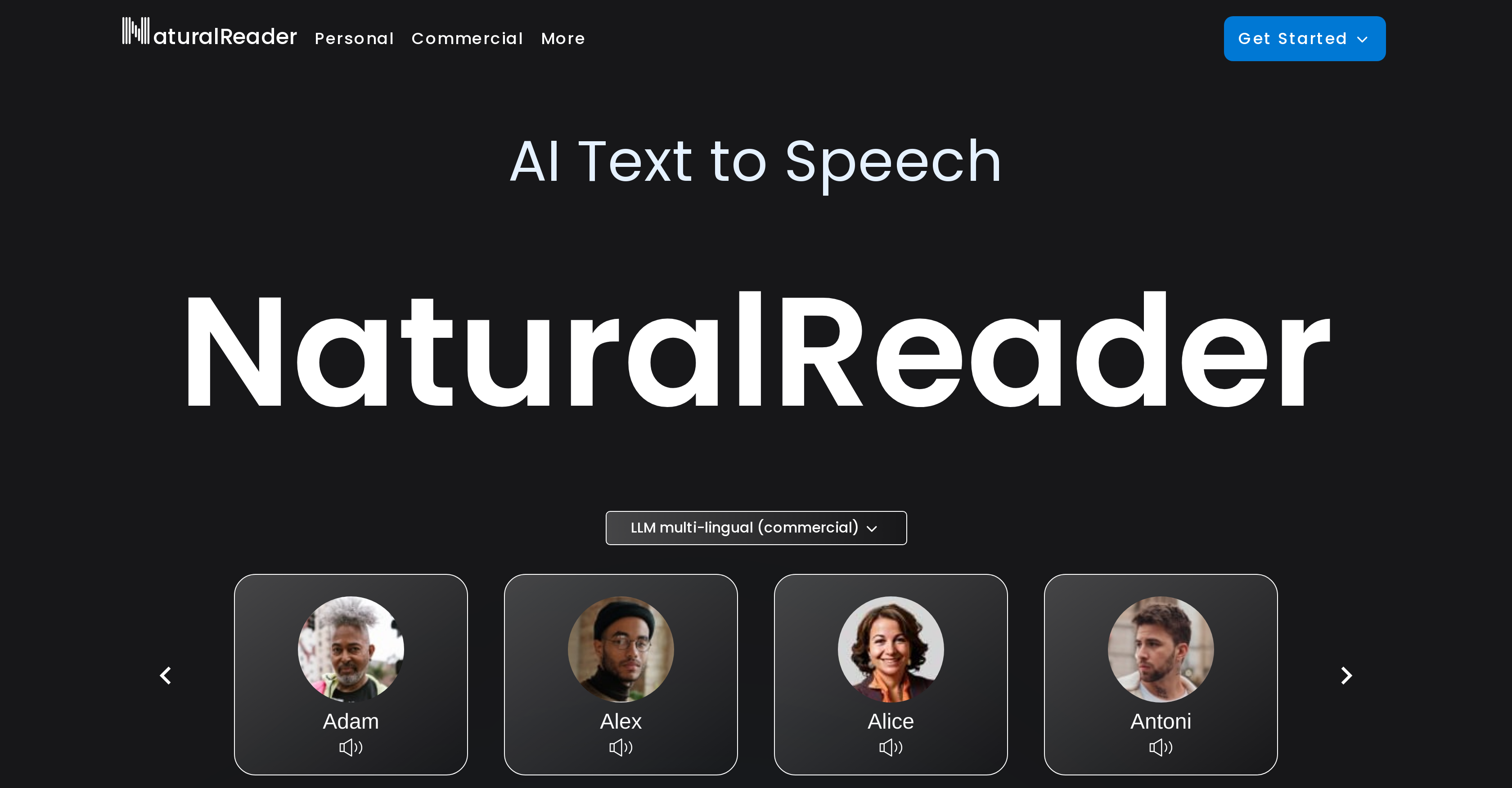
- Listen to any document with natural-sounding AI voices that understand context for more realistic delivery
- Create professional voiceovers instantly for YouTube and eLearning with commercial licensing
- Access your content anywhere through web, mobile, and browser extension deployment
- Convert over 20 file formats including PDF into spoken audio without manual reformatting
- Support diverse learners with dyslexia-friendly features like adjustable reading speeds and text highlighting
- Generate voiceovers in any language using 50+ multilingual voices powered by advanced language models
- Clone specific voices for custom audio projects using instant voice replication technology
- Manage classroom listening experiences with shared documents and student management tools
Pros & Cons
From the listing; not yet checked by our editors.
Pros
- Cross-platform compatibility
- Commercial Studio features
- Features for academic use
- Visual and auditory support
- Helps reading-based learning disabilities
- Dyslexia font
- Adjustable reading speeds
- Text highlighted during reading
- Trusted by 10 million users
- Used by over 2000 institutions
- Converts text, PDF, other formats
- Mobile app
- Chrome Extension
- Email or class code sharing
- Secure and reliable
- Easy to use
- Supports 20+ formats
- Over 50 language support
- Over 200 unique voices
- Large Language Models technology
- Voice cloning feature
- Commercial voiceover generator
- Group plans for education
- User-friendly deployment
- Produces human-like speech
- Used for platforms like YouTube
- Aids for eLearning resources
- Creates audiobooks
- Web version available
- iOS and Android application
- Direct listening to webpages
Cons
- Limited voice customization options
- Lacks sophisticated editing features
- Limited language models
- Content-aware voice might misinterpret context
- Doesn't support all text formats
- Limited accessibility features
- Voice cloning may lack accuracy
- No offline mode
- Limited multimedia support
- Dependent on reliable internet connection
Alternatives to NaturalReader
Tools that share the most tags with NaturalReader.
- Speechma
Generate professional voiceovers for social media and presentations instantly with 400+ premium AI voices featuring unique personalities and accents
Freemium · from $9/month
$9/month
Not yet checked
- Revoicer
Create human-sounding voiceovers that capture attention using emotional tones like friendly, cheerful, or excited for more engaging content
Paid · from $47
$47
Not yet checked
- WooTechy VoxDo
Generate realistic voiceovers instantly with AI text-to-speech conversion across 100+ languages and global accents
Free trial · from $15.95/month
$15.95/month
Not yet checked
- Speechactors
Produce studio-quality voiceovers instantly with an online AI voice generator that converts your text into natural, engaging speech
Freemium · from $23/month
$23/month
Not yet checked
- Resemble.ai
Clone your exact voice instantly using just a short audio sample, eliminating the need for lengthy recording sessions
Free trial · from $29/month
$29/month
Not yet checked
- Speechify Studio
Produce studio-quality voiceovers instantly with 200+ natural AI voices across 60+ languages and accents
Freemium · from $7.99
$7.99
Not yet checked
Related Videos
Create Voiceover for YouTube with AI #aivoicegenerator #naturalreader
NaturalReader AI Text to Speech · Nov 27, 2024
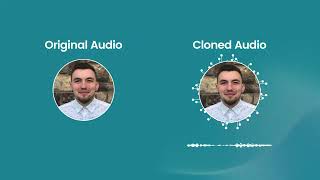
Instantly Clone your Voice with NaturalReader
NaturalReader AI Text to Speech · Sep 20, 2024

Free Text To Speech Tool / Natural Reader Tutorial
Kristal Gayle · Jul 2, 2021
Installing the Natural Reader Text to Speech Chrome Extension
Suzanne Sannwald · Sep 18, 2020
NaturalReader Mobile Text-To-Speech with AI Voices
NaturalReader AI Text to Speech · Dec 22, 2023
Reviews
Rate this tool
Loading reviews...
Frequently asked questions
What is NaturalReader?
NaturalReader is an AI-powered Text to Speech (TTS) application developed by NaturalSoft Limited. It is designed to convert text into natural-sounding spoken words, making it a versatile solution for personal, commercial, and educational use. The application is intended for anyone who needs assistance in reading or comprehending text, be it students, professionals, or individuals with reading disabilities.
How does NaturalReader convert text to speech?
NaturalReader uses advanced AI technology to convert written text into spoken words. It employs large language models (LLM) which enhance the quality, fluency, and comprehension of the spoken output. Furthermore, this application can interpret the context of the script, this helps produce more natural and human-like speech.
What is the Commercial Studio feature in NaturalReader?
The Commercial Studio feature in NaturalReader is designed for users to create voiceovers for business use. It allows users to add emotions and effects to bring the voiceover to life. This feature is particularly useful for creating professional voiceovers for platforms like YouTube, training sessions, eLearning resources, and audiobooks.
What formats does NaturalReader support?
NaturalReader supports over 20 different formats, including PDF. This makes it a handy tool for converting various types of text documents into spoken words.
What platforms is NaturalReader compatible with?
NaturalReader is compatible with various platforms. It is available as a web version, and as a mobile application for both iOS and Android. It also offers a Chrome extension that allows users to listen to webpages directly.
Does NaturalReader have a feature to assist students with dyslexia?
Yes, NaturalReader provides features specifically designed to assist students with dyslexia. These features include a specially designed dyslexia font, flexible reading speeds, and highlighted text which helps dyslexic users to focus more on the comprehension of the content.
What is NaturalReader EDU and how does it work?
NaturalReader EDU is a version of NaturalReader designed specifically for students and teachers. It enables teachers to add members through email or class code, share documents to a class, and manage or delete classes and members. It also uses AI voices which aim to mimic human speech, to provide both visual and auditory support to students, especially those with dyslexia or other reading-based learning disabilities.
How many voices is NaturalReader capable of generating?
NaturalReader is capable of creating over 200 unique voice outputs by harnessing the power of AI. This wide range of voices makes NaturalReader a flexible tool for various text to speech requirements.