

Nico
Hand off tasks without leaving your current app: hold the right Command key, speak your request, release, and watch your words appear live, with no window switching and the freedom to correct yourself mid-sentence.
Listing not yet reviewed by our editors · How we check
Overview
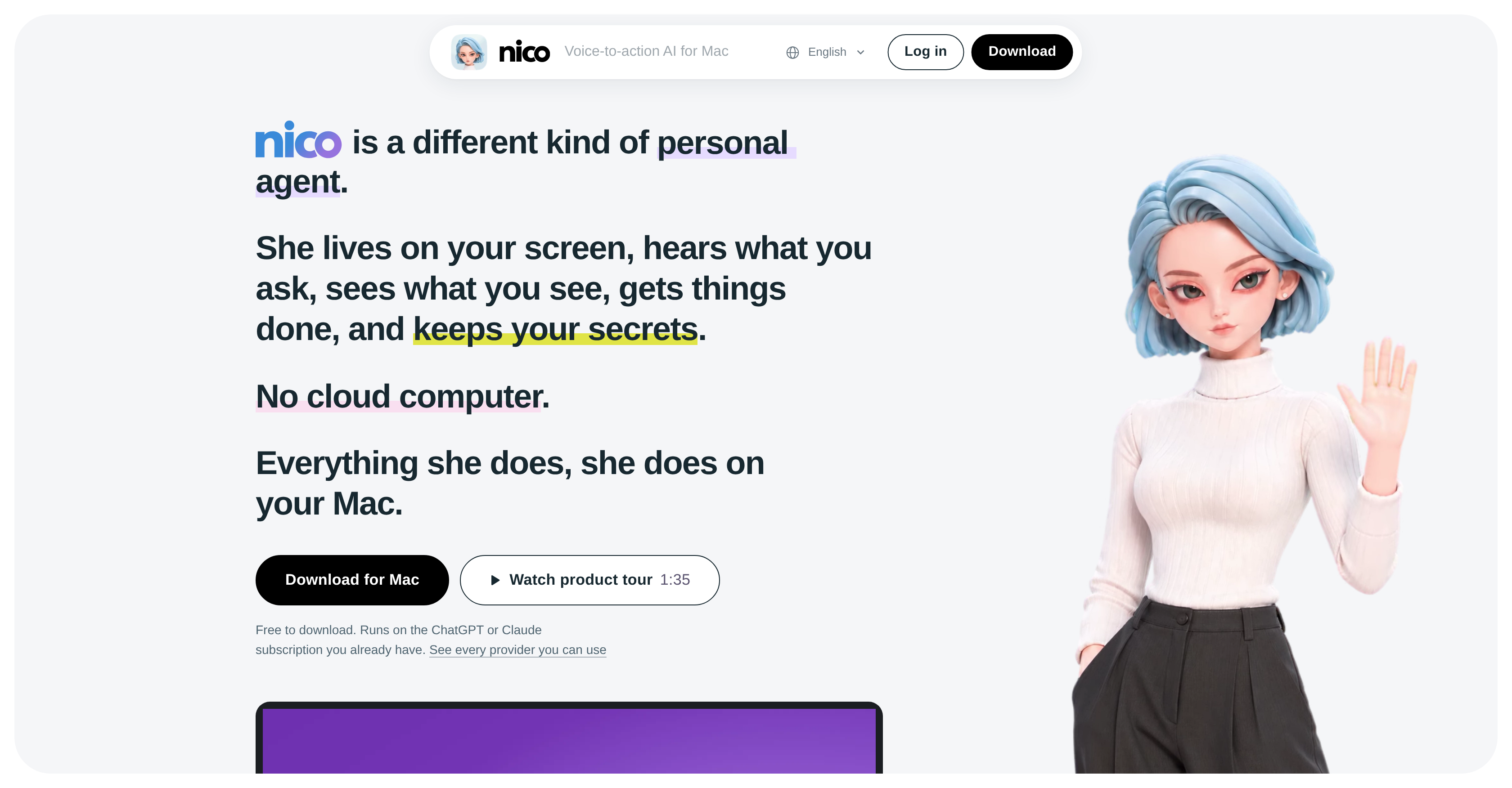
- Hand off tasks without leaving your current app: hold the right Command key, speak your request, release, and watch your words appear live, with no window switching and the freedom to correct yourself mid-sentence.
- Get answers about whatever is in front of you without describing it: Nico reads a screenshot of the active window, so "this" is all you need to say.
- Keep working while tasks run in the background: the front agent queues each request for a sandboxed Worker Agent that opens files, operates your apps and browser, checks its own result, and tells you when it's done.
- Skip uploads, downloads and repeat logins: computer use, a built-in browser and a Chrome extension work directly with your local files and signed-in sites to pull supplier invoices, find contracts and draft email replies.
- Turn scattered data into usable spreadsheets: convert a dropped PDF or an on-screen table into an Excel file, and compare payment dates across contracts and email with mismatches flagged.
- Keep personal data off third-party servers: requests are relayed with zero data retention, chat history, memories and created files stay on your Mac, logins remain in Keychain, and Worker Agent calls go straight to your AI provider.
- Control your AI costs and model choice: run the Worker Agent on your existing ChatGPT, Claude or SuperGrok subscription or an API key from providers including Gemini, DeepSeek, Mistral, OpenRouter, Amazon Bedrock and Azure OpenAI.
- Avoid irreversible mistakes: Nico asks before sending mail, submitting forms, making payments or deleting files, sends cleared junk to the Trash, and reverses Desktop cleanups when you say "undo that."
- Stay ahead of deadlines without setting reminders: persistent memory tracks your plans, deadlines and the people you mention, and you can view, edit or delete any memory.
- Catch important changes the moment they happen: Nico watches selected email, folders, calendar details and web pages and alerts you when something relevant shifts.
- Fix and tidy your Mac by asking: find out why your Mac is running hot, reclaim disk space and organize a cluttered Desktop through spoken requests.
- Delegate coding sessions by voice: have Nico launch Claude Code or Codex on a project while you focus elsewhere.
Pros & Cons
From the listing; not yet checked by our editors.
Pros
- Hold right ⌘ and speak from any app
- No cloud computer: works on your Mac
- Nothing to upload, no cloud re-login
- Uses your existing logins and apps
- Sees the active window when you ask
- Works while you keep working
- Front agent replies right away
- Worker Agent checks its own results
- Asks before risky steps
- Servers keep no conversation content
- Memories stay on your Mac, editable
- Uses your own ChatGPT, Claude or SuperGrok
- Can run Claude Code or Codex for you
- Free plan with on-device speech
Cons
- Mac only
- Your Mac must be on to use it
- Worker Agent needs your own AI account
- Spoken replies require Plus
- Chrome control needs an extension
Alternatives to Nico
Tools that share the most tags with Nico.
- Tendem
Eliminate the need to hire and manage freelancers for administrative work by using a hybrid system where AI handles execution and human experts provide oversight and validation.
Paid
Not listed
Not yet checked
- Levity
Eliminate manual data entry by automatically extracting critical information from emails and attachments directly into your Transportation Management System
Not listed
Not listed
Not yet checked
- Manus
Create personalized travel itineraries and custom handbooks instantly through comprehensive travel information integration
Freemium · from $16/month
$16/month
Not yet checked
- Raccoon AI
Launch production-ready web apps from a simple prompt, with full ownership of the code written in real-time and deployed in clicks.
Freemium · from $19/month
$19/month
Not yet checked
- Barie AI
Execute entire projects from a single prompt by breaking down complex tasks into parallel subtasks
Freemium · from $10/month
$10/month
Not yet checked
- Aident AI
Build reliable workflows without coding or technical help using natural language descriptions converted into working Playbooks
Freemium · from $12/month
$12/month
Not yet checked
Reviews
Rate this tool
Loading reviews...
Frequently asked questions
How do I use Nico from any app on my Mac?
Hold the right Command key, speak your request from any app, and release the key. You don’t need to switch to a separate input window.
Can Nico understand what’s on my screen without me describing it?
Yes. Nico can see the active window, so you can ask about what’s on screen by saying “this” without describing it.
Can I drop a PDF onto Nico and ask her to turn it into a spreadsheet?
Yes. Drop the PDF onto Nico and ask her to convert it; she can return a spreadsheet as a file.
Can Nico find an email attachment and draft a reply for me?
Yes. Nico can find an email and its attachment, summarize them, and draft a reply. She waits for you to review the reply before it is sent.
Can Nico organize files on my Desktop, and can I ask her to undo it?
Yes. Nico can organize Desktop files, and you can say “undo that” to put them back.
Can Nico compare payment dates across contracts and email?
Yes. Nico can check contracts against related email, compare payment dates, and flag mismatches.
Can Nico retrieve invoices from a supplier portal using my existing login?
Yes. Nico can retrieve invoices from a supplier portal using her browser or the Chrome extension. Sites use your usual network and existing login.
Does Nico ask before sending emails, submitting forms, or deleting files?
Nico checks before sending, submitting, or deleting. Mail and payment actions require your approval; she can prepare a reply for review or ask before submitting a receipt.