
Nodeterm
See every part of a project at a glance, with no hunting through stacked tabs or scattered windows. Terminals, editors, diffs, browsers, sticky notes, chats, and groups sit as draggable nodes on one infinite, zoomable canvas you pan across.
Listing not yet reviewed by our editors · How we check
Overview
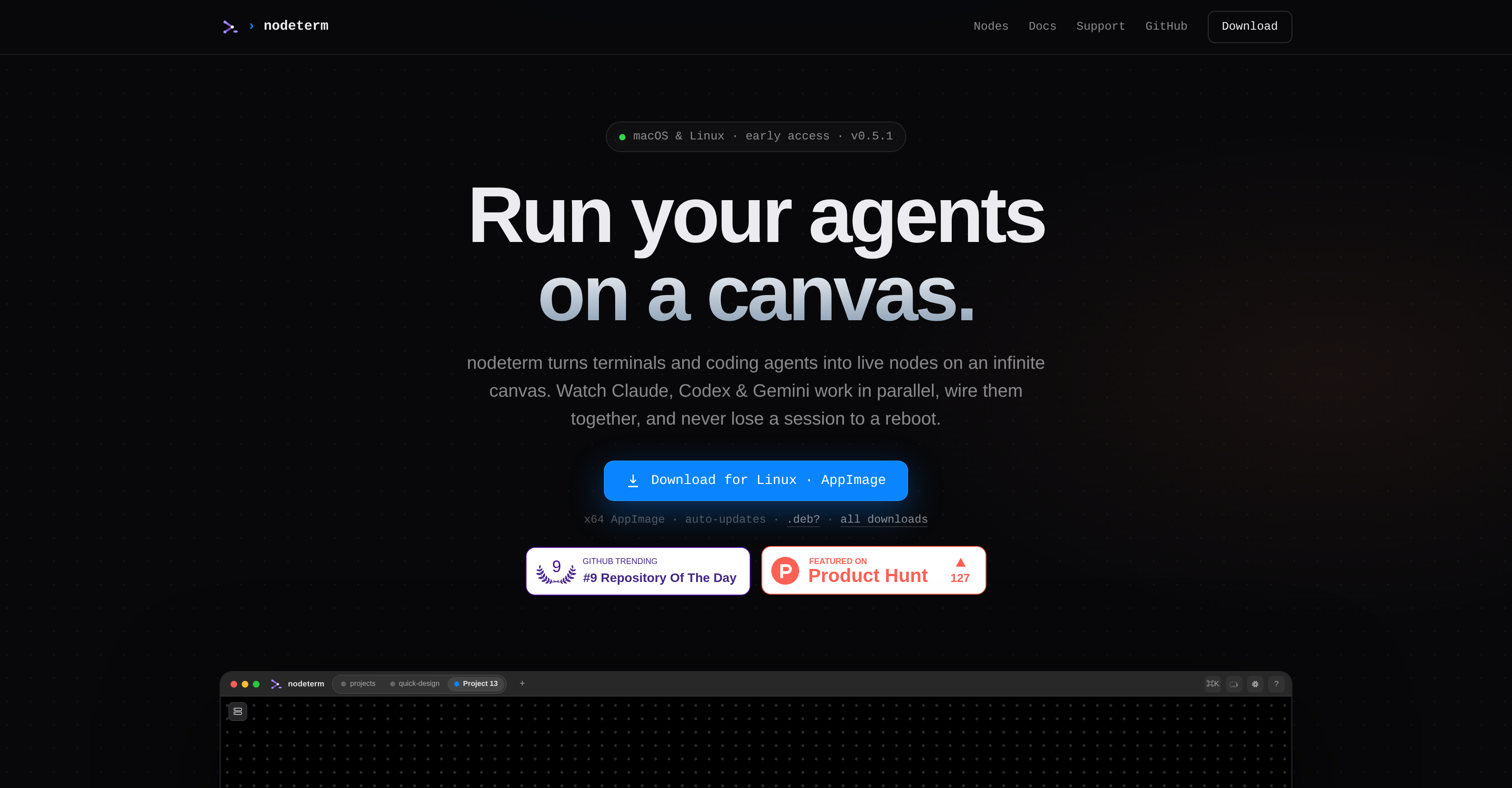
- See every part of a project at a glance, with no hunting through stacked tabs or scattered windows. Terminals, editors, diffs, browsers, sticky notes, chats, and groups sit as draggable nodes on one infinite, zoomable canvas you pan across.
- Run several AI coding agents at once and compare their progress side by side. Claude Code, Codex, and Gemini each run as live nodes in parallel, and spawned subagents appear as their own cards.
- Pick up exactly where you left off after closing the app or rebooting. tmux-backed terminal sessions restore processes, scrollback, and running agents on macOS and Linux.
- Unblock stalled agents the moment they need you. Hook-driven status badges flag running or waiting agents, a notification alerts you to permission requests, and you approve them directly inside the agent's node.
- Share knowledge between Claude Code sessions without copy-pasting. Draw an edge between two Claude nodes and each one pulls the other's context on demand.
- Test an alternate approach without losing your current direction. Branch any agent conversation into a new node while the original thread stays intact.
- Track team coding work and live sessions in one place. Project boards turn live sessions into cards that open to the real terminal, with members, due dates, and comments on each entry.
- Check on long-running agent tasks away from your desk. QR phone pairing continues the same live session remotely over an end-to-end encrypted relay.
- Dictate prompts hands-free while keeping your audio private. On-device Whisper speech-to-text converts voice into prompt text locally, and you press Enter to send.
- Get set up in seconds and stay current with no manual effort. Install with brew install --cask nodeterm or the universal macOS .dmg, and receive automatic updates.
Pros & Cons
From the listing; not yet checked by our editors.
Pros
- Infinite zoomable workspace
- Spatial terminal organization
- Live terminals as canvas nodes
- Agents, editors, diffs, browsers
- Sticky notes and chat nodes
- Group related work visually
- Pan across project workspaces
- Run Claude, Codex, Gemini in parallel
- Live agent status badges
- Hook-driven activity indicators
- Subagents appear as canvas cards
- Connect Claude nodes for context sharing
- Branch conversations without losing originals
- Persistent tmux-backed sessions
- Restore sessions after app closure
- Restore sessions after computer restarts
- Preserve terminal scrollback
- Reattach running agents after reboot
- Respond to permissions inside nodes
- Notifications for blocked agents
- Project boards with live sessions
- Open board cards into terminals
- Board members, due dates, comments
- Continue sessions remotely by phone
- Pair phone sessions using QR
- End-to-end encrypted session relay
- Local Whisper speech transcription
- Voice audio stays on-device
- macOS automatic updates
- Universal Mac installer
Cons
- Windows installer is unsigned
- Windows updates require manual installation
- Windows restart continuity is unfinished
- Context links are Claude-only
- Speech prompts require Enter
- Agent status relies on hooks
- Remote access requires QR phone pairing
Alternatives to Nodeterm
Tools that share the most tags with Nodeterm.
- Plasma AI
Scale your AI operations without bottlenecks by running tasks in parallel with clear ownership and explicit handoffs, powered by Plasma AI's coordinated agent network.
Not listed
Not listed
Not yet checked
- Auto Learning Agents
Deploy your own AI agents in minutes using a single Docker image, eliminating complex setup and external cloud dependencies.
Free
Not listed
Not yet checked
- Buda AI
Deploy a complete AI workforce that codes, sells, and markets for you—by recruiting specialized AI agents for coding, sales, marketing, and operations roles.
Freemium · from $20/month
$20/month
Not yet checked
- AIsa
Deploy production-ready AI agents instantly with Foundry's cloud-hosted, pre-configured instances and native nanopayment settlement
Not listed
Not listed
Not yet checked
- Sentrely
Eliminate unauthorized AI agent actions by enforcing granular policies defined in YAML for every AWS action, git repository, and tool each agent can touch.
Free trial · from $199/month
$199/month
Not yet checked
- Future AGI
Ship AI agents that automatically learn from mistakes and improve task accuracy over time, powered by continuous iteration and refinement with the Datasets Agent IDE Experiments framework.
Freemium · from $250/month
$250/month
Not yet checked
Reviews
Rate this tool
Loading reviews...
Frequently asked questions
How does nodeterm organize terminals and coding-agent sessions on its canvas?
nodeterm places terminals, agents, editors, diffs, browsers, notes, groups, and chats as movable nodes on an infinite, zoomable canvas. You can arrange and group related work, then pan and zoom to view the project in one workspace.
Can I run Claude Code, Codex, and Gemini in parallel in nodeterm?
Yes. nodeterm can run Claude Code, Codex, and Gemini as live nodes in parallel.
How do I install nodeterm on macOS or Linux?
For macOS, download the universal .dmg or install with `brew install --cask nodeterm`. Linux is listed as supported, but the website does not specify its installation method.
Does nodeterm work on Windows, and what are the beta limitations?
Windows is in beta. Its installer is unsigned, updates are manual, and session continuity across restarts is still in progress.
Will nodeterm restore my terminals and running agents after a reboot?
Yes. nodeterm says tmux-backed sessions restore processes, scrollback, and running agents when you reopen the app after closing it or restarting the computer.
How does nodeterm show when an agent needs my attention?
Hook-driven status badges show when agents are running or need attention. Subagents appear as cards, and a notification can alert you when an agent blocks for permission.
Can I respond to an agent’s permission request directly in nodeterm?
Yes. When an agent blocks for permission, nodeterm can notify you and let you respond directly in that agent’s node.
How do I share context between Claude Code sessions in nodeterm?
Connect two Claude nodes with an edge; each can access the other’s context on demand.