

Overview
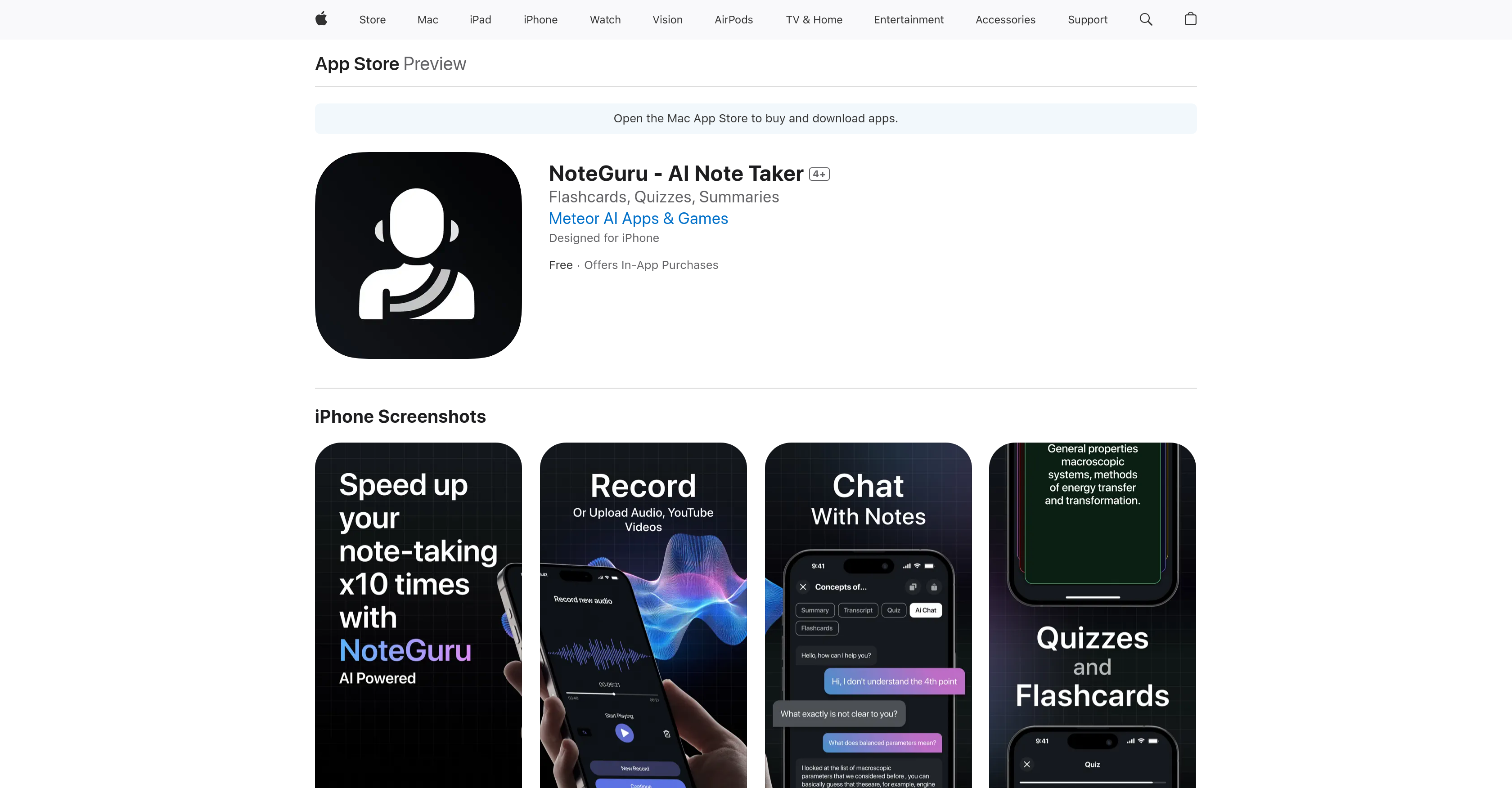
- Transform meetings and lectures into organized notes instantly with AI transcription and summarization
- Master any material faster by testing your knowledge with AI-generated flashcards and quizzes from your notes
- Get immediate clarity on complex topics through interactive AI that explains your note content in seconds
- Create accurate transcripts from any audio recording with automatic language detection for global usability
- Extract key points from videos and PDFs without manual review through intelligent content summarization
Pros & Cons
Pros
- Automatic language detection
- Multiple input formats
- Content summarization
- Creates flashcards and quizzes
- Transcription of audio recordings
- Instant notes from audio
- Noting from PDFs
- Noting from videos
- Clear explanation of content
- Improvement on quote detection
- Interface upgrade fixes
- Free app with in-app purchases
- Designed for iPhone
- Supports light and dark theme
- Continuous developer support and updates
- Available on App Store
- Instant meeting summaries
- Testing knowledge with quizzes
- Educational tool
- Video note taking
- Supports multiple languages
Cons
- Issues with direct quotes
- Previous app opening issues
- Only summarizes conversations
- In-app purchases required
- Might collect user location
- Recorded identifiers data
- Failed loading screen experiences
- App support needed
- Probable high data usage
- Limited language support
Reviews
Rate this tool
Loading reviews...
❓ Frequently Asked Questions
NoteGuru assists in taking notes during meetings or lectures by transcribing the spoken words into text. It also has the ability to summarize the central ideas or topics discussed during the meeting or lecture, simplifying the note-taking process and allowing users to focus on the conversation at hand.
NoteGuru can handle a variety of materials including audio recordings, text documents, PDFs, and videos. The application can create summaries or transcripts from all of these input formats, making it a comprehensive tool for handling notetaking necessities.
NoteGuru features an automatic language detection mechanism. When a user records an audio file, the system identifies the language being spoken and transcribes the audio accordingly. This enables users to make notes in their preferred language and access them instantly.
Yes, NoteGuru offers users the ability to interact with an AI that provides clear, instant explanations of the content within their notes. This function is designed to aid comprehension and deepen the understanding of the material.
To assist users in better understanding their notes, NoteGuru incorporates learning aids like flashcards and quizzes. These tools enable users to test and reinforce their knowledge, allowing for a more comprehensive grasp of the content.
NoteGuru's process to convert audio to text involves language recognition and transcription. When a user records an audio note, NoteGuru's AI recognizes the language being used and creates a written transcript of the audio material.
Yes, users can definitely utilize NoteGuru to create transcripts of their audio recordings. The application automatically generates written notes from audio input, thereby creating transcripts that users can review and edit.
Earlier versions of NoteGuru faced issues with direct quotes. The summarized notes typically provided a general overview of the conversation or discussion rather than including the exact phrases or quotations. However, according to the developer, these issues have been addressed in later versions.
NoteGuru is capable of summarizing both videos and text files. It extracts the key points and important details from the provided input and presents them in a concise, summarized format.
Users can utilize the flashcards and quizzes feature on NoteGuru to test their understanding of their notes. By transforming the content into interactive learning material, this feature reinforces comprehension and aids information retention.
Earlier users of NoteGuru reported issues with the application's opening functionality, where the app would remain stuck on the loading screen. However, developers addressed the problem and rectified it in subsequent versions, ensuring a seamless user experience.
Yes, NoteGuru includes a feature enabling users to test their knowledge of the notes. It converts the note content into flashcards and quizzes, allowing users to evaluate their understanding and retention of the material.
NoteGuru boasts automatic language detection capabilities, implying that it can work with any language that the system can identify and understand. This makes it a universally applicable tool for note-taking in various languages.
The interactive AI in NoteGuru facilitates a deeper understanding of the note content by providing clear, concise explanations within seconds. It helps users navigate their notes and delivers clarification for any confusing or ambiguous points.
The developer has stated that the issues encountered in earlier versions of NoteGuru, pertaining to direct quote generation and opening issues, have been addressed in the later versions. However, the exact versions have not been specified on their website.
The content summarization feature in NoteGuru works by extracting vital details and main points from the users' audio, text, or video files. It then presents these details in a concise and easily digestible format.
Yes, NoteGuru supports both audio and text-based inputs. It can transcribe, analyze, and summarize content from both types of sources, offering flexibility and adaptability to meet various note-taking requirements.
The term 'upgrade issues' in relation to NoteGuru could refer to problems users experienced after updating the application. In past versions, there have been reported issues with direct quotes in summaries and app opening problems, which have been resolved in subsequent updates.
While NoteGuru is an excellent tool for students due to its note-taking, summarization, and learning aids like quizzes and flashcards, it is not exclusively designed for them. Professionals attending meetings and lecturers can also benefit from its features.
NoteGuru has revolutionized the process of note-taking by automating transcriptions, summarizations, and language detection. It also provides learning aids like flashcards and quizzes and comes equipped with an interactive AI for content explanations. These advancements allow users to make efficient use of time and focus on comprehension and learning, rather than the labor-intensive process of taking notes.
Pricing
Pricing model
Freemium
Paid options from
$15.99/month
Billing frequency
Monthly


