
Notion AI
Get instant answers from your company's wikis, projects, and documents using the integrated Q&A system
Listing not yet reviewed by our editors · How we check
Overview
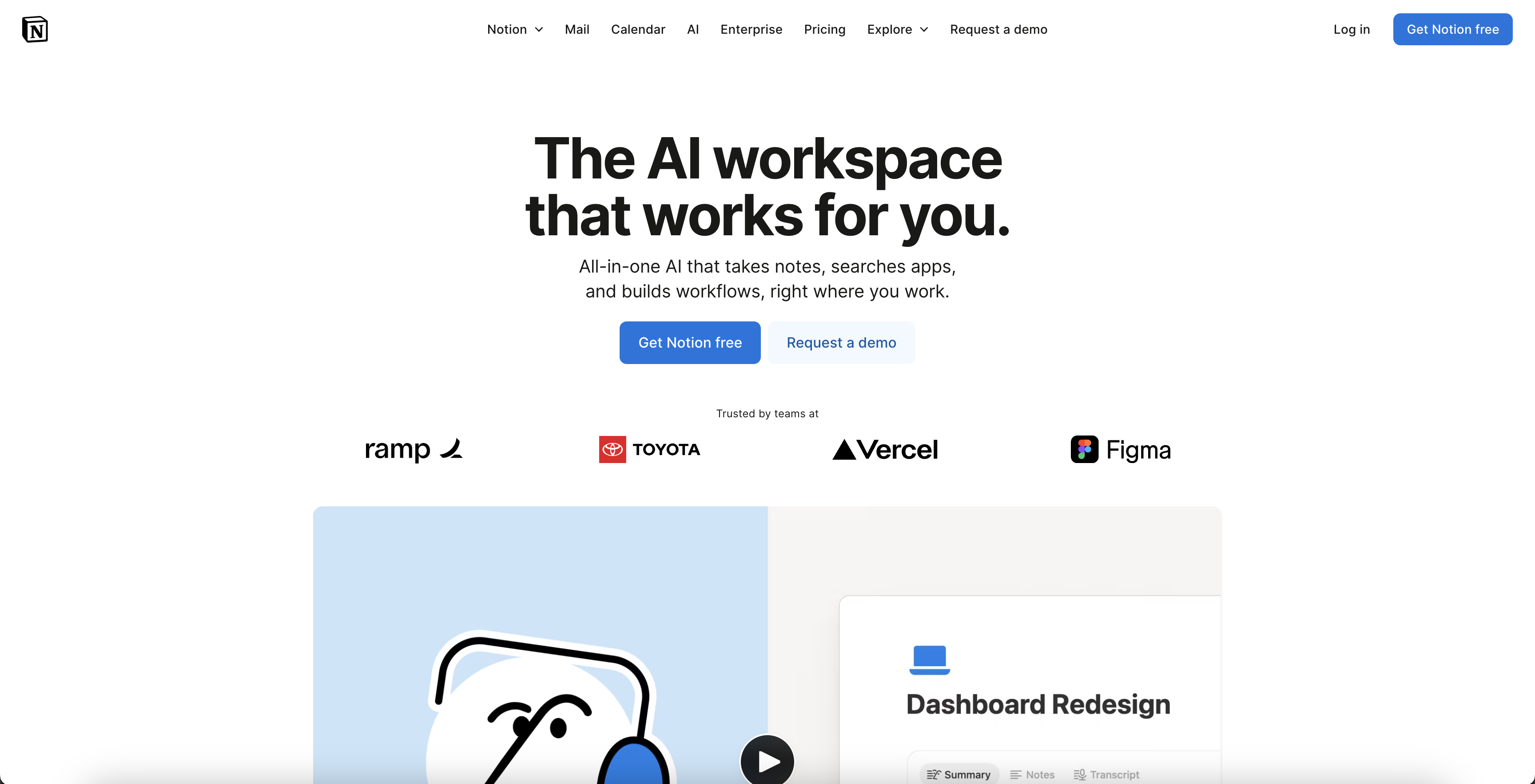
- Get instant answers from your company's wikis, projects, and documents using the integrated Q&A system
- Transform overwhelming databases into clear summaries and actionable tasks in minutes
- Generate first drafts for blog posts, emails, and agendas, then refine tone and fix grammar
- Simplify technical jargon into plain language and translate text across multiple languages
- Maintain data privacy with encrypted information that is never used to train external AI models
Pros & Cons
From the listing; not yet checked by our editors.
Pros
- Generates any type of content
- Saves user's time
- Augments user's creativity
- Generates first draft of pages
- Extracts key ideas
- Fixes spelling and grammar
- Translates text inline
- Generates poems
- Aids in brainstorming
- Offers inspiration
- Answers questions using integrated data
- Rewrites technical jargon
- Guides in editing tone and voice
- Transforms databases into actionable intelligence
- Generates summaries, insights, tasks
- Encrypts user data
- Provides advanced user permissions
- Respects user privacy
- SAML Single Sign-On
- Interfaces with wikis, projects, docs
- Q&A capability
- Data analysis features
- Project management features
- Document management features
- Writing aid tools
- Language translation tools
- Database management tools
- Offers initial free access
- Can be activated with commands
- Granular control over permissions
- GDPR and CCPA compliant
- ISO 27001 certified
- SCIM user provisioning
- Enterprise package for added security
- Multiple template options
- Integrated work and collaboration platform
- Drag-and-drop text editor
- Flexible for future capability expansion
- No data training without user permission
- Scalable with team size
- Useful across different workflows
Cons
- Access on first-come-first-served basis
- May cost extra in future
- No training on user data
- Limited language translation
- Granular permissions in enterprise package only
- Price per member per month
- Not completely free post-trial
Alternatives to Notion AI
Tools that share the most tags with Notion AI.
- Creative APIs by Picsart
Automate professional image editing workflows without manual intervention using AI-powered background removal, enhancement, and filter application
Paid · from $10/month
$10/month
Not yet checked
- RightBlogger
Generate complete SEO-friendly blog posts in minutes with the Article Writer, from introduction to conclusion
Freemium · from $24.99/month
$24.99/month
Not yet checked
- Fotor AI Kiss
Create viral social media content instantly by transforming any portrait into engaging kissing videos for platforms like TikTok and Instagram
Freemium · from $3.33/month
$3.33/month
Not yet checked
- Leonardo AI
Generate production-quality assets in seconds instead of hours using AI Art Generator that transforms prompts into unique visual content
Freemium · from $15.99
$15.99
Not yet checked
- ASMR-AI.art
Launch your ASMR channel without expensive mics or a studio by generating professional videos from simple text prompts.
Paid · from $19.90
$19.90
Not yet checked
- Auro: AI Social Post Assistant
Eliminate manual posting across multiple social networks with automated scheduling that handles content distribution for you
Freemium · from $9.99
$9.99
Not yet checked
Related Videos

How I Use The NEW AI Meeting Notes In Notion
Daniel Canosa · May 14, 2025

Notion AI Tutorial: Is It Really Worth It? (2025)
Kevin Stratvert · Jan 28, 2025

How Faire connects work with Notion AI so agents can deliver
Notion · Sep 23, 2025

Notion Made Easy: Meet the New AI Agent
Kevin Stratvert · Oct 21, 2025

We Cracked The Code On Notion AI (here's how to make it work)
Matthias Frank · Oct 20, 2025
Reviews
Rate this tool
Loading reviews...
Frequently asked questions
What is Notion AI?
Notion AI is a powerful tool that leverages artificial intelligence to help users generate any type of content, from blog posts to meeting agendas to sales emails. It amplifies productivity and creativity by taking care of the first draft, thereby giving users a head start on their content creation needs. It's designed to work across wikis, projects, and documents, assisting in everything from brainstorming ideas to extracting key concepts from lengthy materials.
How does Notion AI help generate content?
Notion AI assists in content generation by providing a first draft for various types of content, whether it's a tricky paragraph, entire page, or even a poem. This AI-powered tool also helps extract key ideas from long pages and blog post drafts. It can be used as a writing aid to fix spelling and grammar, inline translate text, or just as a creative tool for brainstorming ideas and generating content with a touch of magic an AI-integrated assistant brings.
What are the key features of Notion AI?
Key features of Notion AI include AI-driven content generation, a Q&A system that gives answers to urgent questions based on information from your wikis, projects and docs, language translation, writing aid that helps rewrite technical jargon, text editing, security and privacy, task generation and full AI integration. Additionally, Notion AI can perform document management, project management, and database management.
What is the release date of Notion AI?
Notion AI is launching in alpha on November 16th.
How can I join the waitlist for Notion AI?
Notion AI allows individuals to join its waitlist on a first-come-first-served basis. They are providing access to those who join the waitlist for their alpha release.
Will Notion AI always be free?
While Notion AI will be free during its alpha phase, it's indicated that the tool may cost extra in the future.
What data is used to power Notion AI?
Notion AI leverages the information within your wikis, projects, and docs to answer urgent questions and generate content. Your data is kept private and encrypted following Notion's standard data protection practices and is not used to train models or shared with third parties without express permission.
How does Notion AI ensure data privacy?
Notion AI ensures data privacy by following Notion's standard data protection practices. User data is kept private and encrypted and is not used to train models or shared with third parties without express permission. Notion AI also provides advanced user permissions.