

Oh My Images Virtual Makeup
Discover your perfect makeup colors with AI skin tone analysis that recommends shades specifically for your complexion
Listing not yet reviewed by our editors · How we check
Overview
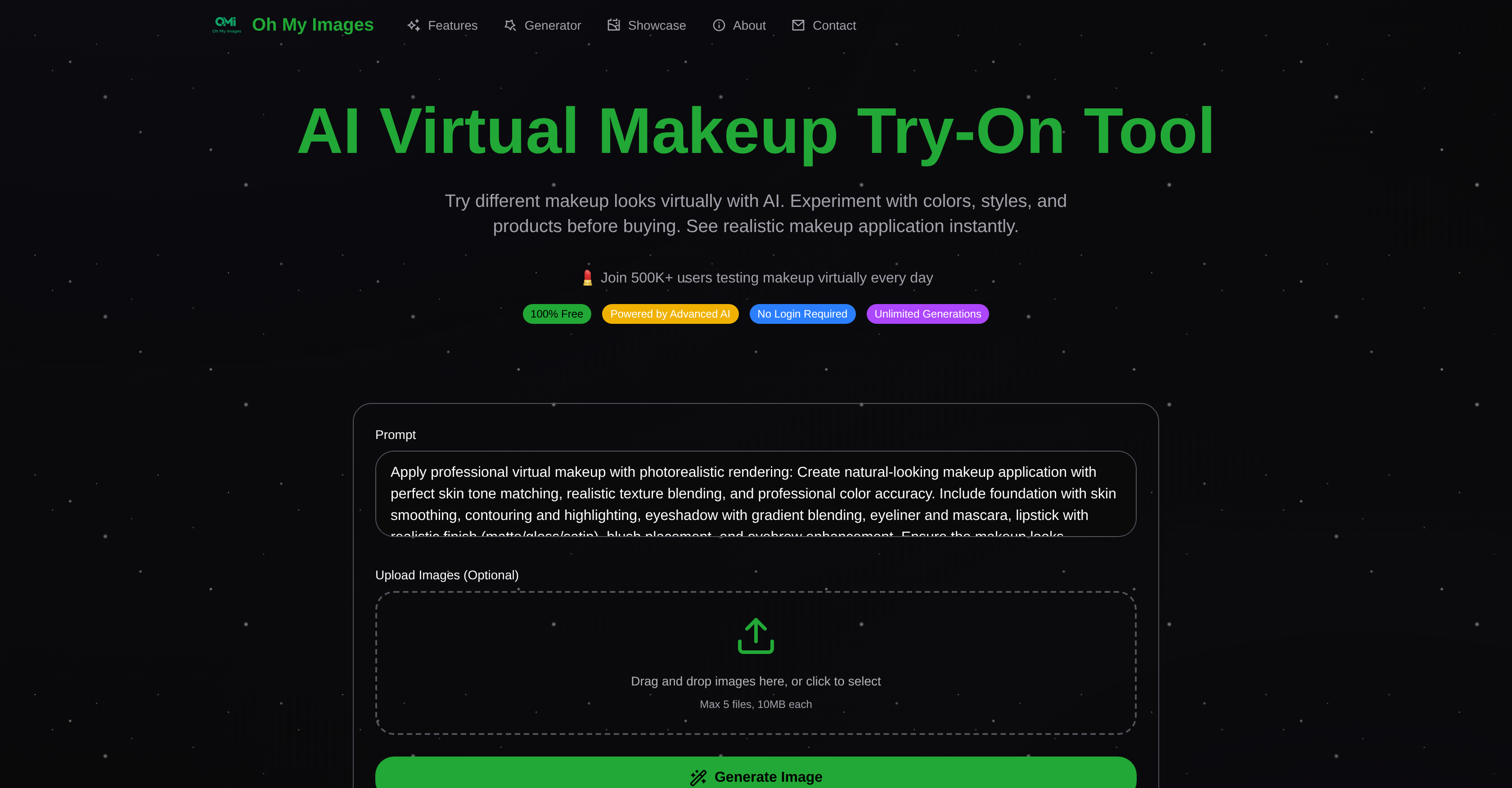
- Discover your perfect makeup colors with AI skin tone analysis that recommends shades specifically for your complexion
- Test exact products before buying with brand-specific simulations that show how real makeup will look on you
- Create professional-quality looks using realistic texture blending and shading that adapts to different lighting conditions
- Plan complete makeup styles for clients or events by mixing and matching from trendy looks and individual products
- Share high-resolution makeover images instantly to social media or download for professional portfolios without login requirements
Pros & Cons
From the listing; not yet checked by our editors.
Pros
- Virtual makeup trials
- Perfect skin tone matching
- Realistic texture blending
- Professional color accuracy
- Skin smoothing feature
- Contouring and highlighting functions
- Eyeshadow with gradient blending
- Lipstick application feature
- Symmetry and lighting interaction
- Personalized makeup color suggestions
- Precise color and texture representation
- Diverse skin tone adjustment
- High-resolution results
- Works in various lighting conditions
- Allows for selfies upload
- Users can customize effects
- Simulates precise brands and products
- Social media and download integration
- Portfolio creation capability
- Natural to dramatic style simulation
- Suitable for professionals and enthusiasts
- Smart color analysis
- HD Quality renderings
- Multi-faceted functionality
- Product sampling feature
- No app download required
- Unlimited generations
- Direct feedback sharing
- Accommodates adjustable makeup intensity
- Professional make-up artist tool
- Digital transformation aid
- Inclusive technology
- AR based cosmetics tester
- Instant beauty filter
- Foundation matching
- Eyeliner and mascara simulation
- Blush placement functions
- Eyebrow enhancement feature
- Realistic finish simulation (matte/gloss/satin)
- Brand simulation feature
- Functional in 4 simple steps
- Real-time makeup transformations
- Offers dramatic evening makeup styles
- Guides in complete looks selection
- Ideal for client consultations
- Tool suited for makeup planning
- Beauty tech and image processing
- Free unlimited tries
- Adaptable to unique complexions
- Skin tone analysis for recommendations
Cons
- Limited customization options
- No app version available
- No login security
- Low makeup product diversity
- No compatibility with professional software
- Dependent on proper lighting
- No multilingual support
- Limited to 5 uploads
- 10MB upload limit per file
- Needs high-resolution photos
Alternatives to Oh My Images Virtual Makeup
Tools that share the most tags with Oh My Images Virtual Makeup.
- TattooCoverUp.AI
See exactly how your cover-up will look before getting inked with real-time previews applied directly to your uploaded tattoo photo
Freemium · from $19/month
$19/month
Not yet checked
- Tattoo AI Generator & Design
Get unique tattoo designs generated instantly based on your preferences with the AI Tattoo Generator
Freemium · from $10/month
$10/month
Not yet checked
- daisy | SSENSELESS
Experience fashion as creative commentary with AI-generated conceptual items that parody luxury e-commerce
Free
Not listed
Not yet checked
- My Tattoo Ideas
See exactly how your tattoo will look on your skin before committing with AI fusion technology that blends designs naturally with skin texture
Free trial · from $12/month
$12/month
Not yet checked
- AI Influencer Pro
Launch products 84% faster with instant content creation that eliminates weeks-long photoshoot delays
Paid · from $10
$10
Not yet checked
- Tattoored
Transform vague ideas into complete tattoo designs through conversational guidance with Red the Dragon AI assistant
Freemium · from $13.95/month
$13.95/month
Not yet checked
Reviews
Rate this tool
Loading reviews...
Frequently asked questions
How does the Oh My Images AI Virtual Makeup Try-On Tool work?
Oh My Images AI Virtual Makeup Try-On Tool applies advanced AI technology to provide virtual makeup trials. This includes experimenting with various styles, colors, and products before making a purchase. Users upload a clear front-facing photo with natural lighting and visible facial features. The AI technology applies makeup with natural blending, proper shading, and realistic texture mapping while preserving the natural features and skin tone. Users can select from trendy looks, brand collections or even customize individual products and colors. Once the AI applies the makeup, users have the option to either download their virtual makeover or share it directly to social media.
What types of makeup can I try with the Oh My Images tool?
With the Oh My Images tool, users have the ability to experiment with a wide range of makeup types. This includes foundation, concealer, blush, eyeshadow, eyeliner, mascara, lipstick, lip gloss, bronzer, highlighter, and even special effects makeup.
How accurate is the skin tone matching feature?
The skin tone matching feature in the Oh My Images tool is highly accurate. It ensures natural-looking makeup application by perfectly matching the skin tone and adjusting color intensity and shade recommendations as per the user's unique complexion.
Can Oh My Images suggest makeup colors that will suit me?
Absolutely, Oh My Images does offer personalized makeup color suggestions. It works through a skin tone analysis feature which provides users with suitable makeup color suggestions, perfect for their skin tone.
How does the tool ensure realistic texture blending?
Oh My Images ensures realistic texture blending by using advanced AI technology to generate natural-looking makeup application. It uses perfect skin tone matching, accurate texture blending, and professional color accuracy to create a realistic outcome.
Are the makeup trials influenced by different lighting conditions?
Yes, the Oh My Images tool works well in various lighting conditions. It adjusts in different lighting environments to show accurate makeup application, ensuring the virtual makeup looks natural.
Can I use the Oh My Images tool to plan professional makeup looks?
Yes, the Oh My Images tool is an excellent resource for professionals planning makeup looks. It provides high-resolution results optimal for professional planning and can be used for client consultations, look planning, and portfolio creation.
How can I share the results I get from the Oh My Images tool?
Users have the option to either download their virtual makeovers in high resolution or share them directly to social media. It's the perfect way to get feedback or to show the results to makeup artists for reference.