

ohmymv
Release a complete music video for your song the same day: an AI director plans a multi-shot narrative storyboard around your track's structure and assembles one coherent full-length film in about 25 to 30 minutes, not a pile of disconnected short clips.
Listing not yet reviewed by our editors · How we check
Overview
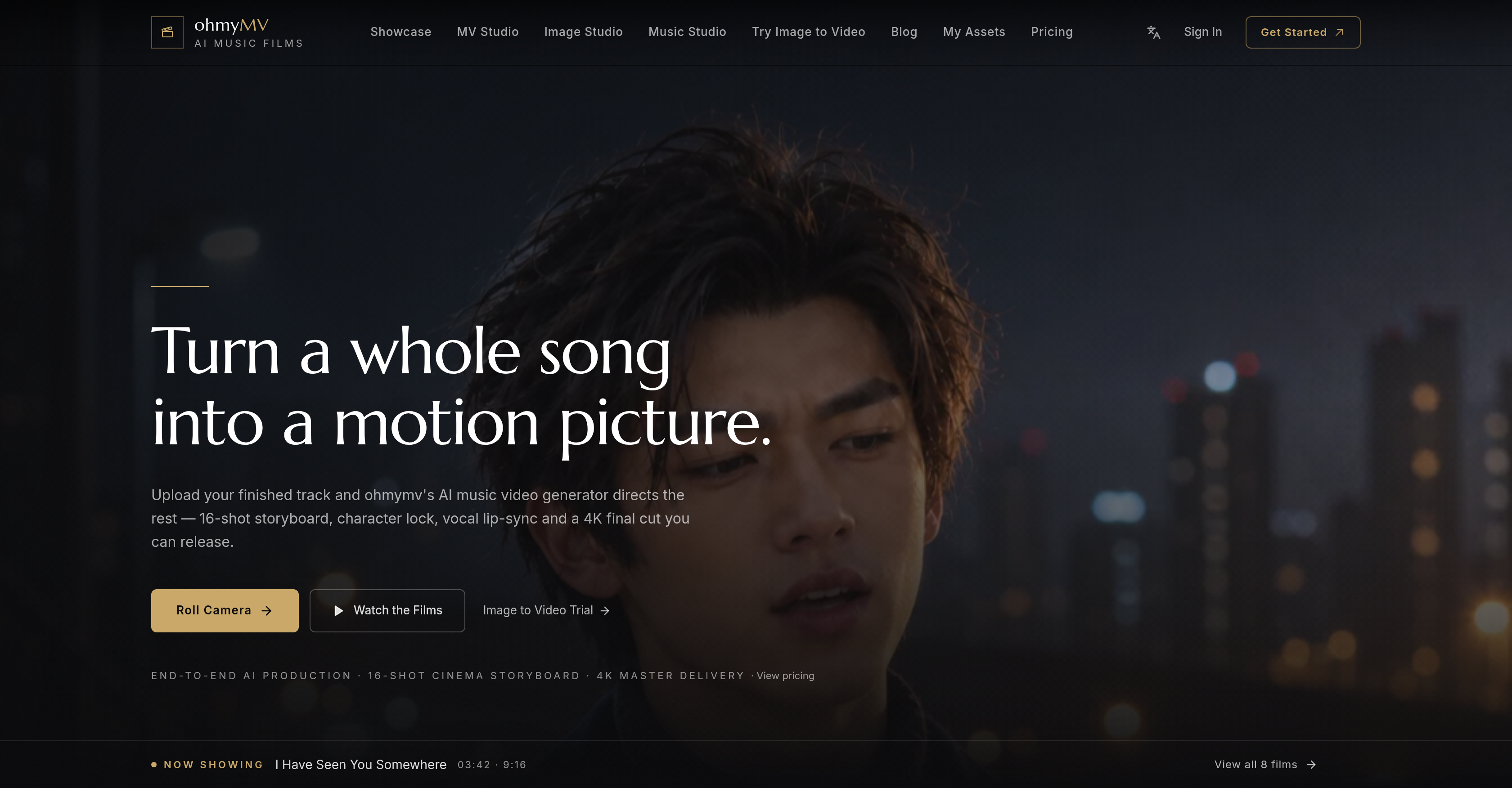
- Release a complete music video for your song the same day: an AI director plans a multi-shot narrative storyboard around your track's structure and assembles one coherent full-length film in about 25 to 30 minutes, not a pile of disconnected short clips.
- Keep your performer recognizable in every cut: a character sheet with front, profile, and back views locks facial structure and wardrobe across the whole AI music video.
- Get vocals and visuals that land on the beat: vocal and instrument separation drives word-level lip-sync and millisecond-level beat alignment for the entire song.
- Approve the creative direction before credits go to rendering: review and edit storyboard keyframes and the shot list, then reroll only the shots that miss your song's mood, billed at 5 credits per still and 5 credits per second of clip.
- Finish the edit your way: every delivery includes an editable CapCut project with separate vocal, music, shot, and subtitle tracks alongside the 1080p broadcast-grade master.
- Post natively to YouTube, Shorts, Reels, and TikTok: export in 8 aspect ratios, including 9:16 vertical, 16:9 widescreen, and 1:1 square.
- Monetize your release without licensing headaches: all generated visuals come with 100% commercial rights, and the built-in Music Studio produces royalty-free original tracks for fully cleared releases.
- Turn songs from any source into music videos: upload tracks made in Suno or Udio, bounced from your DAW, or recorded with your own band.
- Build matching cover art and promo content in the same place: standalone image generation and editing, music generation, and image-to-video tools work separately from the full music video workflow.
- Budget each video in advance with no subscription: one-time credit packs start at $8.90 for 500 credits, a typical three-minute video uses about 1,000 credits, credits stay valid for 90 days, and unused credits qualify for a refund within 14 days.
Pros & Cons
From the listing; not yet checked by our editors.
Pros
- Full-song video from one track
- Complete films, not disconnected clips
- Dynamic narrative storyboard generation directed by Carbon AI
- Storyboard shaped by song structure
- Automatic end-to-end production
- Director-led editing at any stage
- Editable storyboard keyframes
- Editable shot lists
- Individual-shot rerolls
- Multi-shot camera coverage
- Film-style shot compositions
- Three-view character identity lock
- Front, profile, and rear references
- Consistent character appearance across shots
- Consistent wardrobe across scenes
- Separate vocal and instrument tracks
- Word-level vocal synchronization
- Millisecond-level beat alignment
- Vocal movement aligned to lyrics
- Visuals aligned to musical events
- 4K vertical master delivery
- Native 9:16 framing
- 16:9 widescreen version included
- HDR grade and film grain
- Commercial-release delivery specifications
- Editable CapCut project included
- Vocal track preserved in CapCut
- Music track preserved in CapCut
- Subtitle track preserved in CapCut
- Shot tracks preserved in CapCut
- Suno and Udio track support
- Image generation and editing tools
- Image-to-video generation tool
- Character-sheet generation tool
- Music generation alongside video production
- Script generation uses no credits
- Final assembly uses no credits
- Separate charges by production activity
- Automatic refunds for unused credits
- Overruns absorbed without extra charges
- Credits remain valid for 90 days
- Automatic and director-led workflows
Cons
- Requires a finished song
- Credits expire after 90 days
- Rerolls incur separate credit charges
- Storyboard stills consume credits
- Video generation is billed per second
- Unused-credit refunds have a 14-day window
- Storyboard still counts vary from 1245
- Listed delivery formats are 9:16 and 16:9
Alternatives to ohmymv
Tools that share the most tags with ohmymv.
- yesTool | AI Music Video
Create professional animated music videos from any song and image with automatic lip-sync accuracy using Wan S2V AI technology
Freemium · from $14.90/month
$14.90/month
Not yet checked
- Plazmapunk
Transform your music into professional videos in minutes with fast generation that eliminates long rendering times
Freemium · from $5.78/month
$5.78/month
Not yet checked
- AirMusic - AI Music Video Generator
Instantly produce a complete, multi-scene music video from any song with one click using Director Mode for fast, professional results.
Paid · from $11.90/month
$11.90/month
Not yet checked
- 1MoreShot
Create professional music videos from your tracks in minutes using automated AI generation
Freemium · from $8.25/month
$8.25/month
Not yet checked
- LABEL IQ AI
Transform images, lyrics, and keywords into professional music and videos using AI creation tools
Free trial · from $5
$5
Not yet checked
- BeatViz AI
Transform any audio track into professional music videos with perfect beat synchronization using AI-powered audio-visual analysis
Free trial · from $13.90/month
$13.90/month
Not yet checked
Reviews
Rate this tool
Loading reviews...
Frequently asked questions
How do I start a full music-video project in ohmymv?
Upload your finished track to ohmymv. It analyzes the audio and structure, creates a storyboard and scenes, synchronizes visuals to the song, and assembles the video.
Can ohmymv turn an entire three-minute song into one coherent video?
Yes. ohmymv is designed to produce a complete, coherent video for a full song, including a three-minute track.
Does ohmymv work with tracks made in Suno or Udio?
Yes. ohmymv supports tracks made with Suno or Udio.
Can I upload a song from my own band to ohmymv?
Yes. The site says you can use tracks from your own band.
What audio file formats does ohmymv accept?
IDK
Can I review and edit ohmymv’s storyboard before it generates the video?
Yes. You can review and change storyboard keyframes and the shot list before or during production.
Can I change individual shots or reroll scenes in ohmymv?
Yes. You can edit individual shots and reroll results. Rerolls use additional credits.
How does ohmymv keep a character’s face and wardrobe consistent across shots?
ohmymv creates a character sheet with front, profile, and back views to anchor the character’s facial structure and wardrobe across shots.