

OpenCode
Pick the best LLM for every coding task with no vendor lock-in: the agent connects to any model from any provider, including Claude, GPT, and Gemini.
Listing not yet reviewed by our editors · How we check
Overview
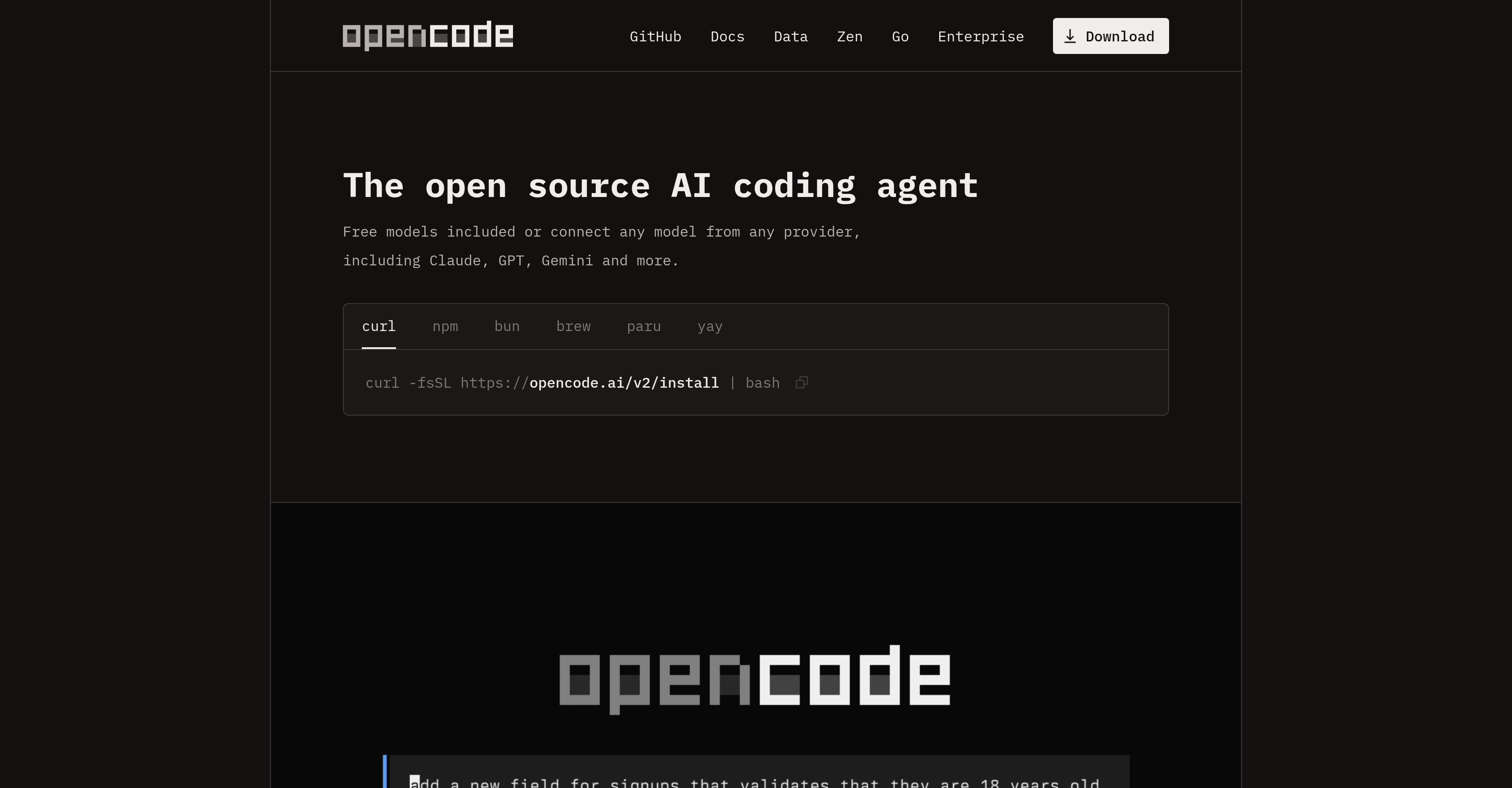
- Pick the best LLM for every coding task with no vendor lock-in: the agent connects to any model from any provider, including Claude, GPT, and Gemini.
- Get more from AI subscriptions you already pay for: sign in with your existing GitHub Copilot or ChatGPT Plus/Pro account.
- Finish multiple parts of a project at the same time: run parallel agent sessions on the same codebase.
- Resolve bugs faster with teammates: share a link to any coding session as a debugging reference or a full context handoff.
- Keep proprietary source code confidential: OpenCode stores none of your code or context data.
- Stay in the workflow you already use: work from a terminal interface, an IDE extension, or a desktop app.
- Get language-aware code assistance across your stack: support for multiple Language Server Protocols (LSPs) grounds the agent in your project's languages.
- Skip trial-and-error model testing: Zen gives you a curated set of AI models that are tested and benchmarked for coding agents.
- Audit and customize the coding assistant to fit your needs: the open-source codebase is transparent, community-driven, and fully modifiable.
Pros & Cons
From the listing; not yet checked by our editors.
Pros
- Open source
- Multiple environment compatible
- Connects any model
- Supports multiple LSPs
- Parallel coding sessions
- Context-sharing feature
- GitHub Copilot integration
- ChatGPT Plus/Pro integration
- Doesn't store code/context data
- Built for privacy
- Terminal, IDE, desktop compatible
- 75+ LLM providers support
- Referencing and debugging
- Trusted by 16M developers
- Privacy sensitive environment compatible
- Optimized models access through Zen
- Supports local models
- 950+ contributors
- 200K+ Github stars
- Reliable and tested models
- Coding assistance feature
Cons
- Limited to coding assistance
- Dependency on external models
- No personal data storage
- Relies on third-party integrations
- Undefined performance without Zen
- No dedicated debugging tool
- Dependent on existing API subscriptions
- No mention of mobile compatibility
- Not standalone, needs IDE/Desktop
Alternatives to OpenCode
Tools that share the most tags with OpenCode.
- Yaw Terminal
Execute remote commands and manage servers securely without leaving your terminal, using the built-in SSH client for direct shell connections.
Free
Not listed
Not yet checked
- FaceShapeDetector
Get a precise, personalized face shape analysis that goes beyond generic labels with our unique Face Shape Blend™, revealing your exact proportions like 80% Oval + 20% Heart.
Freemium · from $6.99
$6.99
Not yet checked
- Transition
Follow a training plan that automatically adjusts to your daily schedule and recovery metrics, ensuring you stay on track even when life gets busy
Paid · from $19/month
$19/month
Not yet checked
- Mixboard
Turn scattered thoughts into mature, actionable concepts by visualizing and manipulating them on an interactive AI concepting board.
Not listed
Not listed
Not yet checked
- NVIDIA Earth-2
Make strategic decisions with confidence using precise, AI-driven weather predictions that mitigate operational risks across aviation, agriculture, and marine sectors.
Not listed
Not listed
Not yet checked
- Engain
Turn Reddit into a repeatable organic traffic channel instead of a gamble by finding and engaging in high-intent discussions that already rank on Google or where users are actively seeking solutions.
Freemium · from $79/month
$79/month
Not yet checked
Reviews
Rate this tool
Loading reviews...
Frequently asked questions
What is OpenCode?
OpenCode is an open-source AI agent designed to offer assistance with coding. It boasts several key features including the ability to connect to any model from any provider, support for multiple Language Server Protocols, enabling of multiple parallel sessions, and integrations with GitHub Copilot and OpenAI's ChatGPT Plus/Pro.
How does OpenCode assist with coding?
OpenCode assists with coding by connecting to different models from any provider and enabling multiple parallel sessions. This allows developers to work on different parts of the same project simultaneously. It also features integrations with GitHub Copilot and OpenAI's ChatGPT Plus/Pro for enhanced coding assistance.
What are some models that OpenCode recommends?
OpenCode recommends models such as Claude, GPT, and Gemini. It also boasts the ability to connect to any model from any provider, offering flexibility in coding.
What types of environments can OpenCode be used in?
OpenCode can be used in a variety of environments, including terminals, integrated development environments (IDEs), and desktops.
Does OpenCode support multiple Language Server Protocols (LSPs)?
Yes, OpenCode supports multiple Language Server Protocols (LSPs). This forms its foundation for different Language Learning Models (LLMs), enhancing its versatility in coding assistance.
How does OpenCode handle multiple parallel sessions?
OpenCode handles multiple parallel sessions by enabling developers to start several agents on the same project simultaneously. This facilitates efficient and coordinated project completion.
Can I share a link to a session through OpenCode?
Yes, OpenCode provides a feature that allows users to share links to any session. These links can be used as a point of reference or for debugging purposes.
What integrations does OpenCode offer?
OpenCode offers integrations with existing accounts on GitHub Copilot and OpenAI's ChatGPT Plus/Pro. This allows users to leverage their pre-existing accounts for enhanced coding assistance.